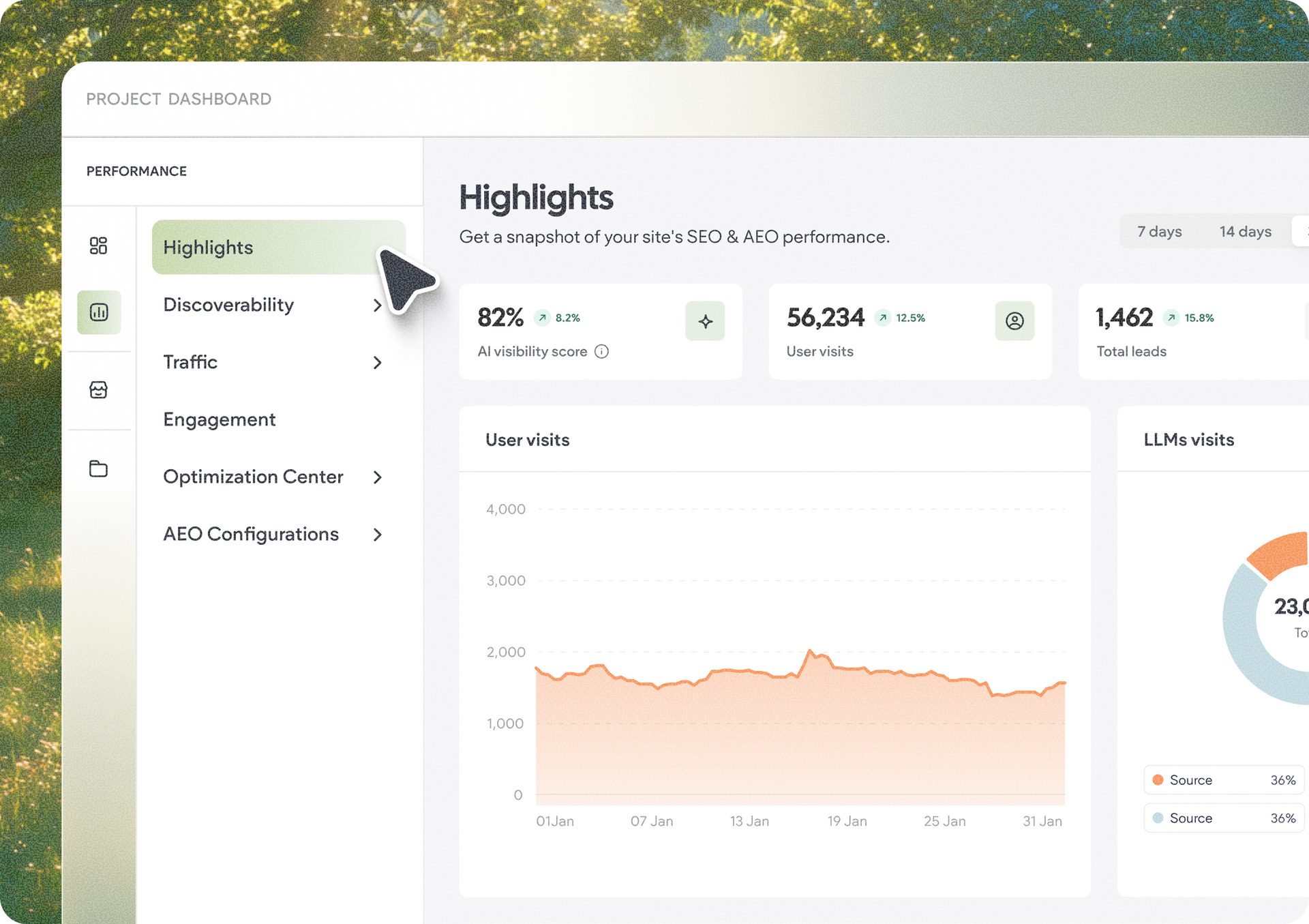
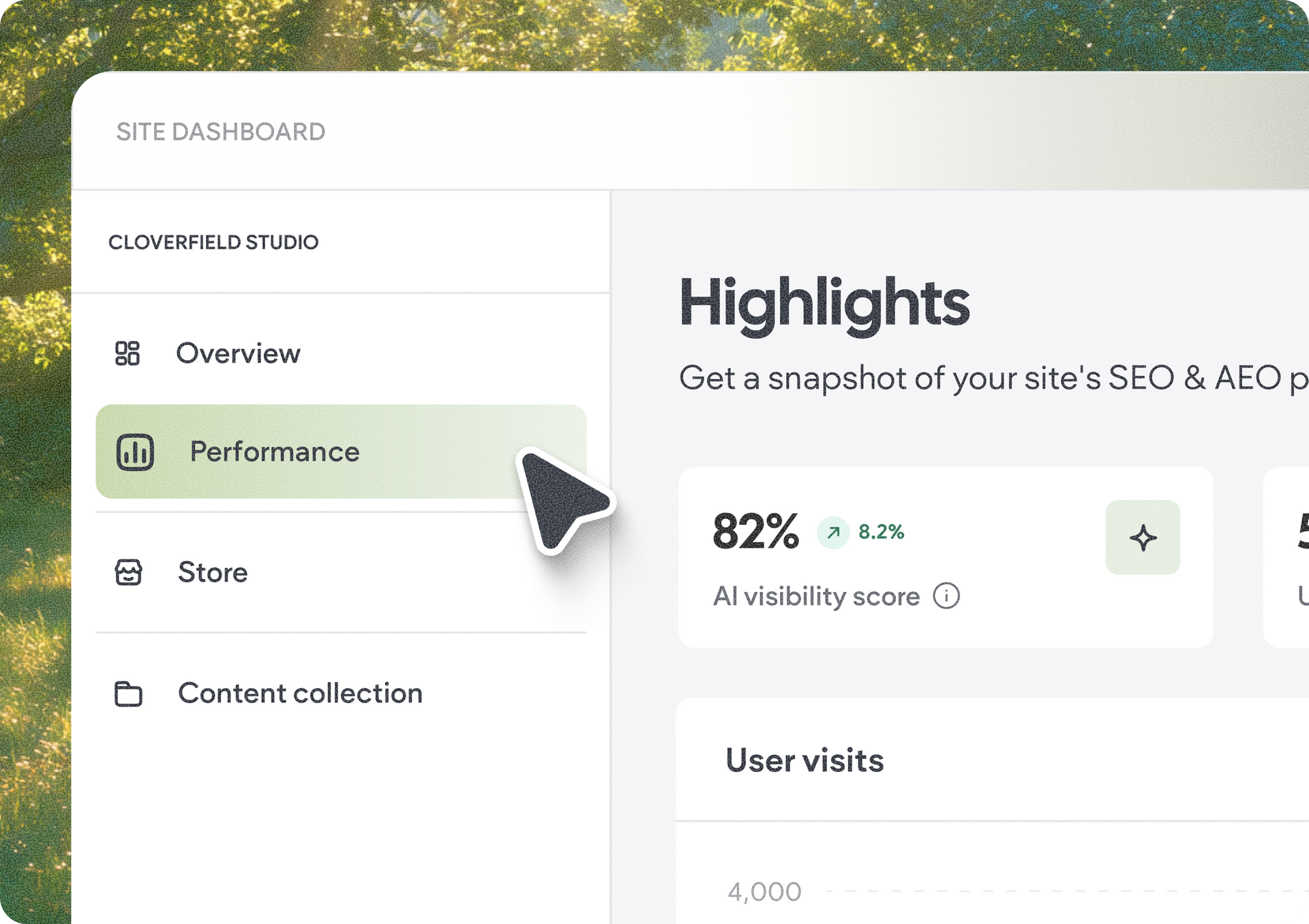
We are gradually rolling out a new look and home for your site stats. We’re moving them into the Performance tab in each of your sites, so you and your clients can see how a site is doing in one place, right in the context of the site itself.


Along with the refreshed stats experience, the recently added Highlights page puts some of the metrics your agency and clients care about most, like conversions, leads, visits, and important SEO fixes, front and center.


Head to a site’s Performance tab and you’ll find all the stats you already know, now with a refreshed interface:

  • Traffic
  • Engagement
  • Sources
  • Page Views
  • Browsers & OS
  • Geolocation
  • Email report settings

The underlying data hasn’t changed. What has changed is where you experience it: stats now live alongside the other tools and insights you use to understand and improve a site’s performance.

Get the story at a glance with Highlights

Sometimes you don’t need another report, you just want to know how the site is doing.

The Highlights page gives you that quick overview, bringing together high-value performance signals including:

  • Conversions and leads
  • User visits and engagement
  • LLM visits
  • Important SEO fixes
  • AI Visibility (when activated)

It’s an easier way to get a pulse on a site and surface the results that matter to your clients, before diving deeper into individual stats.

Highlights is useful even without AI Visibility

Your clients don’t need AI Visibility activated to benefit from Highlights.


They’ll still be able to see the performance information available to them, including metrics like conversions, engagement, and visits. Once AI Visibility is activated, that section simply appears in Highlights too, adding another layer to their performance picture.

All your previous stats, carried over

All your sites’ accumulated stats came along for the move automatically. Your data stays the same,  it’s the experience and location that are new.

Control what your clients can see

What your clients access depends on the permissions you give them:

  • Stats permission – View pages with analytics data
  • Stats report permission – Receive the stats email report
  • Site audit permission – View Site Audit information and suggestions
  • AEO / SEO settings permission – Act on relevant fixes and recommendations
  • AEO permissions – Apply when AI Visibility is active on the site


With stats and Highlights both under Performance, you and your clients have one clearer starting point for understanding results, spotting opportunities, and deciding what to work on next.


September 11, 2026
Naama Mizrahi

 • 

Your Site Stats Have a New Home in Site Performance

Stay in the Loop with Duda Updates

Sign up to get feature releases, tools, and more to your inbox.

Latest product updates

Contact form card with “Thank you for reaching out!” on a pastel gradient background.
By Tal Levi September 4, 2026
Generate fully functional forms, and optimize your project for SEO & AI search - right within Duda Vibe.
Notification banner over warm sunset scene with a silhouetted person and large cropped text in the background
By Annat Katz September 2, 2026
Reset a whole section to theme in one go, connect advanced widgets to collections, and more updates.
Split-screen UI mockup of a login form and a document editor with a pink note card and comment field
By Tal Levi August 31, 2026
Add built-in user authentication to your Duda Vibe projects by simply asking for it...