Build and manage 10X more websites with automation

Develop advanced connections between systems, create bespoke do-it-yourself workflows, and accelerate site creation with Duda’s extensive automation capabilities.

What can automation
do for you?

A pink pencil icon on a white background.

Accelerate site creation

Build more sites with less effort, faster too—all without compromising on quality.

A pink clipboard with the number 1 on it.

Put data to work

Transmit form responses, purchases, and other site data to your favorite third-party tools.

A row of pink lines on a white background.

Eliminate busy work

Update content, generate pages, manage users, and more with the click of a button.

Three pink stars on a white background.

Do more with AI

Further accelerate your workflow with the power of Duda’s complete AI Stack.

Build more with

a streamlined workflow

Create powerful automation routines unique to your team’s workflow and customer data, unlocking serious efficiency gains and growth potential.

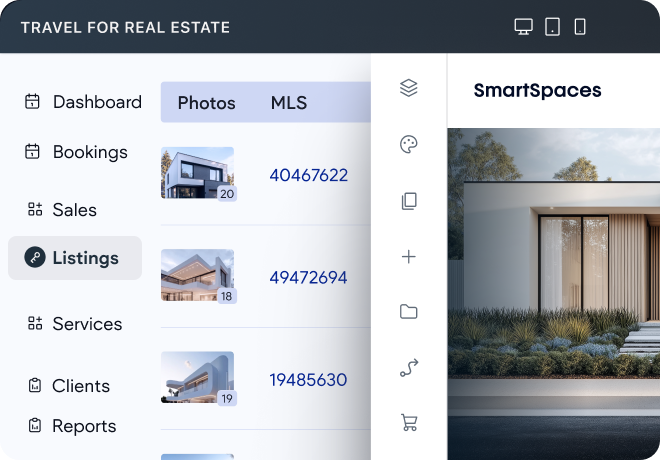
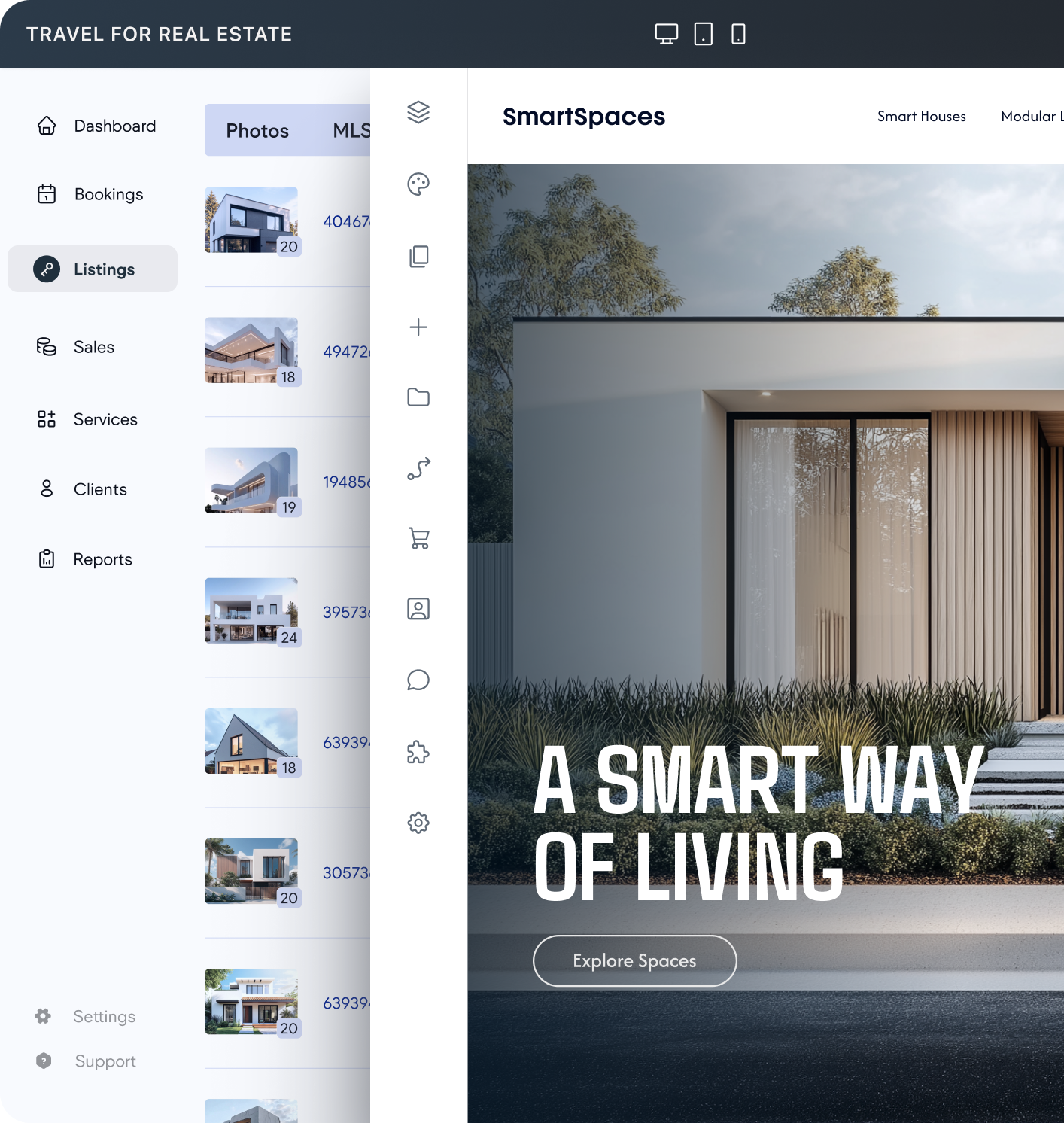
A screenshot of the travel for real estate website

Populate pages in bulk

Dynamically create thousands of pages using any structured data source you like, perfect for real estate listings, staff pages, and more.

Create sites with Zaps

Create sites via API

Layout sites hands-free

Use the “Create Site” zap to create an entire site, pulling data from other Zapier-supported sources like website forms or spreadsheets.

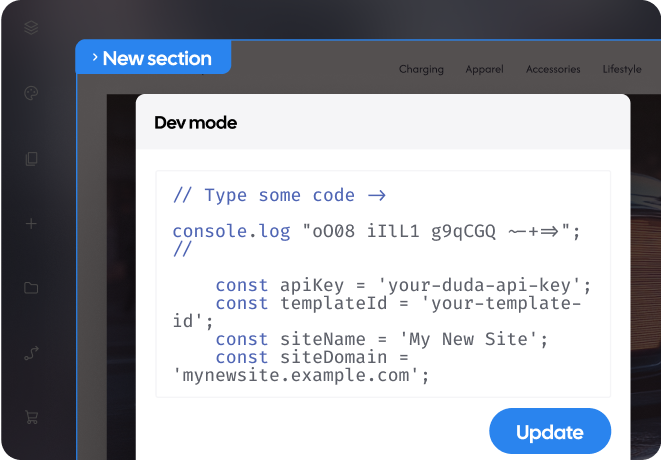
Unlock truly bespoke automation capabilities with Duda’s robust API, making it possible to generate beautiful sites from your own CRM data.

Define site sections and navigation structure programmatically via the API; an easy way to customize client sites with just a click.

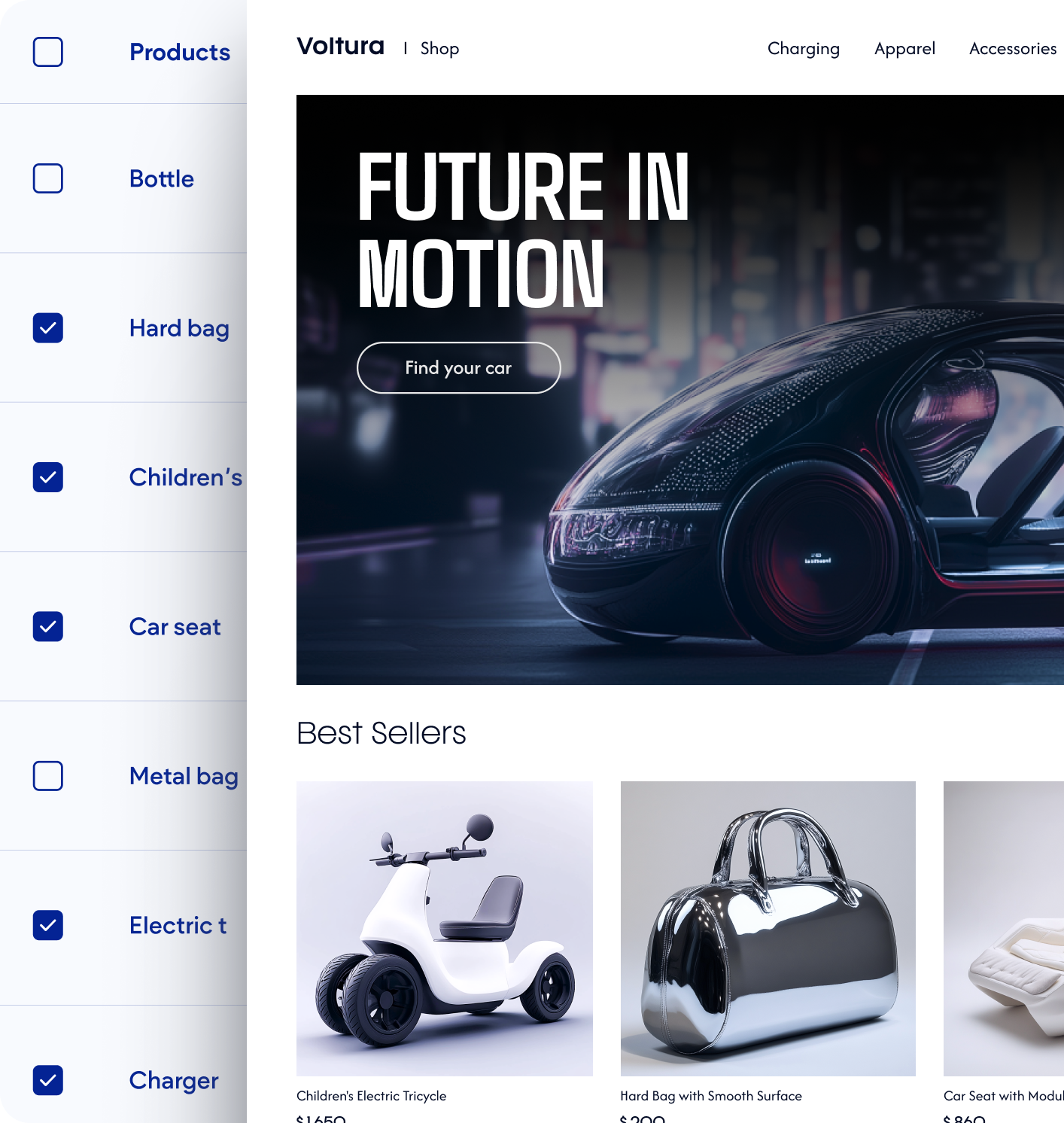
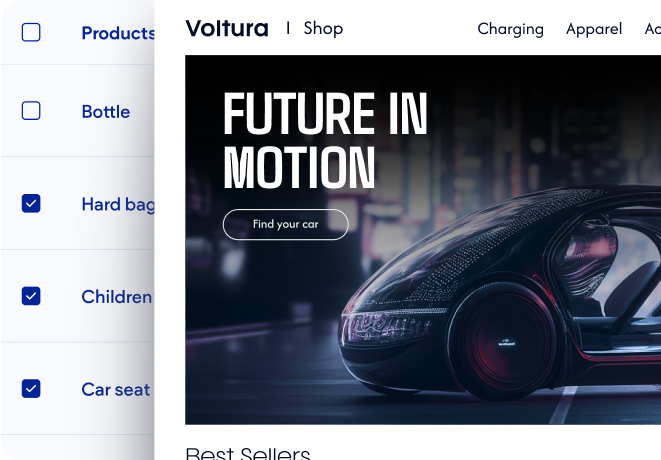
A screenshot of a website that says future in motion
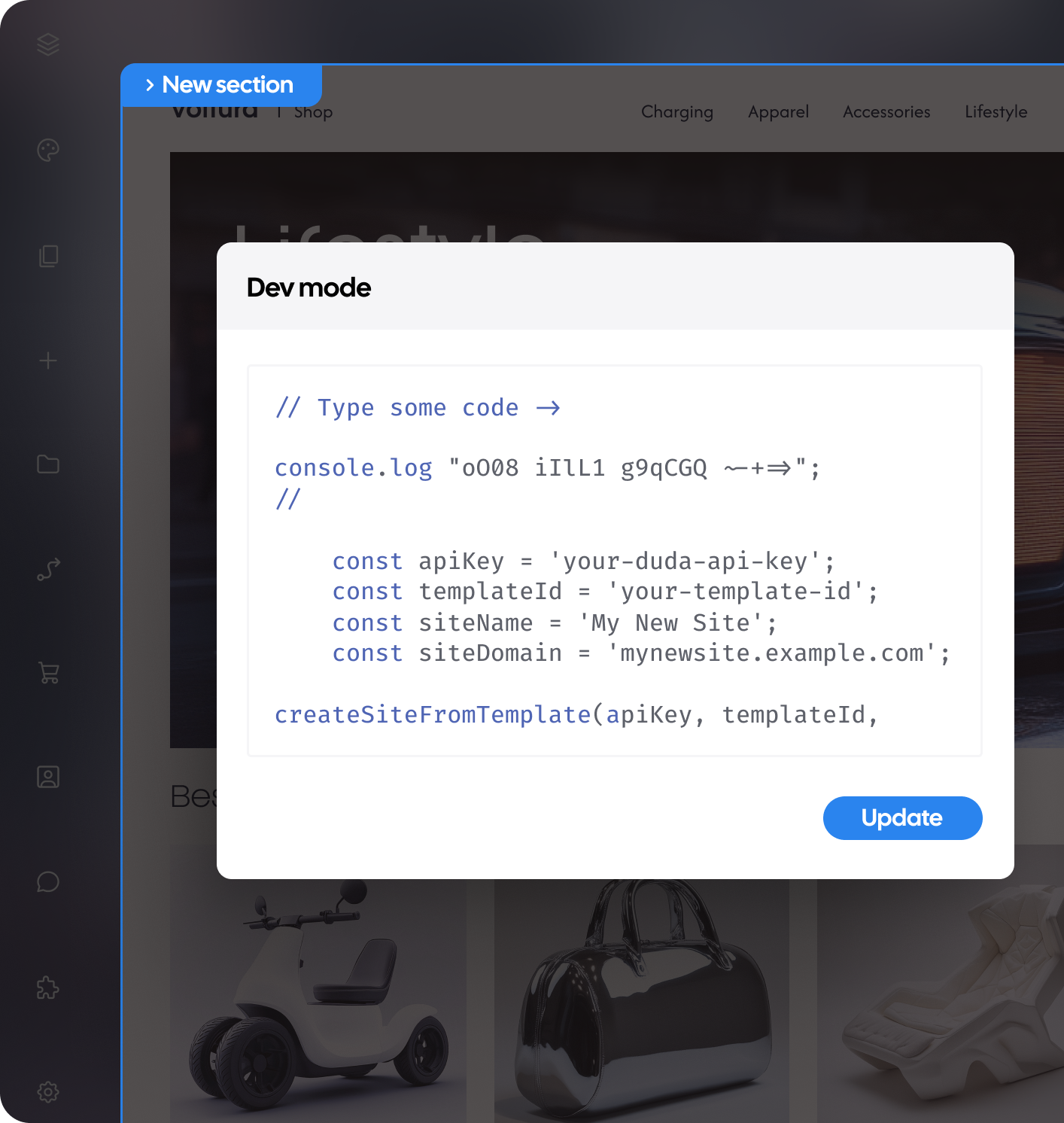
A screenshot of a web page that says new section
A diagram showing how to create a site and update content library

Accelerate your workflow with the power

of AI. Learn more
Get more out of your site’s data

Unlock advanced automations with a bidirectional connection between your site and your favorite tools

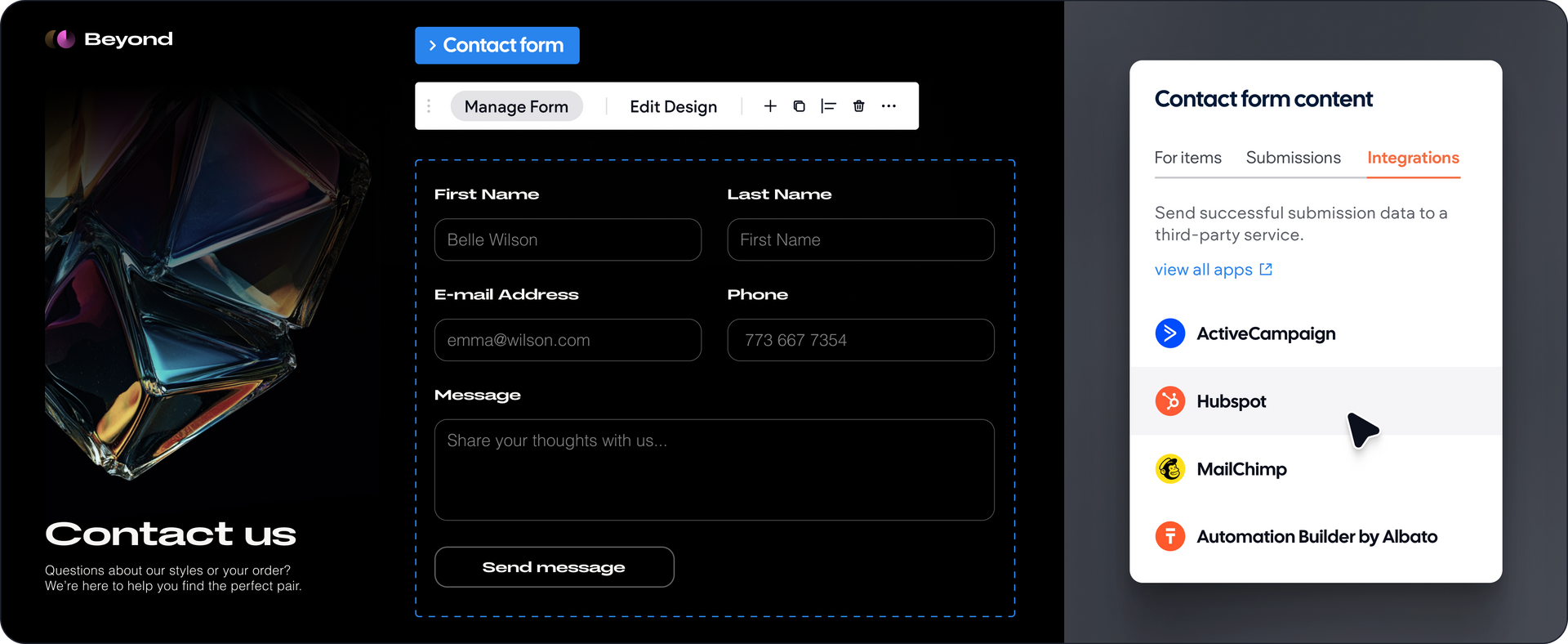
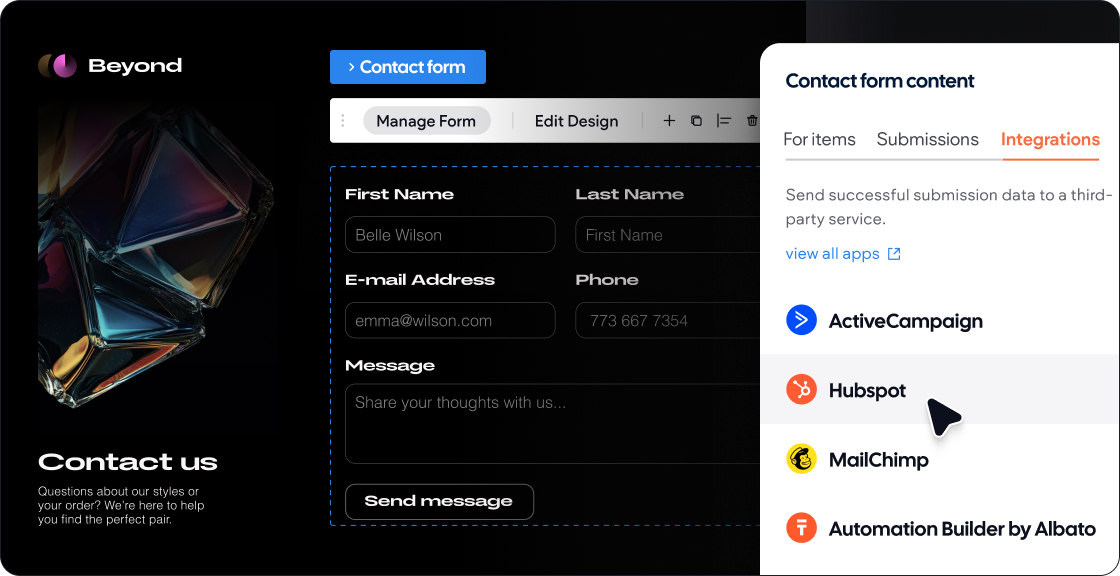
A computer screen with a contact us page on it
A screenshot of a website that says contact us

Sync data

Connect your own CRM or database to your Duda site to automatically update content or dynamically create pages.

Operate your store

Use advanced eCommerce APIs to sync inventory data between systems, respond to new purchases, and more.

Respond to triggers

Use webhooks and zaps to create trigger-based workflows based on new form submission, site comments, and more.

Integrate your favorite tools

Install connectors to automatically sync data between your Duda site and your favorite third-party tools.

Make site-management a breeze

Spend less time managing sites and more time building them with powerful automations that boost your efficiency and accelerate your growth.

A pink paper clip on a white background.

Update content

Update site content and connected data programmatically.

A pink arrow pointing down on a white background.

Install apps

Install apps on one site, or all of them, with the click of a button.

A pink cross in a square on a white background.

Create sections

Add pre-designed sections to existing sites via API.

A pink gear with a play button inside of it on a white background.

Generate pages

Add new pages to sites and site navigation outside of the editor.

A pink heart with two hands inside of it on a white background.

Manage clients

Create users, assign sites, grant permissions, collect feedback, and more.

A pink globe with the words `` www '' written inside of it.

Configure domains

Connect sites to domains and configure SSL certificates.

A pink circle and a check mark on a white background.

Streamline authentication

Create client and team member accounts via API, or enable SSO authentication.

A pink arrow pointing up in a square on a white background.

Publish blogs

Import blog posts via RSS or upload and publish articles via API.

A pair of pink glasses on a white background.

Standardize design

Use global themes and design variables to design sites at light speed.

A pink circle with two arrows pointing in opposite directions on a white background.

Sync business data

Enable two-way synchronization between a site and  Google My Business.

A set of pink squares and a plus sign on a white background.

Embed tools

Use custom widgets to embed your software in client sites automatically.

A pink clipboard with a pie chart on it.

Automate reporting

Send site statistics and performance reports to clients hands-free.

Hear from Duda’s customers

API and Automation FAQs

  • What are Instant Sites and how do they work?

    Instant websites use information from prospects or existing accounts to quickly create a Duda website, which can help increase PPC and organic campaign conversions by offering instant previews when a lead form is filled out. Learn more about Instant Sites.

  • What are Dynamic Pages and how do they work?

    Dynamic Pages enable you to design a page once and use it to create multiple pages.

    Each one displays different content based on items in a 3rd-party dataset (including Google Sheets & Airtable and your own database).  Learn more about Dynamic Pages.

  • What types of pages can be created at scale with Dynamic Pages?

    Dynamic Pages is the ideal solution for creating websites that contain multiple pages with the same structure but different content, or building multiple landing pages under one site domain.


    • Real estate listings
    • Team member profiles
    • Recipe pages
    • Review and listing sites
    • Portfolios
    • Brand locations 
    • Landing pages
    • Product, part, or service catalogs 
  • What is Connected Data?

    Connected Data allows you to connect site widgets to data that is maintained in external sources and/or inside the site’s Content Library. This enables you to have one source of truth to build websites more quickly, keep websites up-to-date and accurate, ensure site-wide consistency of important information, and more. 


    When sites widgets are connected through Connected Data, you no longer need to manually change the data in each of the widgets as they are controlled through the Content Library. Learn more about Connected Data.

  • How do I get access to Duda’s API?

    API access is available with a custom plan. Schedule a call with our team, so we can get to know your business and create a custom solution for you. Learn more about our API.

  • Can I automate client onboarding from my CRM?

    Yes! Since Duda’s API adheres to the industry standard “REST” interface, it is possible to connect it with most customer relationship management (CRM) systems. Agencies and SaaS platforms have used Duda to build and generate websites for their clients entirely via API—either by selecting and populating templates or by informing Duda’s AI Stack and triggering a site build. Many businesses leverage Duda’s APIs to maintain those sites, as well, by transmitting business information, like operating hours or location addresses, from their CRM to Duda—which is then injected into the live website. Duda’s own internal client onboarding tools, like the Content Collection Form, can be initiated via API, too. These are just a few of the ways businesses automate client onboarding with Duda. For more information, contact sales.

  • Can I automate SEO updates across multiple client sites?

    Yes! An “SEO” object can be sent to Duda’s servers via the “Pages” API to update the title, meta-description, open graph image, and index status programmatically. In addition, the content within pages can be updated via the “Page Element” API, or by connecting drag-and-drop elements to internal or external databases and updating those databases. Blog articles can be written externally and sent to Duda sites via API as well, or via Zapier. More technical SEO, like URL redirects or Schema injection, can be automated via API, too. Many API automations can be orchestrated by LLMs via Duda’s MCP server, allowing you to conduct SEO-related tasks like blog post creation conversationally.  For more information, contact sales.

  • What can Duda’s API do?

    Duda’s API orchestrates the production and management of websites. Developers use GET requests to get a list of all sites and available templates, and use POST requests to modify those sites and templates. Site modifications include the ability to add or delete pages, update or inject content, add or remove sections, modify site navigation, create and manage blog posts, define URL rules like redirects, and even generate entire sites with Duda’s AI Stack. Developers are able to modify Duda’s internal Collections, as well, by creating entirely new collections or modifying existing ones. Within the site, Duda exposes APIs to control many aspects of first-party Membership, Bookings, and eCommerce solutions, like product catalogs, shipping providers, payment gateways, and more. User permissions at the account level can be assigned and managed via API, as well, for both team members and client accounts. Even advanced solutions like SSO links, the generation of SSL Certificates, and manual control of site backups are available via API, as well as simpler requests like analytic reporting for individual sites. Browse Duda’s complete API documentation for more detailed information.

  • Do I need to be a developer to take advantage of Duda’s automation capabilities?

    No! While Duda’s REST API may require the assistance of a developer to implement, Duda offers other, no-code ways to automate common tasks. With Zapier, agencies can create sites, update their site’s content library, create clients, create blogs, and add content to site collections, as well as respond to triggers like new form submissions, new store orders, new site comments, new blog posts, and more. These actions and triggers can be combined with other Zapier applications to create very powerful, yet complex routines. Beyond Zapier, Duda offers a suite of Connectors for the Duda App Store for many popular tools like Hubspot, Notion, Quick Books, GoHighLevel, and more.

  • How else does Duda make my team more productive aside from APIs and automation routines?

    Productivity is at the forefront of every feature Duda developers. Automation capabilities are present throughout the platform, by default. Connected Data, for example, allows designers to associate the content contained within widgets with known values that they define. Text widgets throughout a site can be connected to the business’s hours of operation, for example, making it easy to update it once and see the change populate everywhere. That same business information can also be connected, natively, to the customer’s Google Business Profile; meaning that information would update there, as well—all at once. Design considerations, like colors and fonts, can be connected in a similar way, ensuring brand consistency across the site. Duda also provides a suite of bulk actions available via the Site Audit panel, like generating missing alt text for images, all at once, across the entire site. New time-saving features and being developed and rolled out constantly. To stay up to date on Duda’s latest innovations, visit Product Updates.