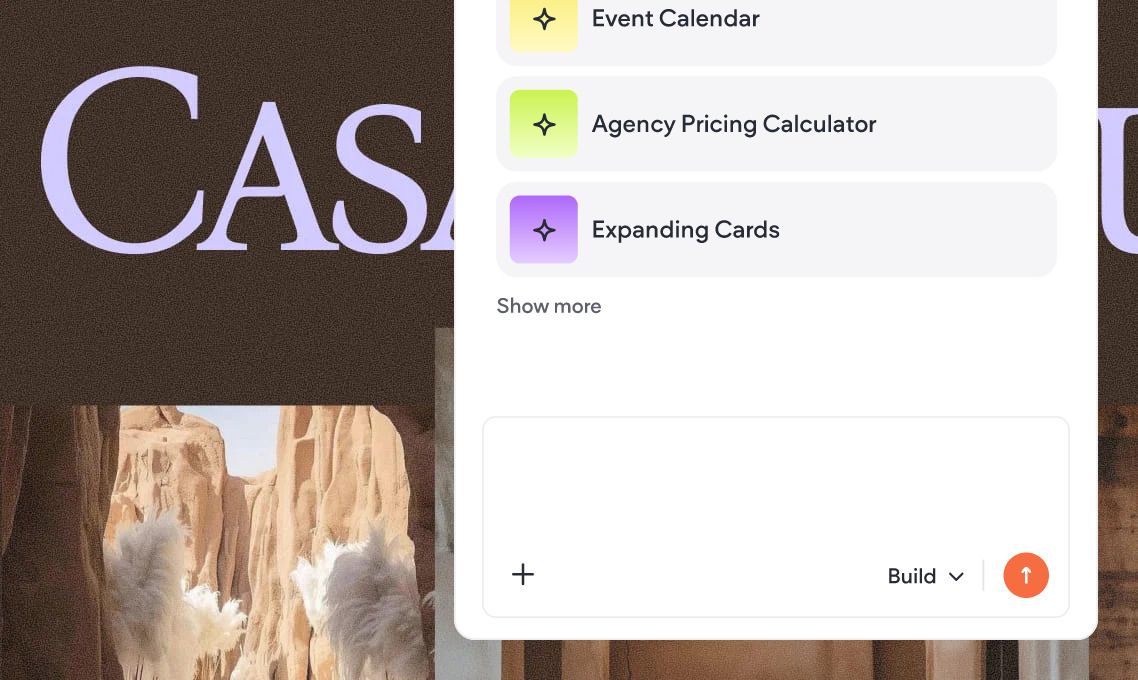
Build your own Custom Widgets with AI

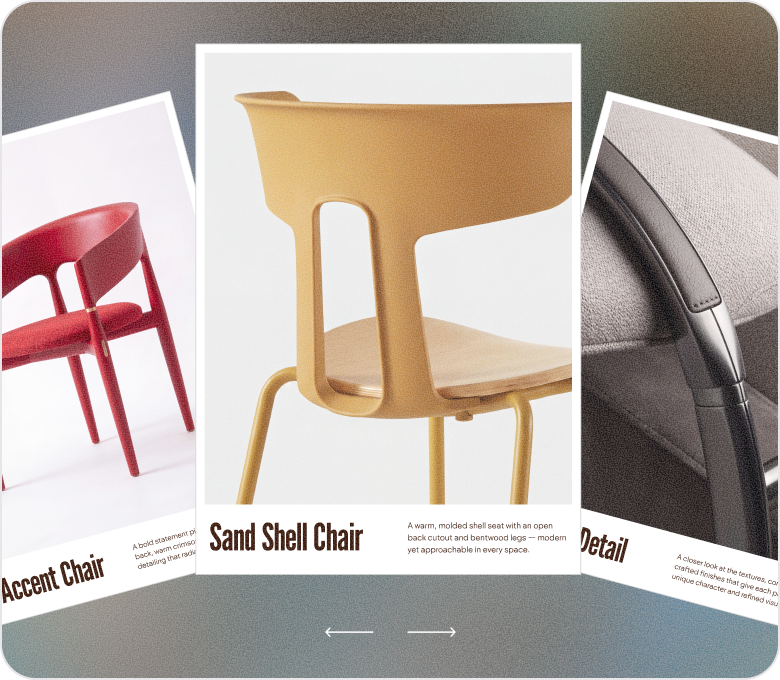
Generate custom drag-and-drop elements with unique designs, bespoke interactions, powerful connected capabilities, and more.

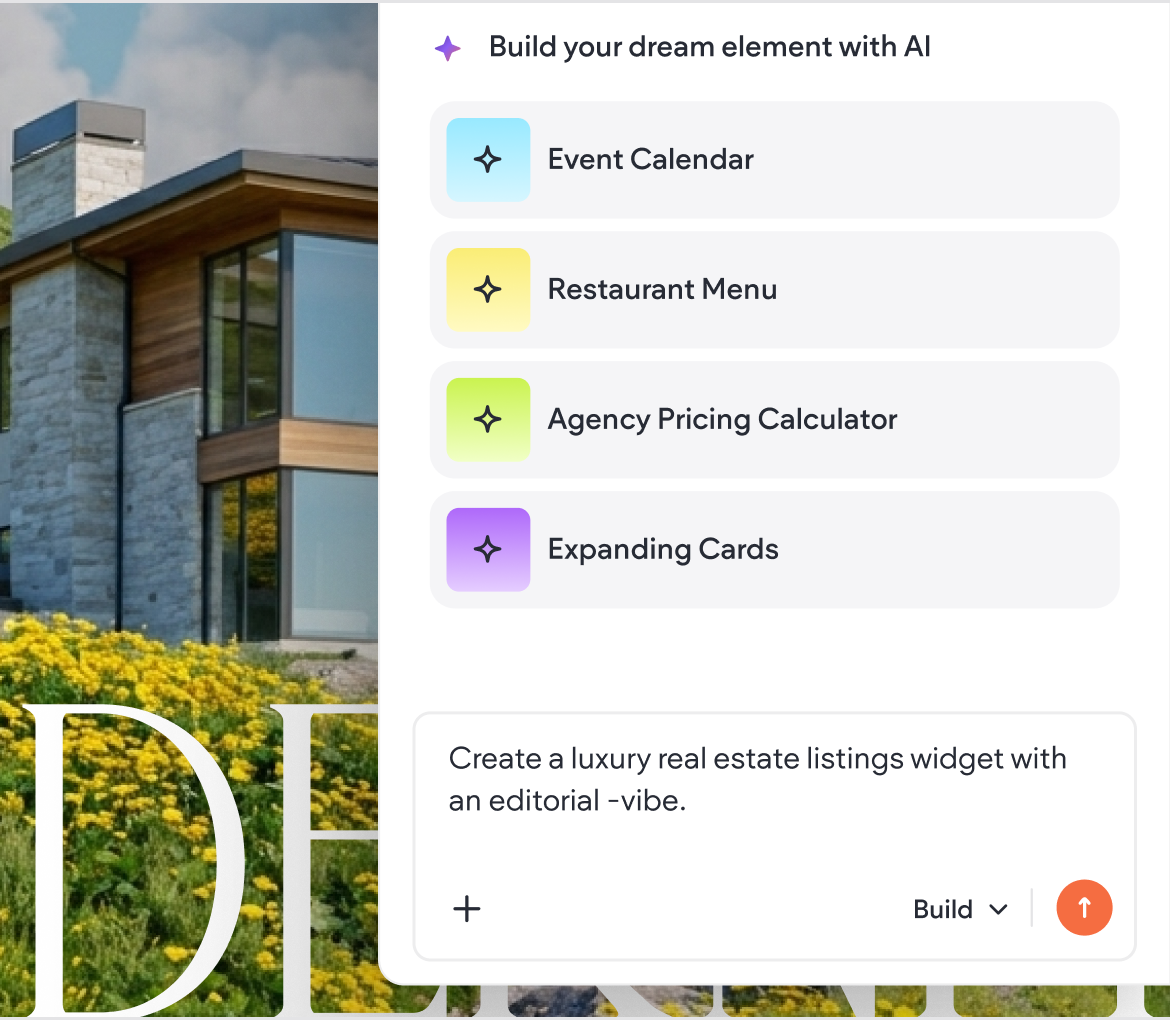
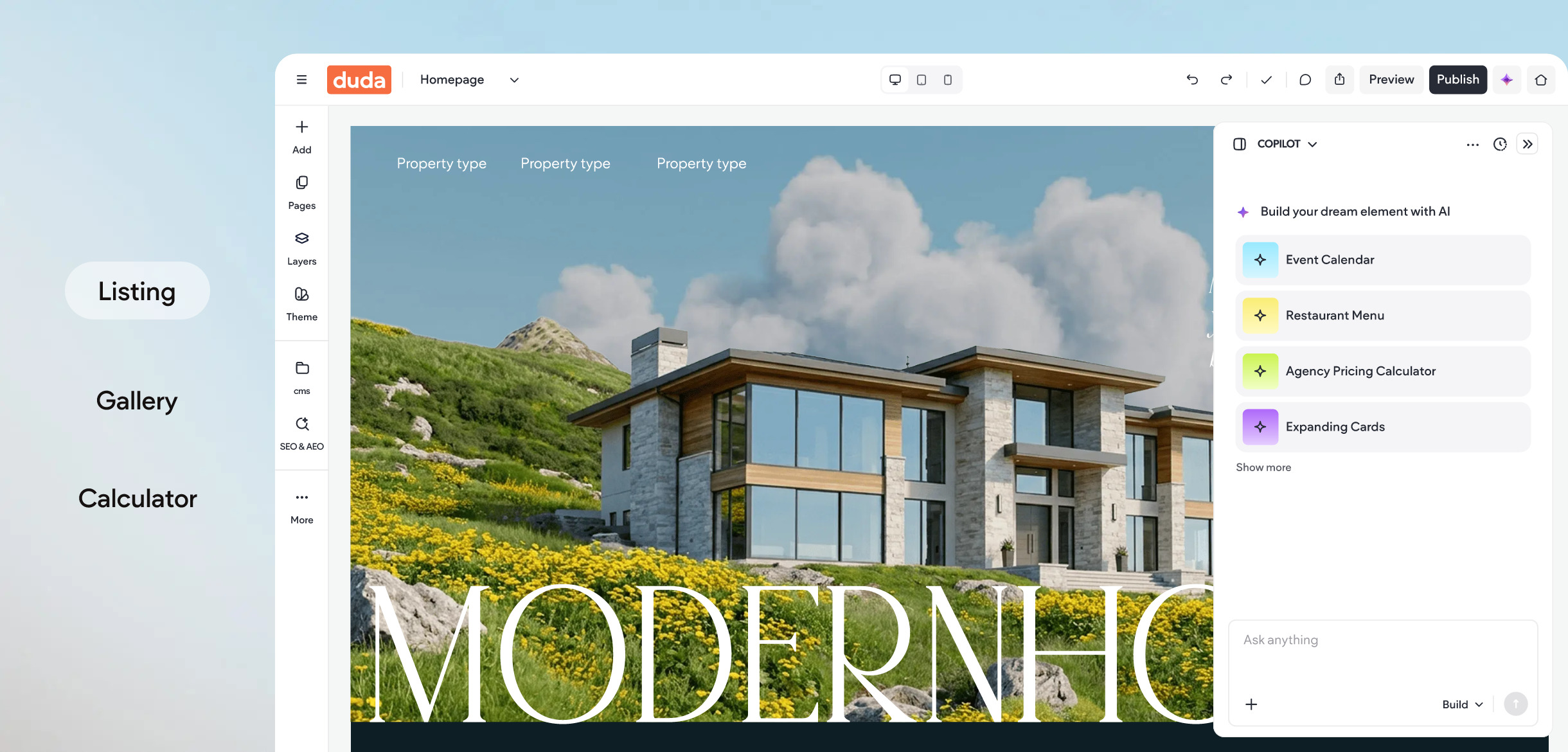
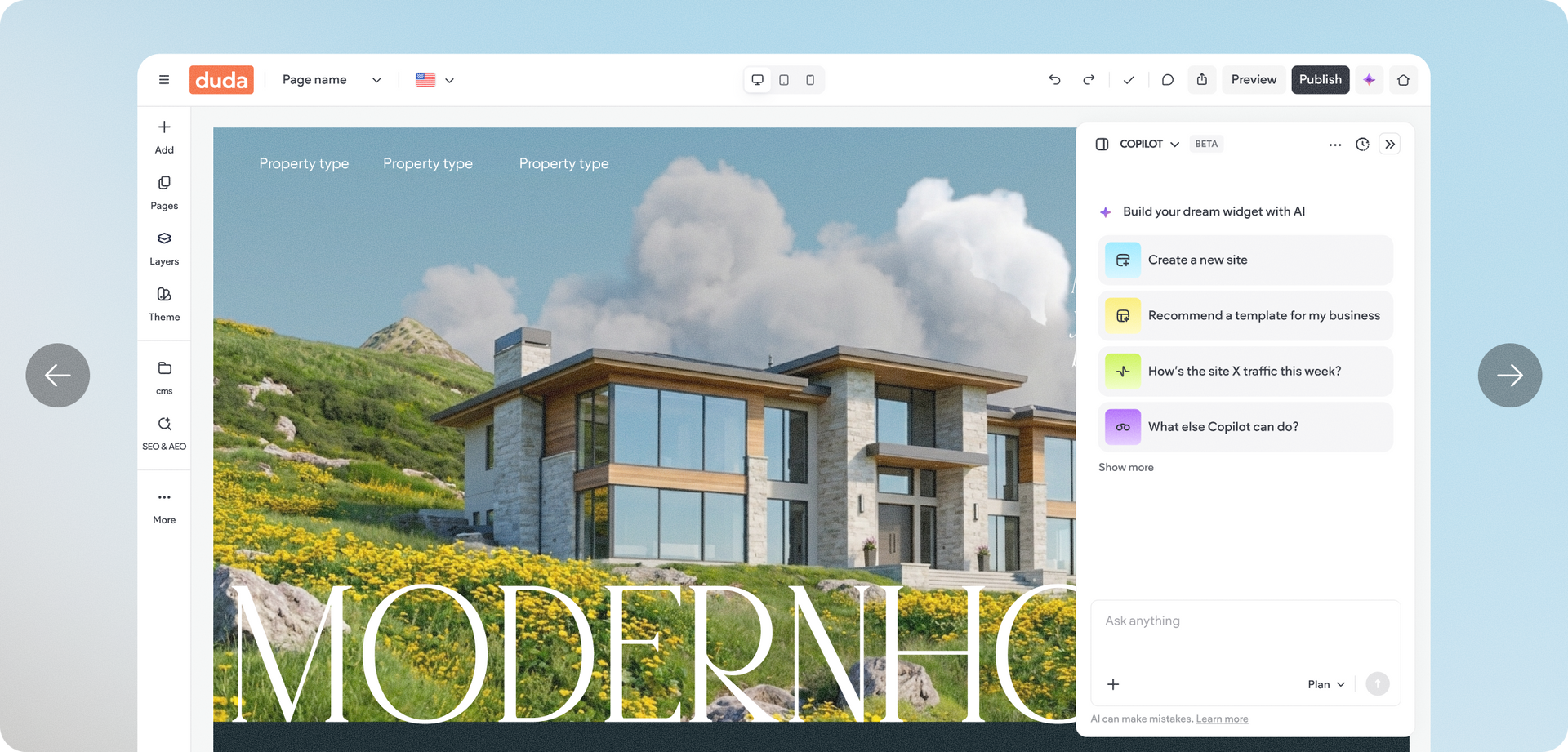
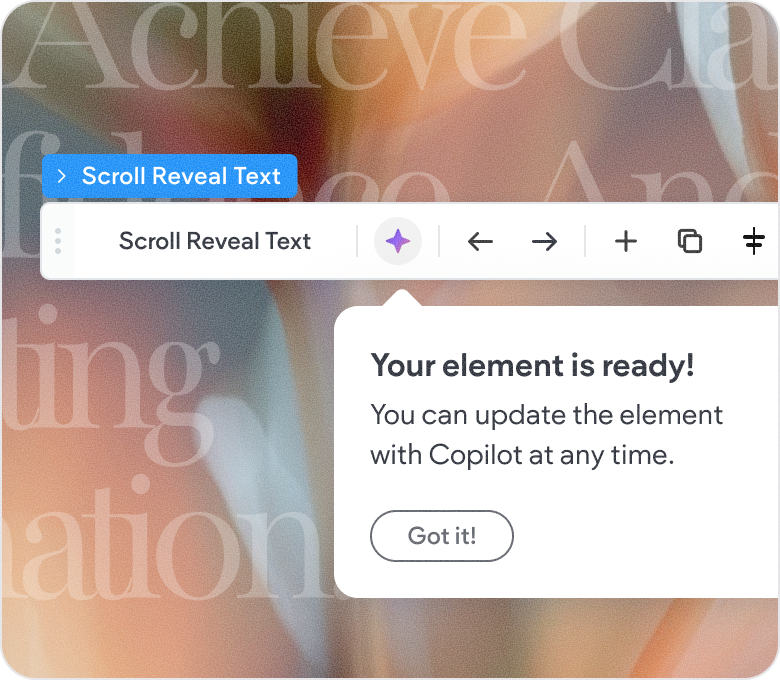
Go from dream to done, all conversationally

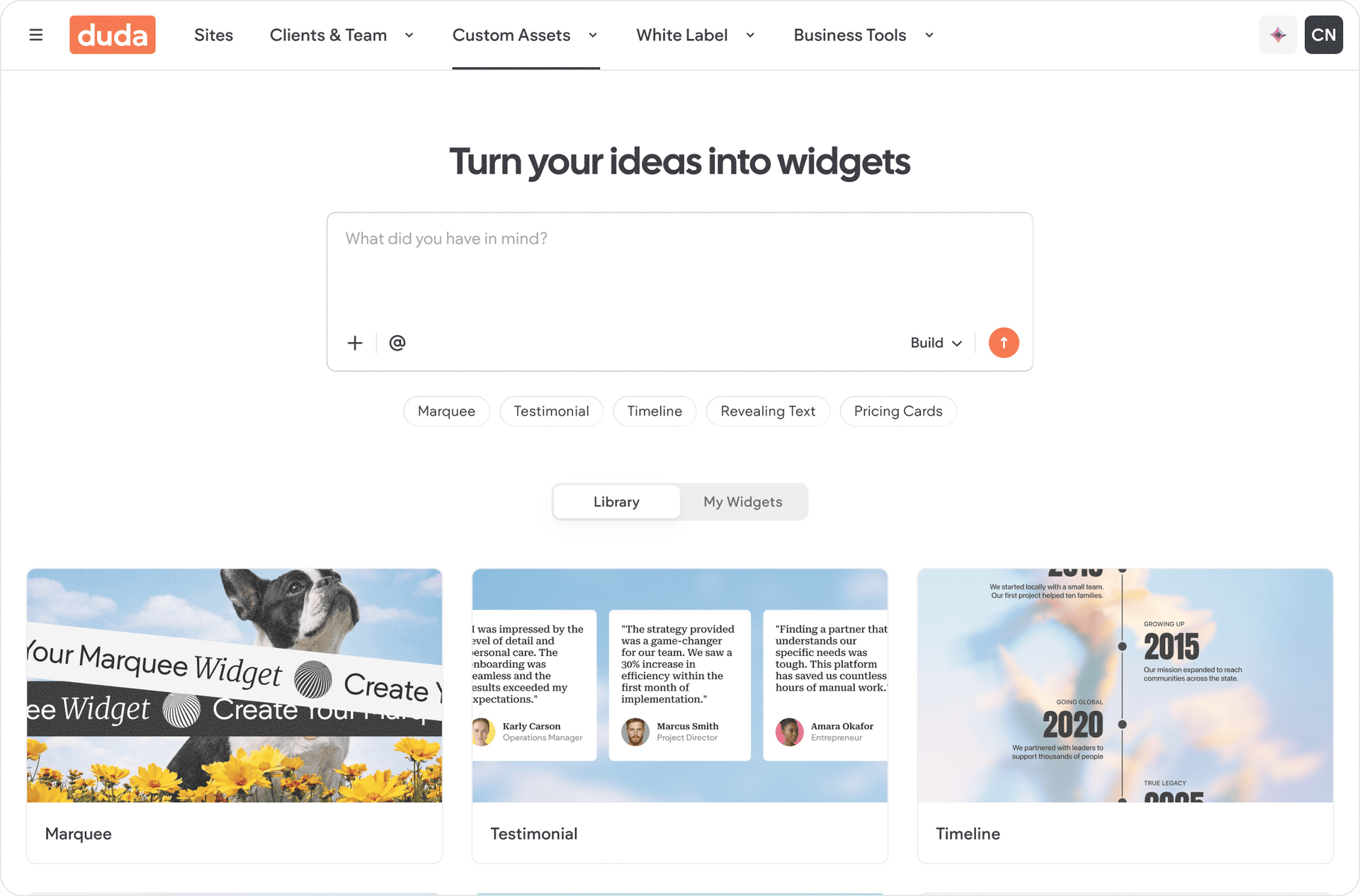
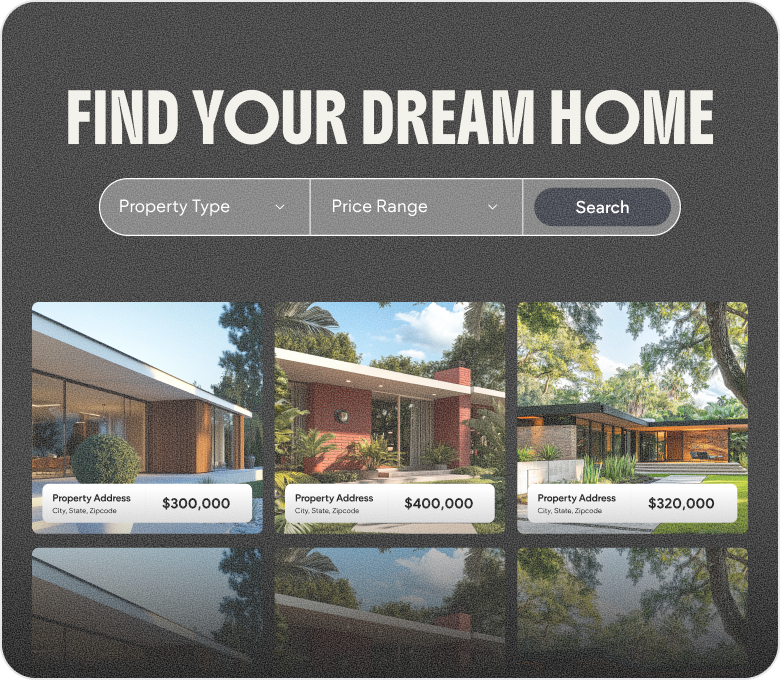
Extend Duda’s built-in library of drag-and-drop elements with your own reusable, AI-generated Custom Widgets-no developers necessary.

Don’t be afraid to grab the wheel

Generate Custom Widgets that take full advantage of Duda’s platform features like collections, customizable content, and adaptable designs.


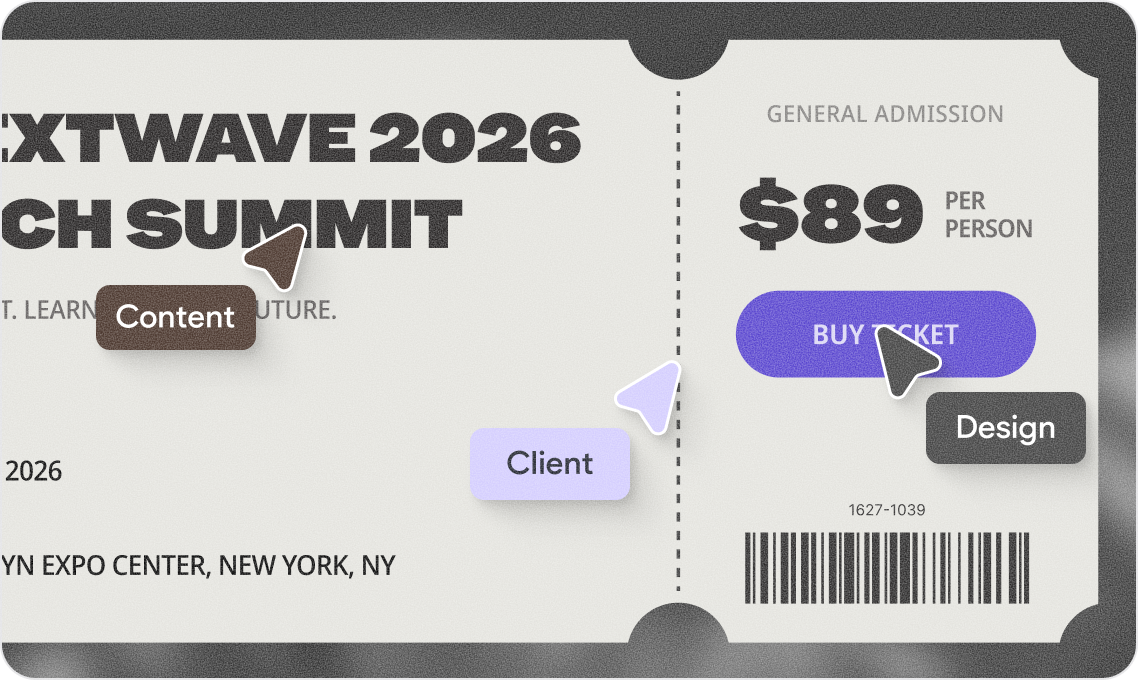
Content

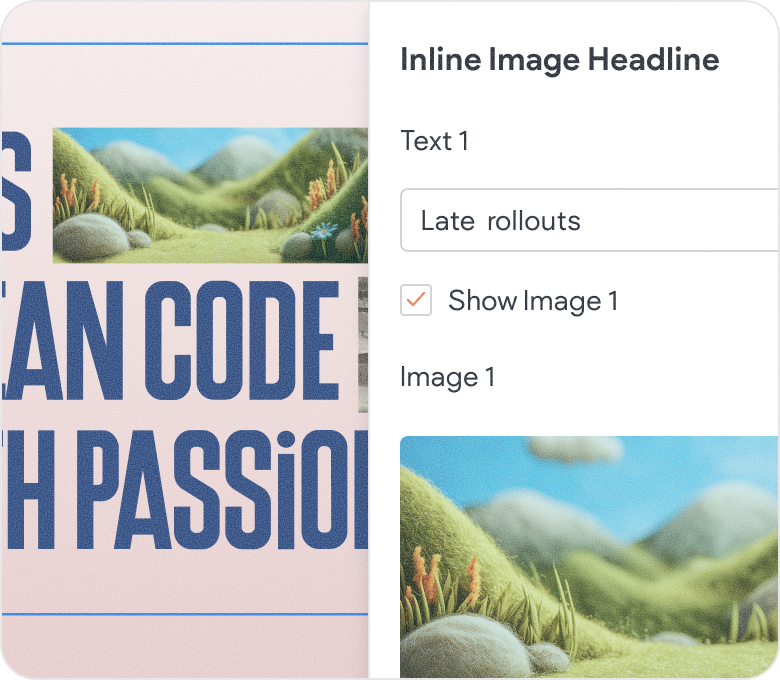
Collect input data for your widgets with custom content forms. Add sliders, radios, text input fields, image and audio upload elements, and more.


Design

Make your Custom Widgets truly reusable with custom forms that manipulate the design directly. Change colors, fonts, background images, and more.


Collections

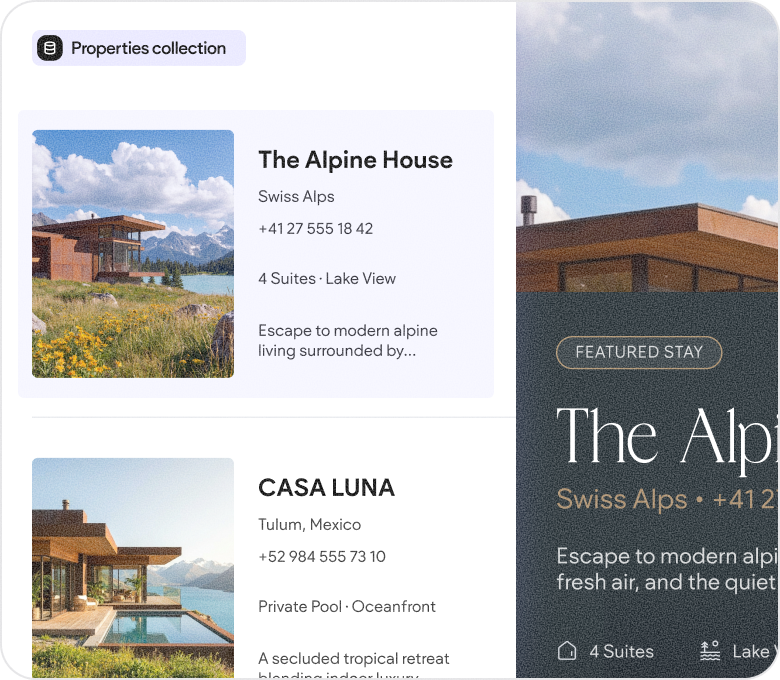
Enrich your widgets with data sourced from Duda’s own collections or third-party databases, natively managed by the platform.


Server-side logic

Communicate with external technologies via API, store information persistently in databases, and more with backend functionality.


Site Themes

Take advantage of global styles like site colors, fonts, button styles, and more directly within your Custom Widget for a more native fit and finish.


Accessible code

Write Custom Widgets from scratch, or modify the code Duda’s AI generated—it’s all classic HTML, CSS, and JavaScript.


Handlebars

Use the data you collected directly within your HTML with powerful handlebar elements that support server-side rendering and conditional logic.


Variables

Use inputted data from both your widget’s design and content panels within your JavaScript as easy to access and intuitive to use global variables.


JavaScript API

Leverage the complete power of Duda’s platform to read collections, react to dynamic pages in context, and more via the JavaScript API.

Need a hand?


Academy

Build, or generate, your first Custom Widget with expert guidance from Duda Academy.

Documentation

Familiarize yourself with Duda’s powerful JavaScript API for next-level Custom Widgets.

Experts

Enlist the help of a professional for boutique widget development your clients will adore.

Widget Builder FAQ

  • Can I embed my SaaS technology into a website using Duda’s Custom Widget Builder?

    Yes! Since Custom Widgets are built using industry-standard, “vanilla,” frontend JavaScript code, it’s easy and intuitive to embed your technology using Duda’s Custom Widget Builder. Your team can develop an experience as simple as an iFrame, or as complex as a unique HTML element with JavaScript-powered server calls and customizable CSS. For more information, review Duda’s developer documentation on “Planning your first Custom Widget” and “Building a Custom Widget powered by an external app.”

  • Can I combine custom widgets with custom templates?

    Yes! Custom Widgets can be placed within Custom Templates in the exact same way first-party widgets can be placed within custom templates. This is a great solution for SaaS companies white labeling Duda’s website builder as their own who want to embed their proprietary technologies across all of their sites, or agencies who frequently cater to specific verticals with particular needs.

  • Is there a limit to the number of widgets I can build?

    Accounts subscribed to Duda’s Agency or White Label plans may generate a maximum of 3 account-level widgets, or unlimited site-level widgets. Account-level widgets may be reused across all of your sites, while site-level widgets are limited to the particular site it was generated within. On the Custom Plan, there are no limits to the number of widgets you can create. For more information, visit Duda’s pricing page or contact Duda’s sales team.


  • Is the widget builder available for free trial users?

    Yes! Duda’s Widget Builder with AI is available to free trial users as well as paid users on the Agency Plan or higher. Copilot is the best way to experiment with Duda’s Widget Builder during the free trial. For more information, visit Duda’s pricing page.

  • How are Custom Widgets different from plugins?

    All website builders come with a predefined selection of widgets, or elements, designed to meet the needs of the majority of users—things like photo galleries, video players, interactive maps, and more. Custom Widgets, much like plugins on other platforms, expand this selection to enable more niche experiences such as custom designs, bespoke animations, and the complex interactions. However, unlike plugins, Custom Widgets do not communicate directly with the core technologies powering Duda’s Editor. While this is a much safer experience for builders, there are still risks associated with executing custom code.

  • Can I use external libraries in my Custom Widgets?

    Duda’s Custom Widget Builder offers robust support for loading and executing externally hosted code. However, to ensure a high level of security, be cautious when using third-party libraries that you or your team did not write. Similarly, try to limit the number of third-party libraries you or your team embed into your Custom Widgets. Excessive use of JavaScript can be detrimental to your sites’ Core Web Vital scores.

  • Can I share my Custom Widgets with my clients and team members?

    Yes! Custom Widgets offer three unique levels of visibility. You can hide your Custom Widgets from everyone by selecting the “Private” visibility level, limit it to your team with the “Team” visibility level, or share it with team members and clients using the “Public” visibility level. 

  • Can I share my Custom Widgets with other accounts?

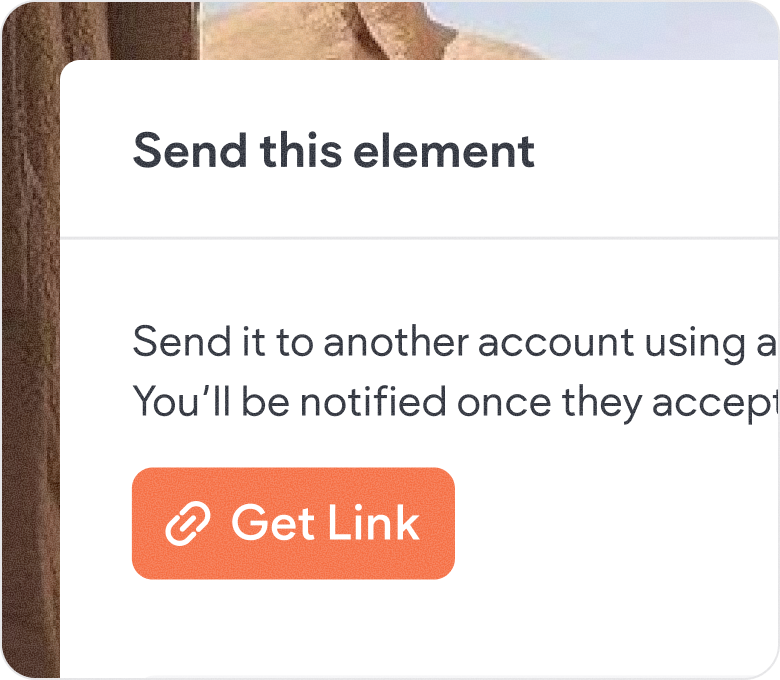
    Yes! Custom Widgets can be easily shared with external accounts from within the Widget Builder. You’ll have the option to generate a shareable link that duplicates your Custom Widget to their account. This link lasts for 24 hours after being generated, and notifies you when the recipient accepts their widget.

  • Can I revert my Custom Widget to a previous version?

    Yes. Duda’s Custom Widget Builder automatically backs-up your code and offers an easy, intuitive way to return to previous versions. Modifications to your code are labeled with the date they were changed as well as the individual who changed it.

  • Do Custom Widgets impact my site’s performance?

    They may. Duda’s platform performs some actions automatically to improve the performance of your Custom Widgets, such as minimizing redundant JavaScript code and waiting to load your Custom Widget until the end-user has scrolled to it. However, the performance of your Custom Widgets are ultimately the responsibility of you and your team. Excessive use of third-party libraries, external code, asynchronous actions, and more can all impact your Core Web Vital and Lighthouse scores, as well as the perceived performance of your website. Keep these tradeoffs in mind as you plan and develop your Custom Widgets.

  • Who on my account has access to the Custom Widget Builder?

    Duda’s Custom Widget Builder is not available to client accounts, but may be available to team accounts depending upon their permission level. Widget Builder access is a granular permission, which the account owner can grant or restrict at their discretion. Keep in mind that, while the builder itself may be hidden from client accounts, the widgets you create may be visible to them. Widget visibility is determined on a per-widget basis within the Custom Widget settings. Clients and team members with access to Copilot will also be able to generate site-level widgets from within the Editor.

  • Where can I find prebuilt Custom Widgets?

    Within the platform, the Widgets Library contains a large collection of prebuilt elements for you to use or remix. Externally, while Duda does not curate any sort of official Custom Widget marketplace, many professionals building on Duda have developed their own selection of Custom Widgets for purchase on their respective domains. Additionally, Duda’s Experts program makes it easy to find high-quality developers with the necessary expertise to create the exact Custom Widget you’re looking for.