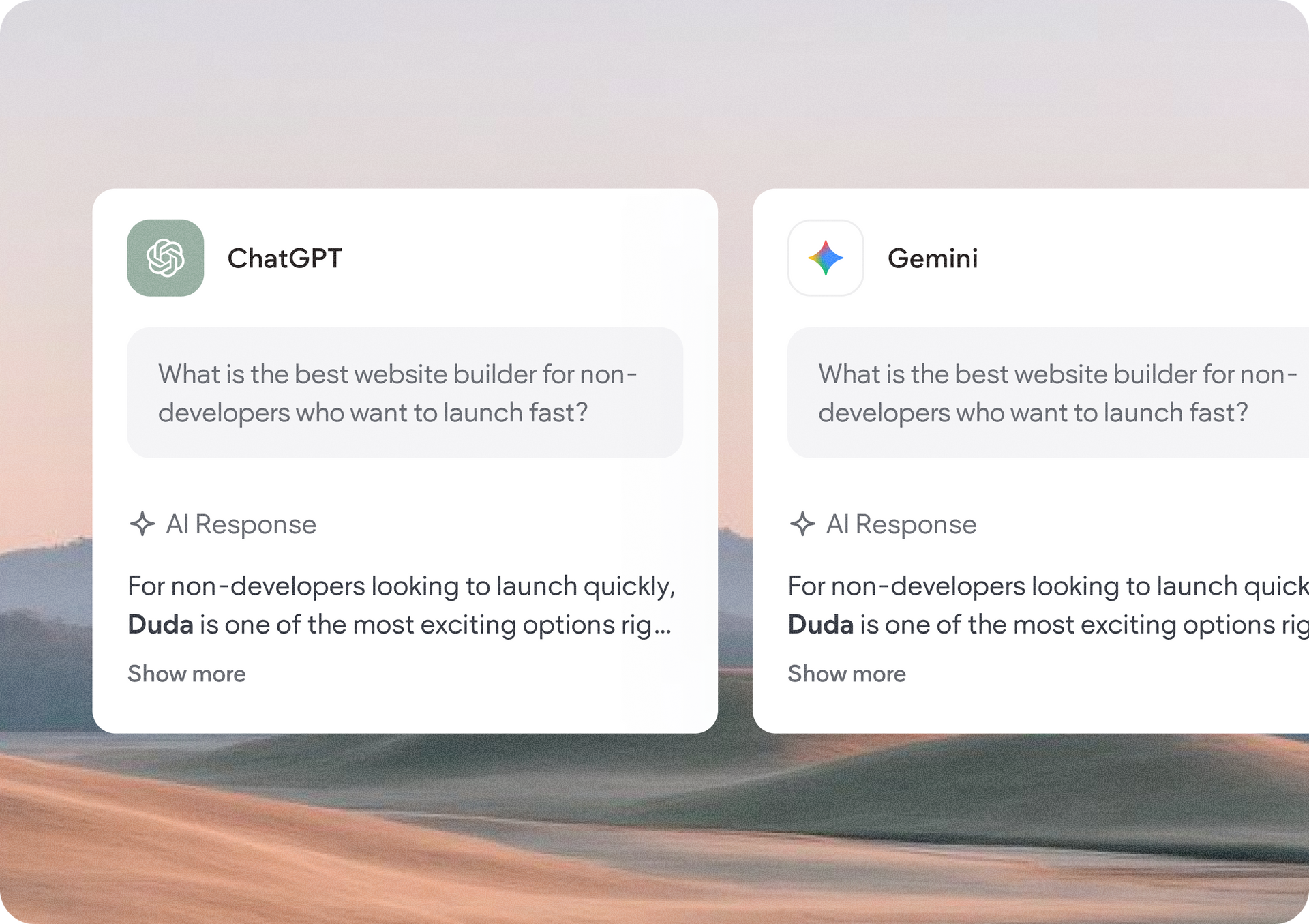
AI-powered search is changing how people discover businesses. More customers are turning to AI answer engines like ChatGPT, Perplexity, and Google's AI experiences to find recommendations, compare providers, and make purchasing decisions, often without ever performing a traditional search.


That’s why we’re excited to introduce AI Visibility, a powerful new addition to Duda’s Site Performance. AI Visibility helps agencies and businesses understand how their brand appears across leading AI answer engines, compare their visibility with competitors, and uncover opportunities to strengthen their presence in the next generation of search.


We invite you to try the AI Visibility suite of features for free for 14 days before deciding to add it to your account as a paid monthly package.


A new home for SEO and AI performance

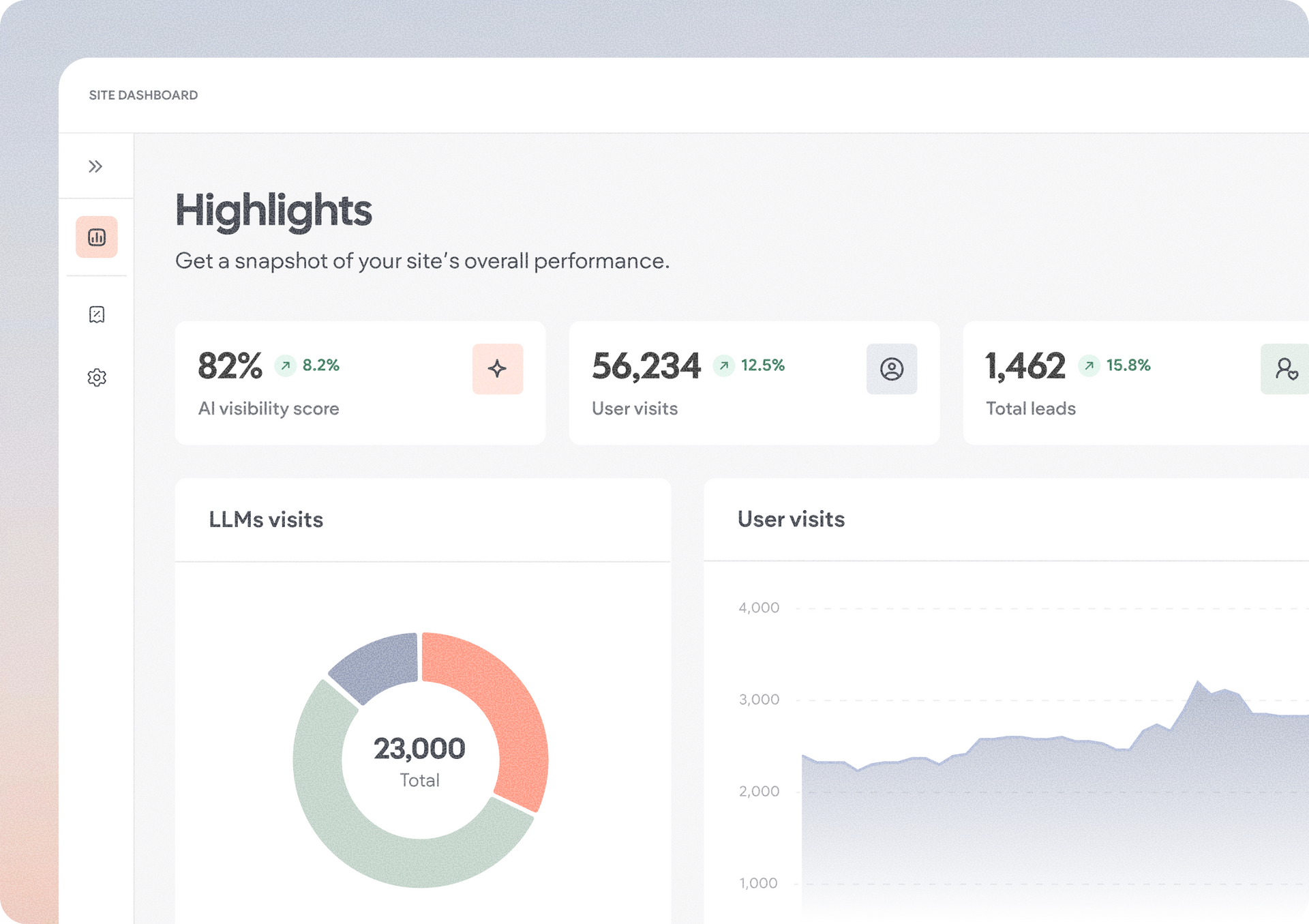
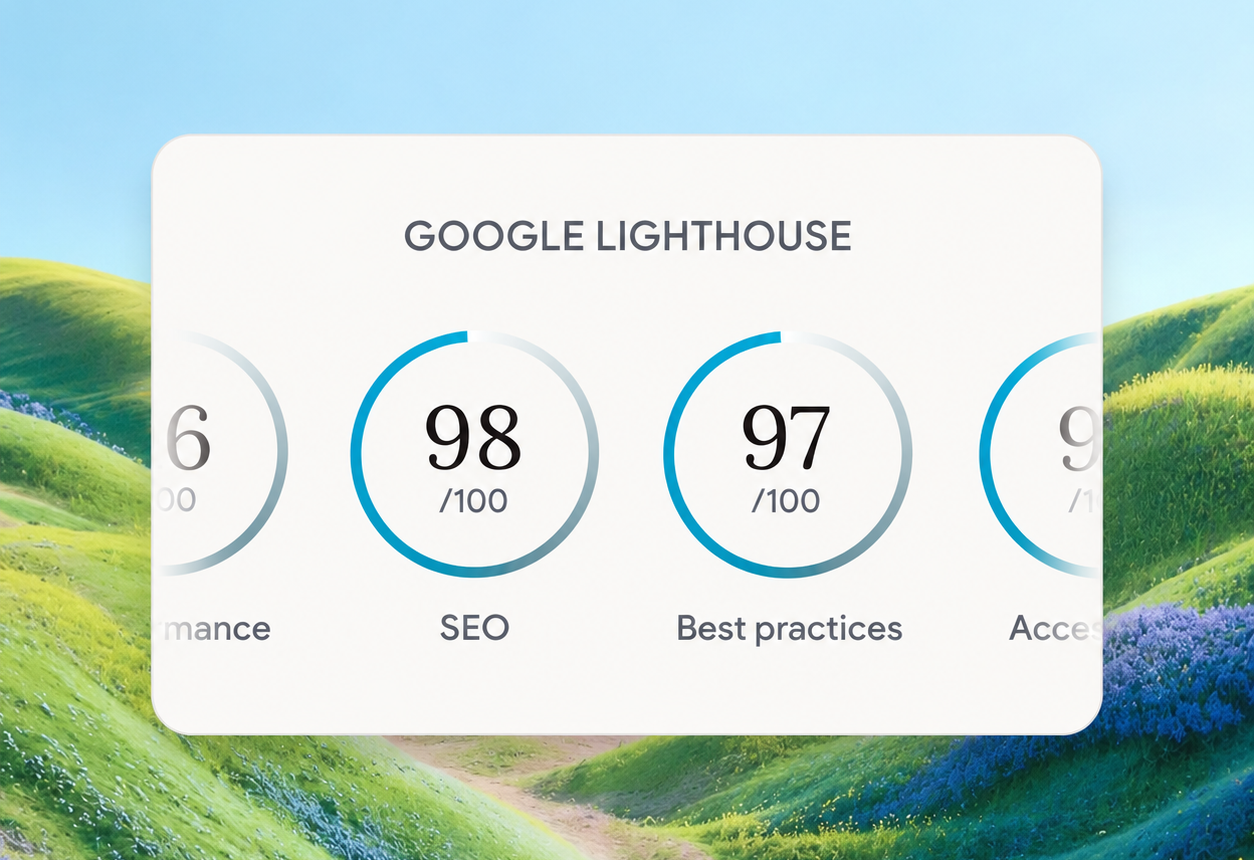
Duda’s new Performance experience brings your site’s SEO and AEO insights together in one place, so you can easily track performance and find ways to improve it:


  • Highlights for an overview of your site's overall performance
  • Visibility to analyze AI mentions, competitor performance, and tracked prompts
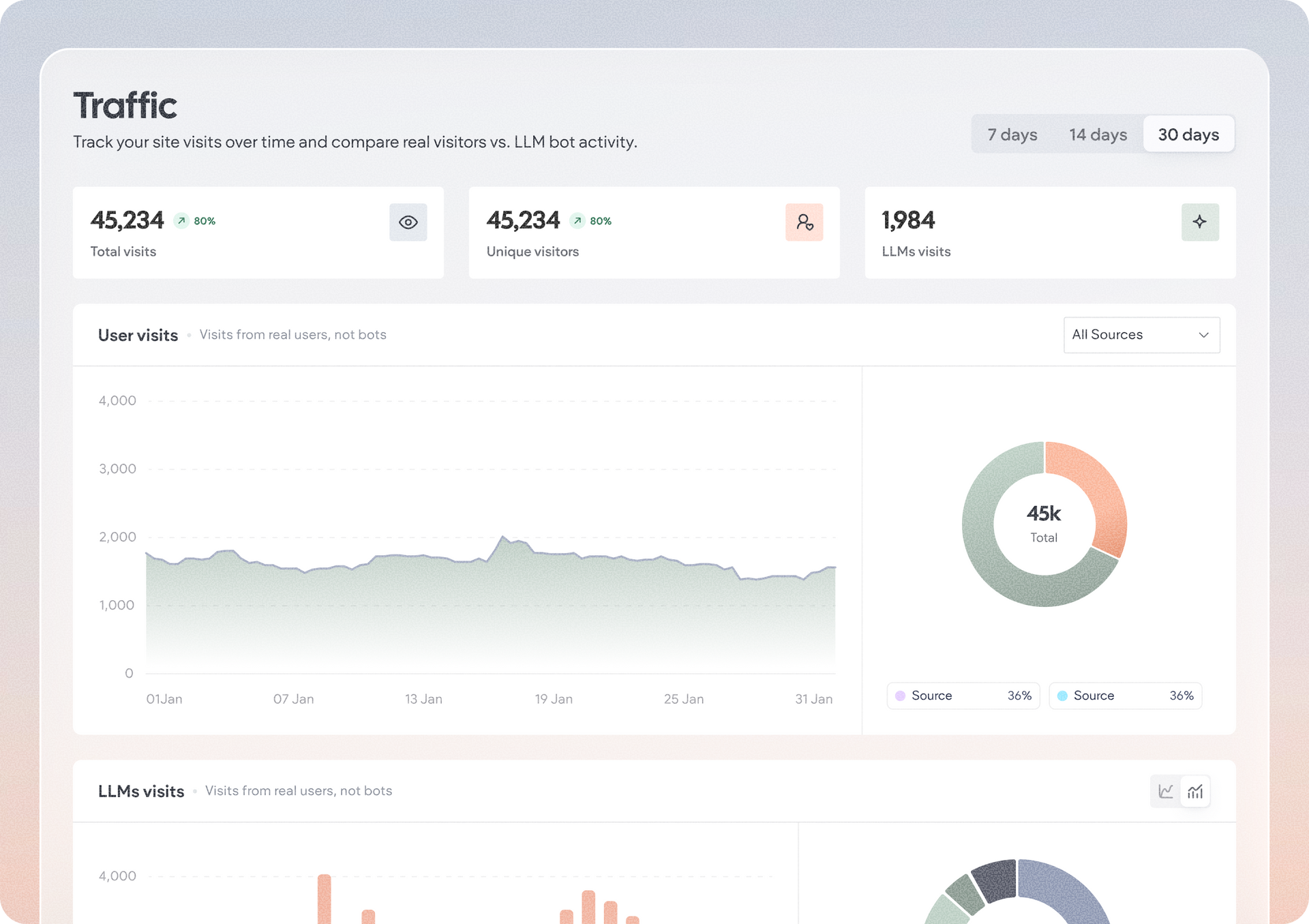
  • Traffic for visitor and engagement analytics
  • Optimization  Center for prioritized AEO and SEO recommendations
  • AEO Configurations to manage competitors, prompts, and AI tracking settings

The experience is complemented by detailed traffic analytics, letting you monitor both human visitors and LLMs bot activity, understand visitor engagement, review page-level performance, and explore audience geography and device insights.


Understand how AI sees your client’s brand

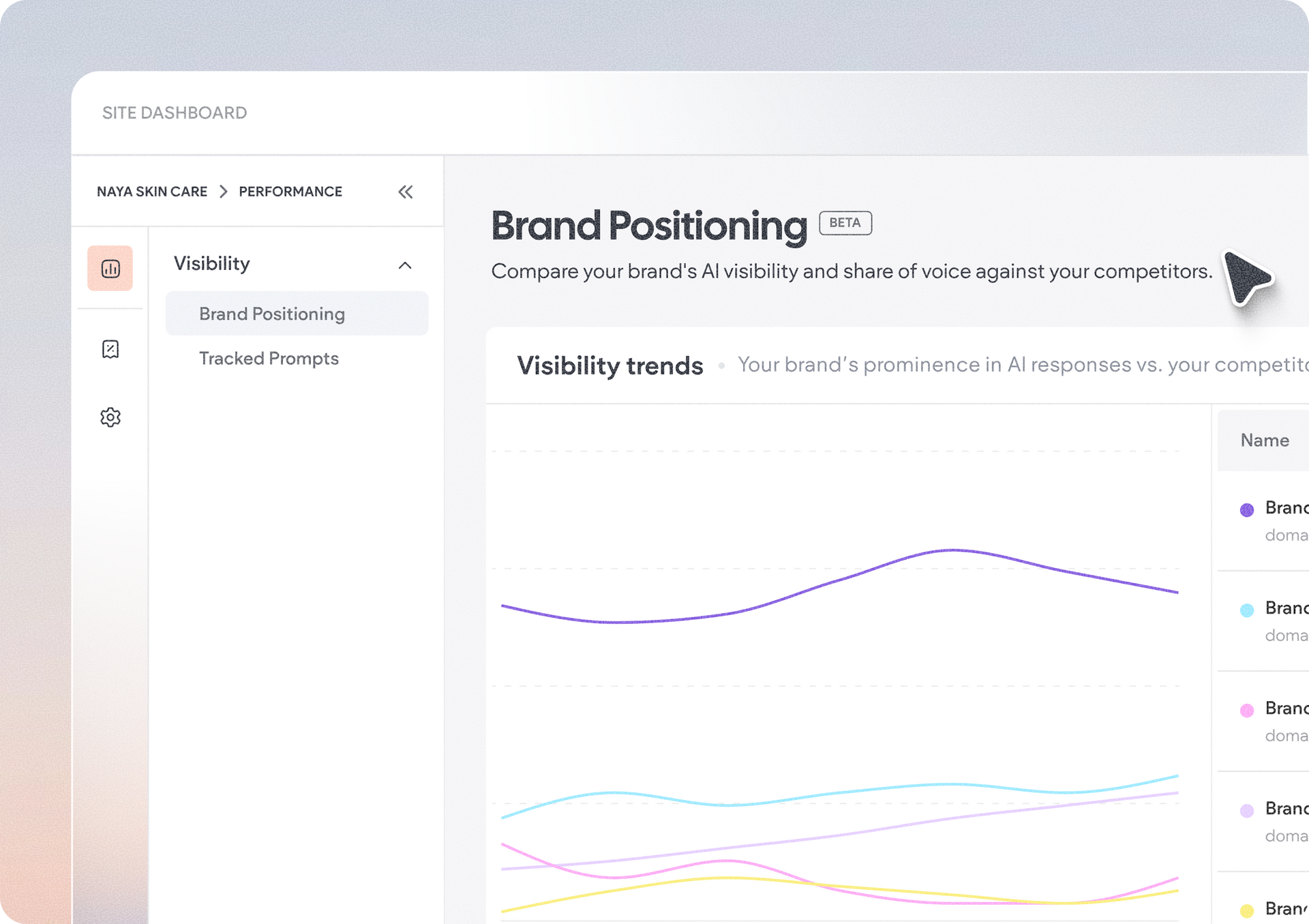
To dive into your site's AI visibility benchmark, you can start with the Visibility tab, which gives you detailed insights into how AI platforms reference and recommend your client's business.


Track the brand's positioning over time, compare your client's visibility against competitors, and understand their overall share of voice across AI-generated responses. Here you'll also see which websites AI models rely on most when generating answers, helping you identify the sources influencing your client's brand presence.


Want to know how your client's brand performs for specific customer questions? The tracked prompts let you monitor the chats that matter most to their business, and measure metrics like:

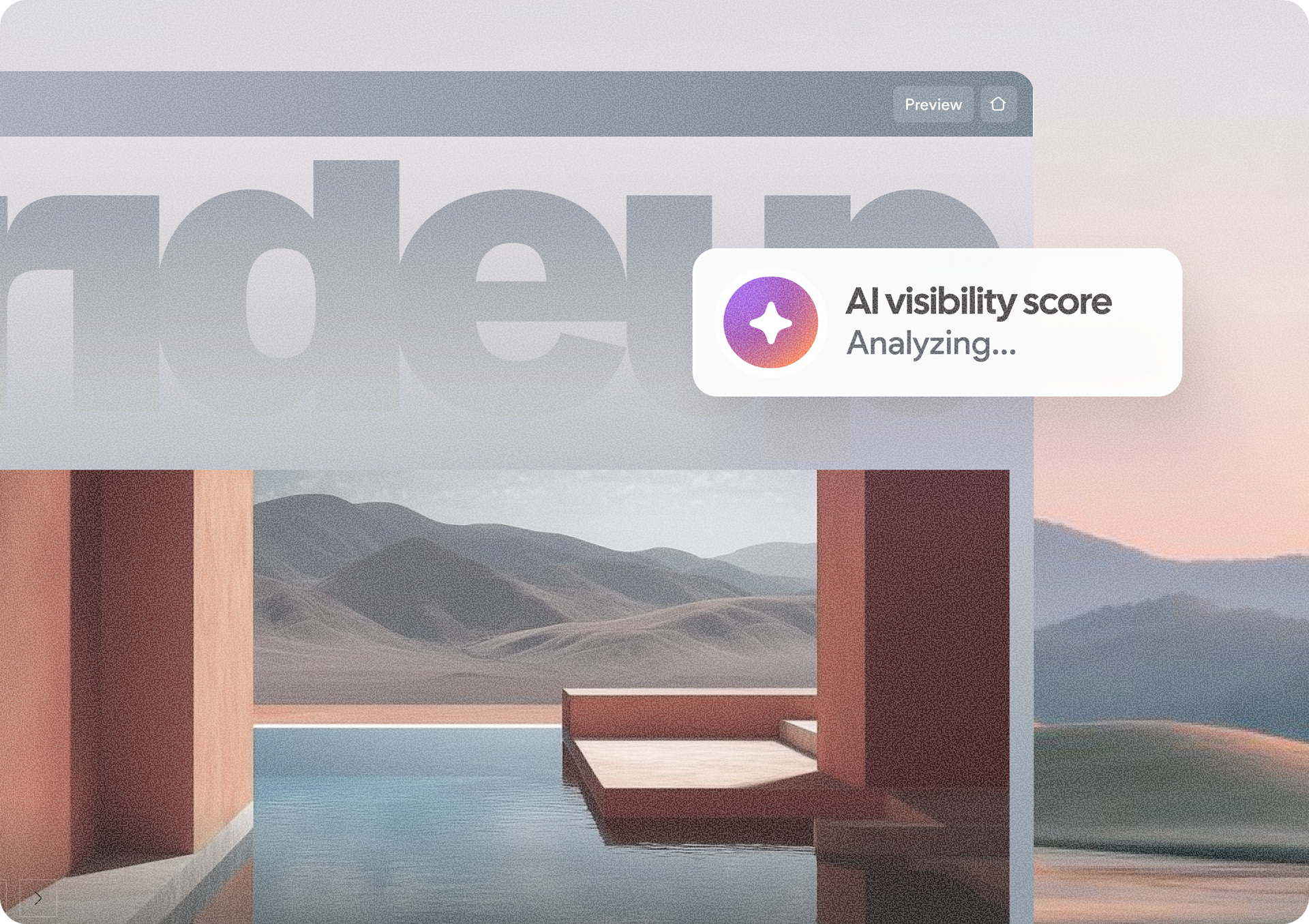
  • AI visibility score
  • Brand sentiment
  • Position within AI-generated responses
  • Estimated prompt search volume

These insights make it easier to understand where your client’s brand is succeeding, and where additional optimization can increase their visibility.


Go beyond rankings with actionable recommendations

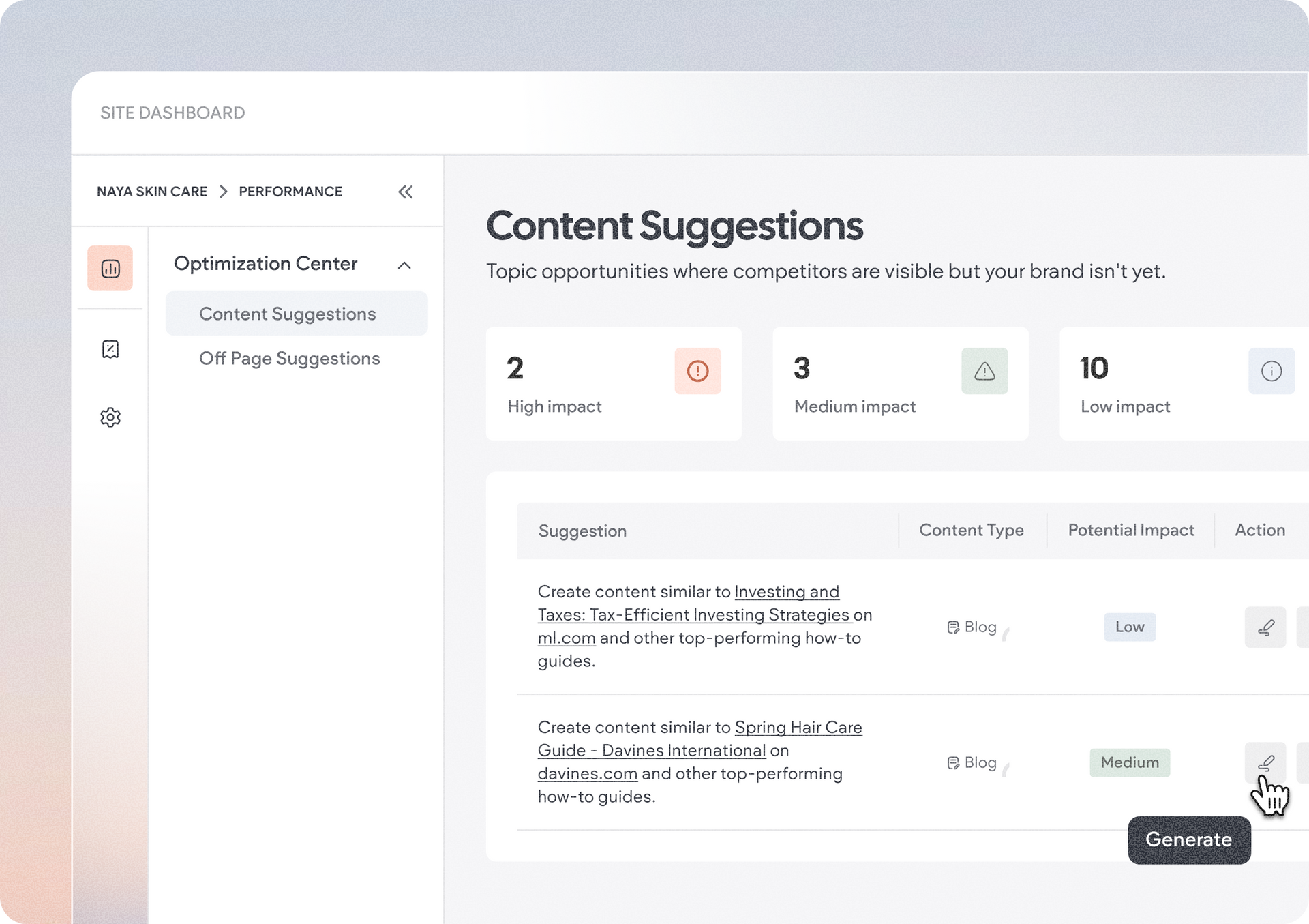
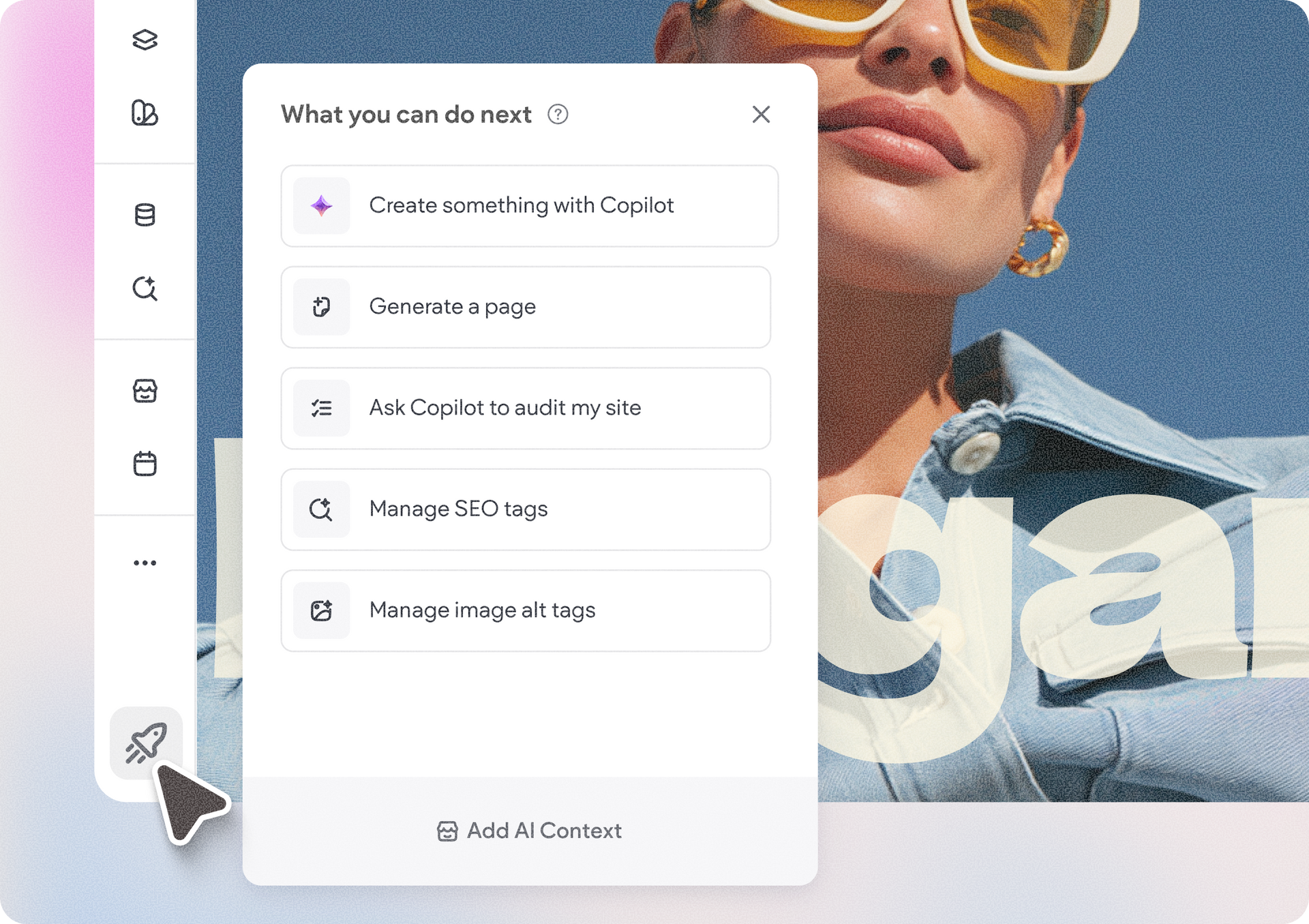
The Optimization Center brings together actionable recommendations to help strengthen both traditional SEO and AI discoverability. From site audits and content opportunities to off-page recommendations, page SEO management, image alt text, internal and external linking, and advanced SEO settings, you'll have a single destination for improving your site's overall performance.

Optimizing for stronger presence in AI search

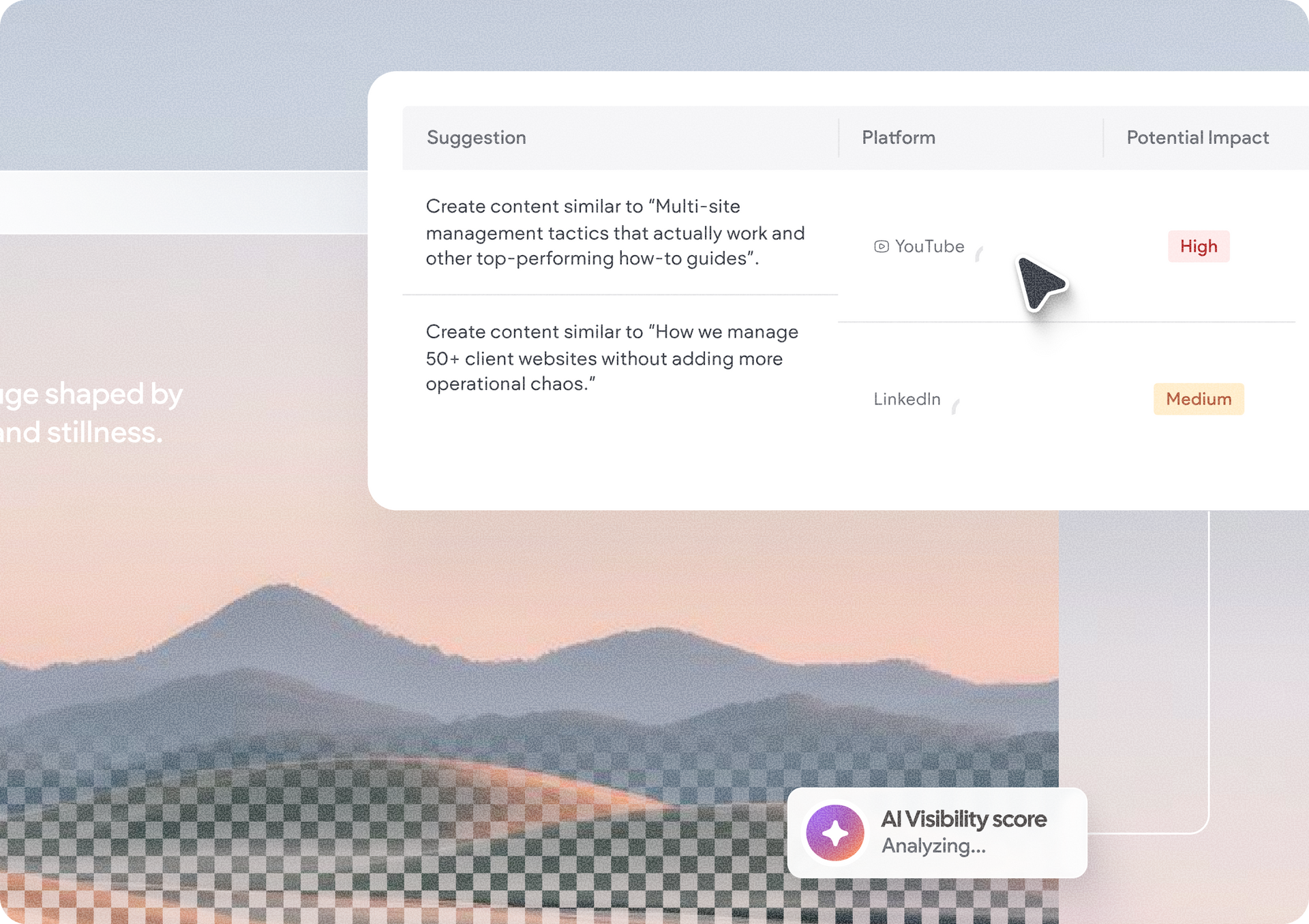
With content suggestions, you'll be able to uncover content opportunities that can help your clients’ brands gain more exposure and increase their chances of being cited by AI models. Off page suggestions will offer content ideas to do beyond the site itself, in platforms to strengthen the brand's AI visibility.

Configure AI tracking for your client’s business

AI Visibility also includes dedicated AEO Configurations, making it easy to tailor insights to each site.


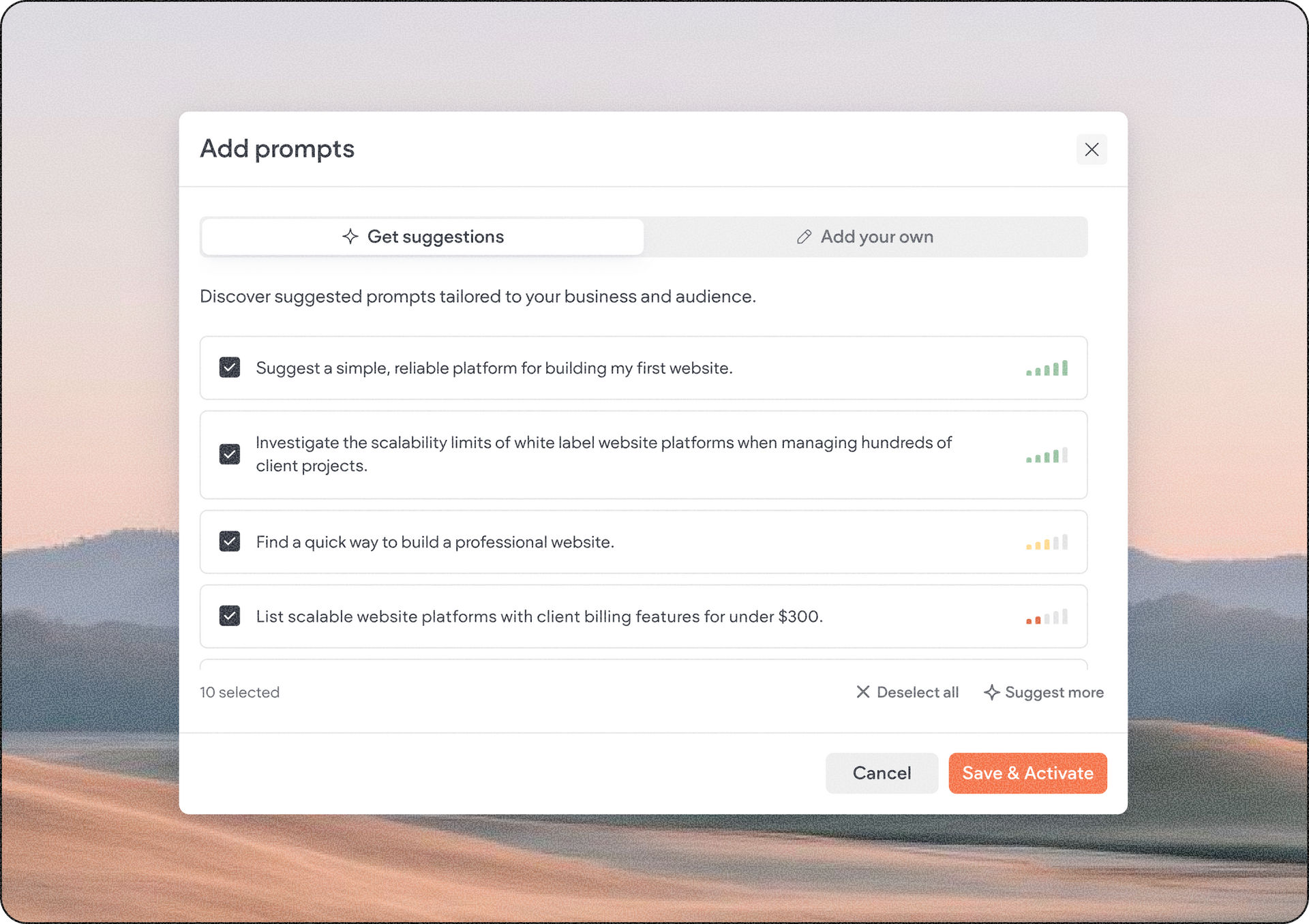
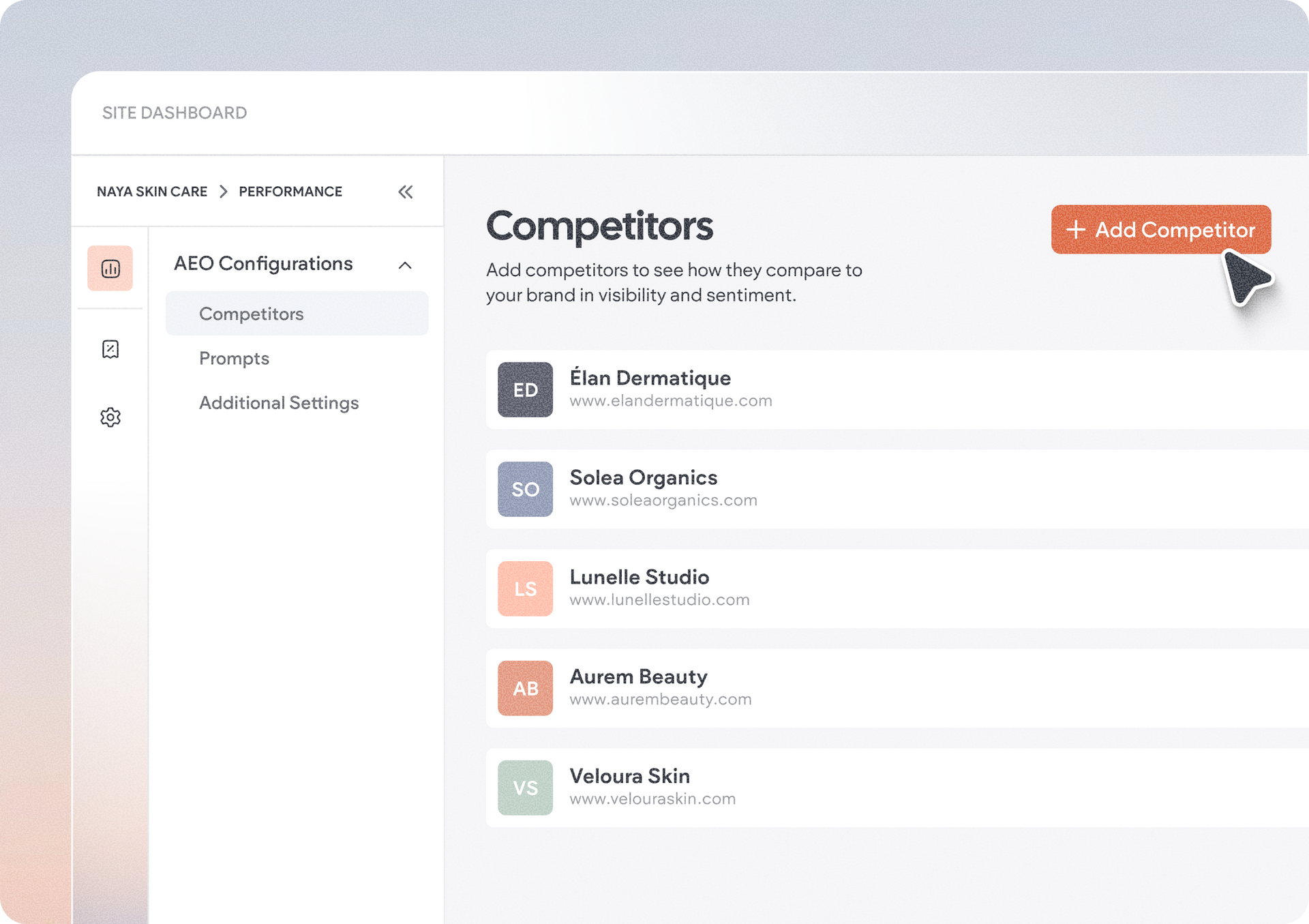
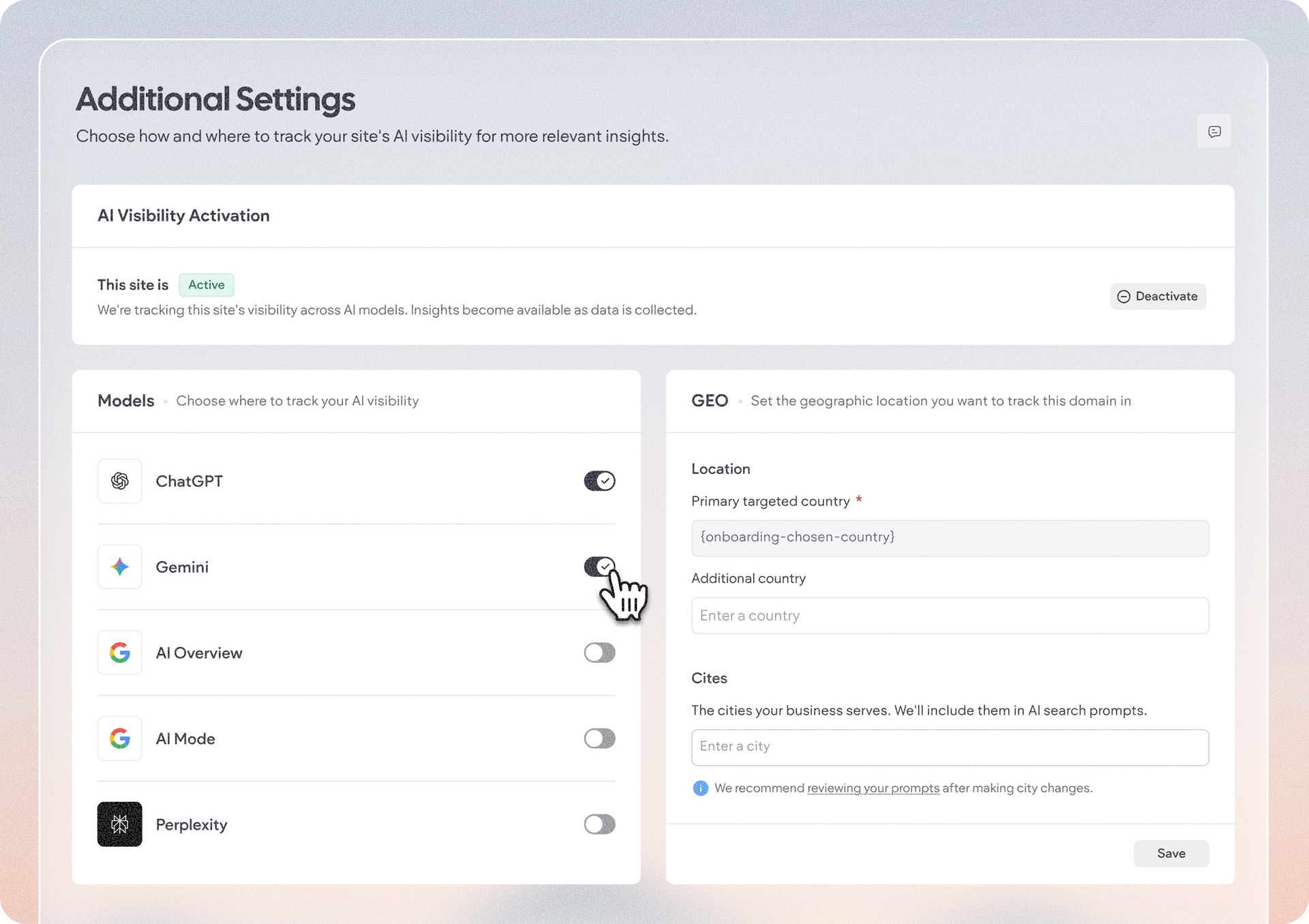
Choose which competitors to benchmark against, create the prompts you want to monitor, and configure which AI models and geographic regions should be tracked. These settings ensure your visibility reports reflect the conversations and markets that matter most to your client’s business.


The AEO configurations area is also where you can manage the site's activation for AI Visibility, to control whether or not you want that site tracked for and optimized for AI search.

How to get started with AI Visibility

From the site editor, click SEO & AEO on the left side panel to open the site’s Performance dashboard. You can also access it from your site dashboard > Performance.

From there, go to Highlights and look for the AI visibility score metric box. Click it to start the 14-day free trial to unlock all premium features of AI Visibility and track up to 3 sites.


After your free trial ends, you can continue with a paid monthly AI Visibility package. If you have the Custom account plan, reach out to your account manager to try out this feature.


We hope you find this new powerful update useful, and that it will help your clients stay discoverable wherever their customers are searching next.


August 20, 2026
Naama Mizrahi

 • 

Get Your Clients Discovered by AI with AI Visibility

Stay in the Loop with Duda Updates

Sign up to get feature releases, tools, and more to your inbox.

Latest product updates

Dashboard UI with a dark line chart, $3,650 total, category dropdown, and filter sidebar
By Tal Levi August 17, 2026
More ways to build, customize, test, and get better results with Duda Vibe.
Contact form editor with “Manage form” settings menu and “Hidden Fields” selected over a pink-purple background
By Yanir Moskovitz July 27, 2026
Automatically capture valuable visitor metadata in form submissions to help to better track and target your audience.
Blank white chat interface with “Ask anything” prompt and a “Build” dropdown at the bottom.
By Tal Levi July 22, 2026
Go beyond websites and create custom digital experiences through conversation.