You can now create and work on Vibe projects directly from Claude, ChatGPT, or any other AI assistant that supports MCP. 


With the Duda MCP, you can bring the context from your AI conversations directly into your projects, helping you move from brainstorming and planning to building without switching tools or repeating information.

A quick reminder of what you can do with Duda MCP

Duda MCP brings Vibe into the tools you already work with, so you can kick off, continue and review projects right from your AI assistant. Here are a few examples:


  • Start a new Vibe project - from a brief, a doc or the conversation you're already having
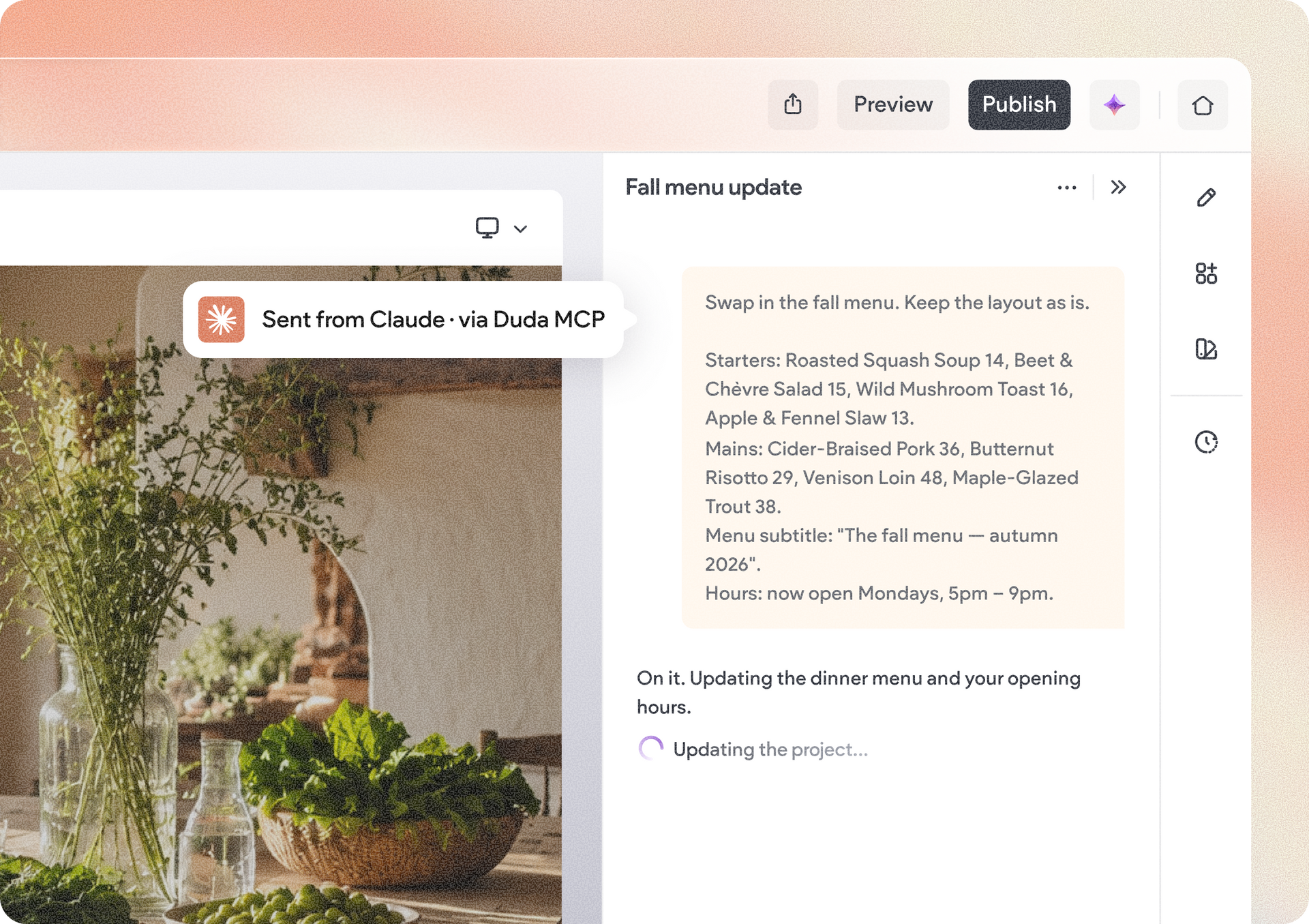
  • Keep building an existing project - send changes, and answer Vibe's questions without leaving your assistant
  • Review a project - your assistant can read the project's files and check it against your own standards or skills
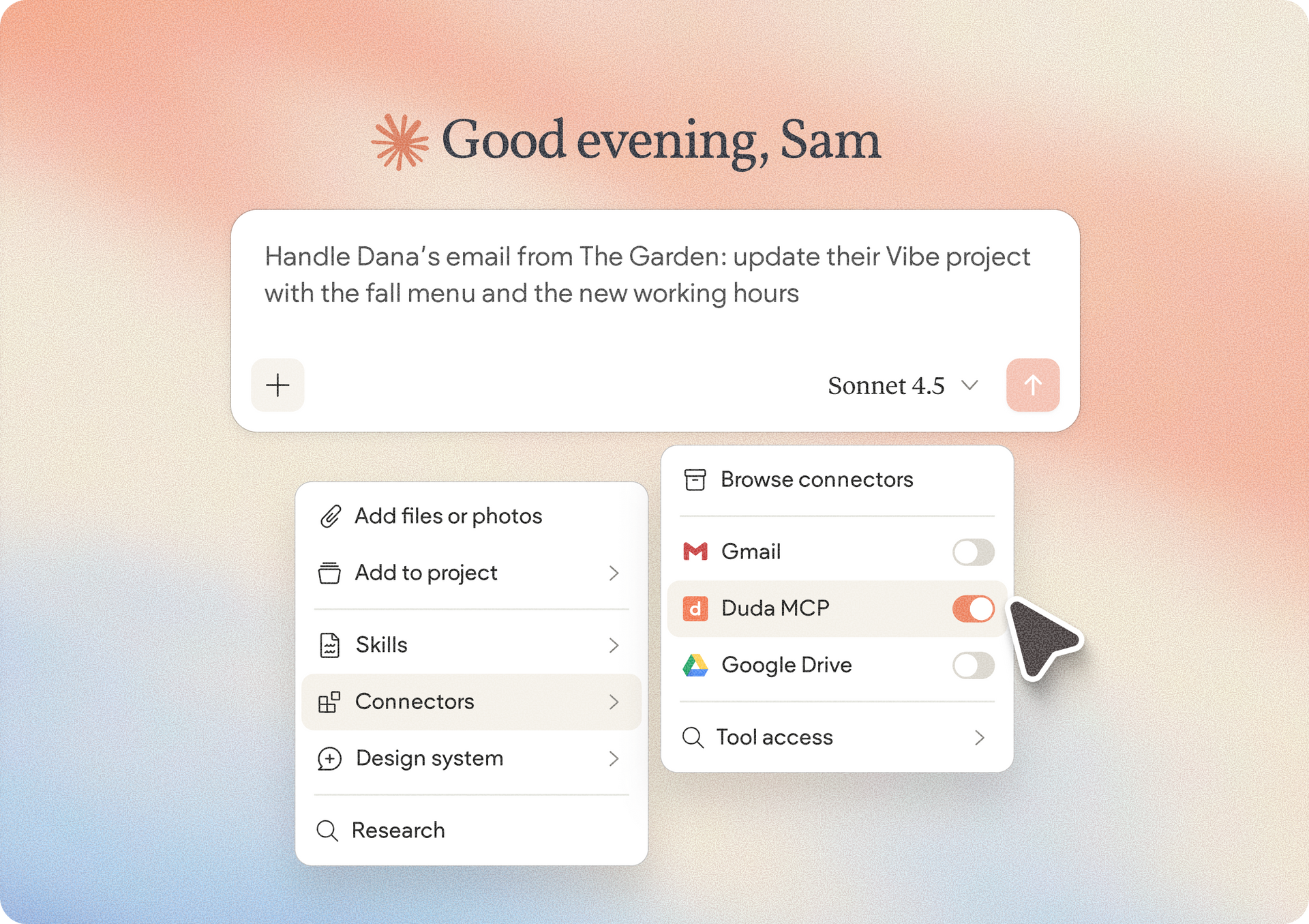
  • Use context from your other connected tools - like emails, docs and spreadsheets, without copy-pasting

As you can see, you can keep more of your workflow in one place while giving Vibe the context it needs to help you build.

From chat to creation

Whether you’re brainstorming an idea, defining requirements, or working through a client brief, your AI assistant may already have valuable context about what you’re trying to build.


By connecting it to Vibe through MCP, you can use that context to create a new Vibe project or continue working on an existing one.


For example, you could develop an app idea with ChatGPT or Claude, refine its requirements and functionality, and then use that same conversation to start building the project in Vibe.


Work on existing Vibe projects

You can also use your AI assistant to continue working on existing Vibe projects. This lets you make changes and iterate on your projects while staying in the AI environment where you’re already working.


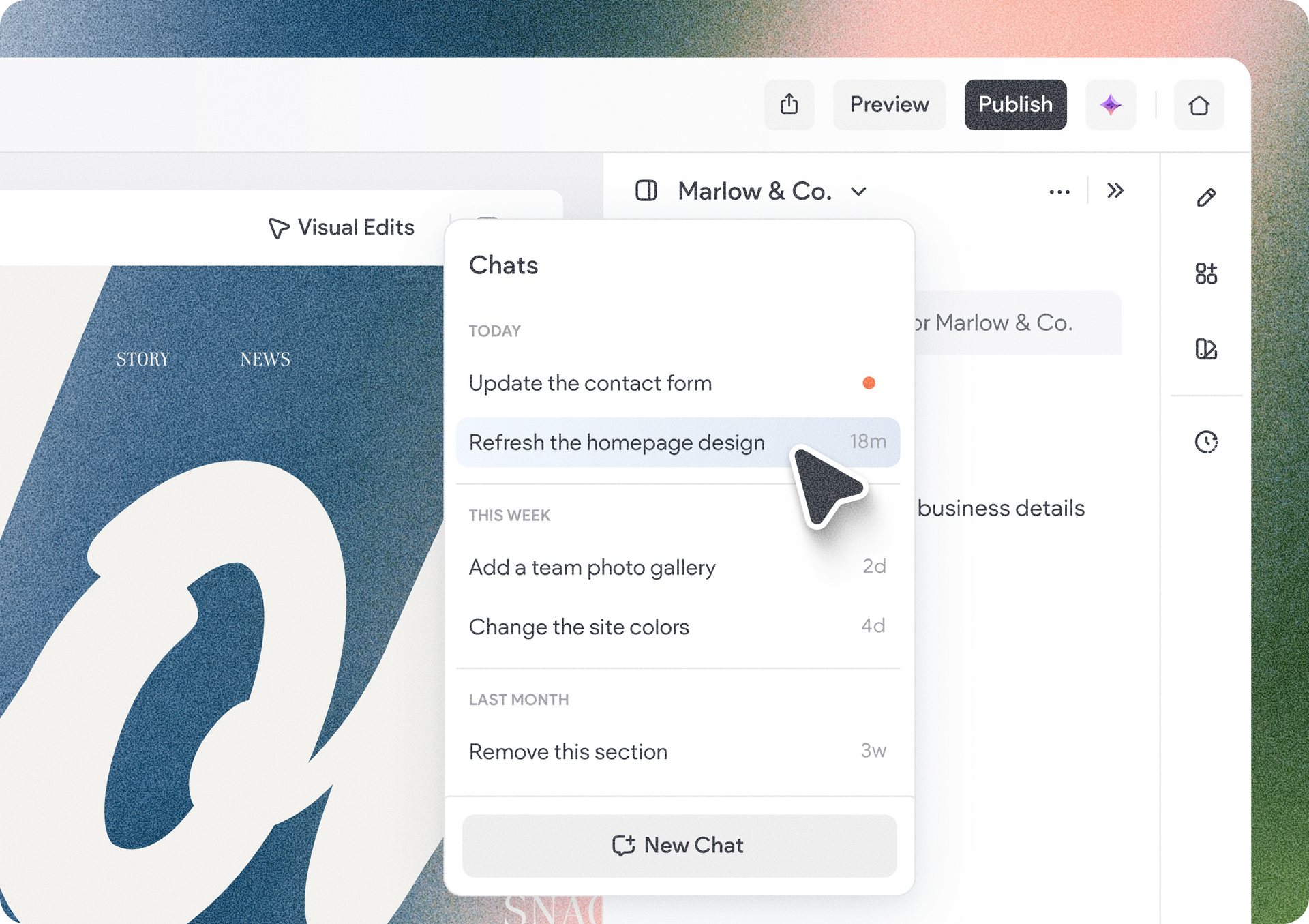
Conversations you start with your AI assistant also show up in the project's chat list in Vibe, so you can pick up right where you left off in Duda.


Duda is now an official Claude plugin

We're happy to share that Duda is now listed in the official Claude plugin directory. Here’s how to find us there:


  1. Search Duda in the Claude plugins directory
  2. Click add
  3. Connect

How to get started with Duda MCP

Connect the Duda MCP to an AI assistant that supports MCP connections. This documentation will show you how to set it up with Claude, ChatGPT, Cursor and more, plus where to find your MCP server URL in your Account Setting.


Creating new Vibe projects and publishing through Duda’s MCP are available on the Custom plan. Working on existing Vibe projects through the MCP server is available across all plans. If you’re on another plan, you can publish your project directly from the Duda platform.


If you already have the MCP server installed, we recommend reconnecting to access the new tools. Also, keep in mind that Vibe related actions performed through the MCP server use Vibe AI credits, just as they do when working directly in Vibe.


We hope you make use of this update, and that by connecting to Duda MCP, move seamlessly from ideas to building in Vibe, bringing your AI conversations and context with you along the way.

October 2, 2026
Avigayil Lewin

 • 

Build Vibe Projects Where You Work with Duda MCP

Stay in the Loop with Duda Updates

Sign up to get feature releases, tools, and more to your inbox.

Latest product updates

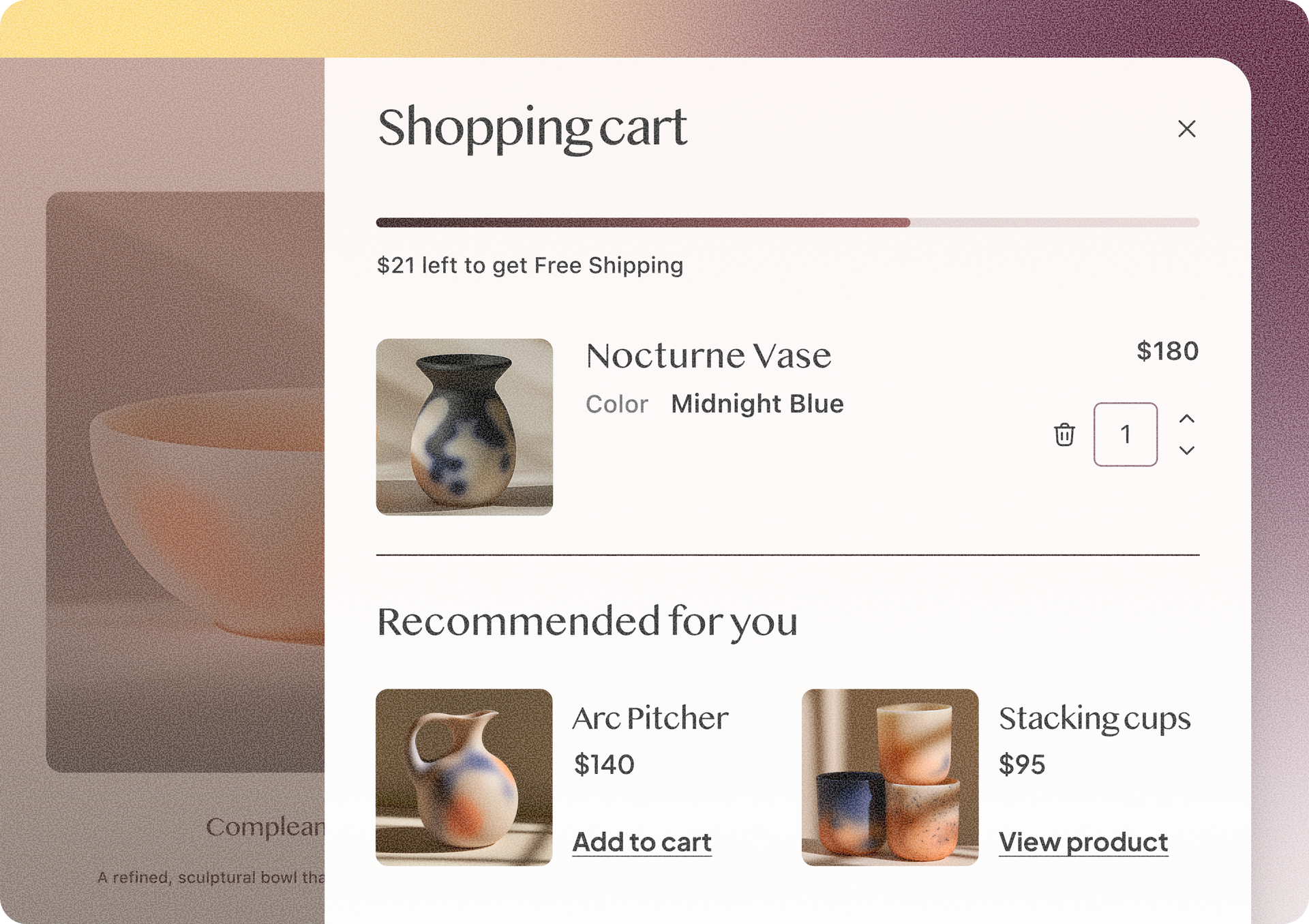
Shopping cart overlay with Nocturne Vase and recommended decor items on a beige shopping page
By Rim Elfahem • September 30, 2026
4 Duda eCommerce updates to simplify order management and enhance your upsells.
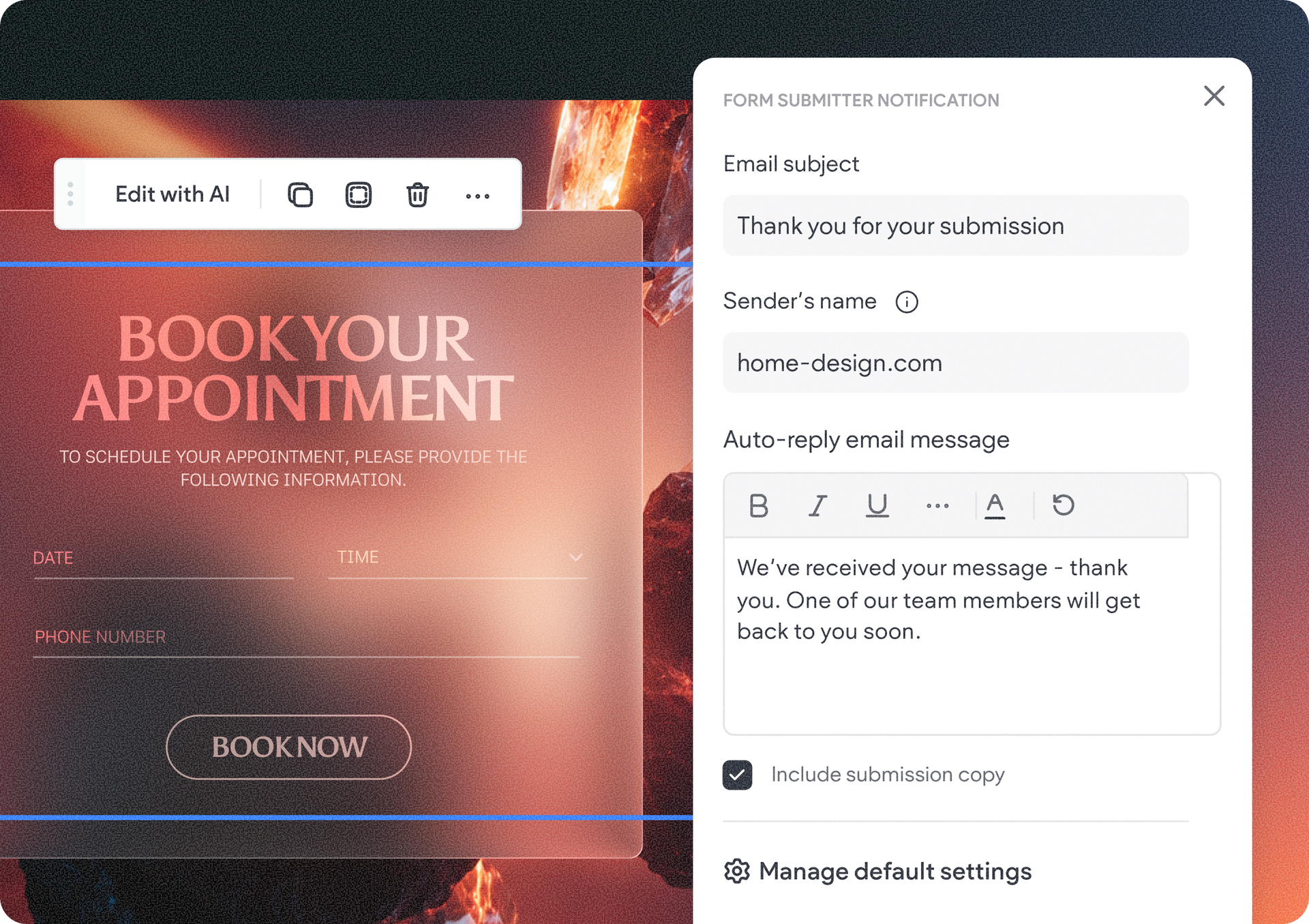
Website booking page with “Book your appointment” banner and a contact form on the right
By Tal Levi • September 24, 2026
Control what happens after a form is submitted in your Vibe project - directly from the visual edits panel.
Close-up of a web app dropdown menu over a blue-and-white graphic design canvas.
By Tal Levi • September 21, 2026
Keep different tasks separate, go back to previous conversations, and pick up right where you left off.