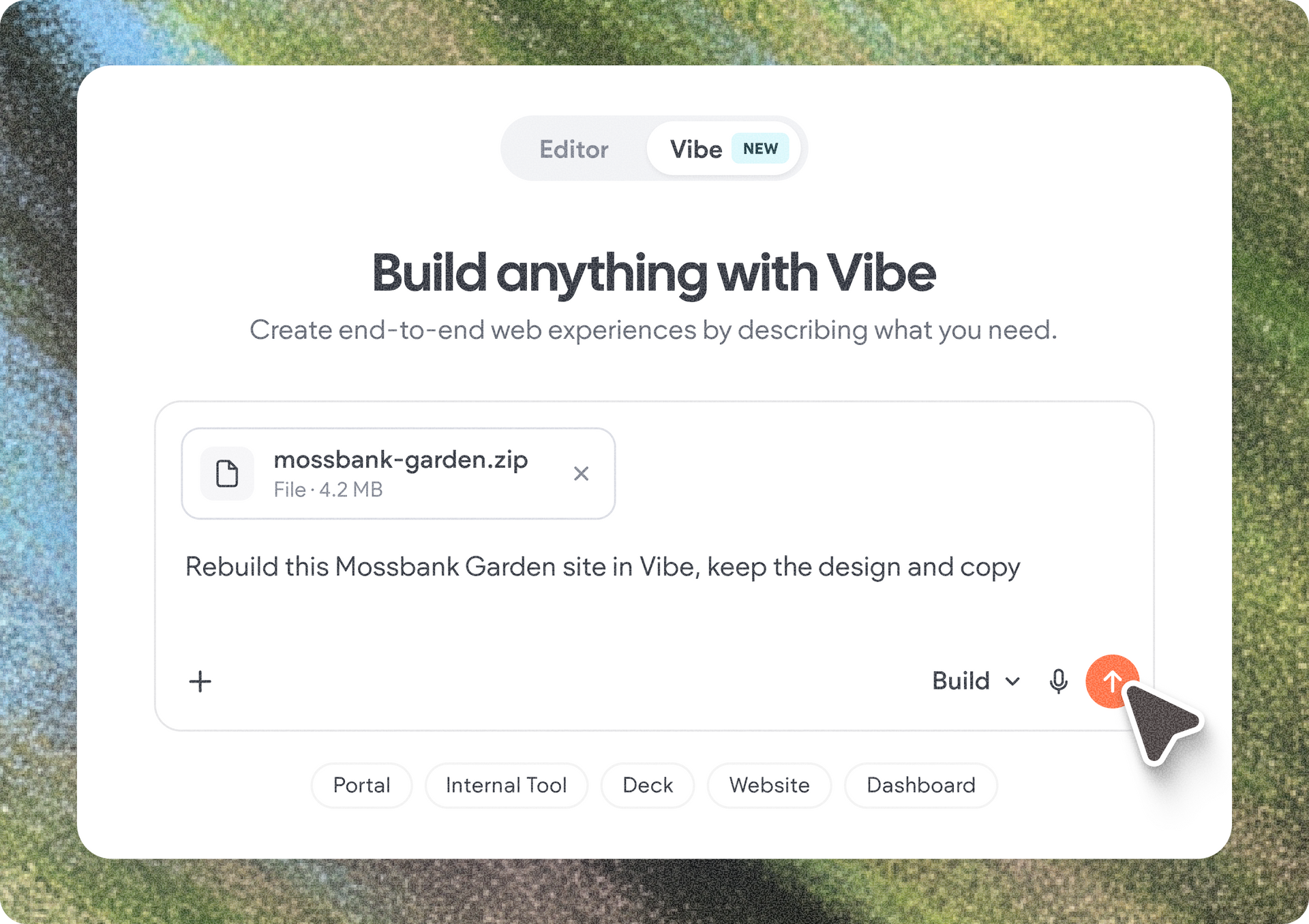
We're introducing AI skills for Duda Vibe and Copilot in the editor, giving you a new way to customize how AI works for you and your team.


With skills, you can turn your team's knowledge and guidelines into reusable instructions that AI automatically follows when it's relevant. Whether it's applying your agency's brand guidelines, SEO best practices, specific site structure or building web apps in Duda Vibe, skills help you get more consistent, tailored results without repeating instructions in every prompt.

What’s a skill, and how does it work?

Think of a skill as a playbook for AI. It's a structured set of instructions, templates, and reference materials that teaches Copilot or Duda Vibe how to approach a specific type of task. So instead of repeatedly explaining your requirements in a new prompt, you can create a skill once and let AI apply it whenever it's relevant.


Whenever you ask Copilot in the editor or Duda Vibe to complete a task, it reviews the available skills, identifies which ones are relevant, and applies their instructions.


For example, if you've created a skill containing your agency's brand guidelines and ask Copilot to write content for a client site, it can follow those guidelines without you having to specify them again.


Put your team's expertise to work

Skills let you tailor AI to your workflows across different projects and tasks. Here are a few ways to use them:

  • Industry playbooks: Capture what works for the industries you serve, like restaurants or law firms, so AI starts each new client site with the right pages, sections, and content.
  • Brand consistency: Define your company's tone of voice, messaging principles, and design standards so AI-generated work follows your brand guidelines.
  • Web app creation and editing: Create a Duda Vibe skill that guides AI through your preferred process for building and editing web apps.
  • Design or copy guidelines: Provide content and SEO guidelines, writing style guides, etc.

For agencies and teams managing multiple projects, this means less time explaining requirements, reviewing inconsistencies, and correcting outputs that don't match your standards.


Create skills for Duda Vibe, Copilot in the editor, or both

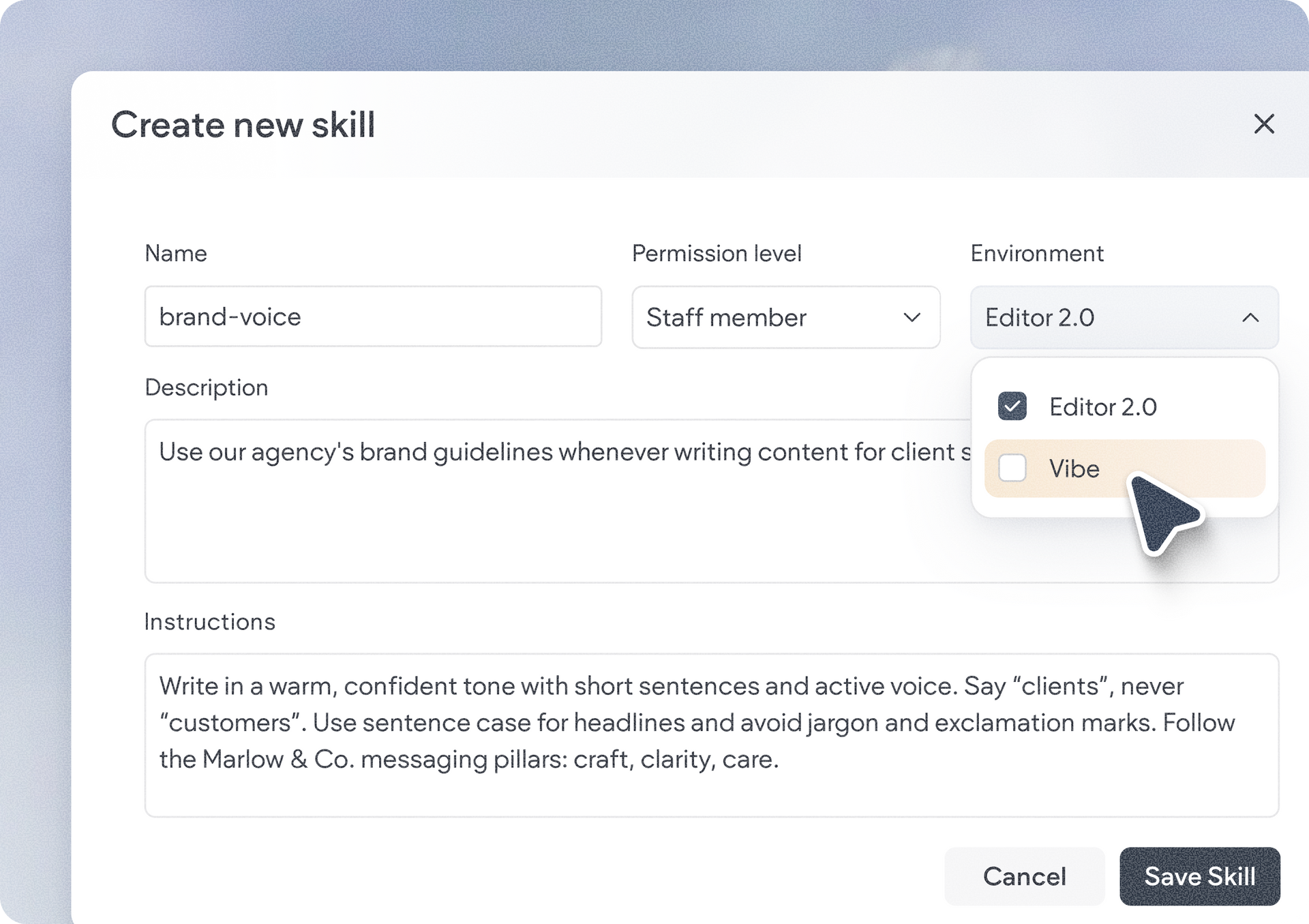
Not every task requires the same expertise, so you can define skills specifically for Duda Vibe, skills for Copilot in the editor, or shared skills that work across both environments.


For example, a skill for web app creation and editing might be relevant only to Duda Vibe, while a skill defining your company's brand guidelines could be useful in both environments. This lets you create task-specific workflows while sharing common standards wherever they're needed.


How to get started with skills

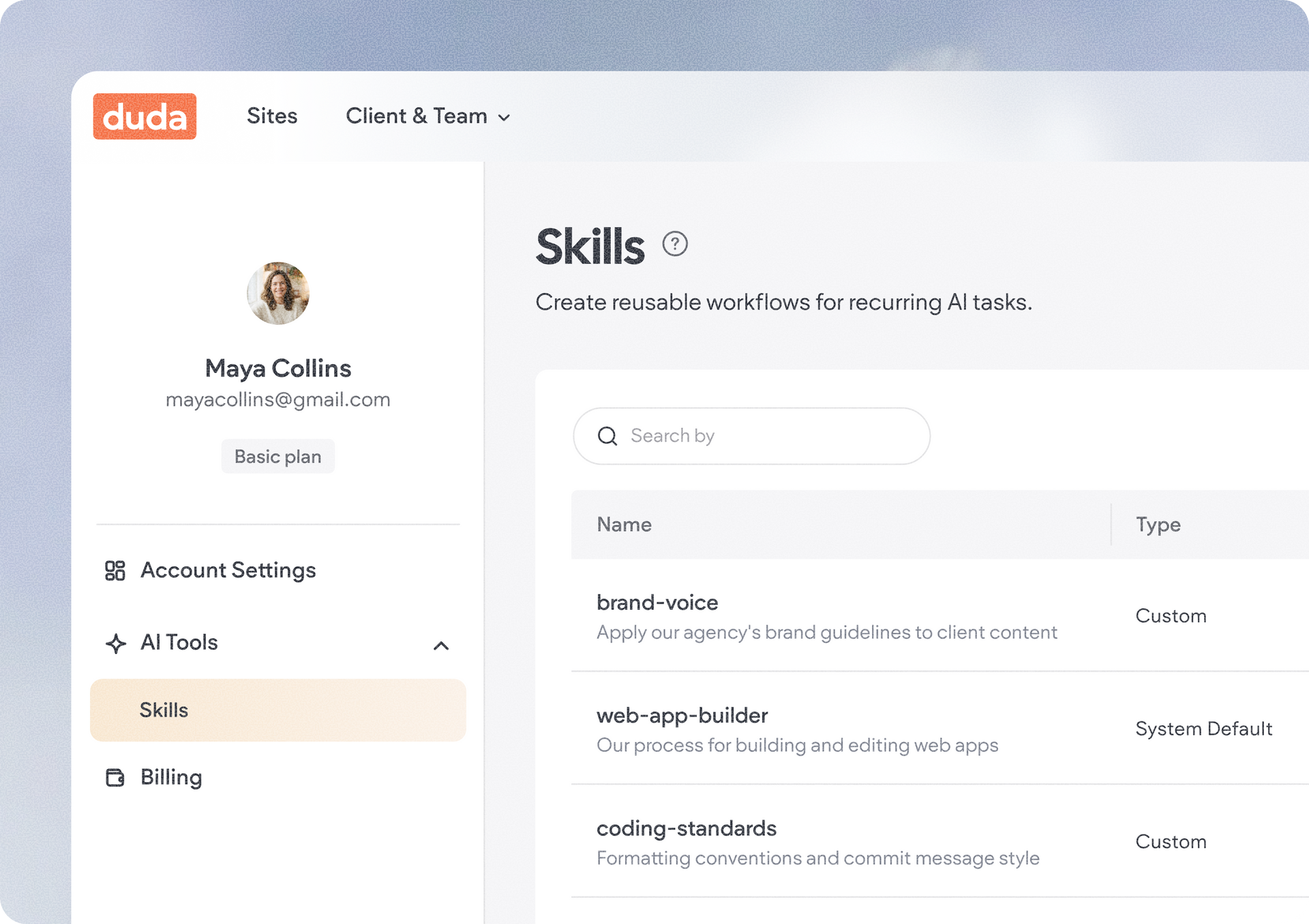
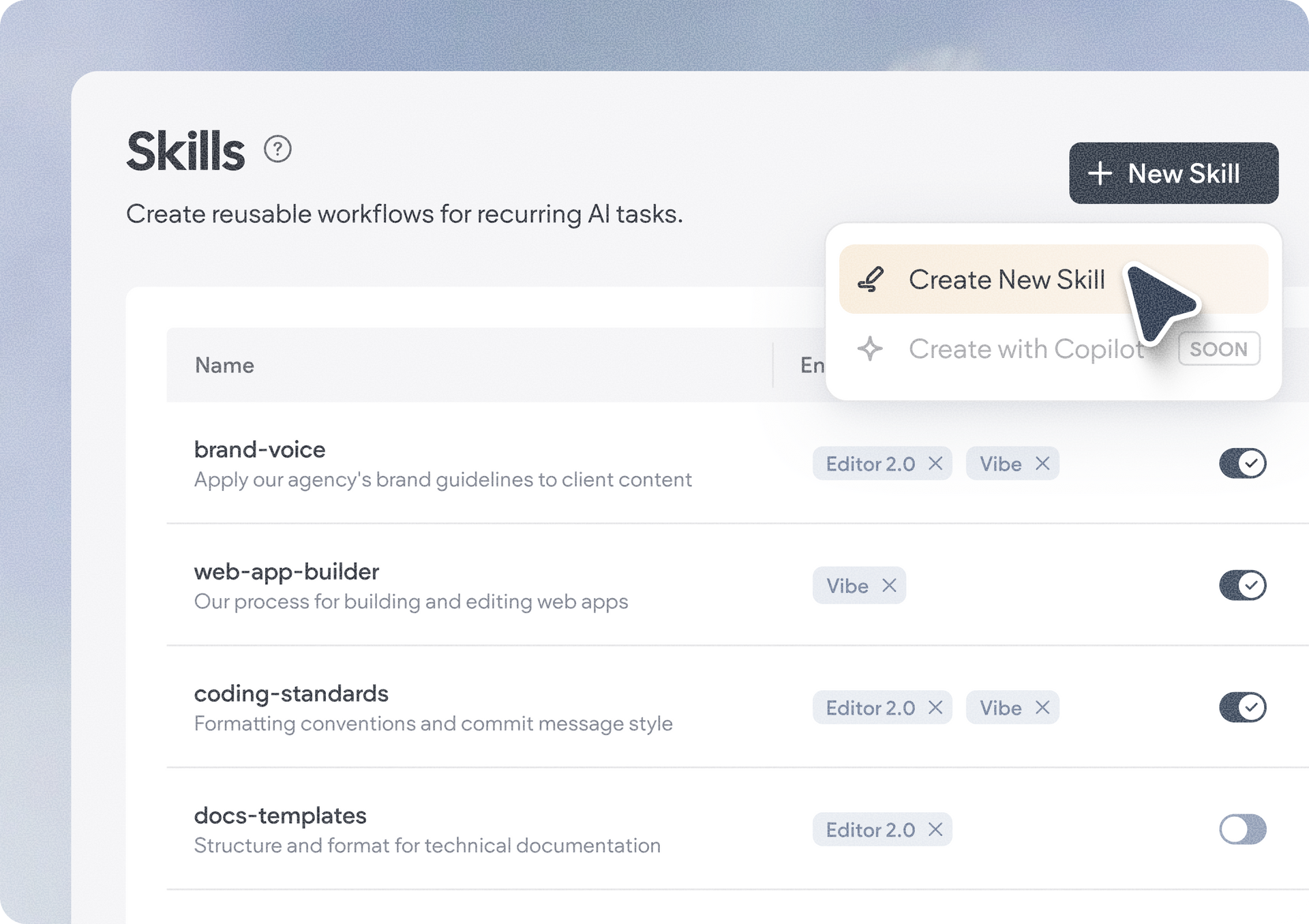
The new skills feature is available in your Account Settings > AI Tools. There, you’ll see a few system default skills we’ve already set up for you, which you’ll probably need regardless of the project you’re building. And of course, it’s where you can create new custom skills of your own. 


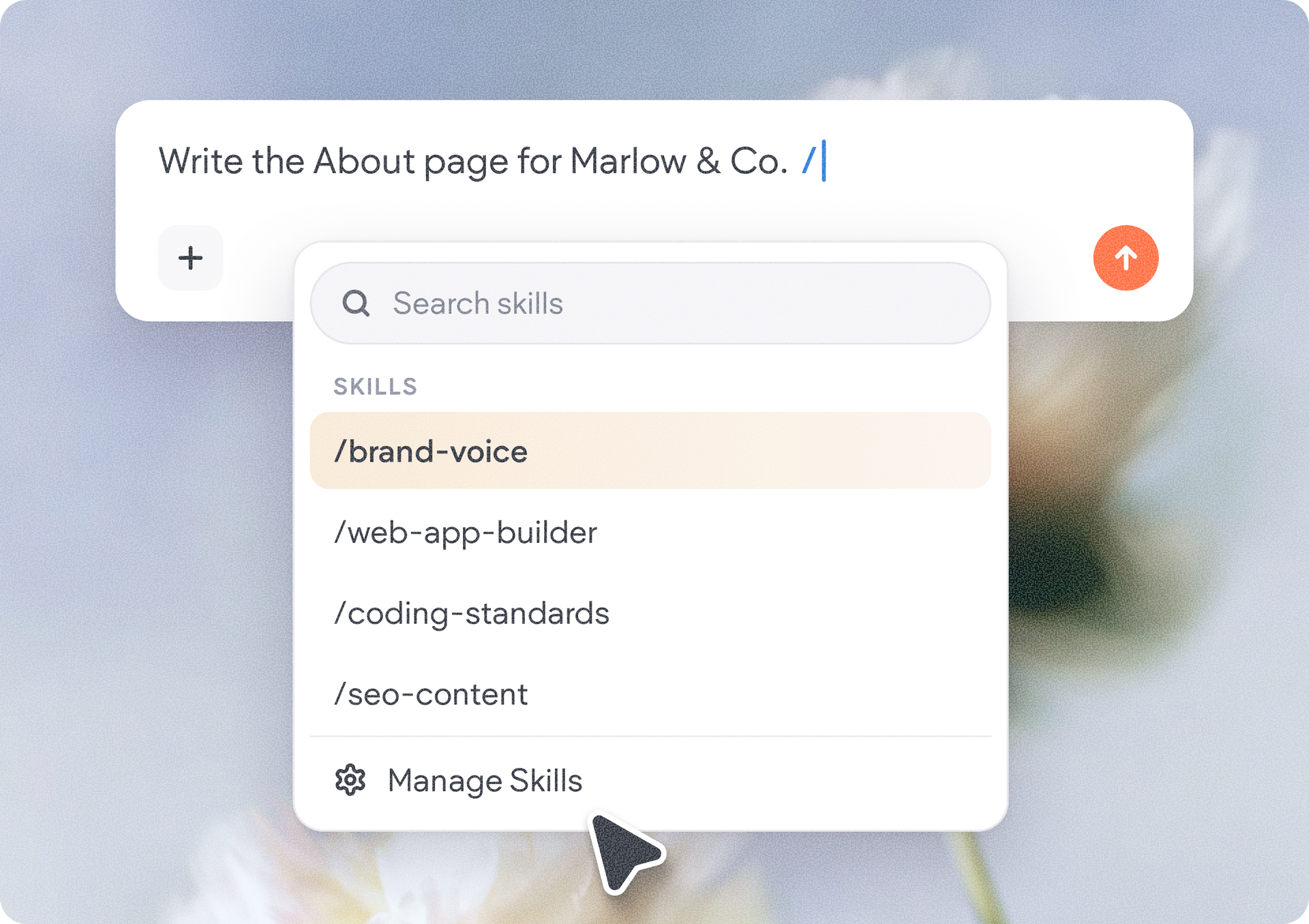
Once your skills are created, simply trigger their use in the AI chat by typing in the backslash followed by the skill name, like /writing-style-guide, or by hitting the + icon > selecting the skill from the dropdown menu, so Copilot or Duda Vibe can apply it for your prompt. 


We hope you'll make good use of the new skills feature, and leverage it to make your project building workflow more efficient. We're looking forward to seeing the skills you and your team create.


November 6, 2026

 • 

Ofri Baram & Tal Levi
Make AI Work Your Way with Skills for Duda Vibe and Copilot

Stay in the Loop with Duda Updates

Sign up to get feature releases, tools, and more to your inbox.

Latest product updates

White “Build anything with Vibe” app screen with a dropdown, plus icon, and cursor clicking the orange button.
By Annat Katz • November 5, 2026
We’ve updated Copilot, Duda Vibe, and the native store to make site building easier and give you more control.
Purple discount graphic with 30% text beside a smartphone showing a cursor on a blank screen
By Liron Hilb Horev • November 2, 2026
Help clients engage their customers, drive repeat business, and grow their business beyond the website.
Google Lighthouse score card showing SEO 98 and Best Practices 97 on a white panel over a landscape background
By Tal Levi • October 9, 2026
A stronger foundation for every new Vibe project, with faster load times, better performance, and built-in SEO.