We’ve added two major capabilities to Duda Vibe that help you do more of the work behind a great website without leaving your Vibe workflow. You can now create fully functional forms with an end-to-end submission experience, and use the Optimization Center to manage essential SEO settings and improve your site’s visibility across search and AI.

Generate fully functional forms with Vibe

Need a contact form, lead form, or another way for visitors to submit information? You can now generate forms directly in Vibe, complete with the functionality needed to manage what happens after someone hits submit.


There’s no need to connect an external email provider or set up additional integrations to make the experience work.

Let Copilot handle it for you

When Vibe's Copilot identifies that your site needs a form or you simply ask it to create one, it will ask for the details needed to set up the complete submission flow.

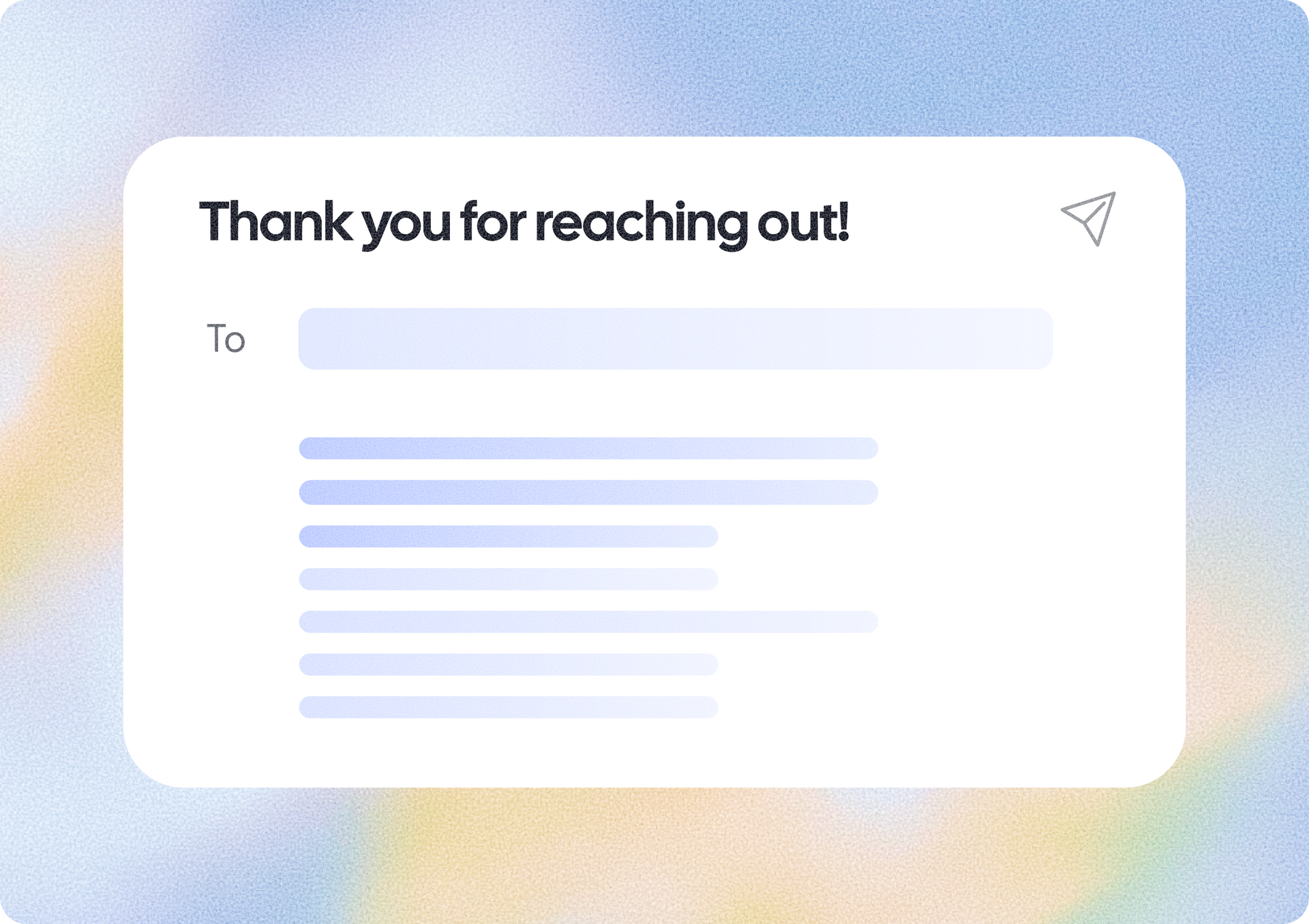
That includes who should receive alerts when a new submission comes in, as well as the subject and message for the confirmation email sent to the visitor. You can also choose whether that email should include a copy of their submission.


This means you can go from needing a form to having the entire experience configured through your conversation with Copilot.

Keep all submissions in one place

Once your form is live, you won’t have to hunt through emails to keep track of responses. Every submission is stored in the Form Responses table in the project dashboard, giving you a central place to review the information visitors have submitted.


Relevant users you select can also get notified whenever a new submission arrives, helping teams stay on top of new leads and inquiries.


At the same time, visitors can automatically receive a confirmation email after submitting the form, creating a complete experience for both the business and its customers.


Optimize Vibe projects for search and AI

We’re also bringing the Optimization Center to Vibe projects, giving you a dedicated place to manage important SEO settings and find opportunities to improve your site’s visibility across search engines and AI.


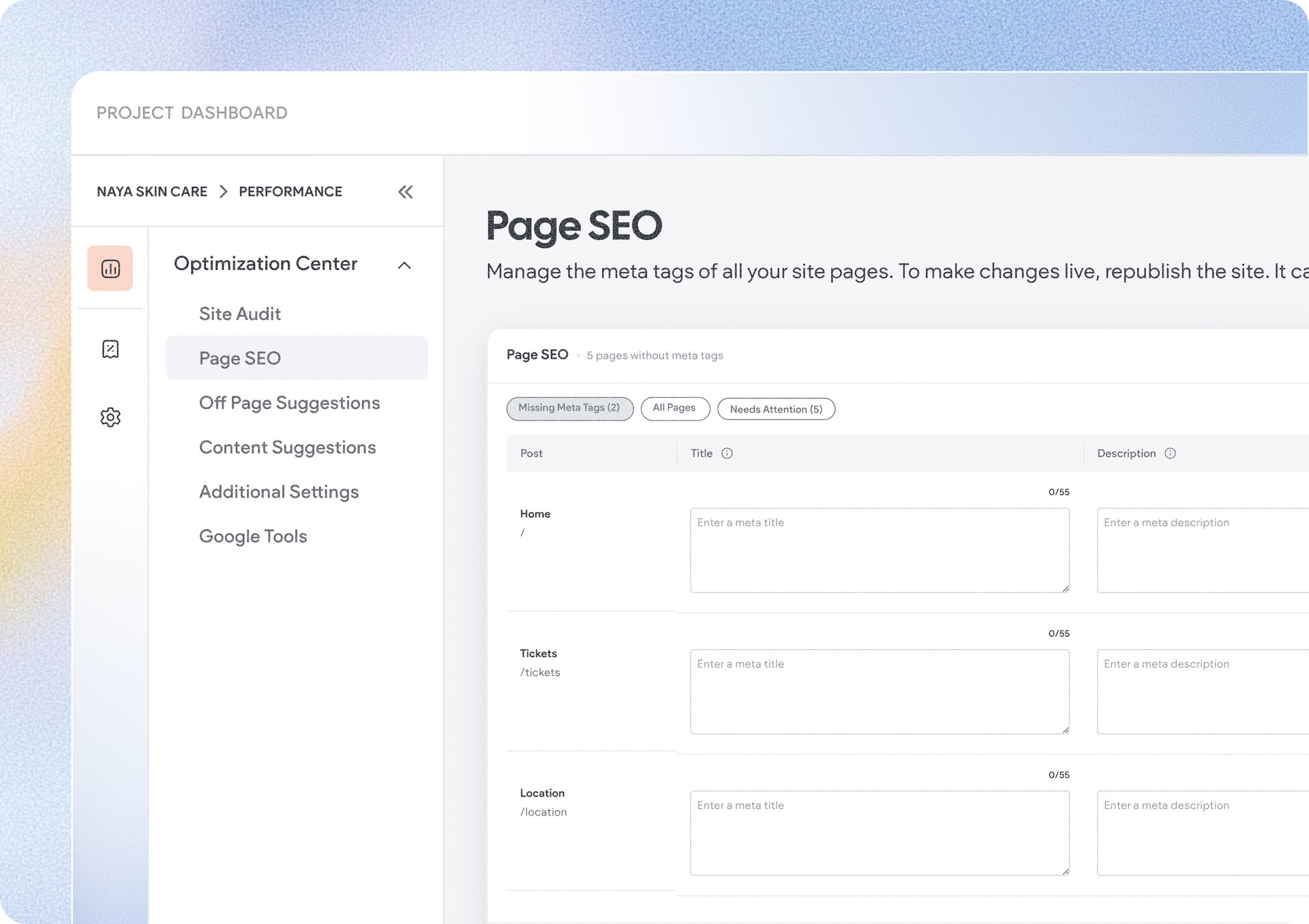
Essential settings can now be managed manually without asking Vibe's Copilot to make the changes, and without the need to use AI credits.


Take direct control of essential SEO settings

From the Optimization Center, you can edit page meta tags, set individual pages to no-index, and manage your site’s favicon and Open Graph image.


This gives you direct access to important optimization controls whenever you need them, while keeping Copilot available for the tasks where you want AI assistance.


You can also connect Google Analytics, Google tags, and Google Tag Manager from the Optimization Center. These Google integrations are available for Editor sites as well, through the site dashboard.


Find opportunities, then let Vibe make the changes

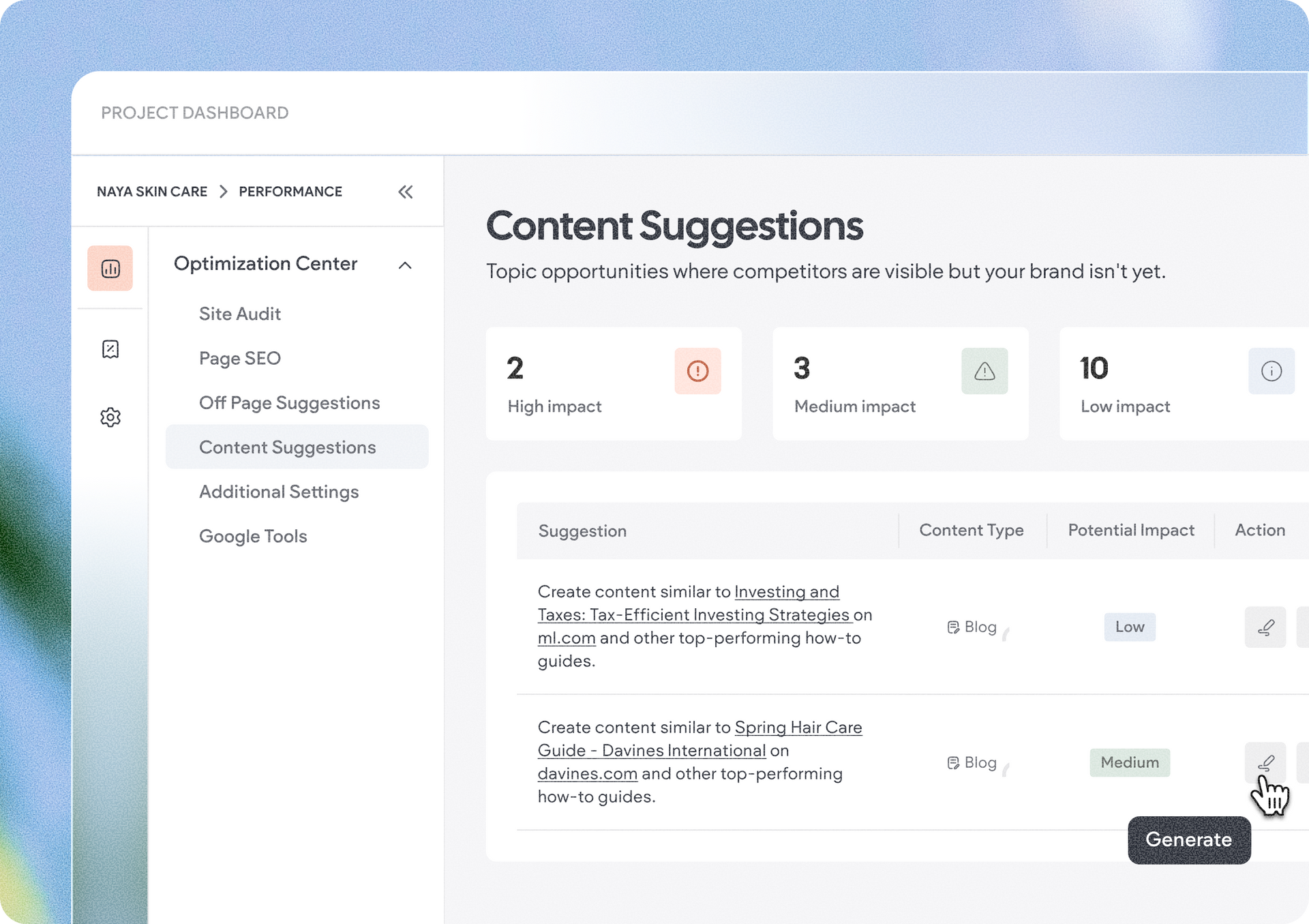
The Optimization Center goes beyond individual settings. AI visibility tools provide on-page and off-page content recommendations to help you identify opportunities for improving your site’s visibility.

When you find a content recommendation you want to act on, you don’t have to make all the changes manually. Send the suggestion directly to Copilot in Vibe, and it will generate the recommended content updates for you.


It gives you a simple workflow: identify what could be improved, decide which recommendations matter for your site, and use Vibe to help turn those recommendations into actual changes.


Important to note: The image alt text, internal, and external links tools are not yet available in the Optimization Center for Vibe projects.


With fully integrated forms and the Optimization Center, Vibe now takes you further beyond creating the web experience itself, giving you more of the tools you need to capture leads, manage visitor interactions, and improve site visibility, all as part of the same workflow.


September 4, 2026
Tal Levi

 • 

2 Powerful Vibe Updates: Form Integration & SEO/AI Search Optimization

Stay in the Loop with Duda Updates

Sign up to get feature releases, tools, and more to your inbox.

Latest product updates

Notification banner over warm sunset scene with a silhouetted person and large cropped text in the background
By Annat Katz September 2, 2026
Reset a whole section to theme in one go, connect advanced widgets to collections, and more updates.
Split-screen UI mockup of a login form and a document editor with a pink note card and comment field
By Tal Levi August 31, 2026
Add built-in user authentication to your Duda Vibe projects by simply asking for it...
Canva design editor showing a beach-themed layout with a selected text box on the canvas.
By Ofri Baram August 26, 2026
Create, edit, and manage almost anything on your site, including custom widgets, from one Copilot chat - in the editor.