Following the recent release of the Advanced Tabs, Editor 2.0’s fully customizable widget, we’re happy to update that we’ve now added the Advanced Accordion to this smart widget category. Both widgets offer unparalleled design customization power, allowing you to incorporate any widget or layout you want.

Add any widget or element to each accordion item


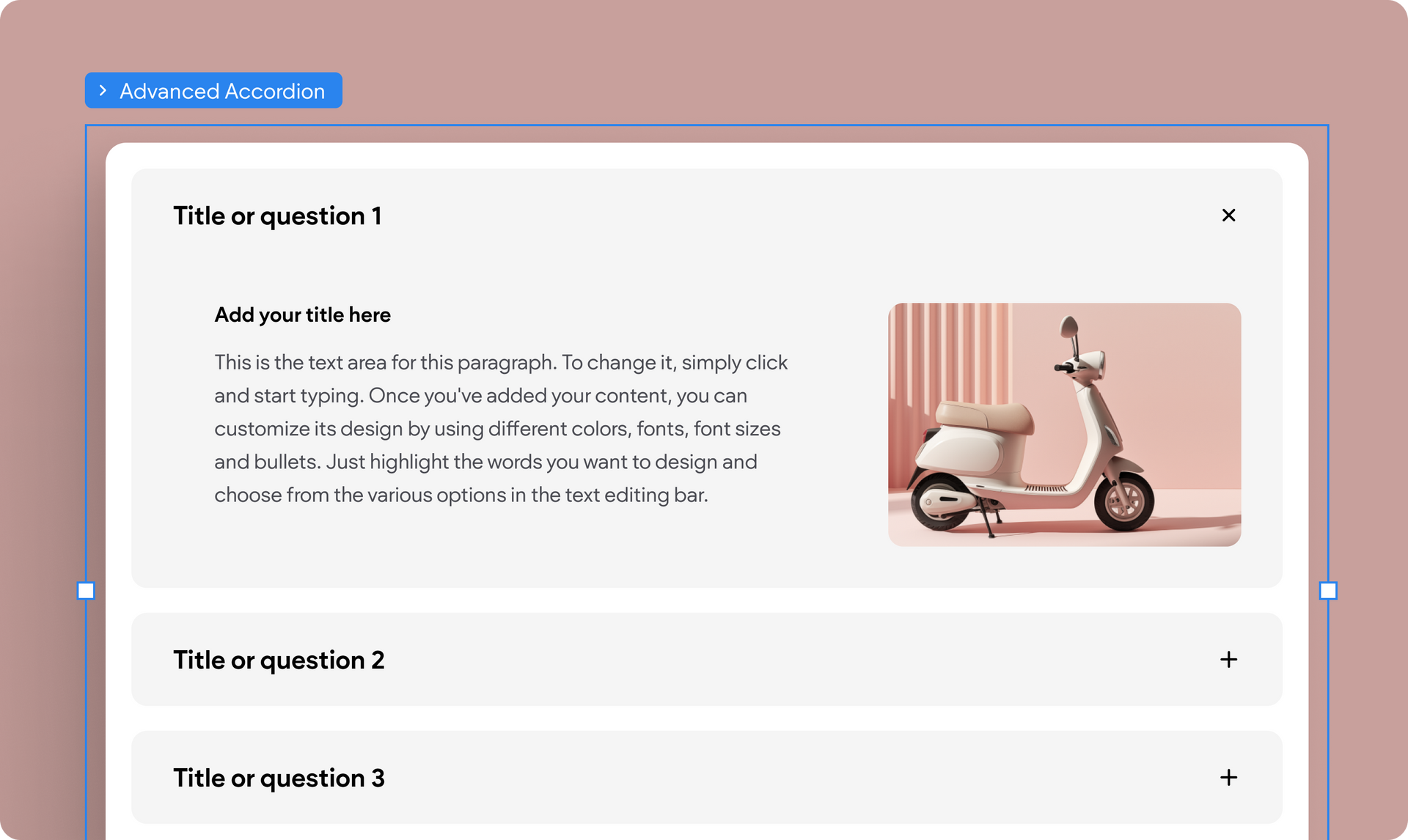
Whether you like to use an accordion widget for your sites’ Q&A content or for anything else, this advanced widget lets you insert any element or widget to the accordion’s inner column— the expanded content area. So anything from the obvious text, video, image, and button to the less obvious map, form, menu and more, can go here.


Customize each item the way you want it


Once of the cool things about advanced widgets is that you can design each of their component differently and independently. The choice, the design power, and the control is yours.


See for yourself


Check out these examples of how you can use the new Advanced Accordion, and how you can customize each item:

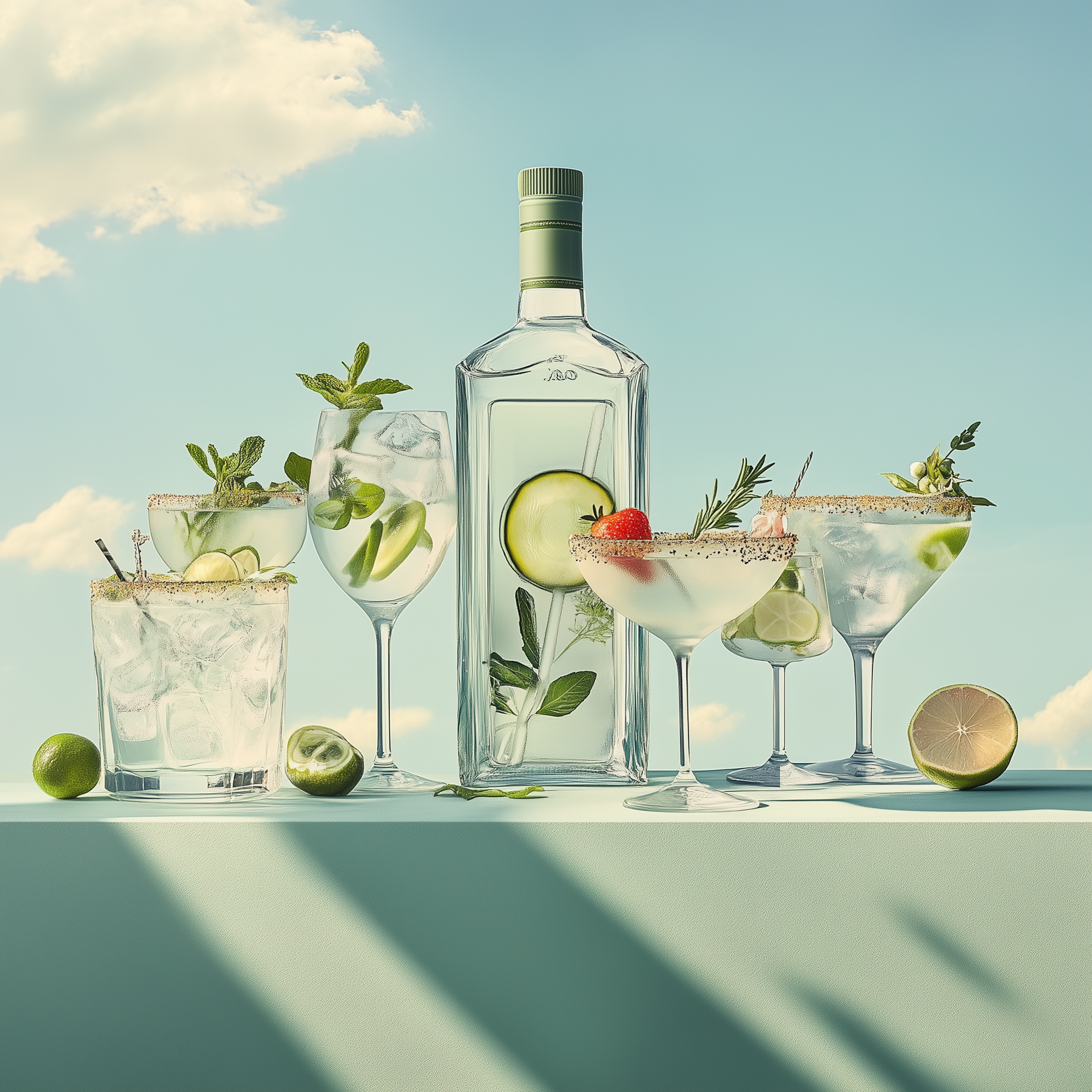
Cocktails

Martini

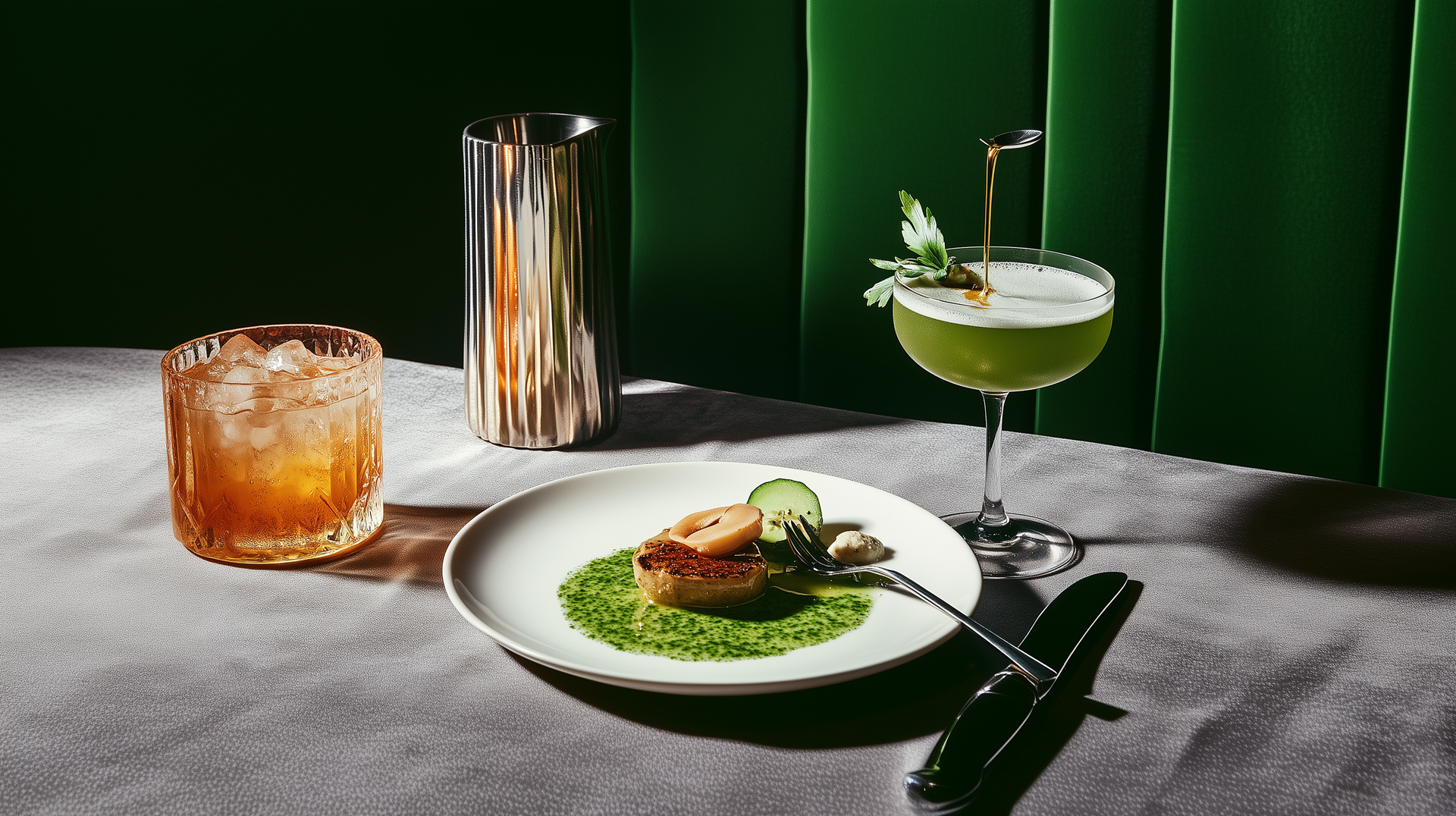
Basil Smash

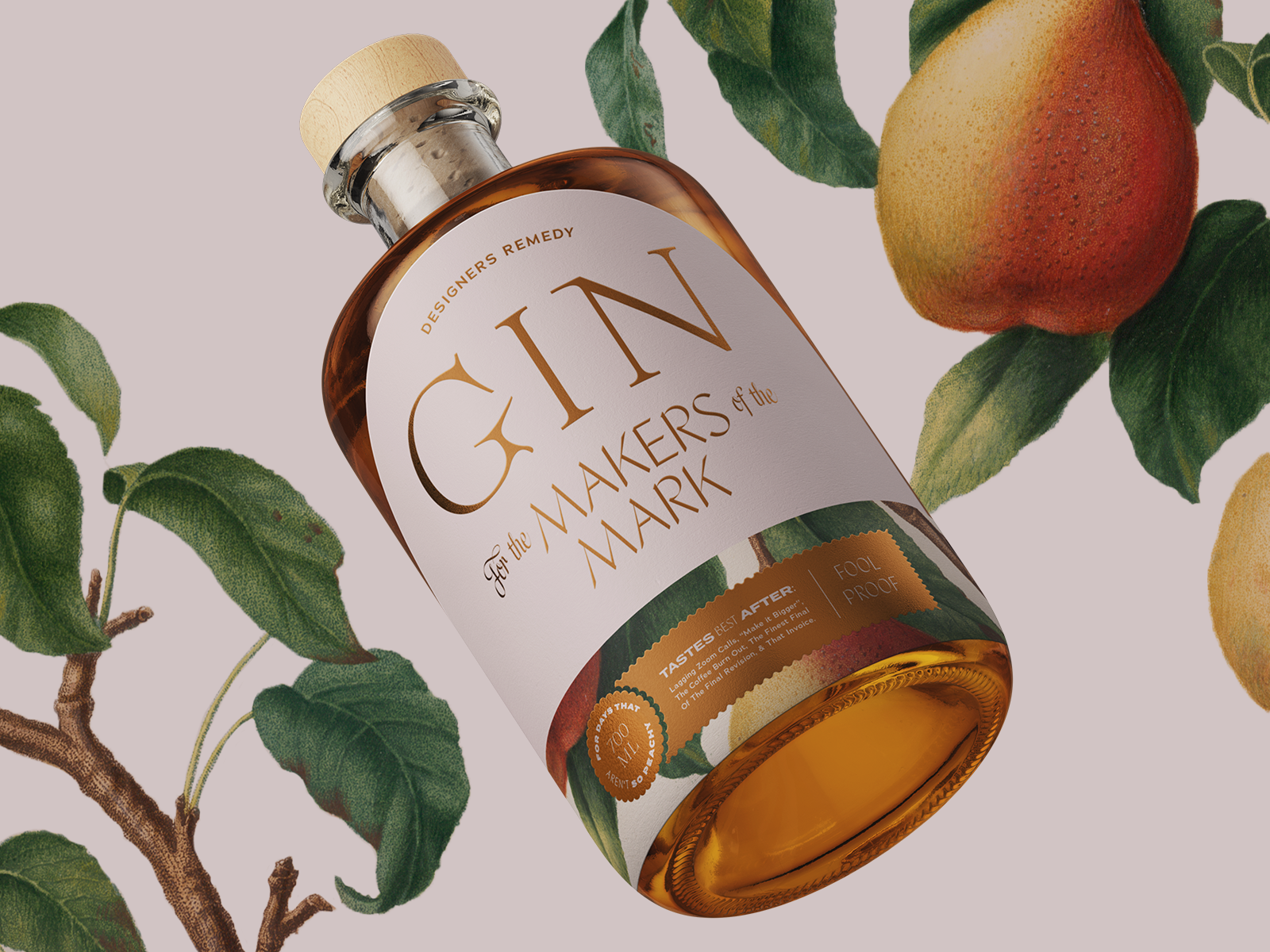
Orange Gin

FAQ

Got a question?

Where are you located?

Our flagship store is at the heart of Manhattan's Theater District:


200 W 45th St, New York, NY

What's your returns & refund policy?

Where do you ship?

March 25, 2025
Hadas Moked

 • 

Another Advanced Widget with Total Design Flexibility: Advanced Accordion

Stay in the Loop with Duda Updates

Sign up to get feature releases, tools, and more to your inbox.

Latest product updates

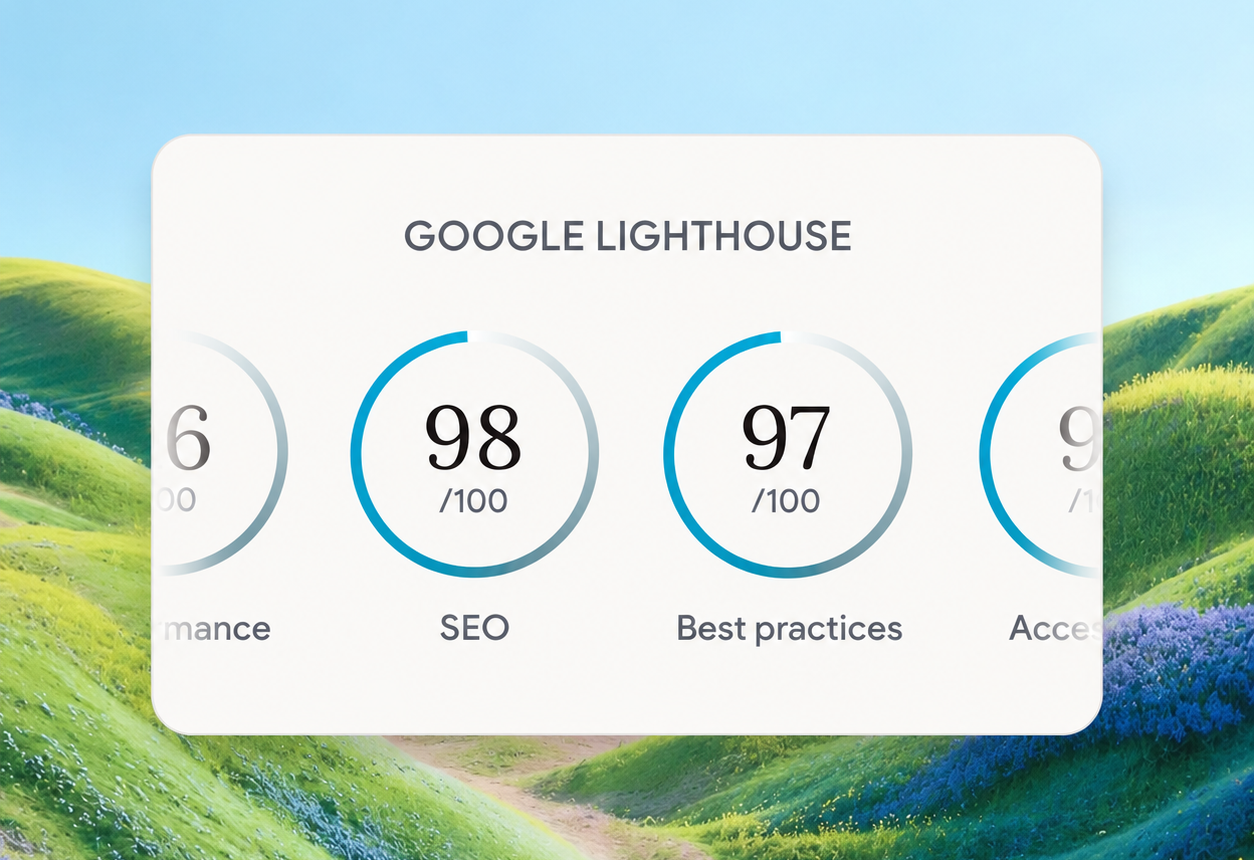
Google Lighthouse score card showing SEO 98 and Best Practices 97 on a white panel over a landscape background
By Tal Levi • October 9, 2026
A stronger foundation for every new Vibe project, with faster load times, better performance, and built-in SEO.
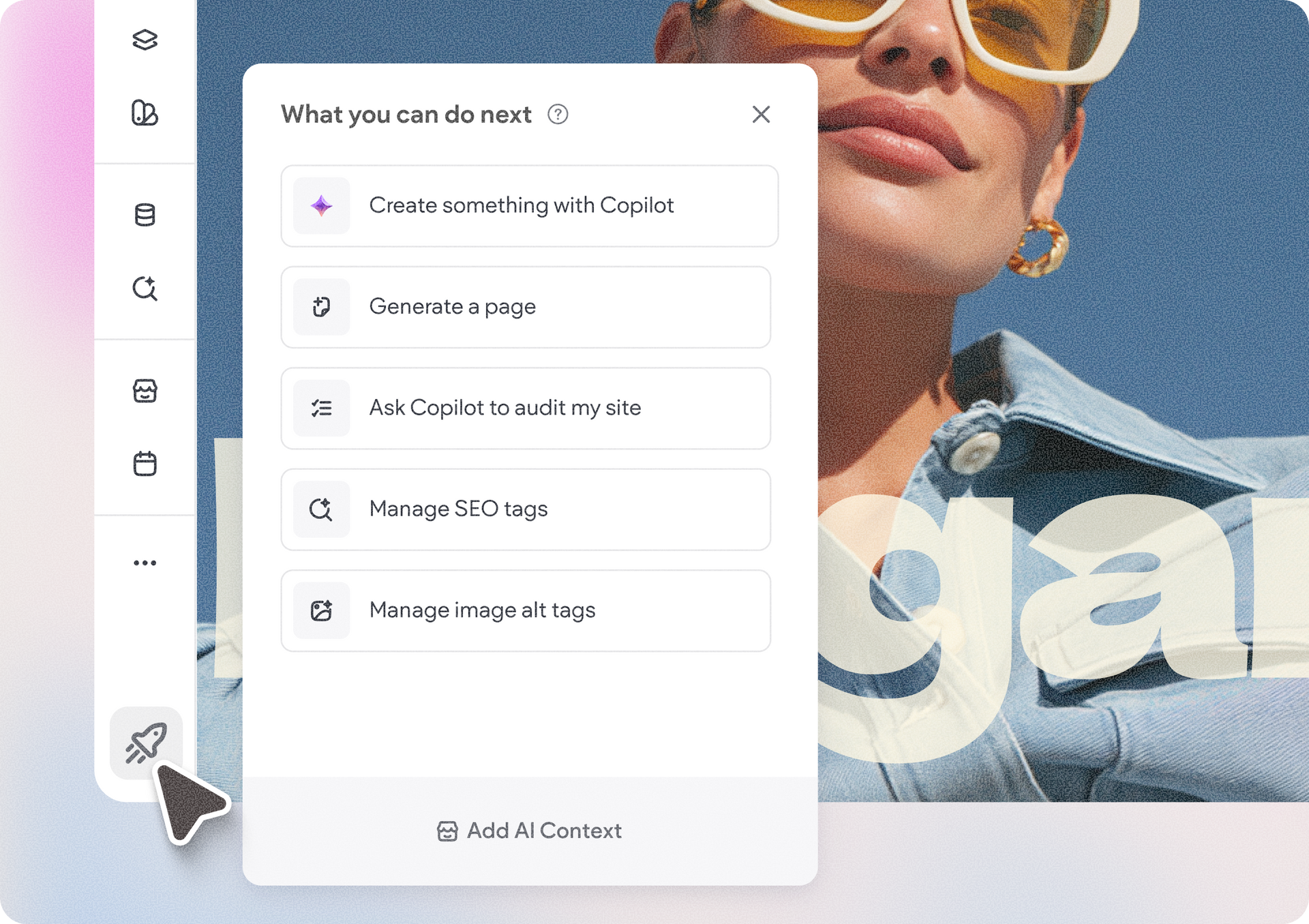
Accessibility app menu overlay on a photo background with a woman in sunglasses
By Ofri Baram • October 5, 2026
More updates for you that make Copilot a more integrated part of building and managing sites in Duda.
Interior scene with potted tree by a window and a dark sidebar menu on the right.
By Avigayil Lewin • October 2, 2026
Create and work on Vibe projects directly from Claude, ChatGPT, or any other AI assistant that supports MCP.