We’re excited to introduce Duda’s first fully customizable widget: Advanced Tabs. Built for the ultimate design flexibility, it lets you customize every component it contains with ease. Available exclusively in Editor 2.0, the new Advanced Tabs is a smart design tool  at your fingertips, built using the inner columns you're already familiar with. 


So, what’s so special about the Advanced Tabs? Check this out:


The conventional

Use a combination of text, button and an image gallery to highlight important content and drive action. But there's more. Check out the other tabs.

Looking up into a canyon with a white sky in the background
A close up of a palm tree leaf with the sun shining through it


Add any widget or element to the tab


Imagine the possibilities. You can add any widget or element to the tab’s content area, from the obvious text, video, image, and button to the not-so-obvious map, form, menu and so much more. This makes the Advanced Tabs an obvious choice for any vertical your client’s business may be from since customizing this new smart widget is so easy, intuitive, and fast.


Some examples of how you can customize each tab include: different menus, plans, product availability, branch locations, concert dates, and many others.


Make each tab as unique as you want it to be


To maximize your design flexibility with this widget, the Advanced Tabs lets you fully customize each tab separately - as much or as little as you need it. So you could have text in one tab, a video or gallery in the other, a form in the third, and so on. And the same goes for each tab’s design.


See some live examples - using the advanced Tabs here below.


Restaurant or cafe menu

Breakfast & Brunch

Music artist's upcoming tour dates
Austin, TX

Moody Center at 9:00 PM

A group of people are standing on a stage in front of a crowd.
Product showcase
A screenshot of a website with three watches on it.

And the list goes on and on....


More design options like never before


Since the Advanced Tabs are made up of Editor 2.0’s flex inner columns, you can tweak each of these units' designs to your liking, without having any widget-specific design limits. That means you can make the design as simple or as elaborate as you want.


January 28, 2025

 • 

Hadas Moked
New Advanced Tabs Widget with Unmatched Design Flexibility

Stay in the Loop with Duda Updates

Sign up to get feature releases, tools, and more to your inbox.

Latest product updates

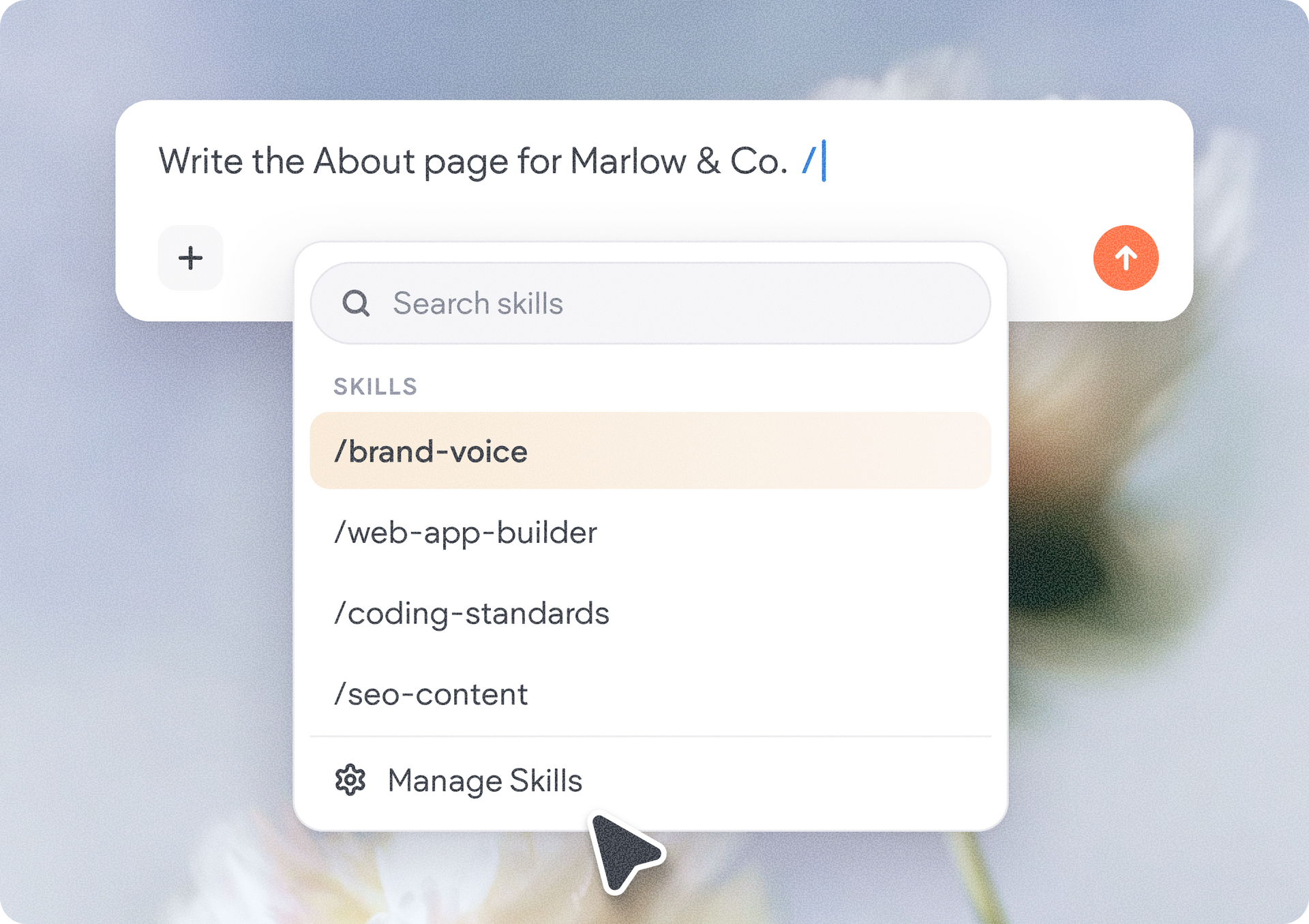
Text editor with a slash-command menu listing blocks like brand voice, web-app-builder, coding-standards, and seo-content.
By Ofri Baram & Tal Levi • November 6, 2026
Discover a new way to customize how AI works for you and your team.
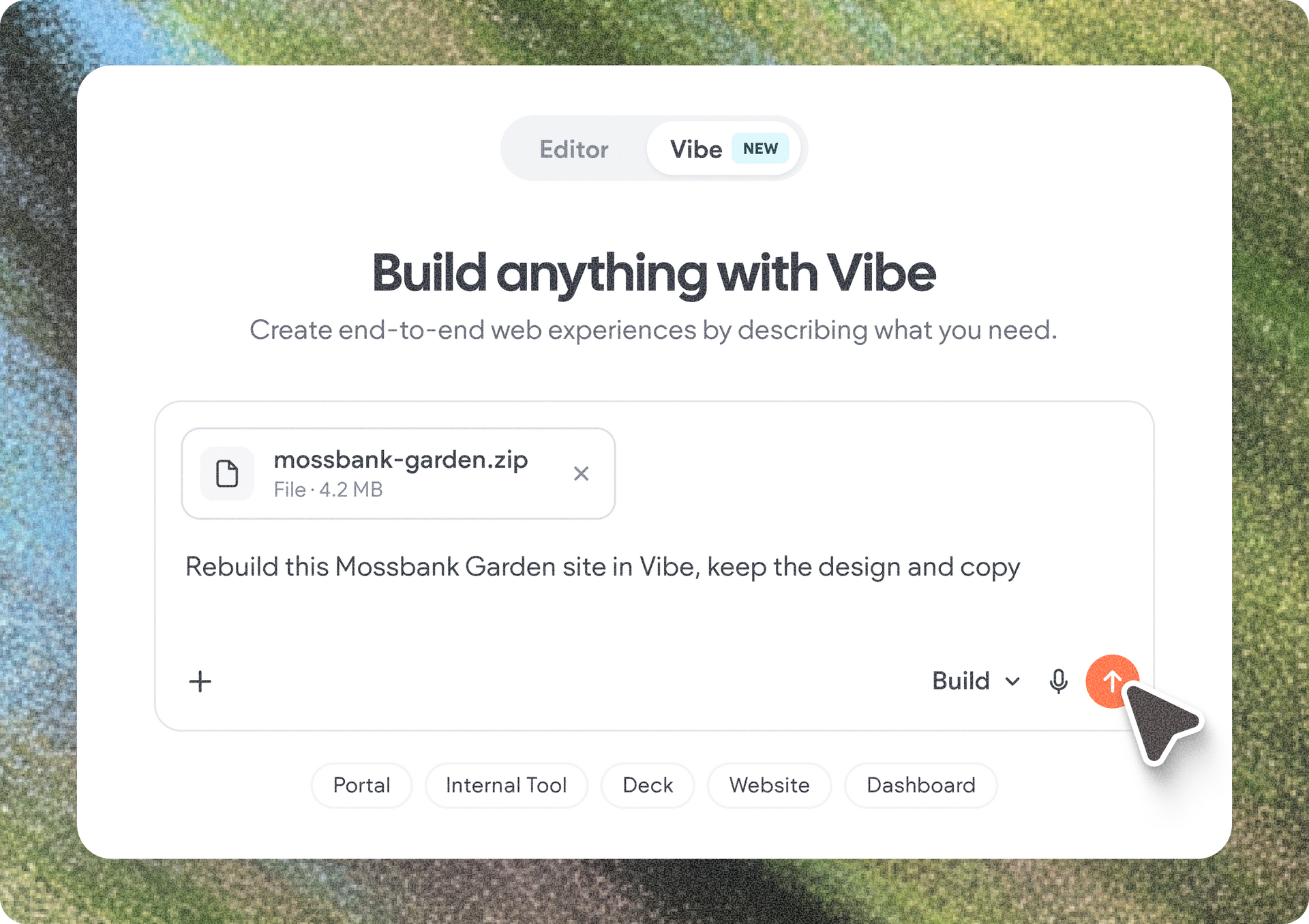
White “Build anything with Vibe” app screen with a dropdown, plus icon, and cursor clicking the orange button.
By Annat Katz • November 5, 2026
We’ve updated Copilot, Duda Vibe, and the native store to make site building easier and give you more control.
Purple discount graphic with 30% text beside a smartphone showing a cursor on a blank screen
By Liron Hilb Horev • November 2, 2026
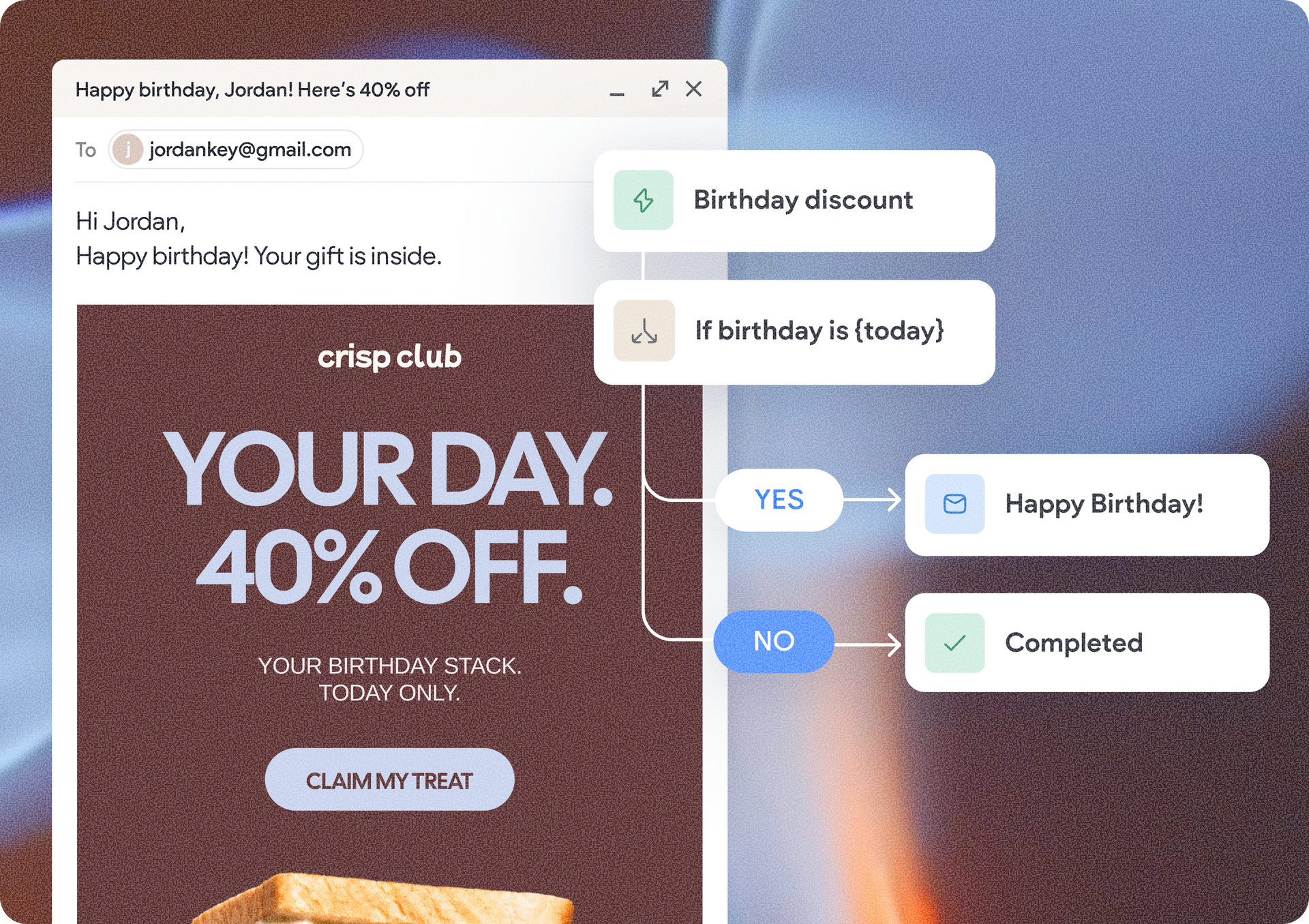
Help clients engage their customers, drive repeat business, and grow their business beyond the website.