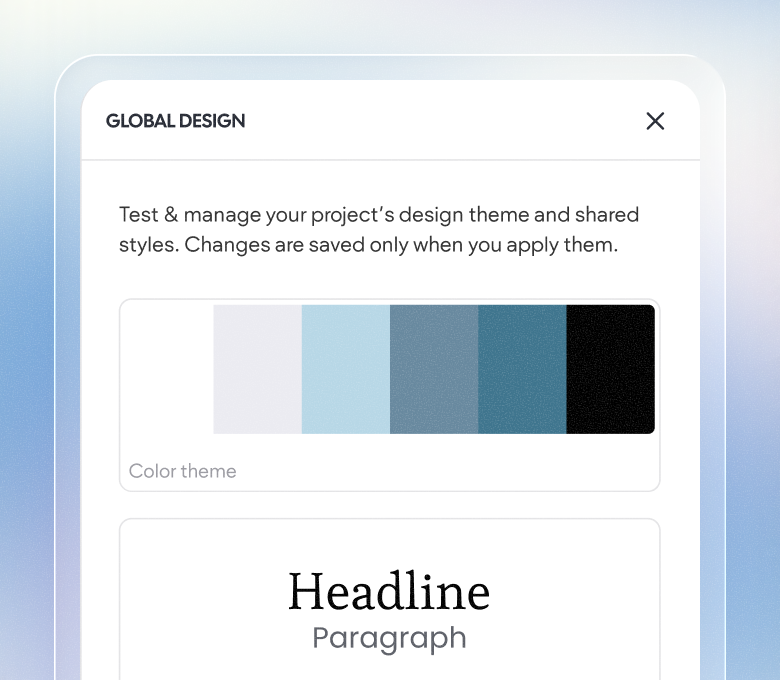
You can now set and fine-tune your project's global style settings using the project theme panel in Duda Vibe. It's one place to shape the look and feel of your whole project, whether you're matching a client's brand or exploring a new direction.

Try a new look in seconds

Update individual colors and fonts, or explore curated color palettes and font sets to quickly try a new visual direction. Simply click Theme in the right side panel. Under Color palette, browse curated palettes or set each element's color, and under Text, pick a preset font pairing or choose your own heading and body fonts.

Preview before you commit

You can preview your changes across the project before applying them, making it easier to experiment without committing too soon. Nothing changes until you click Apply Changes, so feel free to try a few options and compare.

We'll continue expanding the project theme panel with more ways to customize your project's look and feel.

August 17, 2026

 • 

Tal Levi
Set Global Design Styles for Your Vibe Project

Stay in the Loop with Duda Updates

Sign up to get feature releases, tools, and more to your inbox.

Latest product updates

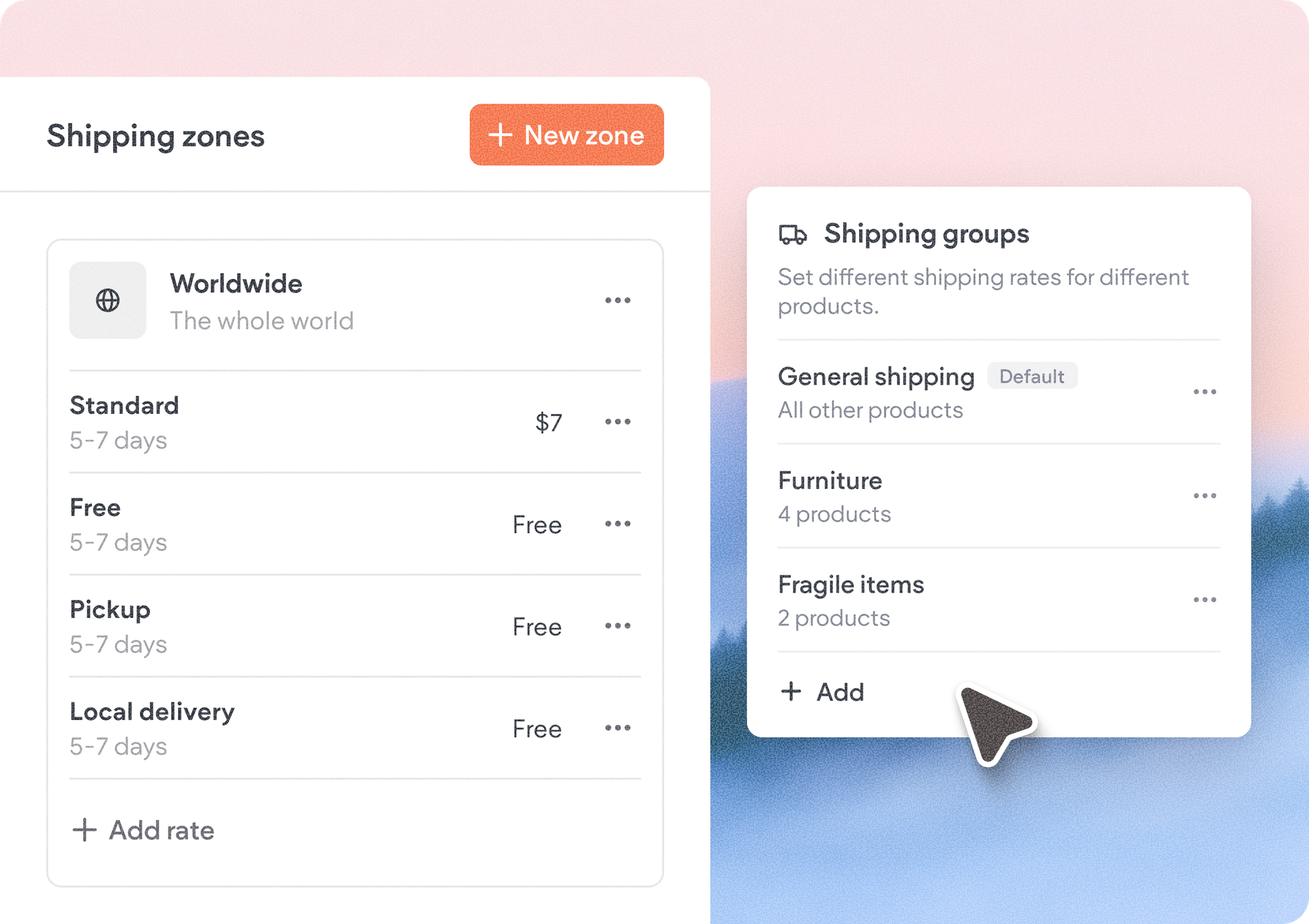
Shipping settings dashboard showing a list of delivery zones and an open shipping options menu over a pastel background.
By Rim Elfahem • November 24, 2026
Discover a new way to set different shipping methods and rates for different products within the same store.
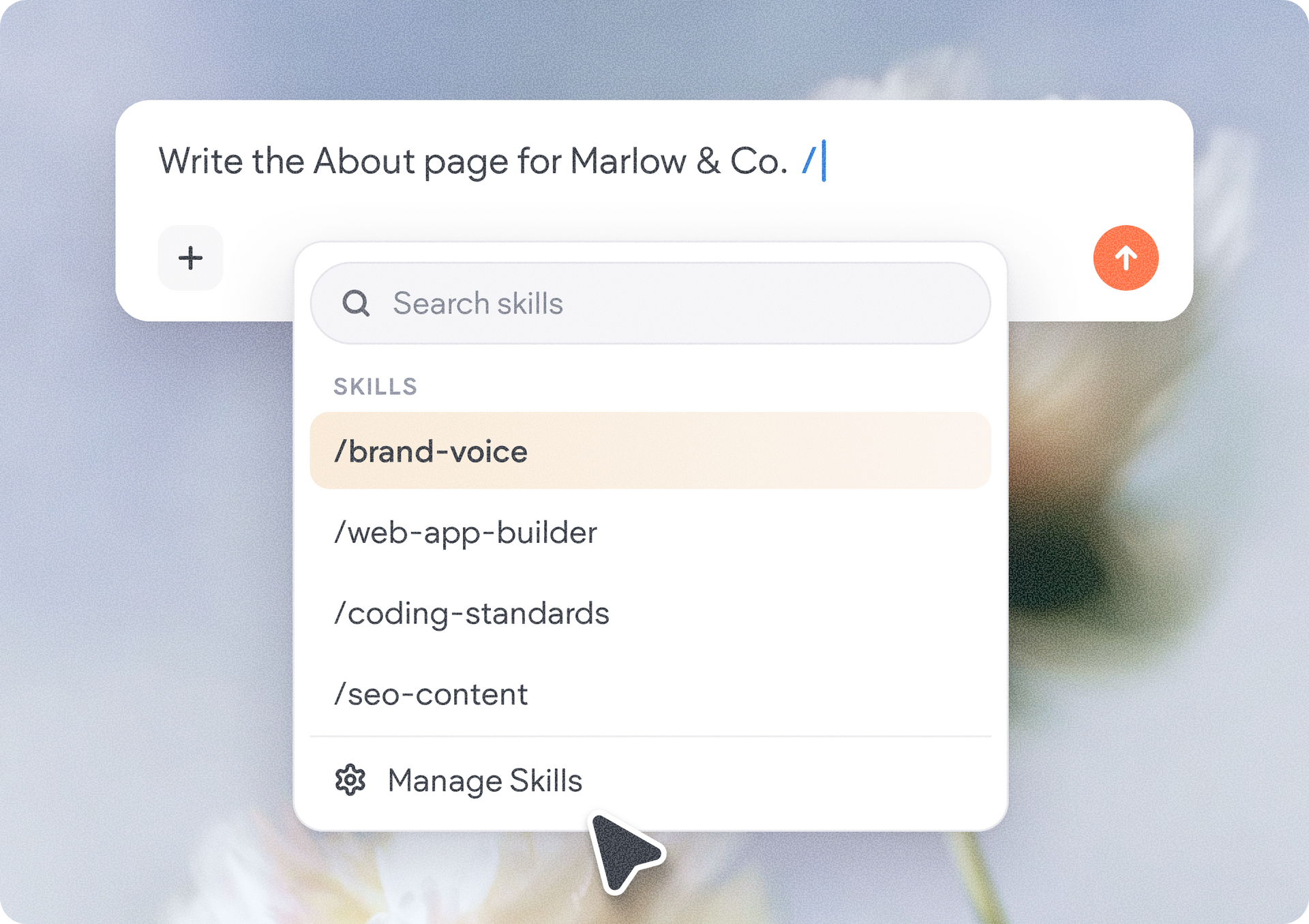
Text editor with a slash-command menu listing blocks like brand voice, web-app-builder, coding-standards, and seo-content.
By Ofri Baram & Tal Levi • November 6, 2026
Discover a new way to customize how AI works for you and your team.
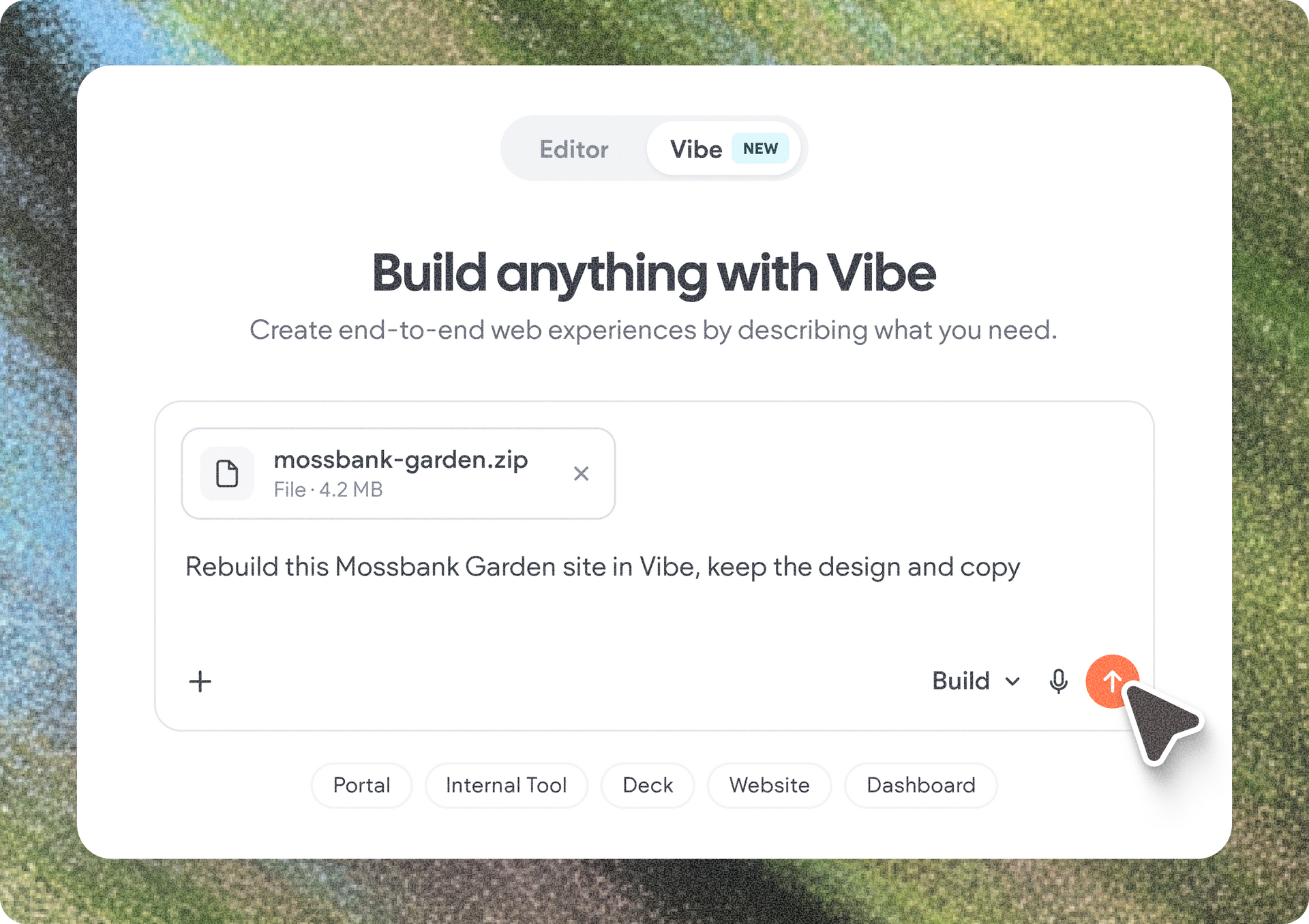
White “Build anything with Vibe” app screen with a dropdown, plus icon, and cursor clicking the orange button.
By Annat Katz • November 5, 2026
We’ve updated Copilot, Duda Vibe, and the native store to make site building easier and give you more control.