Upload videos directly to your sites as easily as you add images and in any format you want. You’ll save time and effort, all while bringing motion, excitement and atmosphere to your sites.  

Upload Your First Video & See Just How Easy It Is


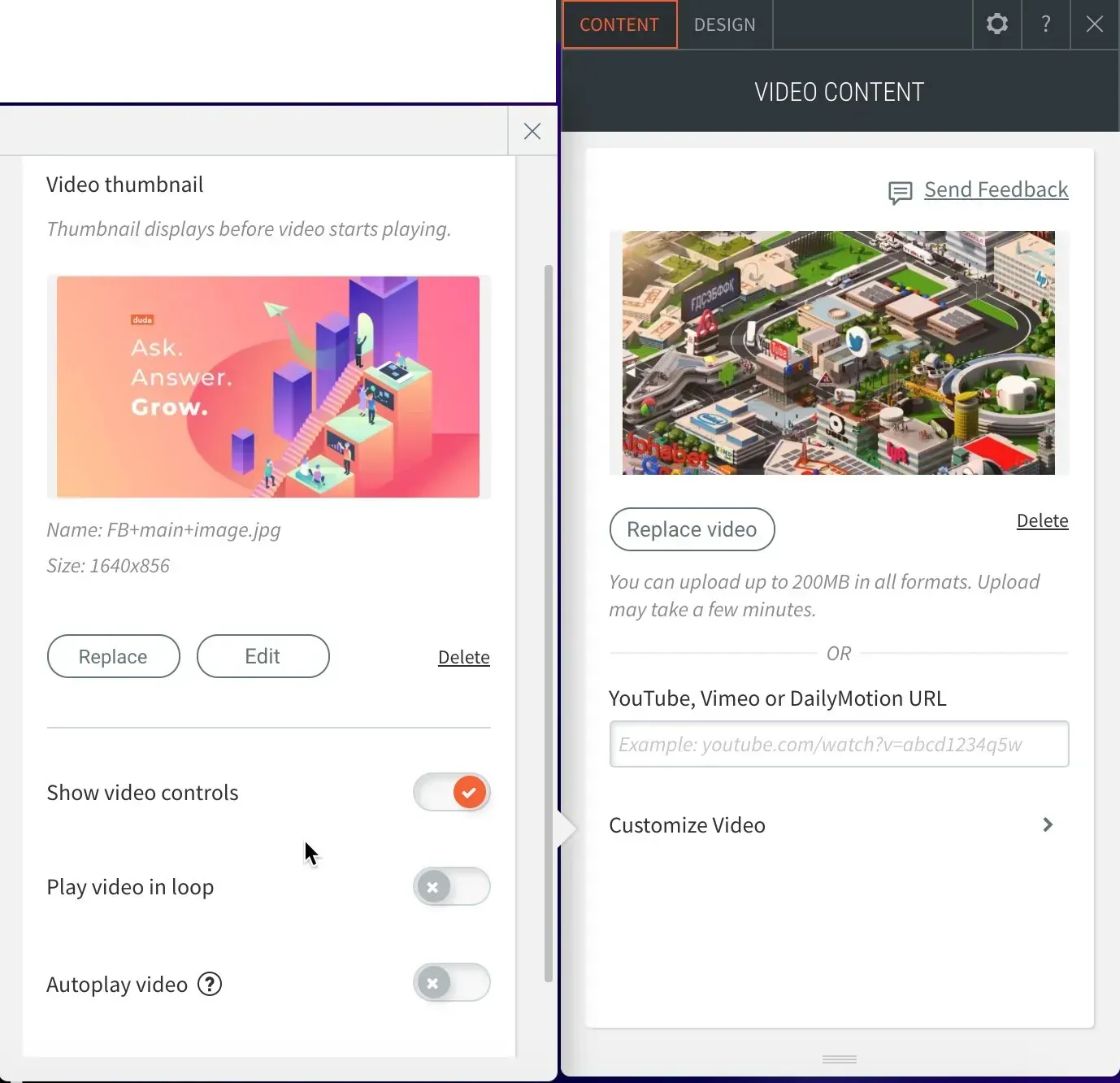
From now on, you don’t need to use external services like YouTube and Vimeo to show videos on your sites. Simply upload them directly to your site via the Video widget or any row/column background. The videos look great on all devices and can be customized by displaying controls, autoplay, loop and mute.

Uploaded Videos: Better Site Speed & Quality


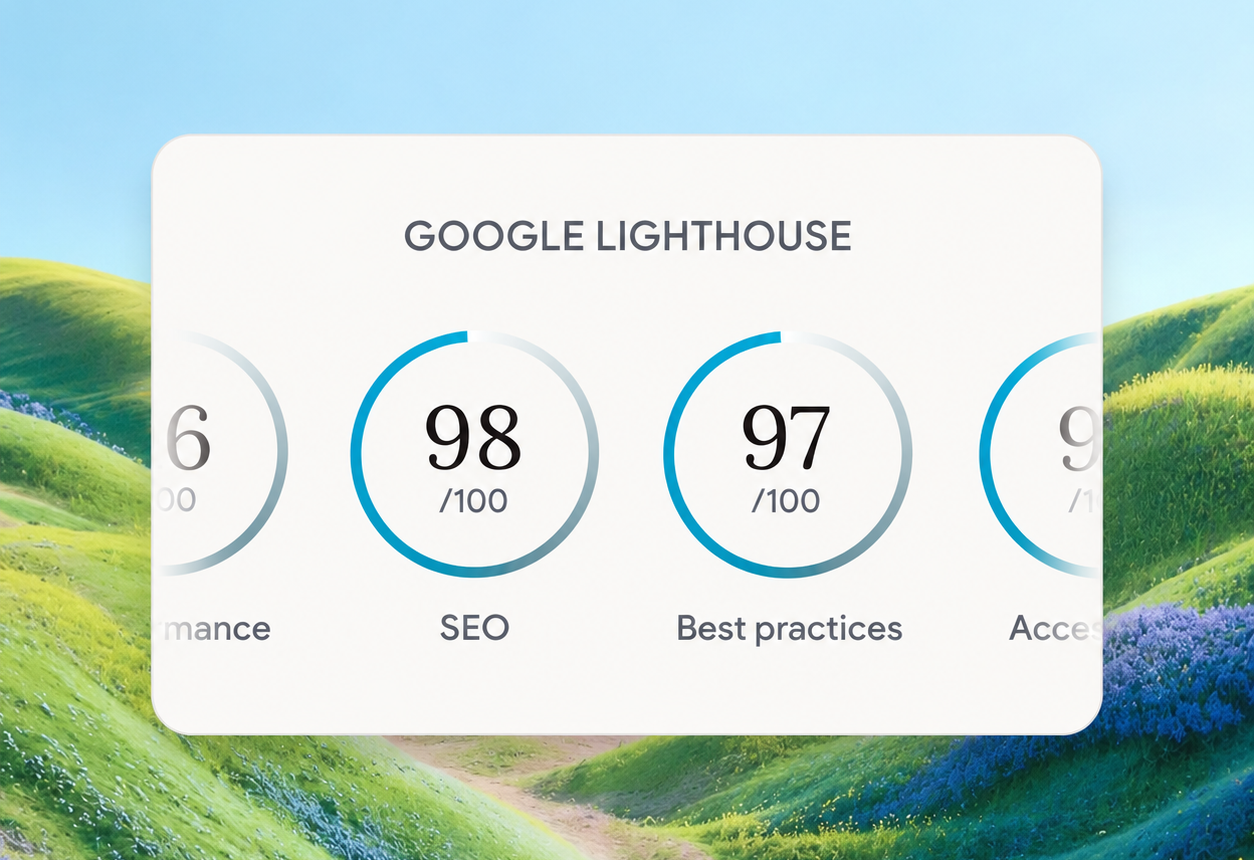
Videos uploaded directly to your sites are optimized and served in MP4 format. This means your videos won’t slow down your sites or impact your Lighthouse scores. They also display better in row/column backgrounds than any external videos. 

Ready to give it a try? 


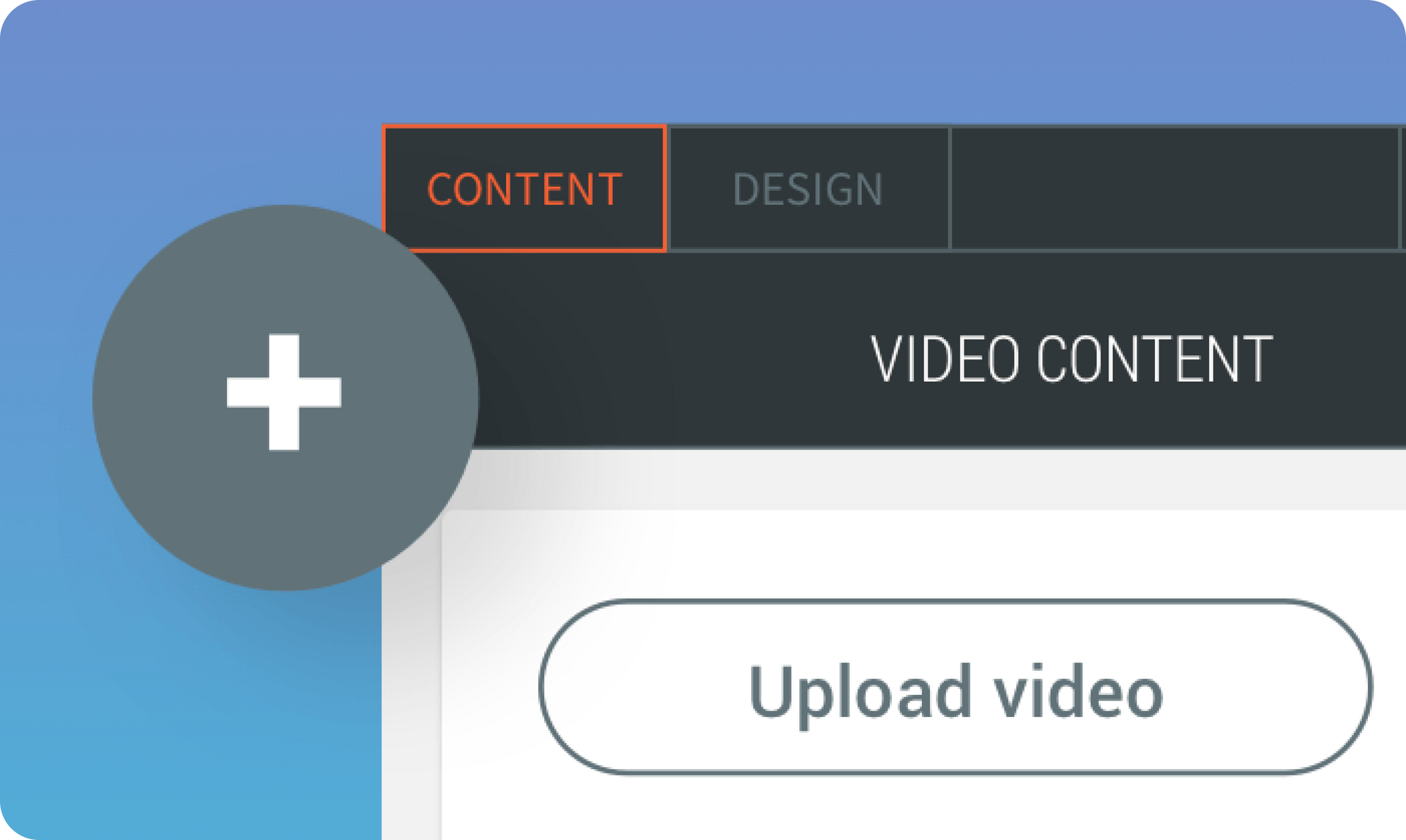
Open any Video widget or row/column background, and click Upload Video. The videos will upload directly to your site and be stored in the site Video Picker so they are always accessible and can be reused. 

Videos - A Simple Way to Say So Much


Videos are an excellent way to convey moods and messages on your sites.  Use them to:


  • Grab visitors’ attention
  • Create a cool atmosphere 
  • Show a product or service in action 
  • Generate excitement
  • So much more


Building Widgets? They Can Now Include Upload Videos Too


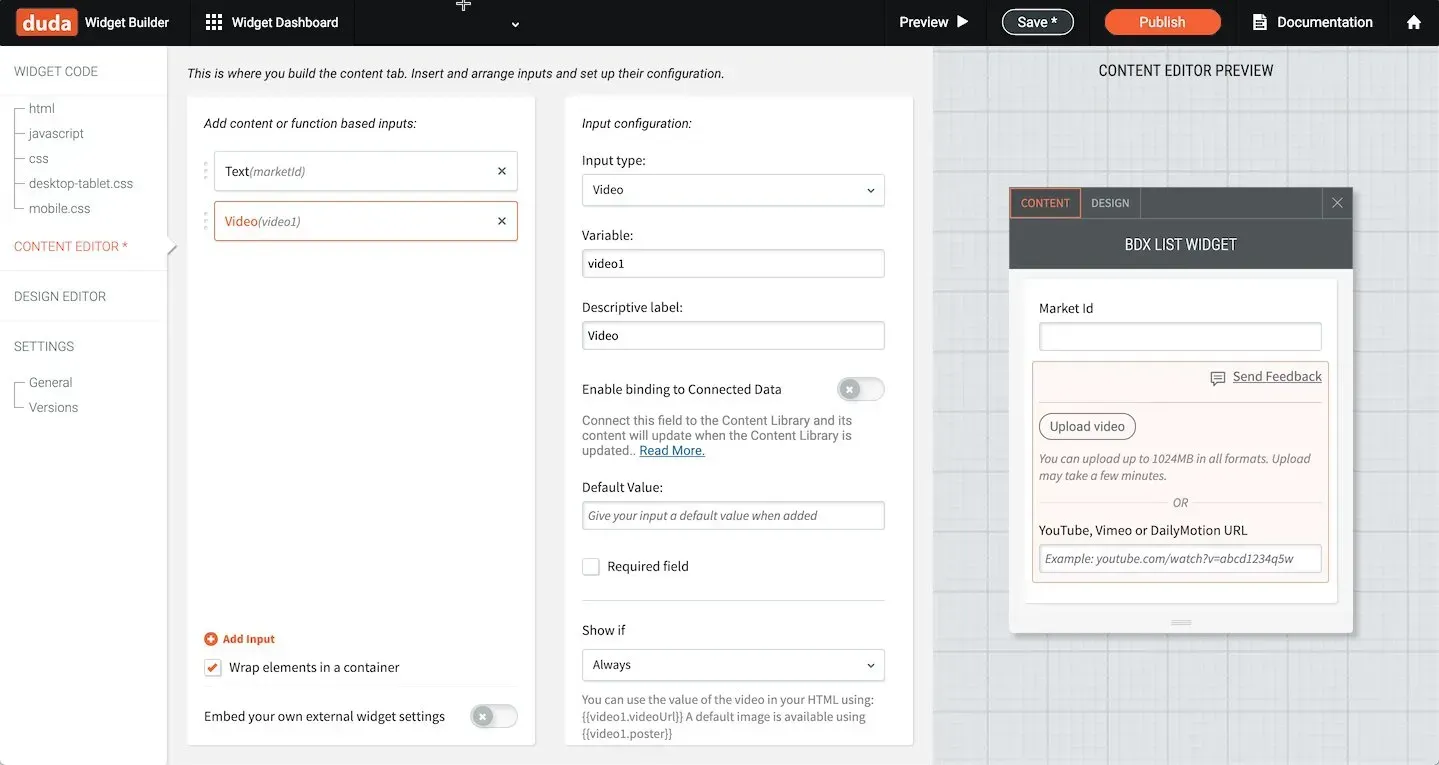
The Upload Video component is also enabled in the Widget Builder, so if you’re building custom widgets, or having them built for you, they can now include video. For example, if you’re building a widget for a Fitness Club that displays a specific class and its description, it can now include video.

July 1, 2020
Roni Landau

 • 

Upload Videos Directly to Your Sites

Stay in the Loop with Duda Updates

Sign up to get feature releases, tools, and more to your inbox.

Latest product updates

Google Lighthouse score card showing SEO 98 and Best Practices 97 on a white panel over a landscape background
By Tal Levi • October 9, 2026
A stronger foundation for every new Vibe project, with faster load times, better performance, and built-in SEO.
Accessibility app menu overlay on a photo background with a woman in sunglasses
By Ofri Baram • October 5, 2026
More updates for you that make Copilot a more integrated part of building and managing sites in Duda.
Interior scene with potted tree by a window and a dark sidebar menu on the right.
By Avigayil Lewin • October 2, 2026
Create and work on Vibe projects directly from Claude, ChatGPT, or any other AI assistant that supports MCP.