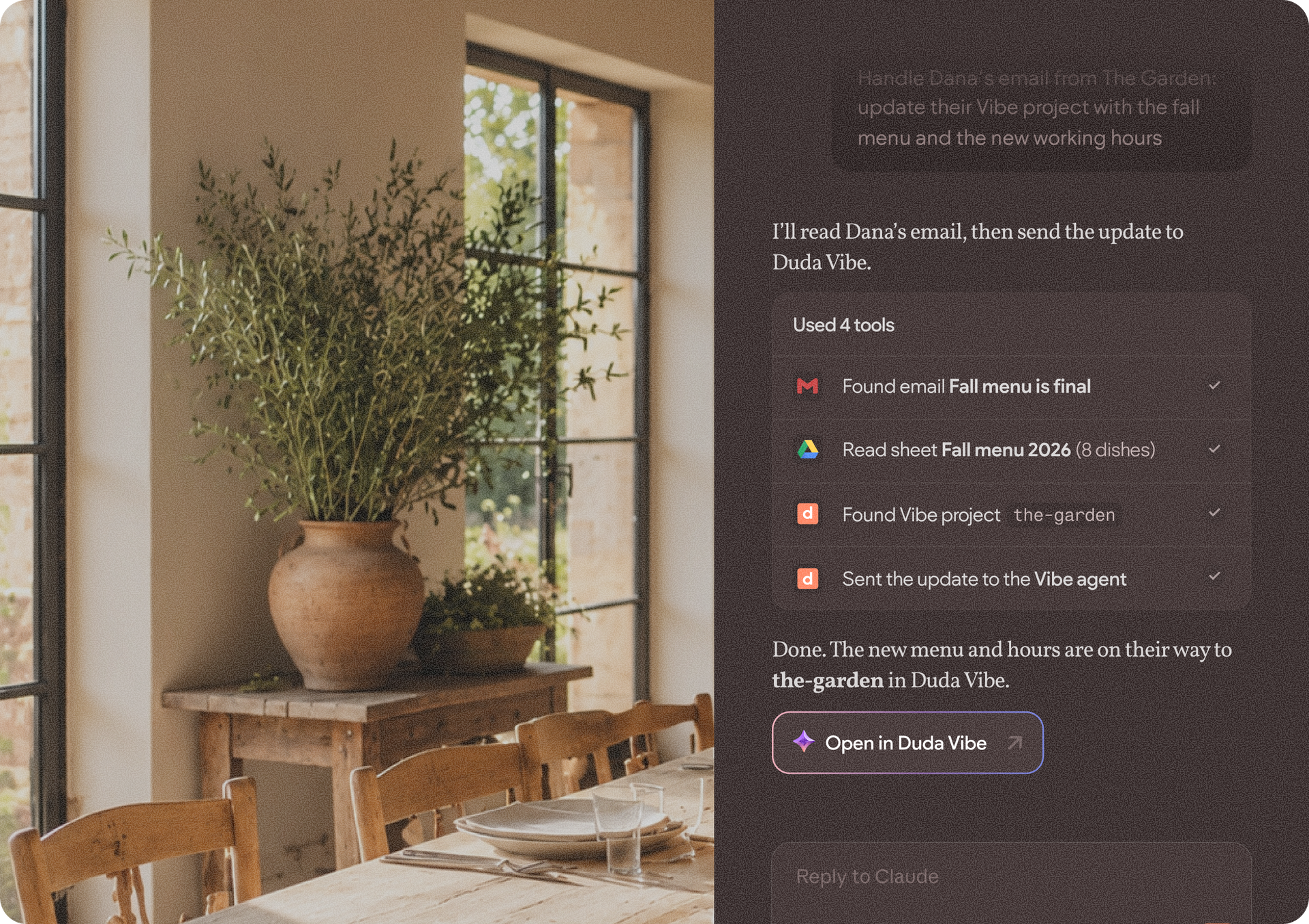
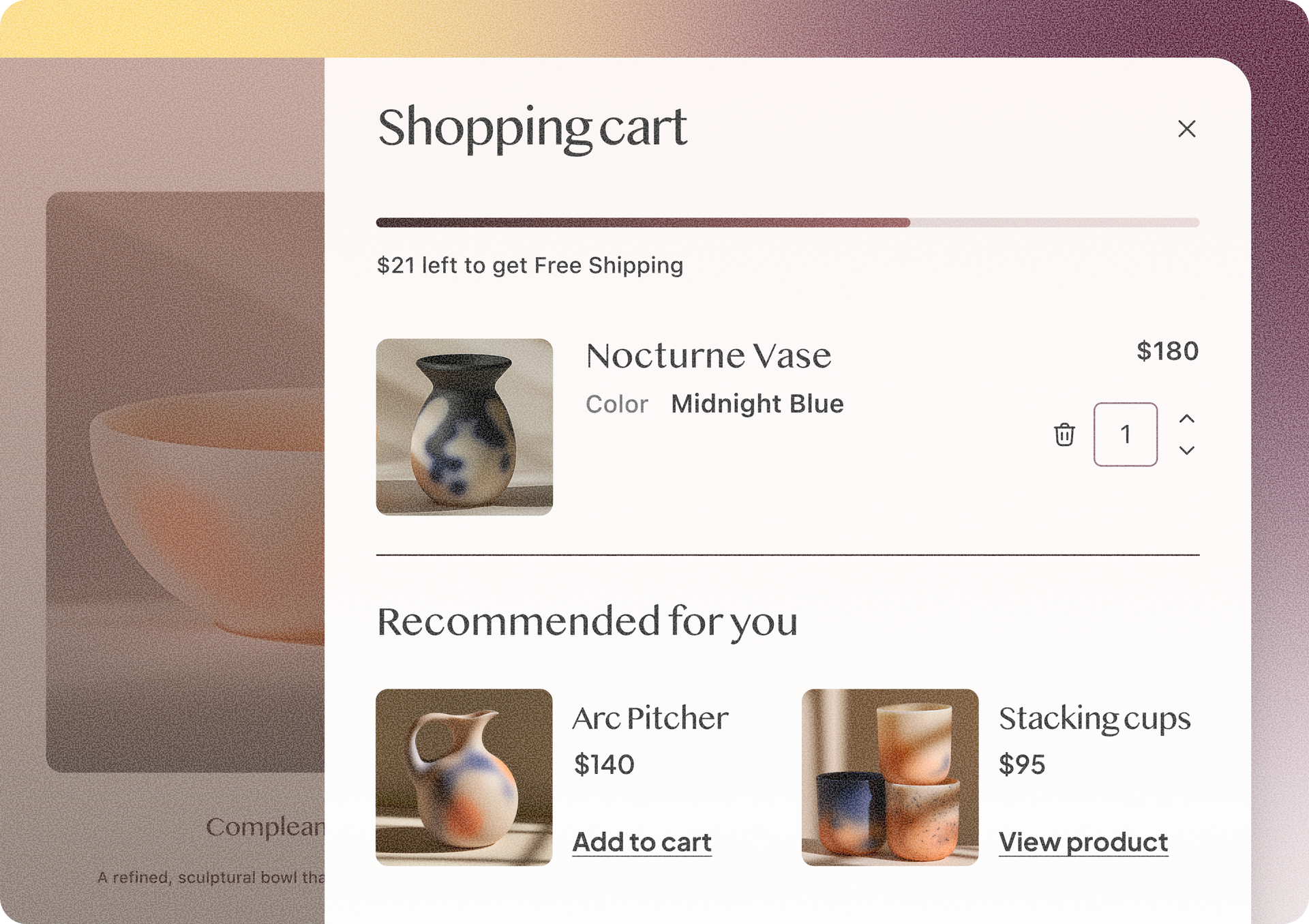
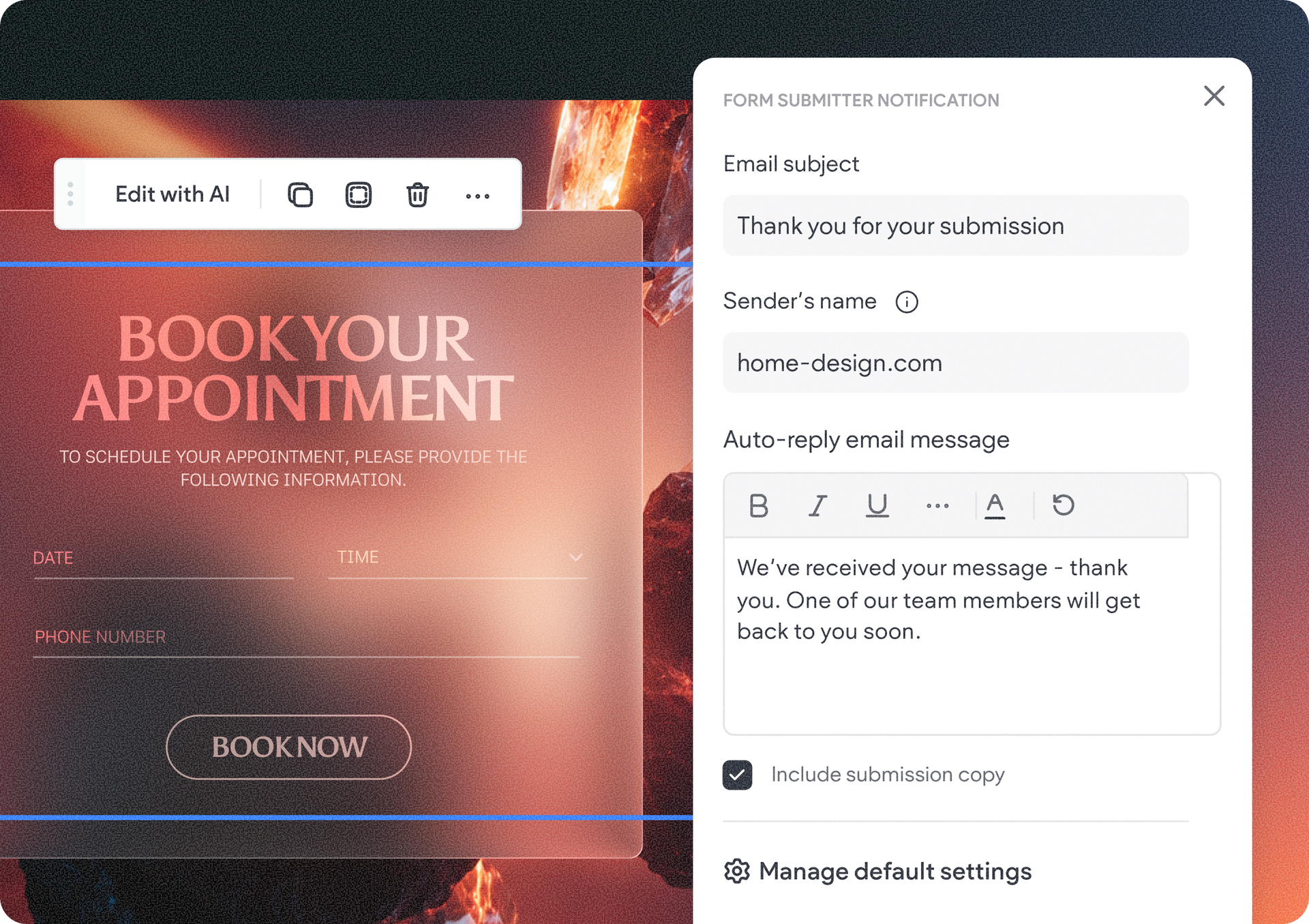
The revamped Widget Builder combines real-time previews, faster AI iterations, automatic image generation, and a redesigned interface to turn creative ideas into production-ready widgets faster than ever.

Thank you for submitting your widget.
If it's selected to be featured we'll reach out to let you know.

Now here's a unicorn :-) 🦄

Got it!

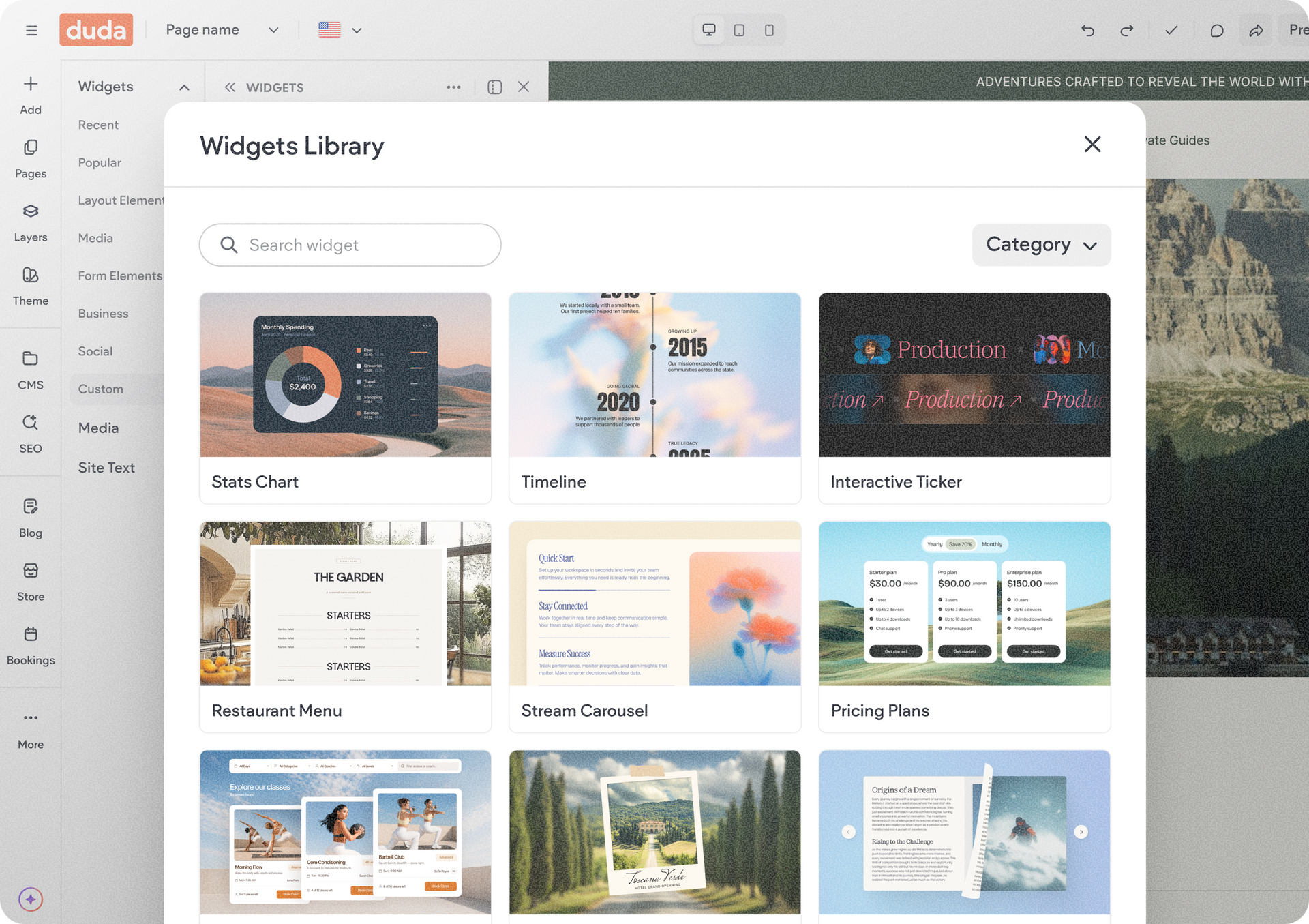
We’re gradually rolling out the new widget library, a faster, easier way to discover ready-made widgets and add functionality to your sites without starting from scratch.


Instead of beginning with a prompt, you can now browse a growing collection of developed widgets, preview what they do, and instantly add them to your account. Whether you want to move faster with Copilot or simply install widgets directly, the new experience helps you get to value quicker.


Browse, preview, and find the right widget faster

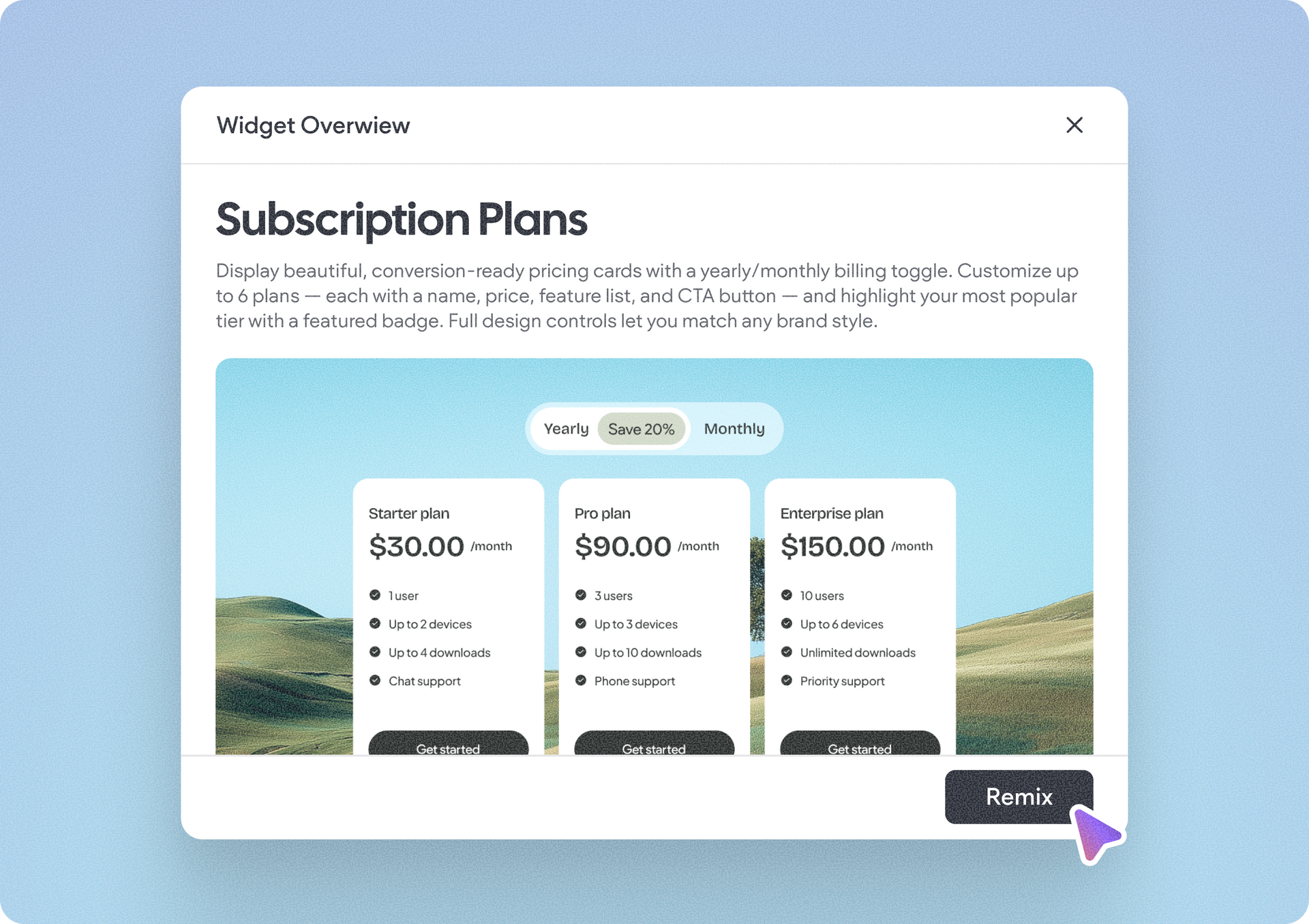
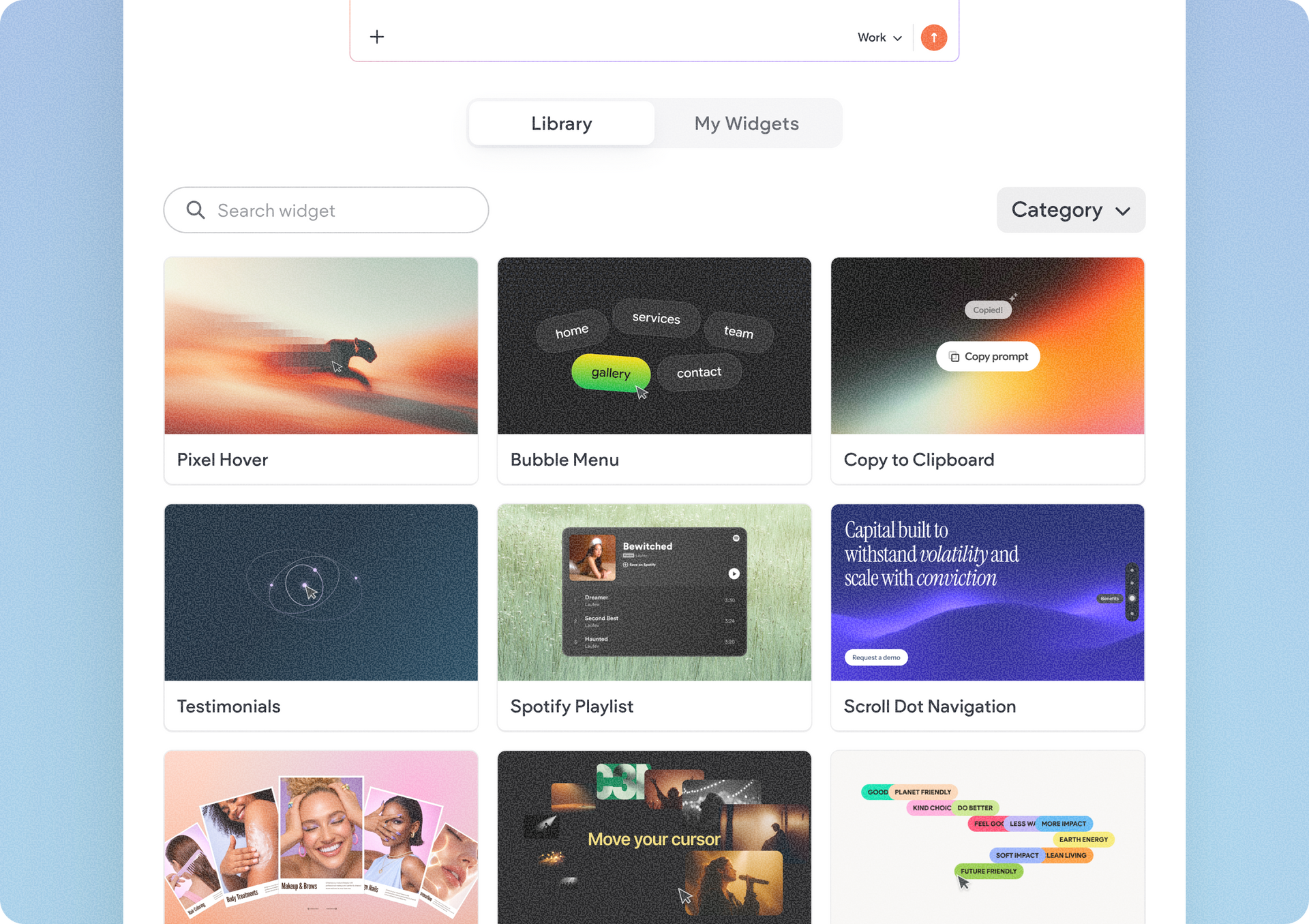
The new widget library experience includes search and category filters, making it easier to discover widgets across the dashboard, editor, and the + Add panel. You can search by widget name or description, filter by categories, and open a dedicated view to preview each widget before using it.

The widget library is also available directly from within the editor through the + Add panel, making it easy to browse and add widgets while actively building a site. When adding a widget from within the editor, it will automatically be installed as a site-level widget on that site.


Remix or install in a click

If you have Copilot permissions, you’ll see a new Remix option that sends the widget into your account and takes you directly into the widget builder to customize it further, and publish when ready.


Users without Copilot permissions will instead see an Install option, making it easy to add the widget directly and start using it right away.

This is currently available in all account plans.

To get started, open the widget library, browse or search for a widget, preview its details, and choose Remix or Install depending on your user permissions.


Go on to build amazing sites with as much creativity and originality as you want 🤩

Built an amazing widget? Submit it and maybe it’ll be featured

Every week, we’ll feature one standout widget built with Duda’s Widget Builder on our social channels, to showcase what’s possible and inspire the community. Think your custom widget deserves the spotlight? Share it with us using the form below for a chance to be featured.

Submit your widget

Enter for a chance to have your custom widget featured on Duda's social media accounts.

This is required
Enter an email Use an address with (@) and (.)
This is required
This is required
This is required
This is required
This is required

That didn’t work.

The form wasn’t sent. Please try again.

May 20, 2026
Tal Levi

 • 

Widget Library: A Faster Way to Discover, Add & Modify Ready-Made Widgets

Stay in the Loop with Duda Updates

Sign up to get feature releases, tools, and more to your inbox.

Latest product updates

ChatGPT dialog showing a task to add $2 to all T-shirt prices, with updated prices listed
By Annat Katz July 3, 2026
Noteworthy improvements to help you work faster while giving your clients an even better experience.
Blue 3D abstract shape above a white notification panel on a lavender background
By Rim Elfahem July 1, 2026
Drive more sales with 3 new discount types and flexible customization options, now in Duda eComm.
Side-by-side shopping cart checkout screens, one black and one blue, showing items, totals, and checkout buttons
By Rim Elfahem June 29, 2026
Introducing a new way to match your cart & checkout with the site's brand through Site Theme.