If you’ve ever wanted to highlight a single word in a photo gallery, underline a sentence in an image slider description or explain more about a specific ingredient in a restaurant menu, we’ve got great news for you. NOW. YOU. CAN.


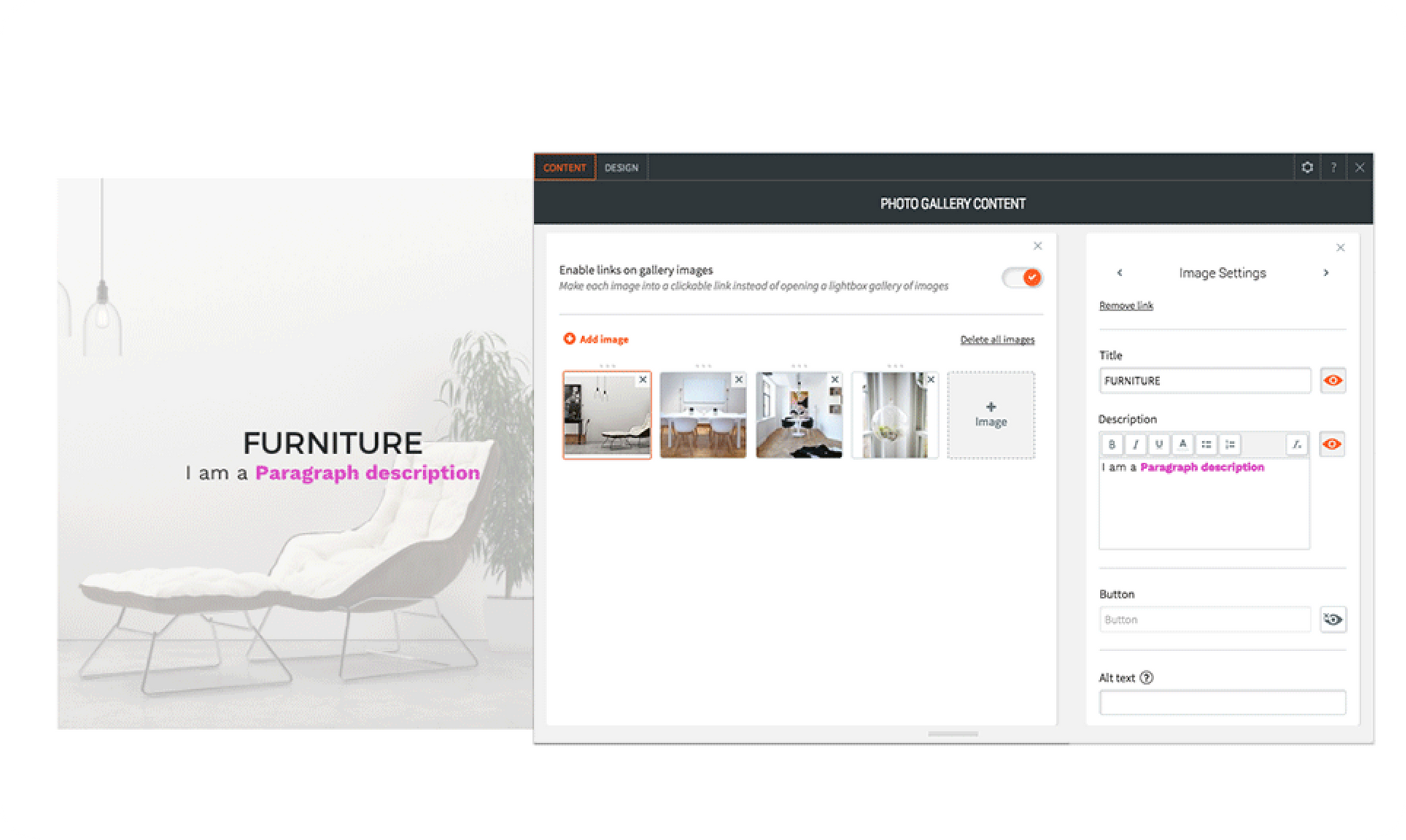
You now have Rich Text flexibility that includes adding links, bold , italics , underline, color, and bullets in the following widgets: Photo Gallery, Image Slider, List, Restaurant Menu and the Contact Form Submission Message.


This enables you to boost your design possibilities and effectiveness by highlighting specific words (rather than the entire paragraph) in the description elements of these widgets.


Here are just a few ideas of what you can do with Rich Text:


  • In the Image Slider, choose different text colors for each slide to compelment the image colors.
  • In the Restaurant Menu , use bold or italics to draw attention to important ingredients or special dishes.
  • In the List Widget, integrate bullets in a Team Member’s description to describe their diverse roles in a company and make them stand out.
  • In the Contact Form Submission Message, increase conversions by adding a link to get More Info.


This new flexibility gives you a third level of design control over your sites, in addition to the Global Design controls (accessible via the editor left panel), and individual widget design (accessible in the Design Editor of each widget).


Note to Developers


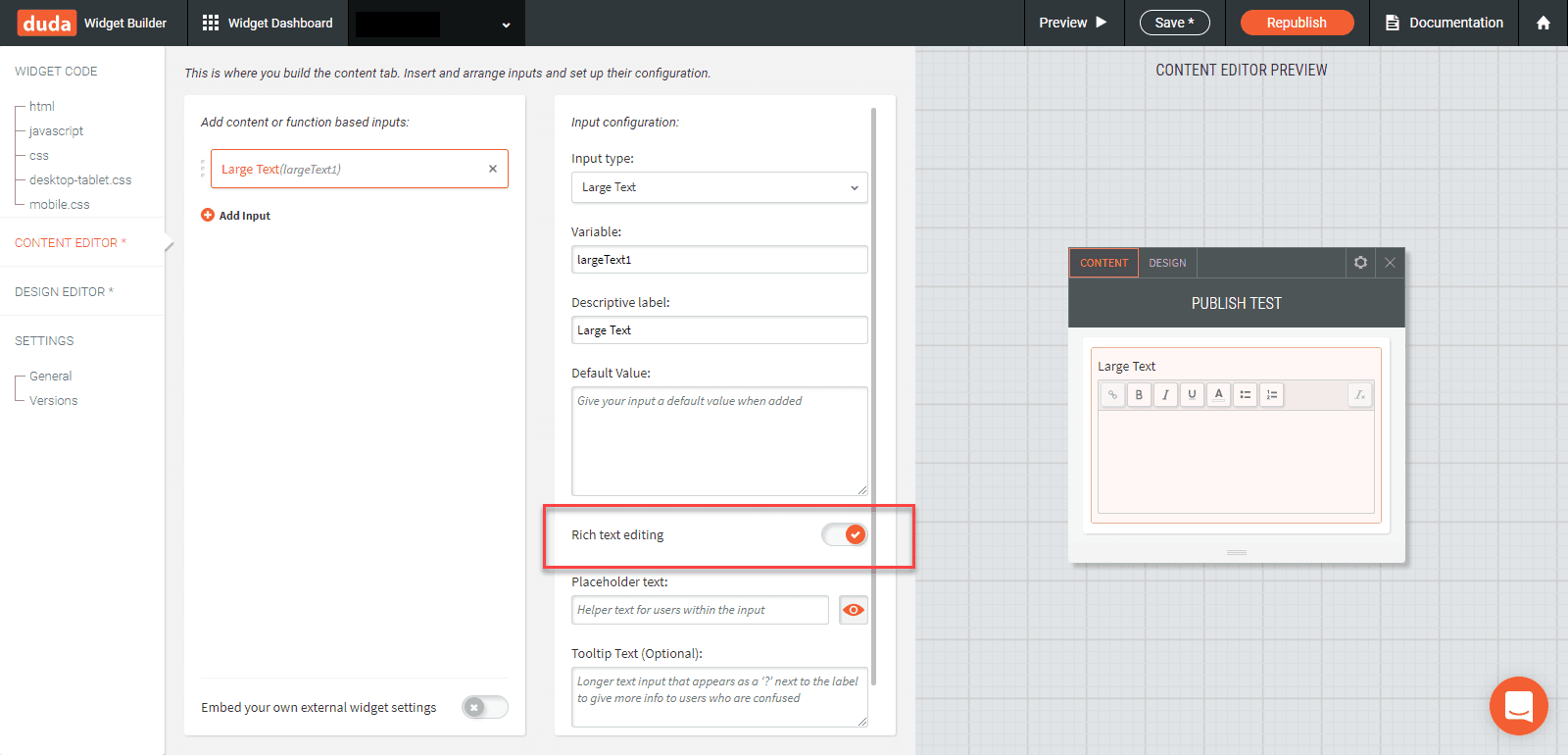
The Rich Text option is also available in the Large Text component of widgets built in the Widget Builder. If you already have a widget with this component, you can update it with this new functionality - just make sure to republish the widget afterwards to enable it to all users.

Let's Get Creative!

September 26, 2017
Roni Landau

 • 

Rich Text Flexibility - Right Where You Need It!

Stay in the Loop with Duda Updates

Sign up to get feature releases, tools, and more to your inbox.

Latest product updates

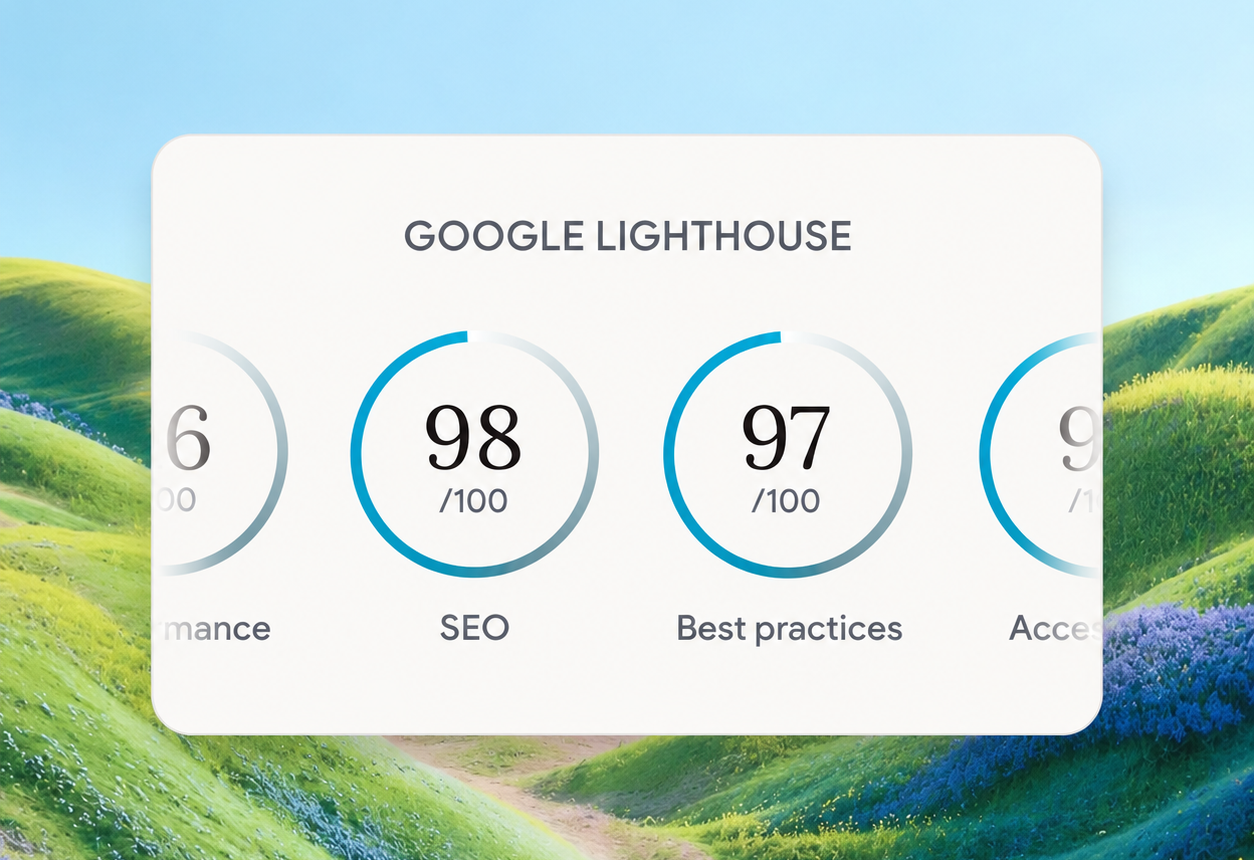
Google Lighthouse score card showing SEO 98 and Best Practices 97 on a white panel over a landscape background
By Tal Levi • October 9, 2026
A stronger foundation for every new Vibe project, with faster load times, better performance, and built-in SEO.
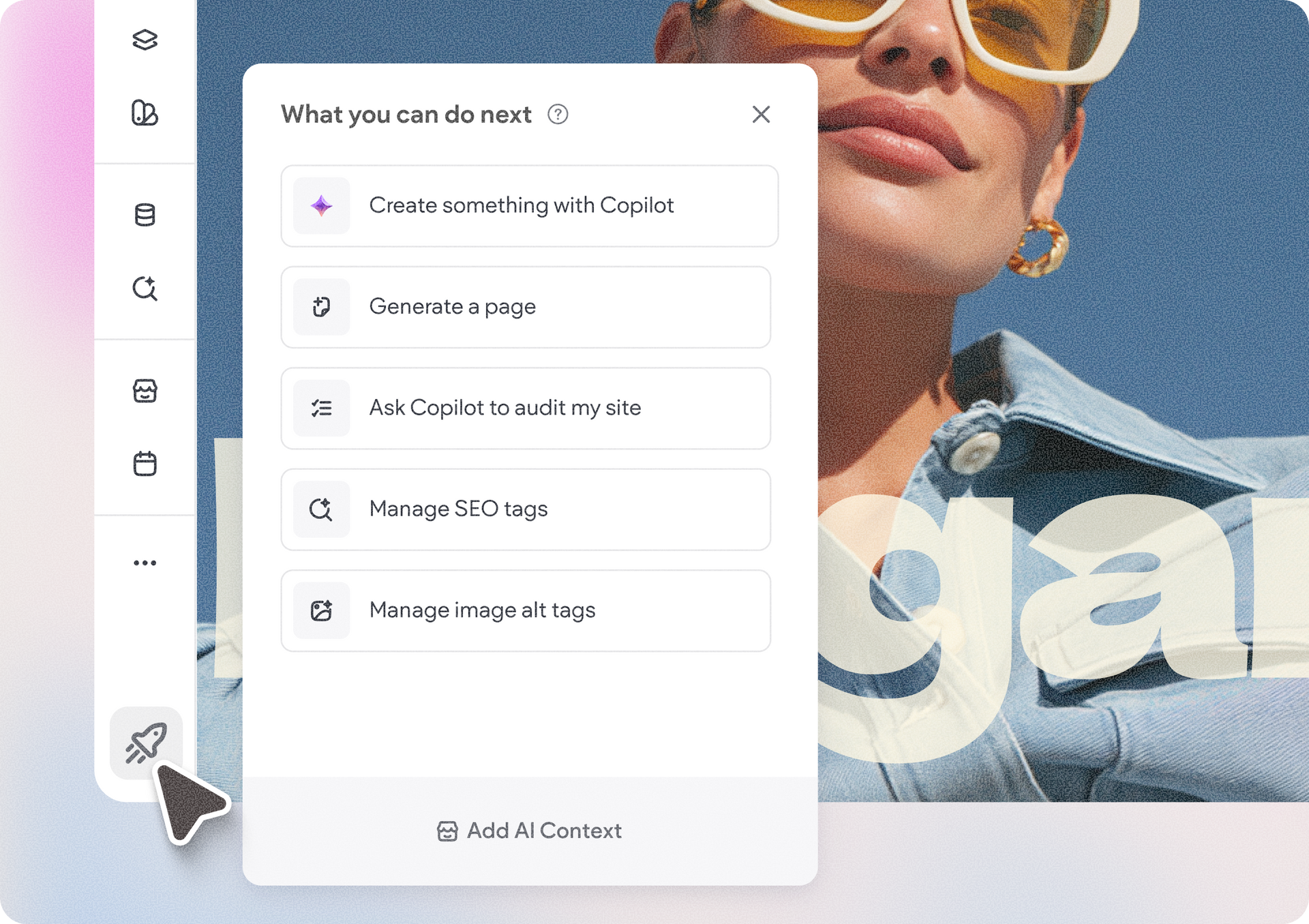
Accessibility app menu overlay on a photo background with a woman in sunglasses
By Ofri Baram • October 5, 2026
More updates for you that make Copilot a more integrated part of building and managing sites in Duda.
Interior scene with potted tree by a window and a dark sidebar menu on the right.
By Avigayil Lewin • October 2, 2026
Create and work on Vibe projects directly from Claude, ChatGPT, or any other AI assistant that supports MCP.