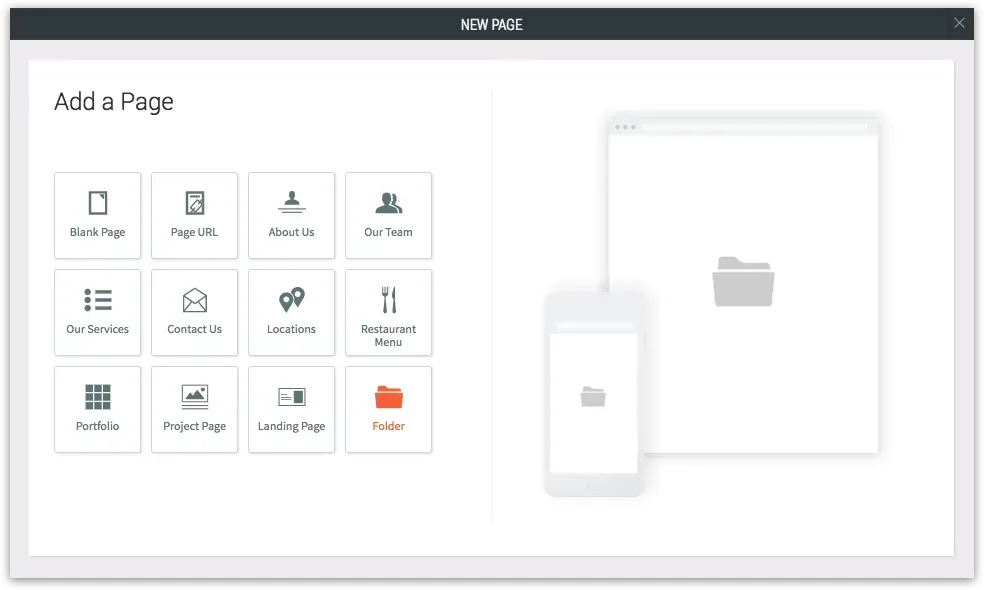
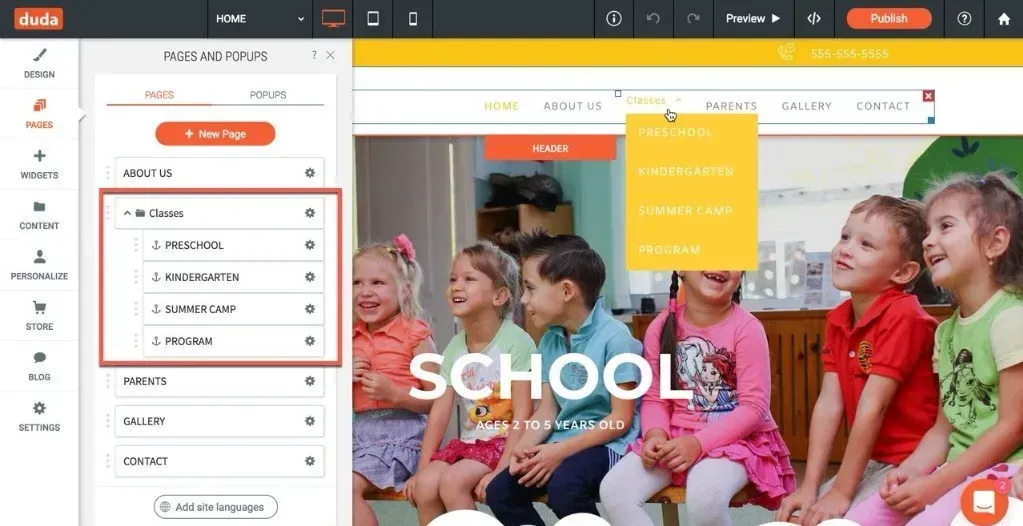
Streamline your site navigation with the new Folder, that enables you to group sub-pages under non-clickable menu items (AKA deadlinks).This new feature is particularly handy in sites with lots of pages, as it allows you to organize pages logically, so your customers can find what they are looking for faster, without browsing through too many pages. Just give the Folder a name and nest related pages in its sub-navigation.

To add a folder to your site, click add New Page in the pages panel, and select Folder. Give the Folder a name and then nest the pages you want to appear under it.


For more details, go to our support portal.
•

Sign up to get feature releases, tools, and more to your inbox.