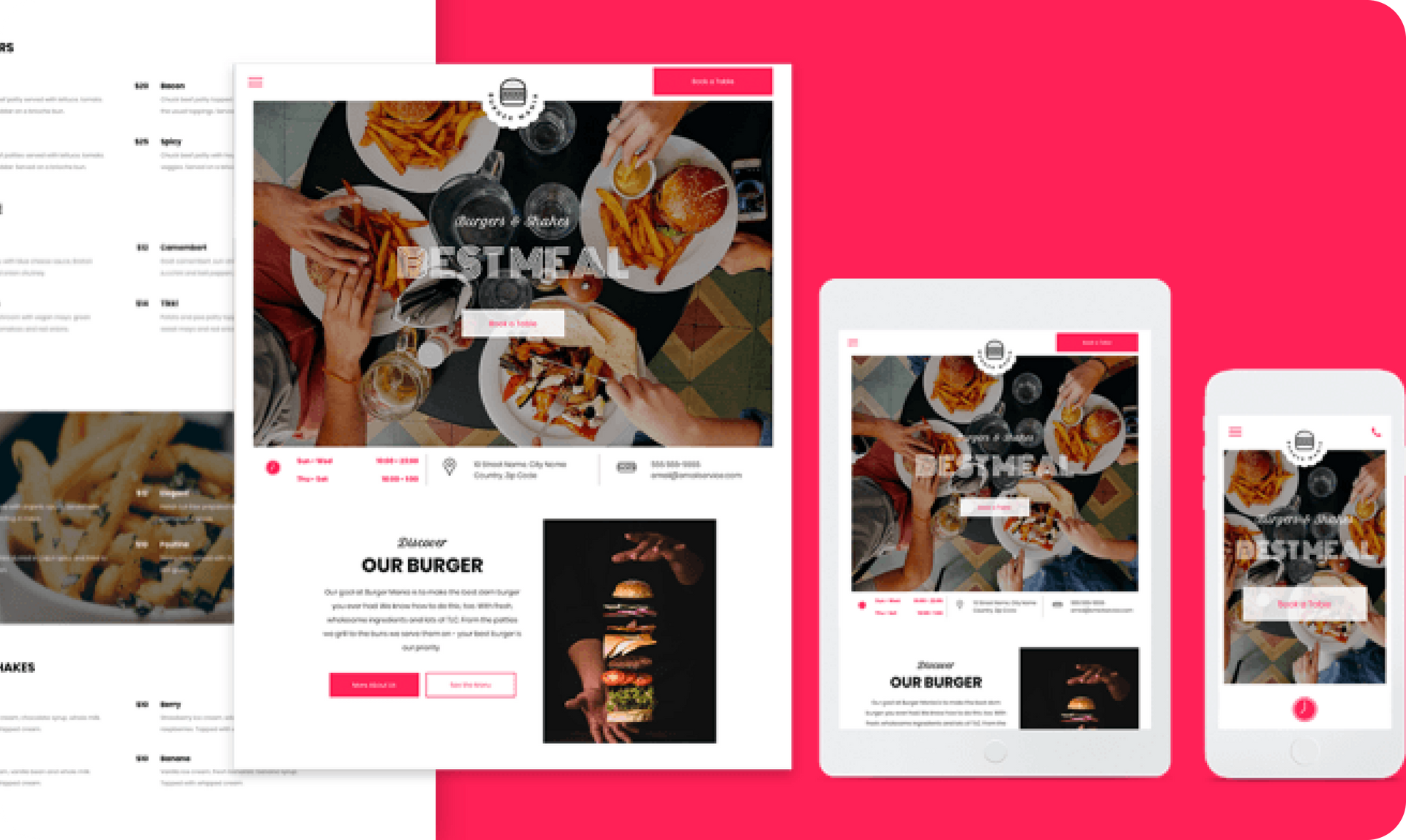
Your newest template is the mouthwatering Burger Restaurant template, with delicious images of burgers, fries, milkshakes and more.

You can replace these images with healthier fare, of course, and use this template for any restaurant, bakery or cafe, or any other client (barber, cosmetician, etc.) who has high-quality, relevant images of their services and can make good use of this template's design and functionality.


The website features a hamburger menu (no pun intended) on desktop, leaving maximum space for a mouthwatering hero image. The Menu widget has a page of its own, and can be updated with a menu pulled from the internet or by manually entering information. The menu in the template doesn’t have images, but if your customer has professional images of every dishes, they can certainly go ahead and load them. There’s also a contact form for booking a table, a map for easy access, and relevant social links.


Cool header technique


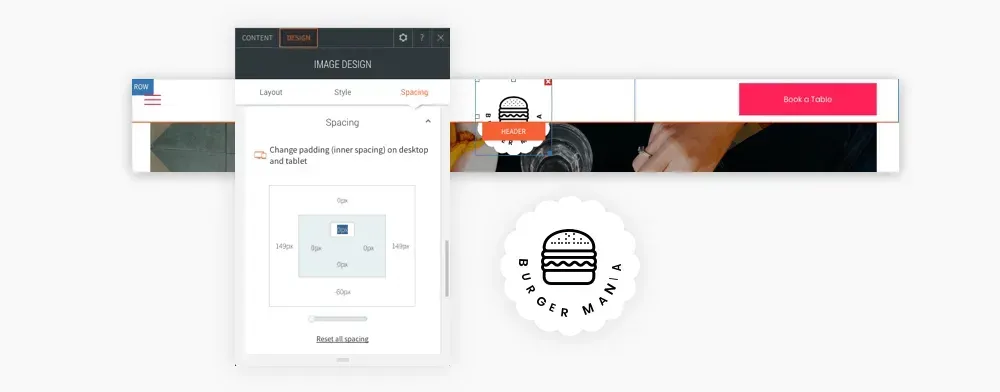
See the cool technique in the header that sets the logo so that it overlaps over the section below?

To reproduce this technique in your own sites, follow these steps:


1. Go to Design > Site Layout and choose the desktop Expandable Menu option. This header has a 1-column row, a hamburger menu (on the left or right) and an image with the logo in the middle.

2. Add two more columns to this row. You'll now have 3 columns in total; place the logo in the middle column.

3. To make the logo overlap, right-click on the image. Select Edit Design, go to Spacing and set the bottom margin to -60px.


Some Tips for Your Next Restaurant Site


Building restaurant websites for your clients? Here are a few things to keep in mind:


  • Use excellent quality food images: Don’t settle for less than the best. A bad food image will do more harm than good
  • Add cool atmosphere images if you have them: A good atmosphere image or two can really help convey the spirit of the site.
  • Include relevant social links: Online reviews are incredibly important for bringing new customers to restaurants. Yelp and TripAdvisor are two important networks for sharing reviews; if your customer has a presence elsewhere, add these links, too!
  • Update images and content on the go: Restaurants are dynamic businesses with new menu items, sold-out dishes and more. Encourage your clients to keep their sites up-to-date by updating content on the go using Duda’s mobile editor. For more about on the go editing for restaurant websites, read this.
December 24, 2018

 • 

Roni Landau
New Template - Burger Restaurant

Stay in the Loop with Duda Updates

Sign up to get feature releases, tools, and more to your inbox.

Latest product updates

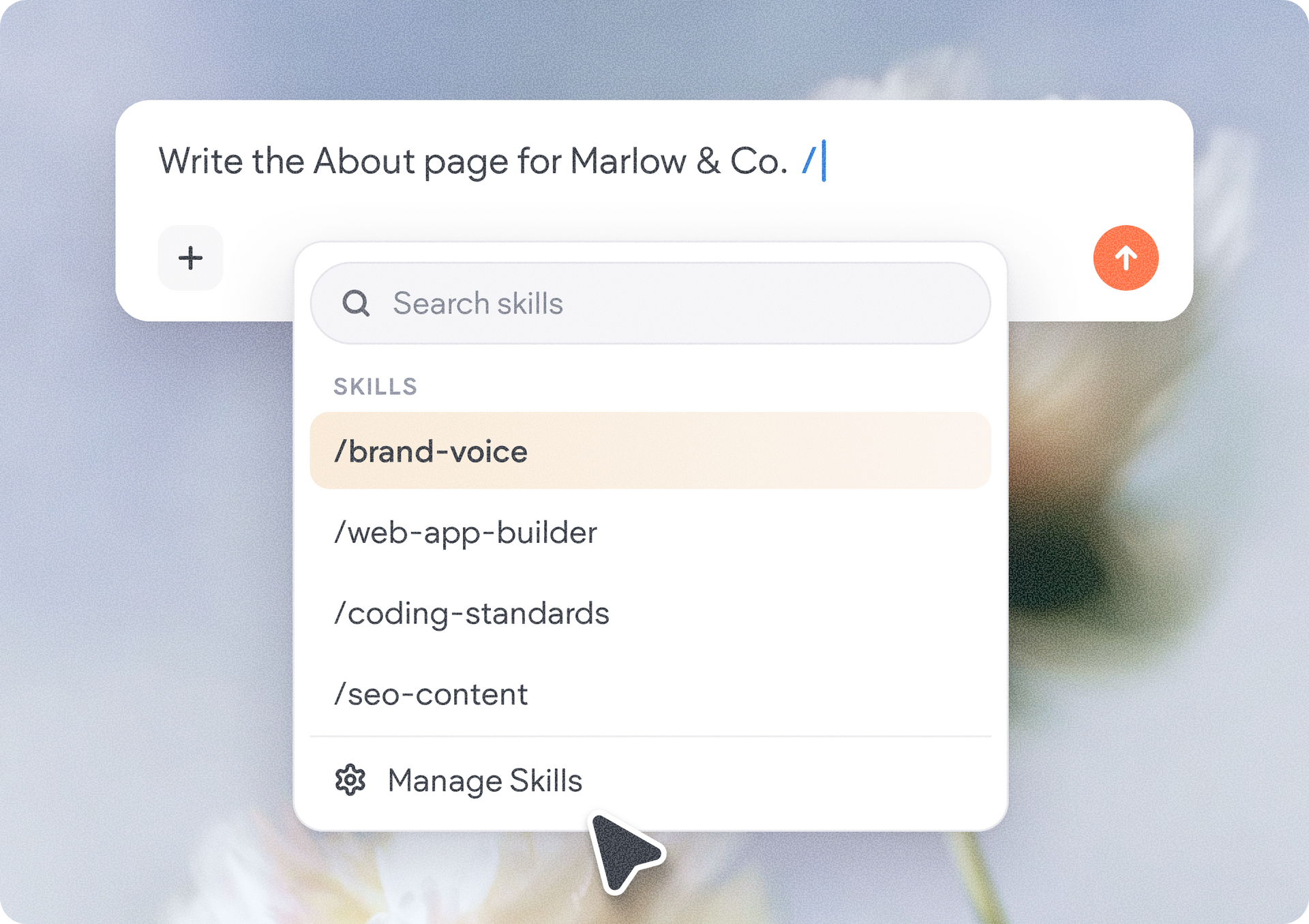
Text editor with a slash-command menu listing blocks like brand voice, web-app-builder, coding-standards, and seo-content.
By Ofri Baram & Tal Levi • November 6, 2026
Discover a new way to customize how AI works for you and your team.
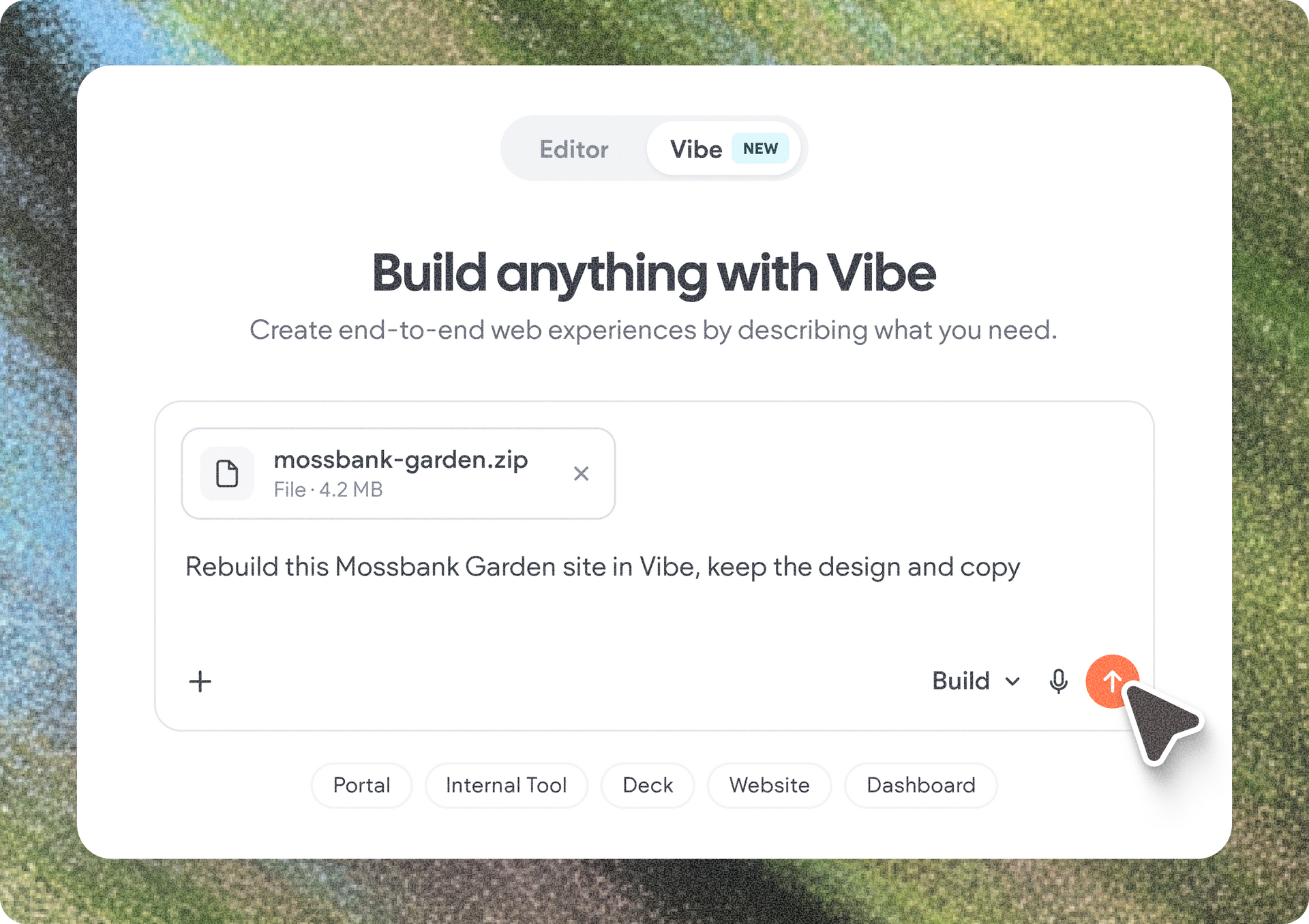
White “Build anything with Vibe” app screen with a dropdown, plus icon, and cursor clicking the orange button.
By Annat Katz • November 5, 2026
We’ve updated Copilot, Duda Vibe, and the native store to make site building easier and give you more control.
Purple discount graphic with 30% text beside a smartphone showing a cursor on a blank screen
By Liron Hilb Horev • November 2, 2026
Help clients engage their customers, drive repeat business, and grow their business beyond the website.