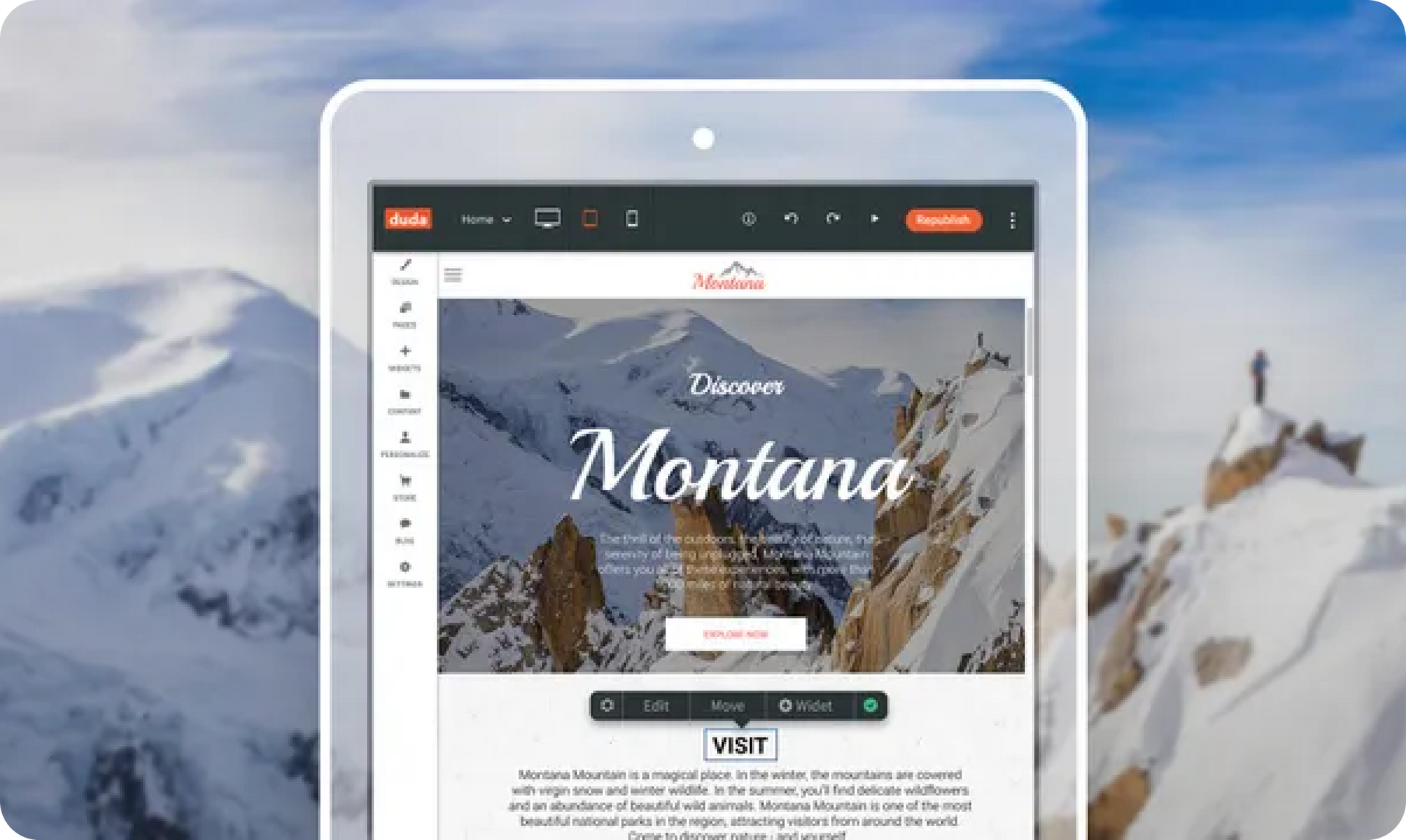
The improved tablet editor gives you full access to the Duda responsive website editor via tablet.
With slick UI and a touch-friendly design, you’ll be able to create & publish sites, edit, add & remove widgets, and upload images, anywhere you are.
With the new tablet editor, you and your customers don’t have to be at the office to build or edit sites anymore. You can do it from your customer’s place of business, on a train, at a coffee shop etc.In short, you can do it anywhere you like, from any tablet device.
We've redesigned some key elements in the editor, so that you can edit your sites quickly and easily, anywhere.These changes include making elements bigger to suit your fingertips and enabling you to add widgets inline, instead of drag & drop.Here are some of the highlights:
Black bar menu Tap anywhere on the site and a black menu bar appears, enabling full editing access. From this handy bar, you can add widgets inline, edit them, and move them anywhere. You can also access the settings menu and go to a link (if the widget is connected to one).To delete, tap the settings icon and then tap delete.


Widget panel The widget panel opens inline and contains all Duda widgets. Just tap on the widget you want and it will appear inline below the initial selection.

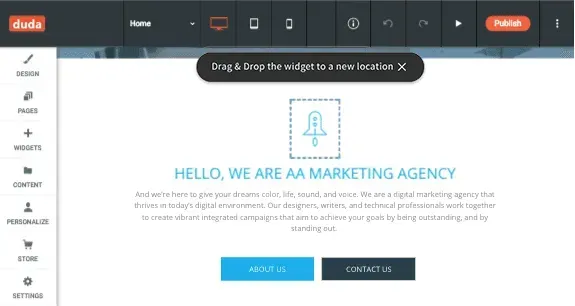
Move mode To move a widget from one place to another, tap “Move” on the black menu bar. The widget you've selected will be highlighted, and you can then drag and drop it anywhere on the page.

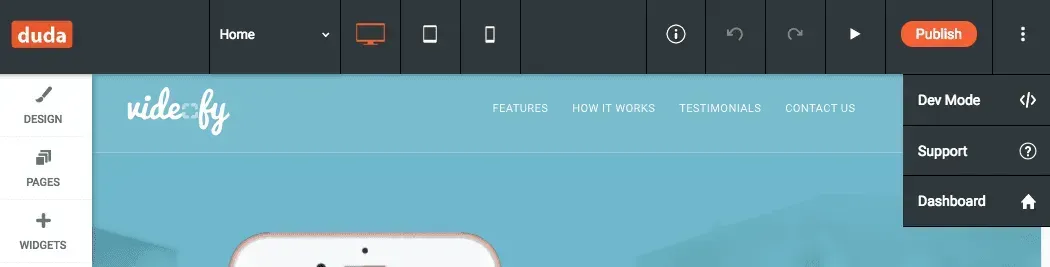
Top bar Icons in the tablet editor top bar are wider than on the desktop editor, for easier editing. To access the Dev Mode, Support and Dashboard, tap the "More" icon at the far right.

Larger widget handles To make dragging and resizing widgets easier, we've made the widget handles bigger.

Row and section labels appear on tap To minimize distractions while you edit, row and section labels only appear on tap.
Here are just a few ideas of how tablet editing can boost your productivity:
To experience Duda’s new tablet editor, simply go to www.duda.co on your tablet and log into your Duda account.
For more details about the tablet editor read our support article.
•

Sign up to get feature releases, tools, and more to your inbox.