Opt-in Consent Field


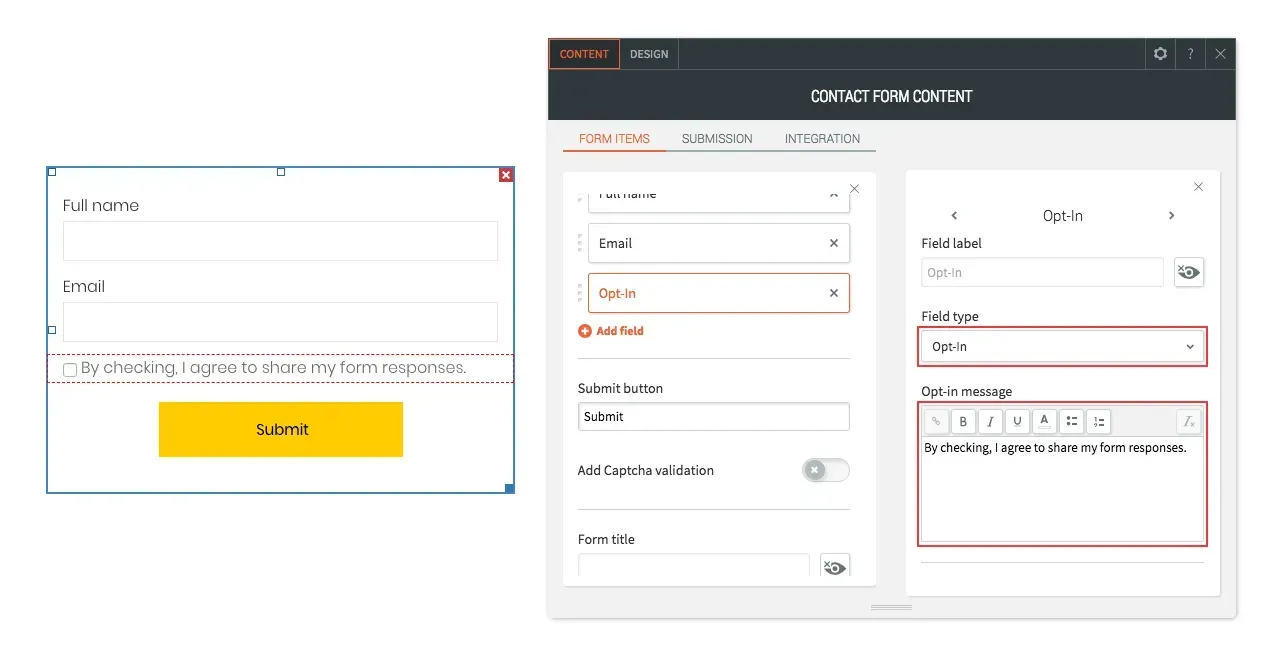
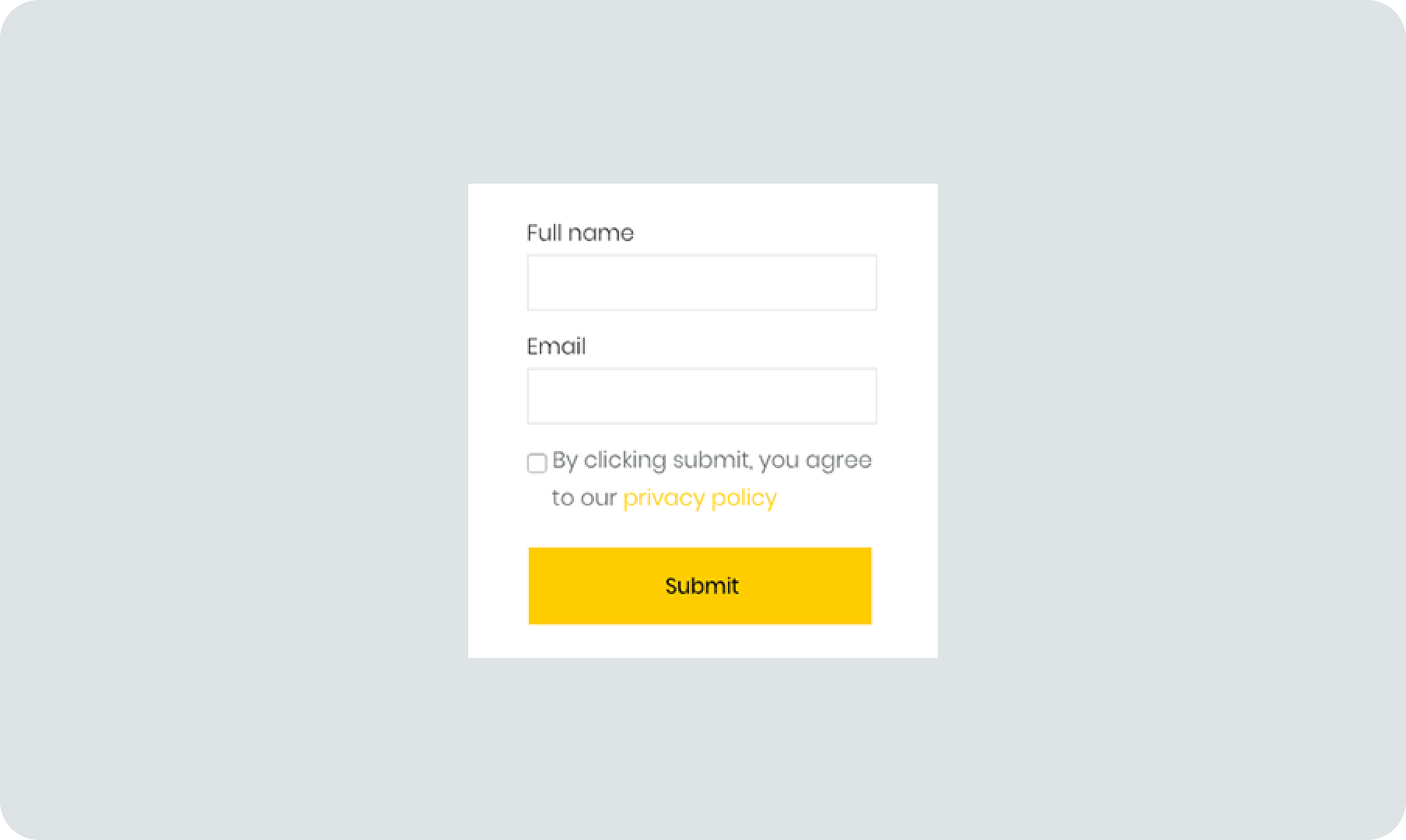
Collecting data from site visitors is simpler and much more transparent with the new opt-in field that's been added to the contact form. Simply add the “Opt-in” field to any of your contact forms and responders can actively check that they agree to share their personal information with you. This new field is mandatory by default, so if you've added it to the contact form, visitors must consent before submitting the form.


If your site has a privacy page, we recommend linking the opt-in field to that page.

Free Text Field


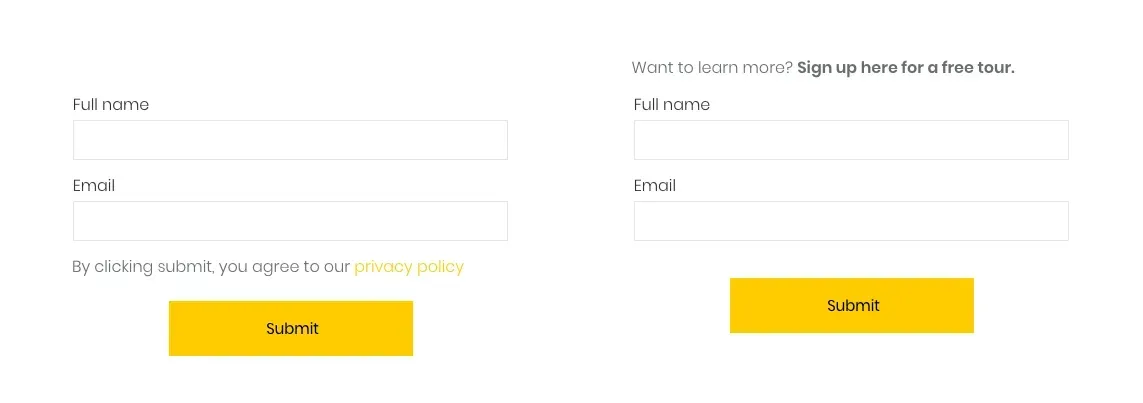
If you want to add explanatory text, a privacy indication, or any other type of text within the contact form, you can now do it via the new "Free text" field in the contact form editor. Just choose the “Free text” field type, customize it using the rich text editor, and locate it anywhere on the form.


See some examples:

May 21, 2018

 • 

Roni Landau
New Contact Form fields: Opt-in and Free text

Stay in the Loop with Duda Updates

Sign up to get feature releases, tools, and more to your inbox.

Latest product updates

Text editor with a slash-command menu listing blocks like brand voice, web-app-builder, coding-standards, and seo-content.
By Ofri Baram & Tal Levi • November 6, 2026
Discover a new way to customize how AI works for you and your team.
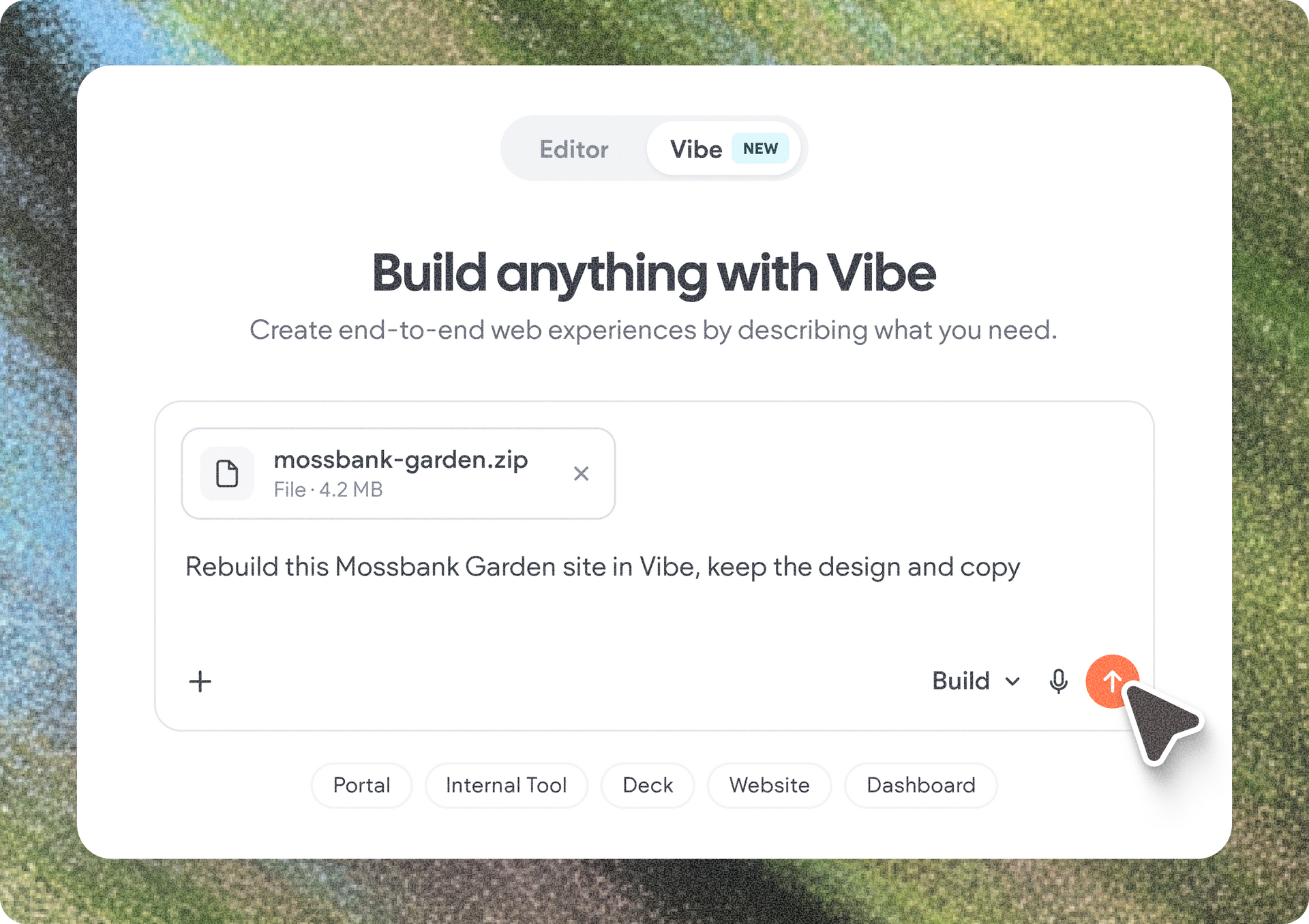
White “Build anything with Vibe” app screen with a dropdown, plus icon, and cursor clicking the orange button.
By Annat Katz • November 5, 2026
We’ve updated Copilot, Duda Vibe, and the native store to make site building easier and give you more control.
Purple discount graphic with 30% text beside a smartphone showing a cursor on a blank screen
By Liron Hilb Horev • November 2, 2026
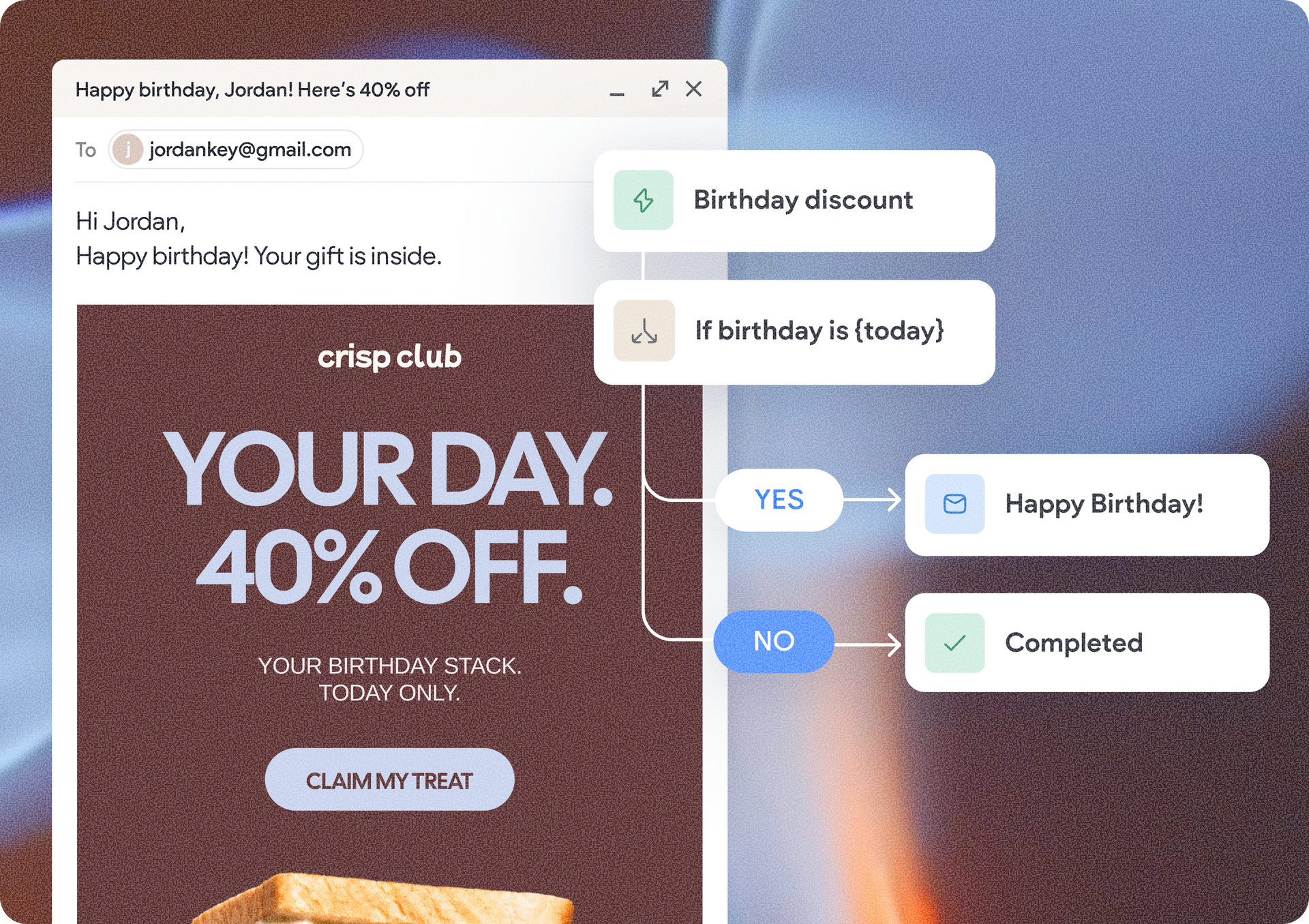
Help clients engage their customers, drive repeat business, and grow their business beyond the website.