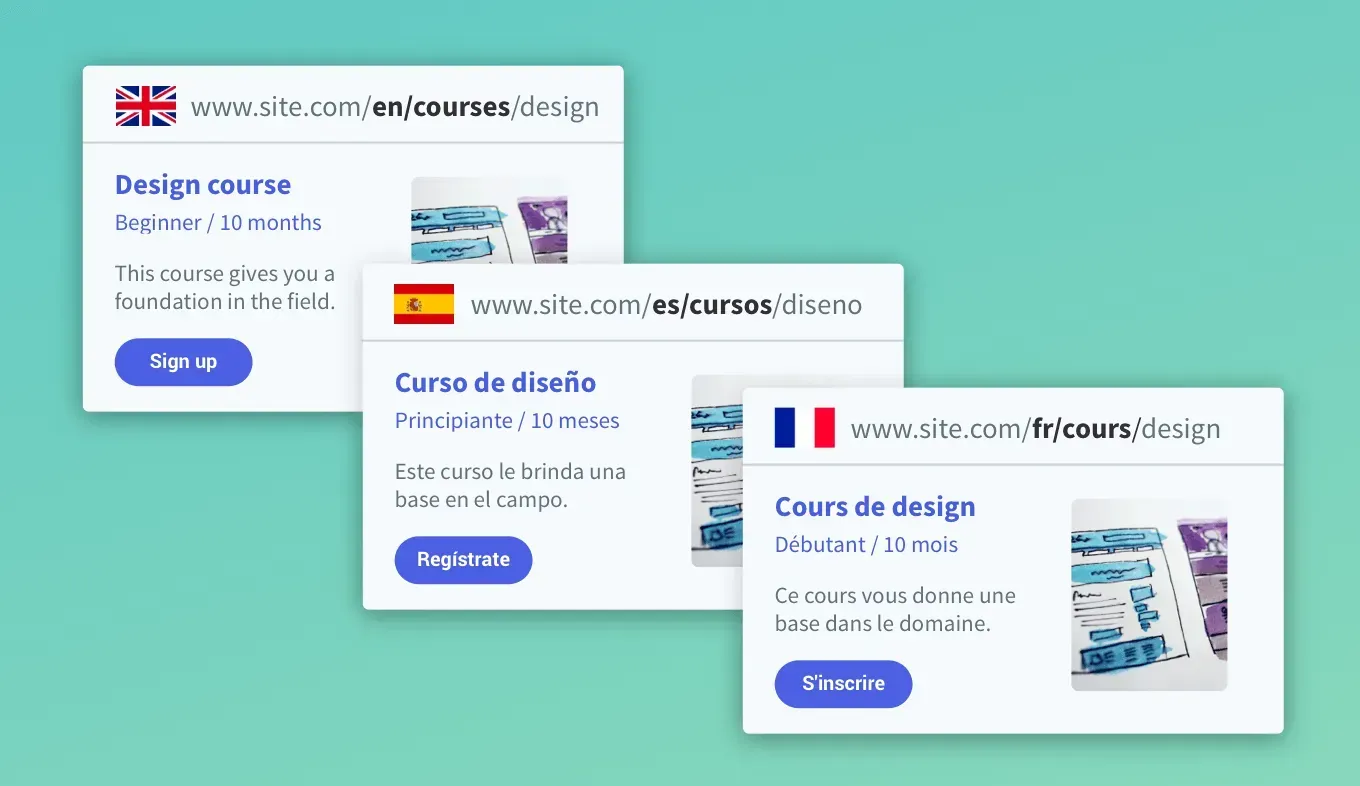
Want a quicker, easier way to build multi-language websites? If you're using external database collections with dynamic pages, you can now connect to a single multi-language collection. The relevant language in the collection will be fetched for each page, saving you time and effort. Available for custom plans only.

Multi-Language Dynamic Pages


If you’re using Dynamic Pages in multi-language sites, you can now connect the page once to a multilanguage external collection. 


Follow the guidelines here and Duda will fetch the data for each site language according to the corresponding language in the collection. This saves you time, since you don't have to add a separate collection for each language. 


Working with external database multi-language collections and dynamic pages:


  • Start in the primary language: Create your dynamic page in the primary site language.
  • Add site languages or translate: 
  • Add more languages to your site.
  • If your site already contains multiple languages, simply translate the dynamic page.
  • In both cases, the dynamic page in each language will fetch the relevant language in the collection. 


More about Dynamic Pages


Want to learn more about harnessing the power of Dynamic Pages? Check out this free course at Duda University.

February 14, 2021
Inbar Amir

 • 

Multi-Language Sites with External Collections

Stay in the Loop with Duda Updates

Sign up to get feature releases, tools, and more to your inbox.

Latest product updates

Notification banner over warm sunset scene with a silhouetted person and large cropped text in the background
By Annat Katz September 2, 2026
Reset a whole section to theme in one go, connect advanced widgets to collections, and more updates.
Split-screen UI mockup of a login form and a document editor with a pink note card and comment field
By Tal Levi August 31, 2026
Add built-in user authentication to your Duda Vibe projects by simply asking for it...
Canva design editor showing a beach-themed layout with a selected text box on the canvas.
By Ofri Baram August 26, 2026
Create, edit, and manage almost anything on your site, including custom widgets, from one Copilot chat - in the editor.