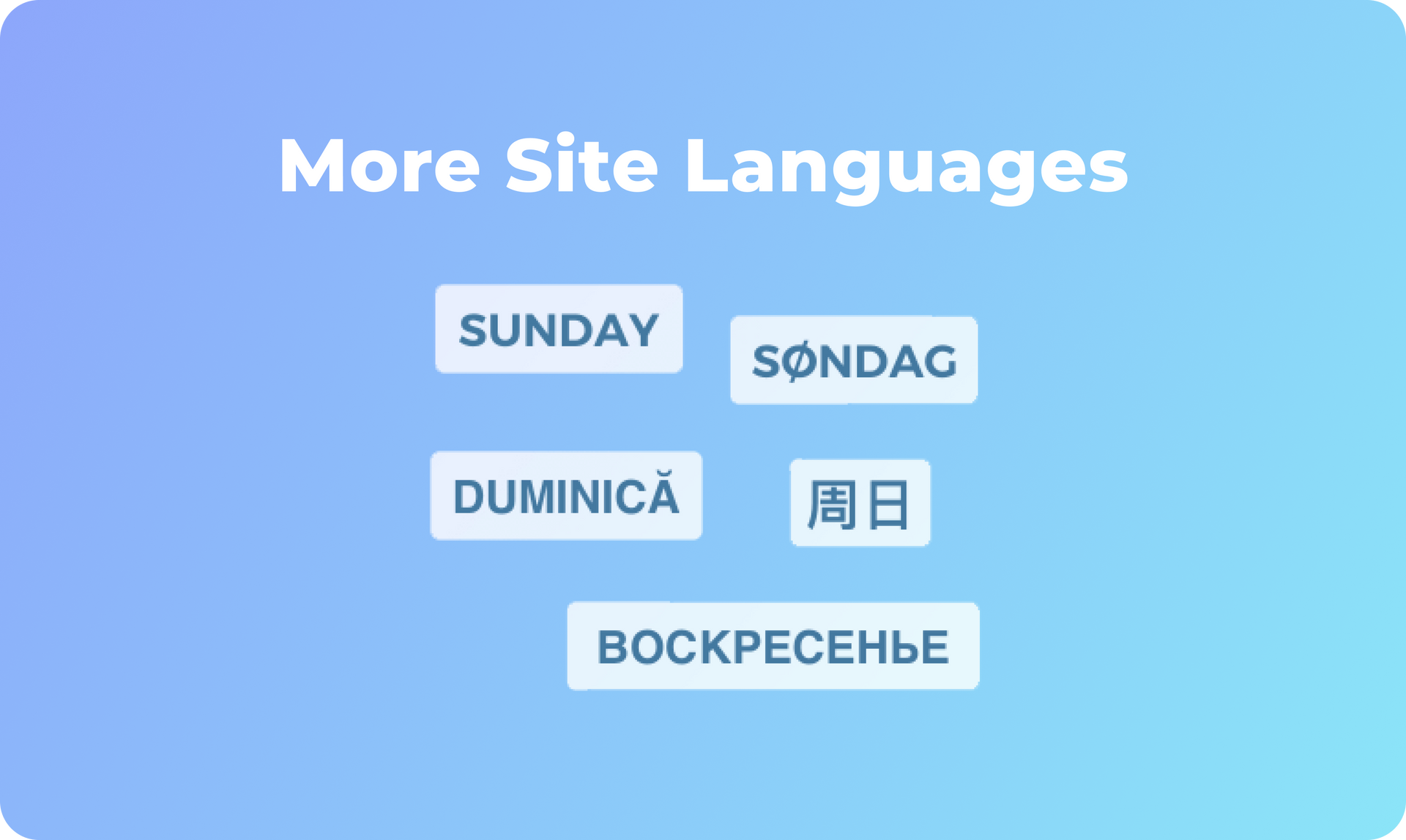
Reach more customers by offering great-looking sites in 29 site languages, including newly added Swedish, Russian, Mandarin and more. See the full list below. When you set the site language, you enable all default texts to display in that language, for a smooth, consistent visitor experience.

Build sites that speak your visitors' language


As more people build sites with Duda worldwide, the variety of site languages is increasing, too. To meet this expanding customer base, we're integrating more site languages so that default texts in site elements appear in that language, too. 


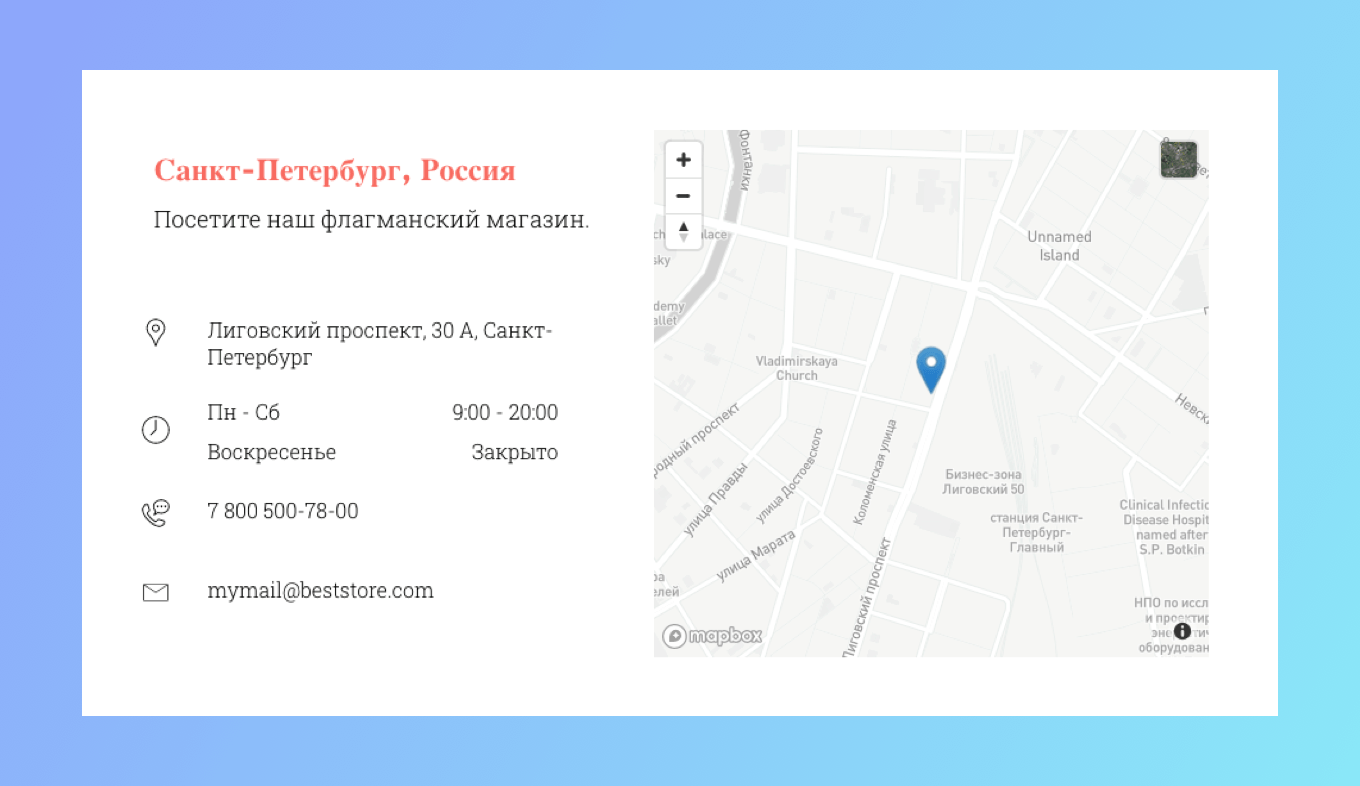
Default texts are texts that automatically display in certain widgets and elements. For example, in the Blog, they include texts such as Post date / Older posts / Comments; in the Photo Gallery, they include View more / View less. Default texts also include the Cookie Notification, elements of the Business Hour widget, and more. For a full list, see this.


Note: Site language differs from the Multi-Language feature, which you can use to translate the text you’ve added to sites into more than 65 languages. When Multi-language is used, the default site language is set via the Multi-Language feature.


Supported site languages 

How to set the site language


To set the site default language, go to Settings > Site Language and choose a language. If you are building a site in a language that’s not available here (for example, Hungarian), the default site language will automatically be set to that of the Editor. If your editor is set to German, the default texts will appear in German. 


For more about Default Site Languages, see this. 

Arabic Latvian
Catalan Lithuanian
Danish Mandarin (Simplified)
Dutch Mandarin (Traditional)
English Norwegian
English (UK) Polish
Finnish Portuguese
French Romanian
German Russian
Greek Spanish (LATAM)
Hebrew Spanish (Spain)
Icelandic Swedish
Indonesian Turkish
Italian Vietnamese
Korean
April 5, 2021

 • 

Inbar Amir
More Site Languages

Stay in the Loop with Duda Updates

Sign up to get feature releases, tools, and more to your inbox.

Latest product updates

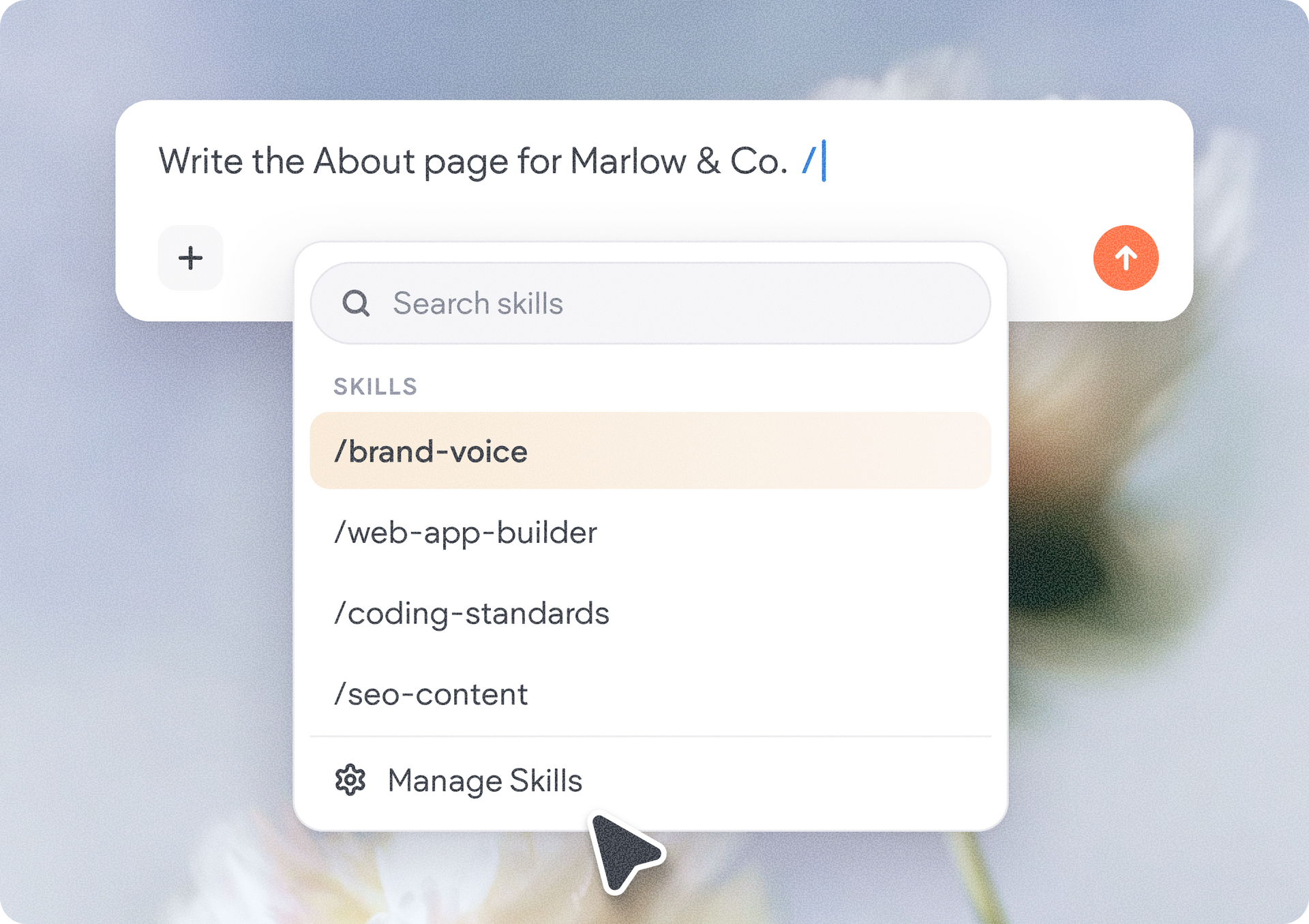
Text editor with a slash-command menu listing blocks like brand voice, web-app-builder, coding-standards, and seo-content.
By Ofri Baram & Tal Levi • November 6, 2026
Discover a new way to customize how AI works for you and your team.
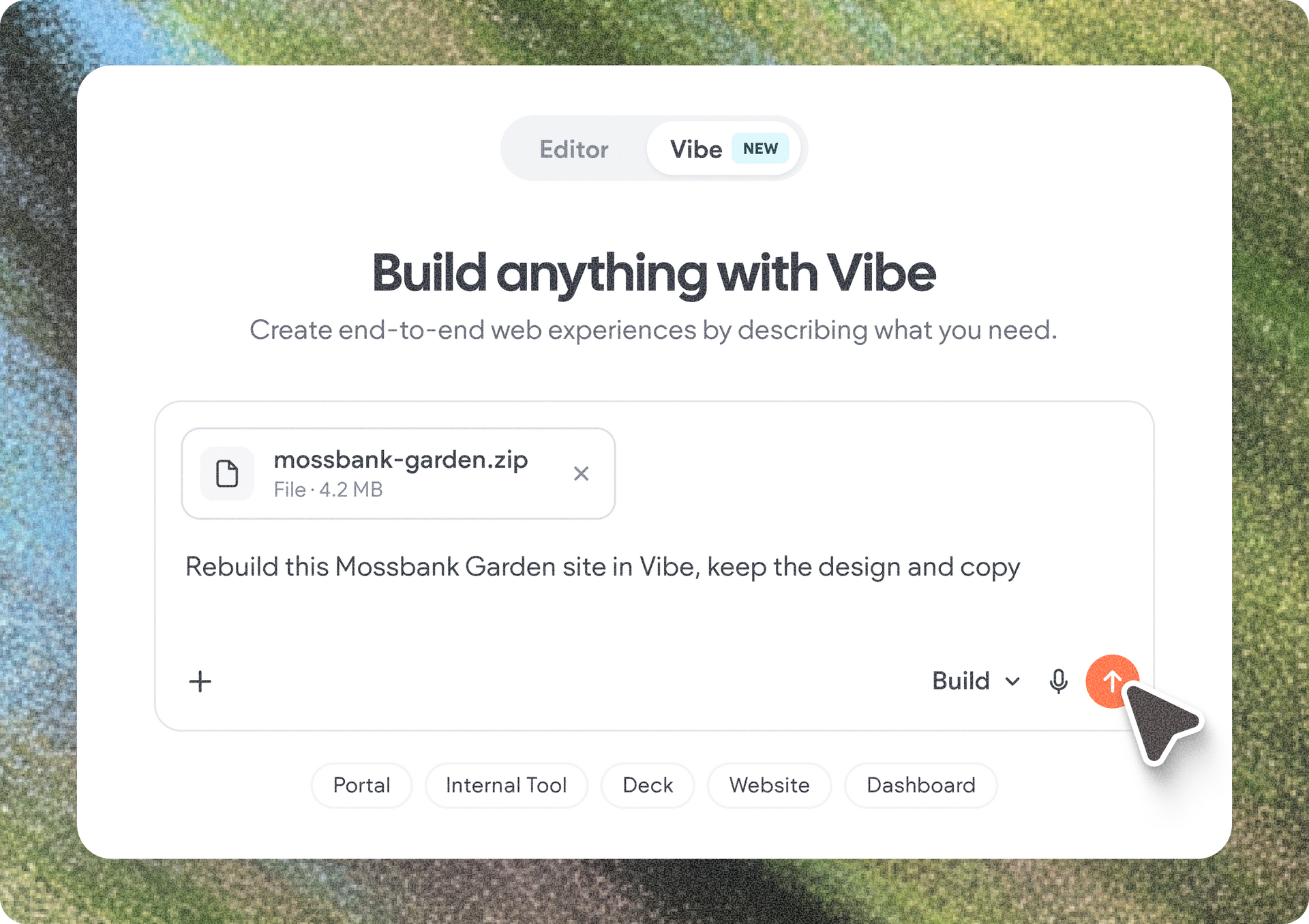
White “Build anything with Vibe” app screen with a dropdown, plus icon, and cursor clicking the orange button.
By Annat Katz • November 5, 2026
We’ve updated Copilot, Duda Vibe, and the native store to make site building easier and give you more control.
Purple discount graphic with 30% text beside a smartphone showing a cursor on a blank screen
By Liron Hilb Horev • November 2, 2026
Help clients engage their customers, drive repeat business, and grow their business beyond the website.