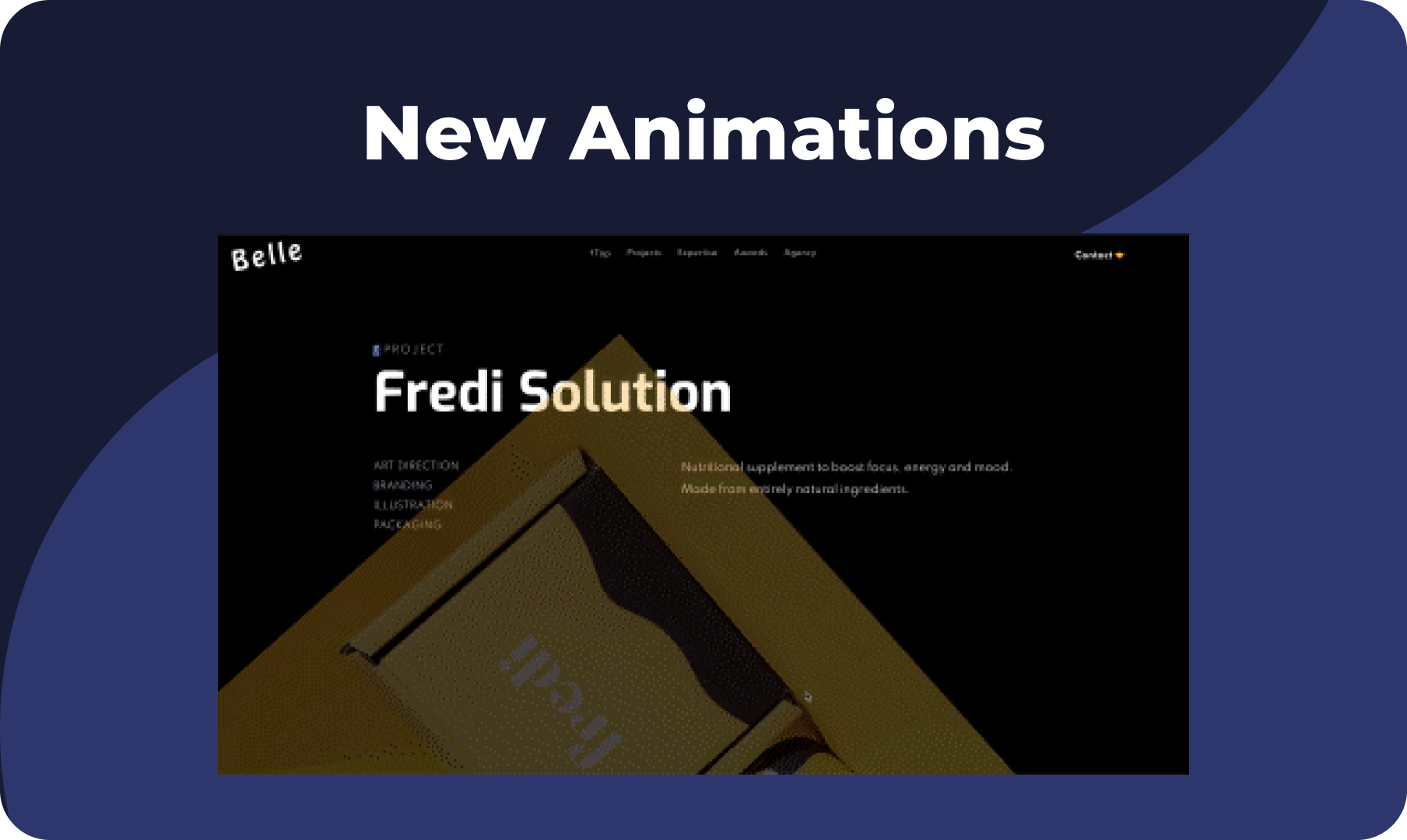
Looking for new ways to liven up your sites? We’ve got just the thing. With your newest animations, you can slide, rotate and roll elements onto your sites, creating attention-grabbing buttons, calls to actions, images and more. 

Bring Life to Your Sites


Animations bring your sites to life, draw attention to the most important areas, and guide visitors where you want them to go. 


Duda animations, accessible via the Content Editor of most widgets and elements, are easy to apply and customize. Without any code at all, you can set how the animations are triggered, control how long they last, set their intensity, and more. Thanks to your feedback, we’ve added the following animations to the platform:


  • Rotate in
  • Roll in
  • Slide in  


These come in addition to the existing animations:


  • Fade
  • Zoom 
  • Bounce

We're working on more animations and customizations, and will let you know as soon as they're ready. In the meantime, you can learn more about animations in Duda here.


For some ideas on using animations effectively in your sites, see this

September 20, 2021
Maayan Mor

 • 

New Animations! More Great Ways to Liven Up Your Sites

Stay in the Loop with Duda Updates

Sign up to get feature releases, tools, and more to your inbox.

Latest product updates

Split-screen UI mockup of a login form and a document editor with a pink note card and comment field
By Tal Levi August 31, 2026
Add built-in user authentication to your Duda Vibe projects by simply asking for it...
Canva design editor showing a beach-themed layout with a selected text box on the canvas.
By Ofri Baram August 26, 2026
Create, edit, and manage almost anything on your site, including custom widgets, from one Copilot chat - in the editor.
Blurred discount setup form with fields, dropdowns, and a blue action button on a white dialog.
By Rim Elfahem August 24, 2026
Updates to help your eComm clients increase sales, streamline store management, and deliver a better shopping experience.