We’re expanding Duda’s MCP (Model Context Protocol) capabilities with the introduction of the Elements MCP tools, giving your AI assistant the ability to read and edit individual site elements on Editor 2.0 sites. The same capabilities are also available programmatically through the Elements API.


Building on our existing MCP tools for managing sites (including sites with Duda stores and/or Bookings), content, collections, blogs, Vibe sites, and more, this addition opens up even more possibilities for agencies, developers, and partners looking to automate site building, content updates, QA, and reporting.


Instead of manually editing individual pages and elements, you can now manage site content and structure through your AI assistant, making it easier to build and maintain sites at scale.


The Elements and other MCP tools are available on all paid account plans, with varying usage limits.

Give your AI assistant access to actual site elements

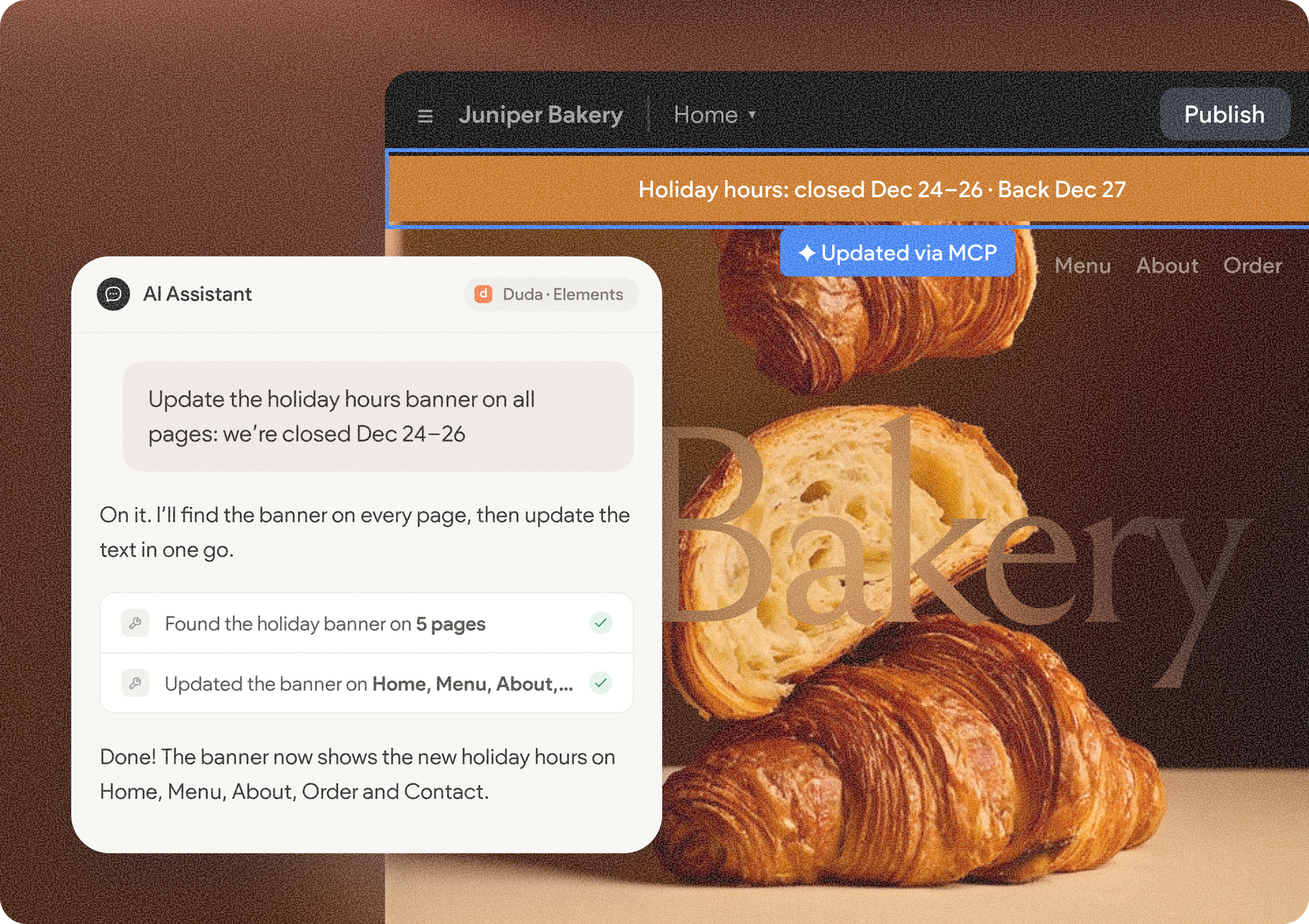
With the Elements MCP tools, your AI assistant can access and modify elements across your site’s pages, header, and footer, including on sites with stores or bookings.

Here’s what it can do:

  • Read site content: Explore page structures, inspect elements, search for text across the site, and check available data connections.
  • Edit elements: Add, update, duplicate, move, or delete elements directly on the page.
  • Connect content to data: Link elements to the Content Library or collection data for easier content management.
  • Make precise updates: Change specific elements without affecting unrelated content on the page.


Automate site building, editing, and QA

Use the new Elements MCP tools on their own or combine them with Duda’s existing MCP tools to automate more of your day-to-day workflows. Here are a few examples:


Update content across pages and projects

Need to change a promotion, CTA, or branded section appearing on multiple pages? Ask your AI assistant to find the relevant elements and apply the updates, instead of editing each one manually. You can also use these capabilities to coordinate similar changes across multiple client sites.


Keep business information consistent

When a client updates their phone number, address, or business name, your AI assistant can find where that information appears and connect the relevant elements to the Content Library, making future updates easier to manage.

Speed up pre-publish QA

Search across a site’s content to identify placeholder text, outdated information, or other content that needs attention. Your AI assistant can then make targeted corrections, helping reduce manual QA before publishing.

Build and rearrange pages with AI

Use natural language instructions to add or rearrange elements, move sections, or adapt an existing template to a client’s needs. This makes it possible to automate more of the site-building process while working directly with Editor 2.0 elements.


Integrate Duda into your own workflows

Beyond AI-assisted editing, the Elements MCP tools give partners and developers on the Custom plan the flexibility to build custom workflows around their existing systems.


You can pull real site data for reporting and QA, apply your own business logic to site content and structure, and trigger specific site updates directly from your systems. This creates new opportunities to automate repetitive operations and manage large numbers of client sites more efficiently.


Get started with the Elements MCP tools

The Elements MCP tools are available for Editor 2.0 sites on all plans with access to Duda’s MCP. Once your AI assistant is connected to Duda’s MCP server, you can use natural language instructions to inspect site content, locate specific elements, and make changes directly.


To explore the new tools alongside all our other MCP capabilities and discover what else you can automate with your AI assistant, check out Duda’s MCP Server Reference.

Haven’t connected your AI assistant to Duda yet? Follow our MCP setup guide to get started.


Want to build directly on the Elements API? It’s available with the Custom account plan.


We’re excited to see how you combine these new capabilities with our growing suite of MCP tools to streamline site creation and management and build smarter workflows with Duda.

November 27, 2026

 • 

Avigayil Lewin
Meet the Elements MCP Tools: Read, Edit, and Automate Site Content with AI

Stay in the Loop with Duda Updates

Sign up to get feature releases, tools, and more to your inbox.

Latest product updates

Hand pouring coffee from a gold kettle into a green mug beside a website editor interface
By Tal Levi • November 26, 2026
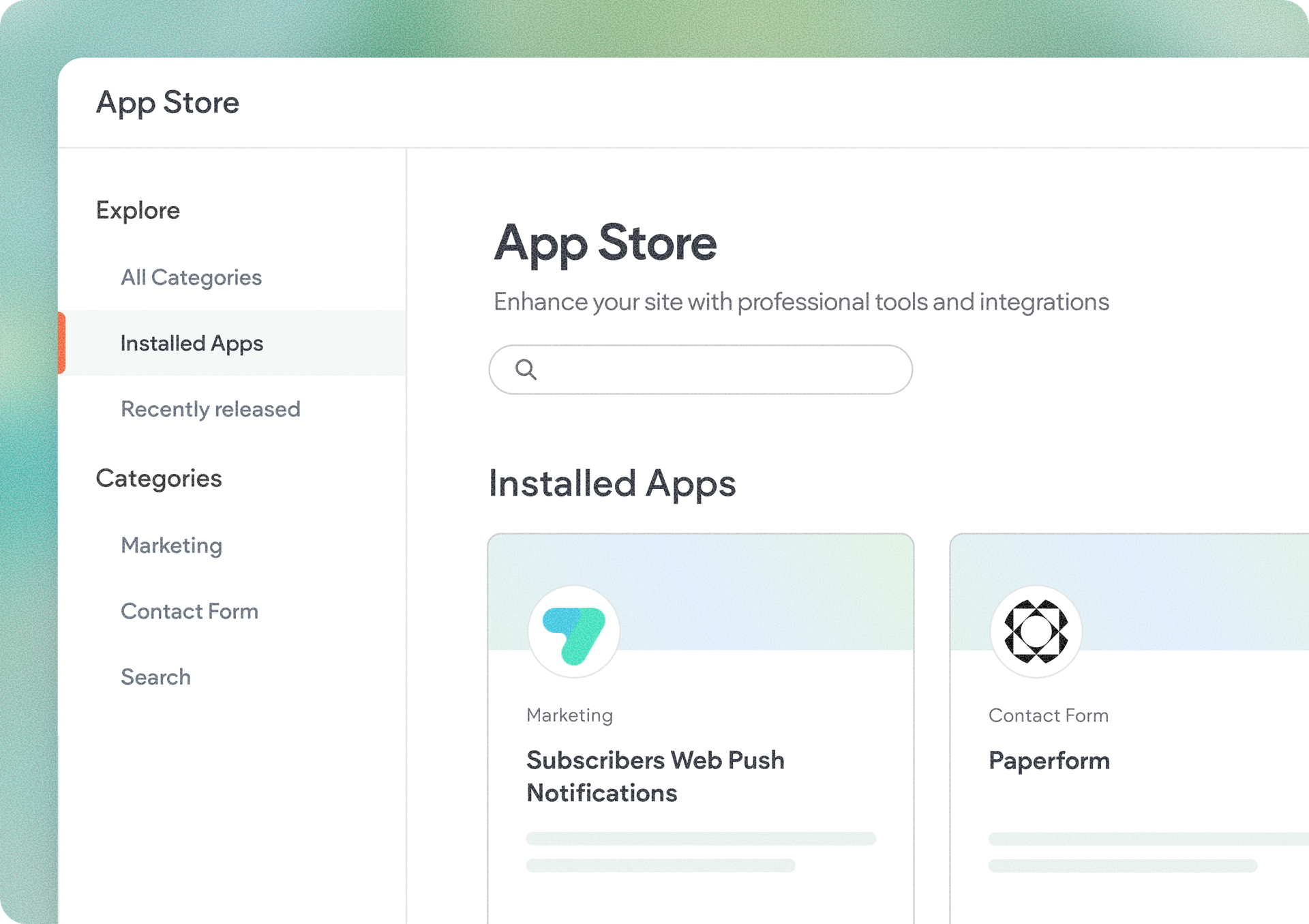
You can now browse and add third-party apps to your Vibe projects.
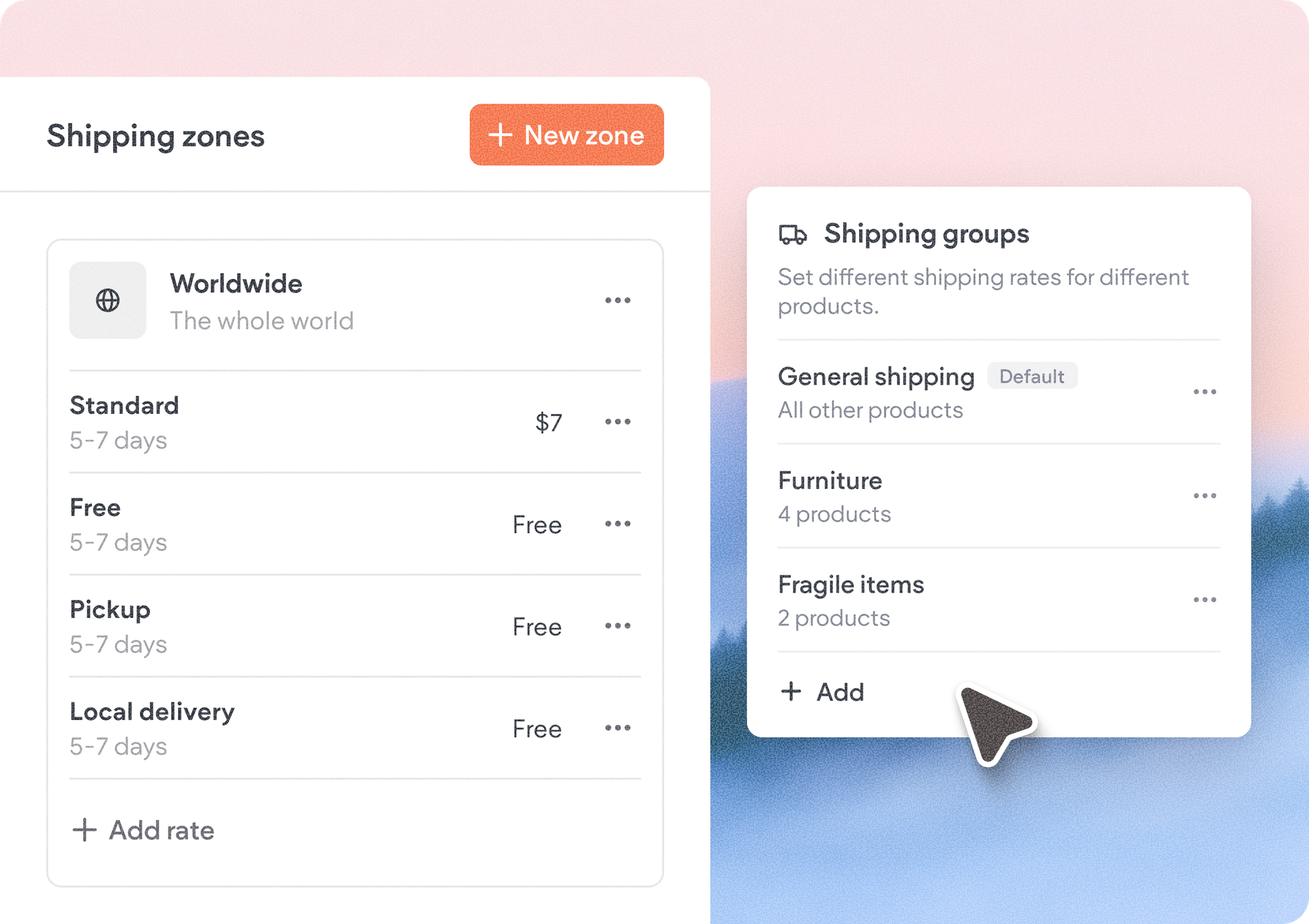
Shipping settings dashboard showing a list of delivery zones and an open shipping options menu over a pastel background.
By Rim Elfahem • November 24, 2026
Discover a new way to set different shipping methods and rates for different products within the same store.
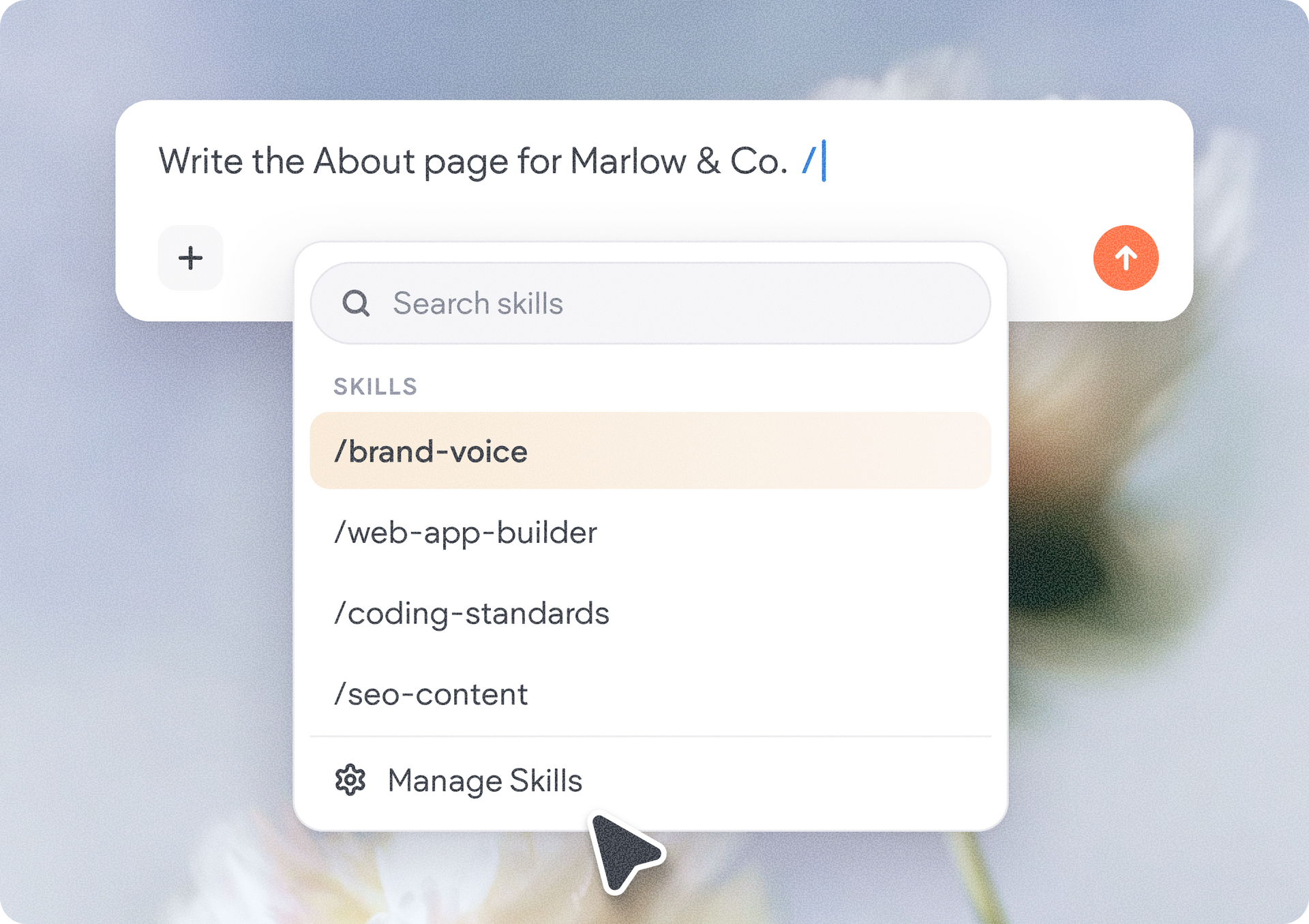
Text editor with a slash-command menu listing blocks like brand voice, web-app-builder, coding-standards, and seo-content.
By Ofri Baram & Tal Levi • November 6, 2026
Discover a new way to customize how AI works for you and your team.