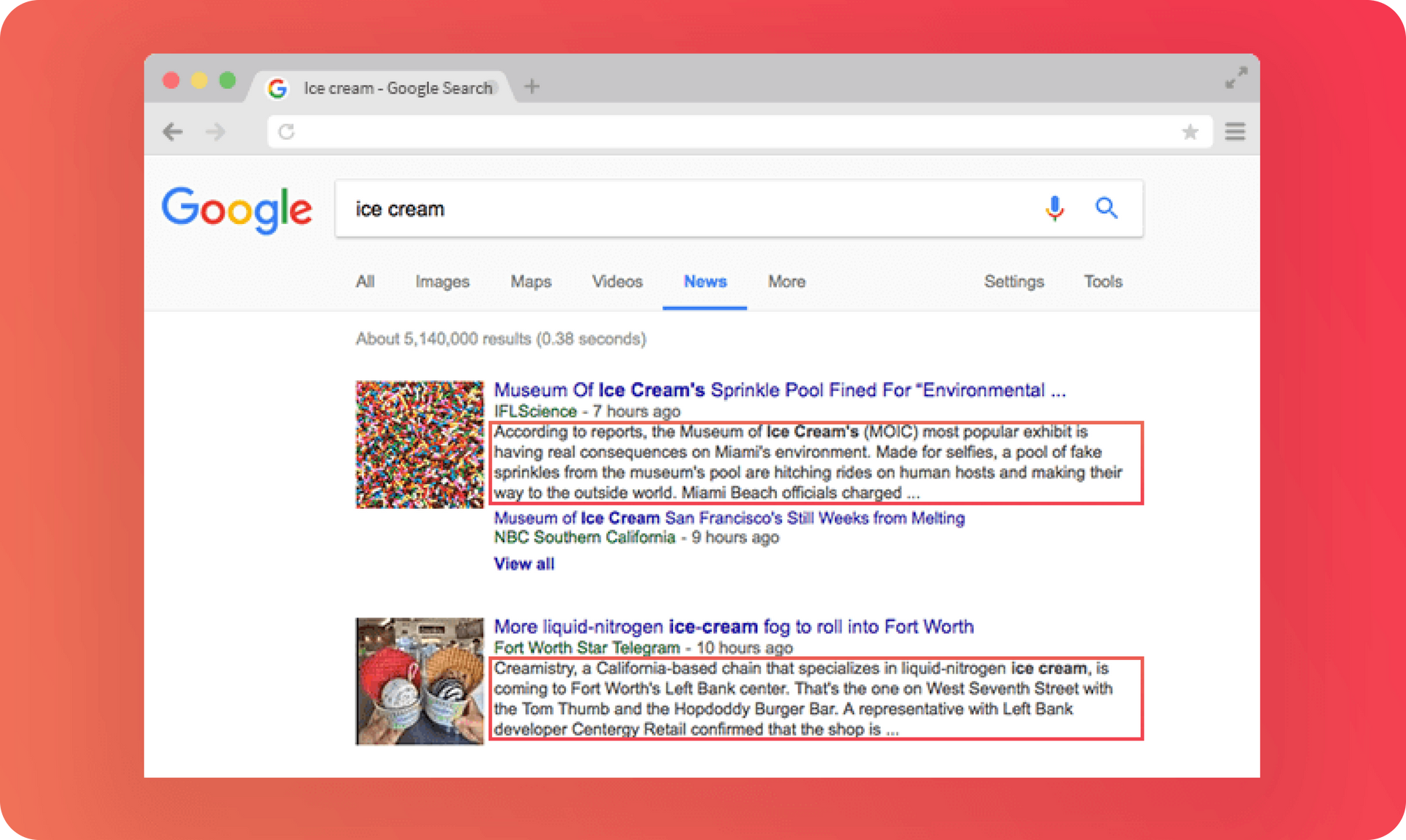
Snippets are important because they are the text that potential visitors see after they make a search query. If a snippet is enticing, visitors will click-through. If it’s not, they’ll scroll until they find one that is.
Google won’t always display the meta description you write on the page as part of the snippet. Depending on the search that’s performed, Google might display other text from the page that it feels is more relevant to the searcher's intent. If you write solid descriptions that help users understand the content of the page, you’re more likely to have your description shown on the SERP.
So, what's the change?
Until about two months ago, Google displayed a maximum of around 165 characters in every snippet. If a meta description was longer, excess text would be replaced with an ellipsis. Google tested higher length descriptions and found that they lead to higher click throughs and more engaged users, so they rolled out the higher limit to all websites.
With up to 320 characters available in both page and site snippets, you can write a lot more in your meta descriptions. Use the extra characters to give people a better idea of what the site is about and to persuade visitors to click-through. This will result in more targeted clicks, because people have a better idea of what the site/page is all about.
Adding/Updating meta descriptions in your sites
If you haven’t added meta descriptions to your sites before, now is the time to do it! If you do have meta descriptions, now is the time to update them. You don’t have to use all 320 characters, of course, but if there is something you can add that will give more value to potential site visitors, go for it!
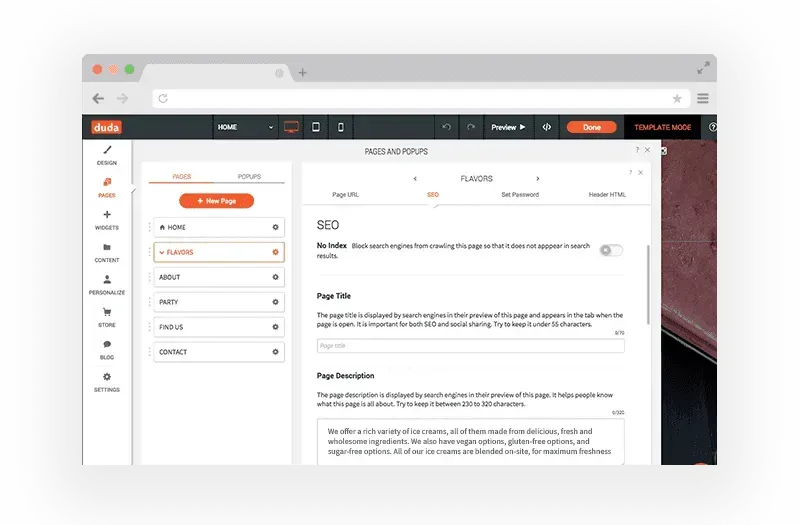
Site and page descriptions
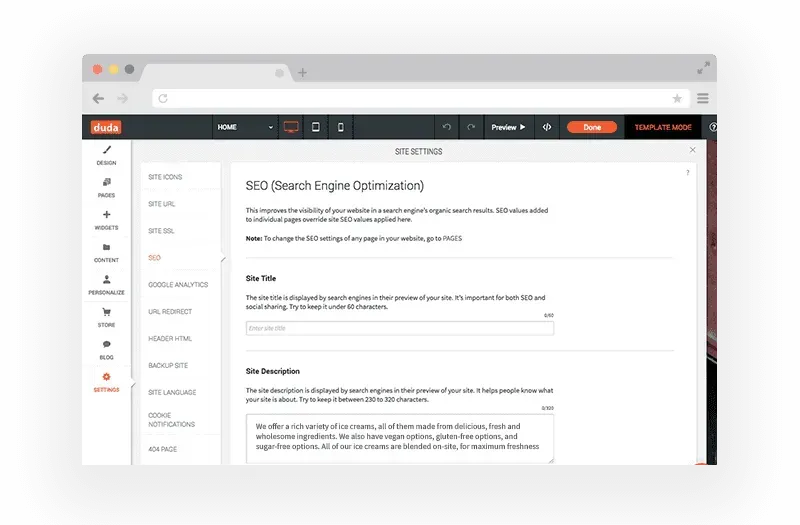
To add/edit a meta description for the entire site, go to Settings > SEO and scroll down to Site Description.