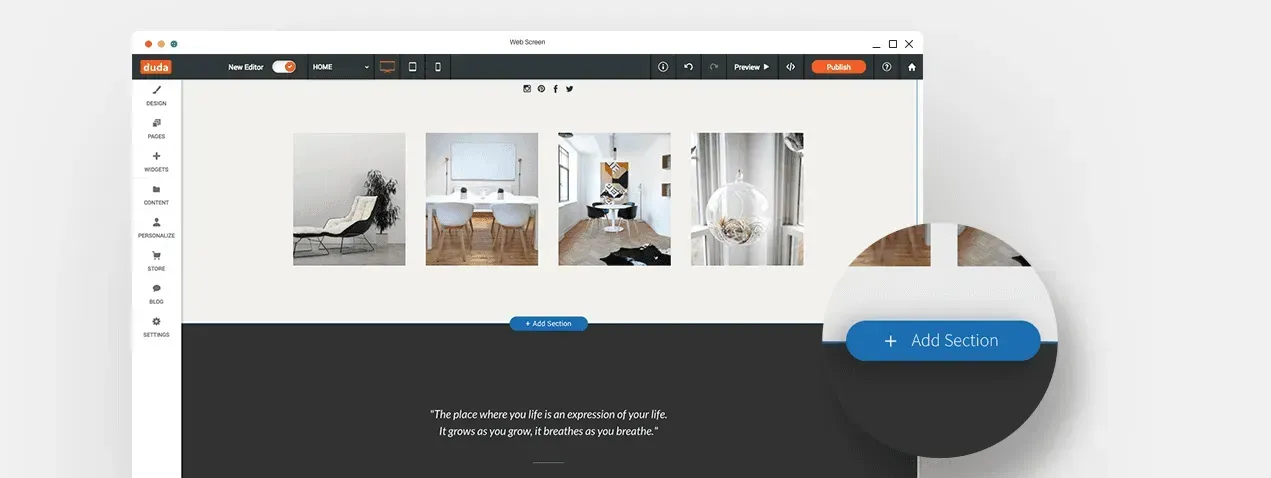
As part of our ongoing efforts to make building beautiful websites easier and faster, we’ve created a huge variety of customizable Sections for you to add to your websites.Sections are rows that contain a collection of widgets, and are designed to convey certain messages and goals. The new Sections are organized into categories, so you can easily find just the right Section for any purpose. To access the Sections, just start editing a site and click the “+” that appears between rows.

Build amazing sites more quickly


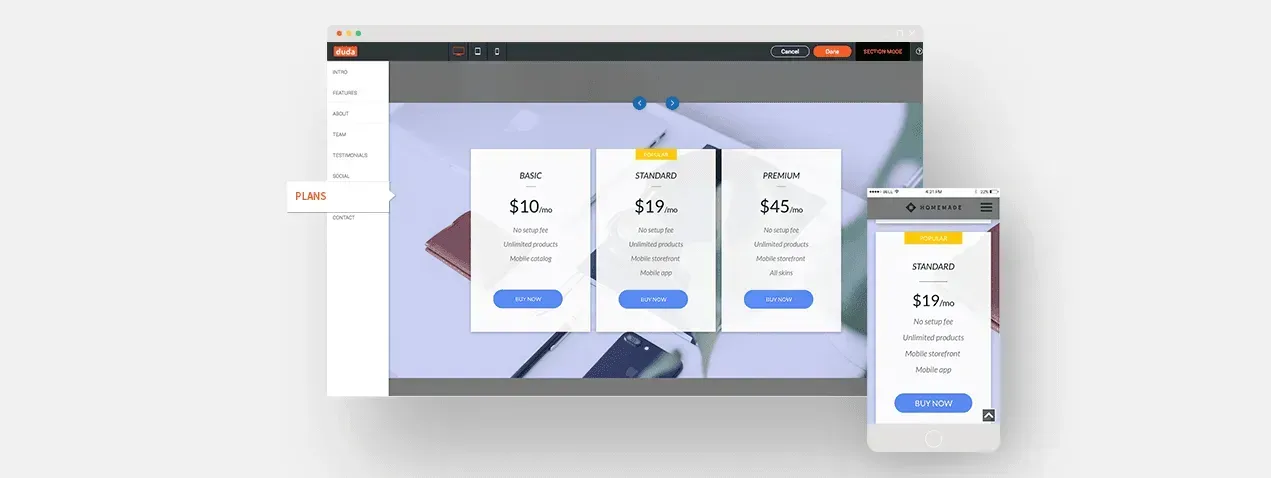
Sections save you time in the design process. For example, instead of investing time in designing the perfect Plans section for your customer’s offerings, you can simply add a pre-made Plans Section and customize it for your customer’s needs.


Created by our professional design team


Each and every new Section was designed by Duda’s professional design team, without any use of custom CSS, to inspire you and encourage customer engagement. Once added to your site, Sections behave like any other row in the editor, so you can add widgets, customize them, change their order and more.


Automatically adjusted to any template


When you add a Section to a website, it automatically takes on the Global Design characteristics of that website. So, if the template you’re using has a fancy font in the main header and the Section you choose also includes a header, that Section will show the same fancy font.


Ready to start?


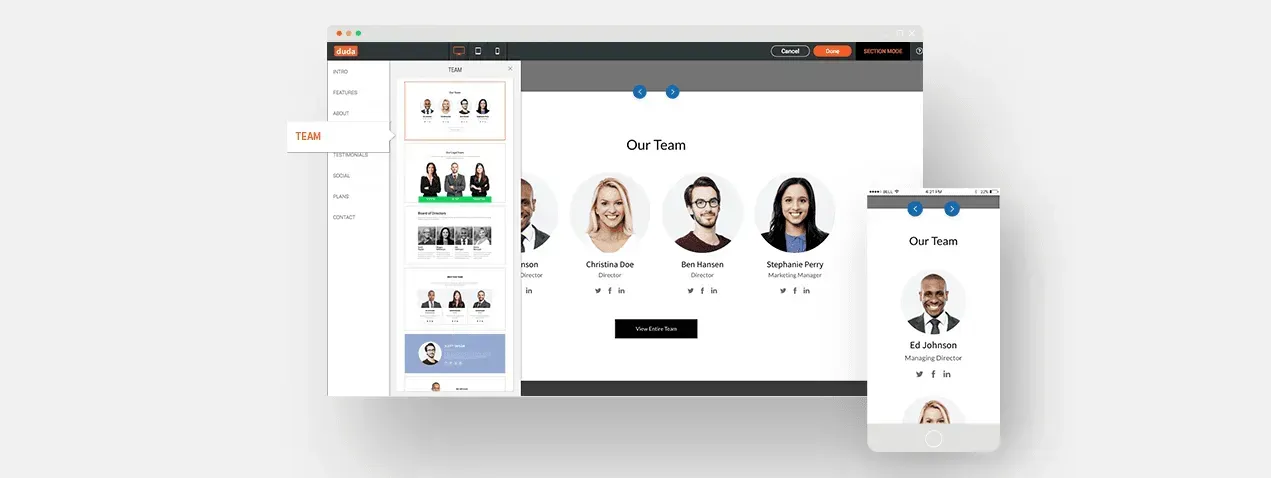
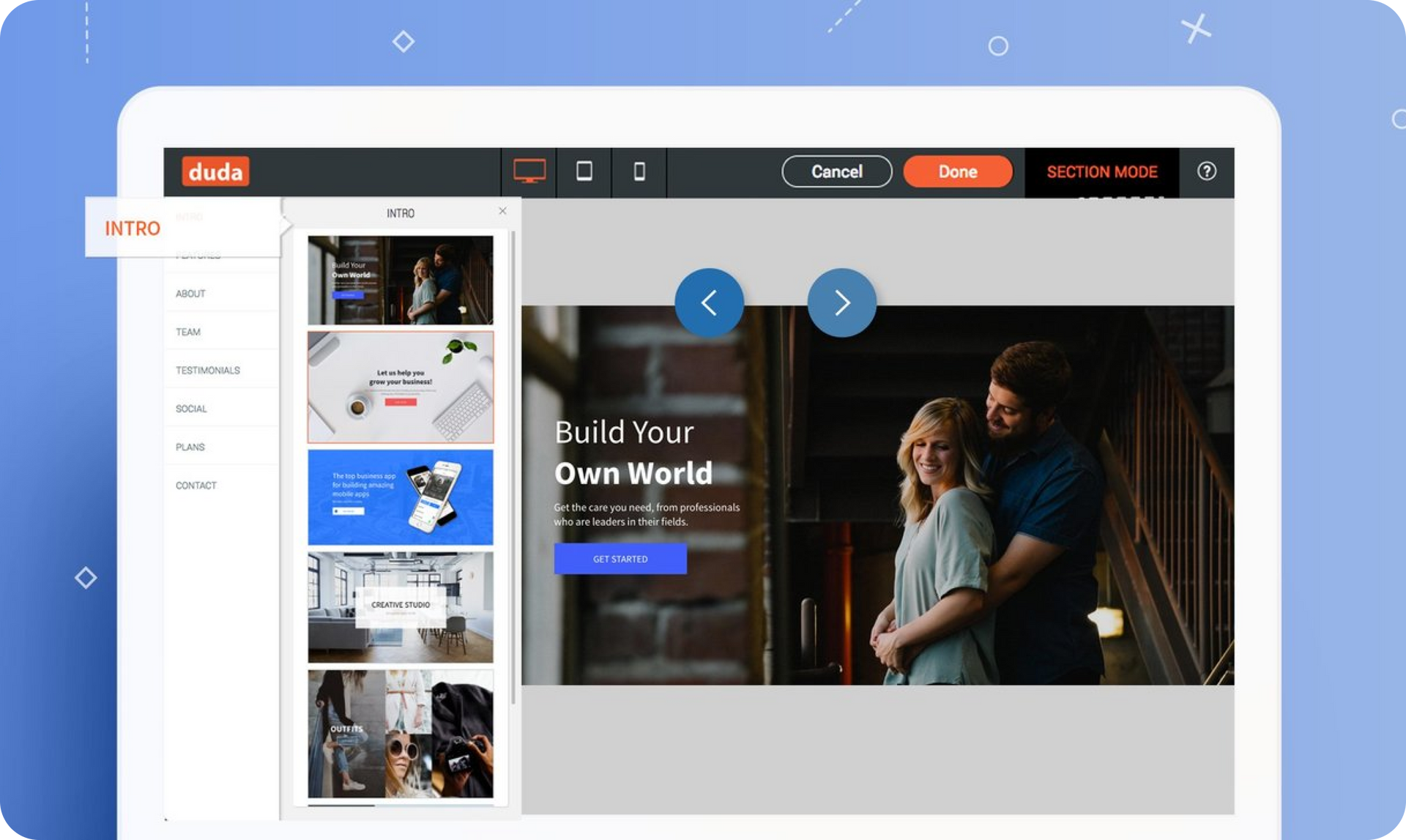
You can already find dozens of Sections in the editor, arranged in categories including Plans, Social, Testimonials, Team, About, Features and Intro, and we'll be adding more categories soon. To start exploring, just go to the editor, choose a site, and click the “+” between rows on the site.


June 26, 2017
Roni Landau

 • 

Introducing: Duda’s Sections

Stay in the Loop with Duda Updates

Sign up to get feature releases, tools, and more to your inbox.

Latest product updates

Purple cursor clicking a dark “Remix” button on a blue app interface
By Tal Levi May 20, 2026
The new way to discover ready-made widgets and add functionality to your sites without starting from scratch.
Yoga studio interface with class selection: people in a class, instructor selection
By Mor Zamir May 18, 2026
Send SMS or email reminders to reduce no-shows, offer group or class bookings and more.
Website editor showing a “Private Tennis Class” page with a tennis-court photo on the right.
By Yanir Moskovitz May 12, 2026
Discover a new way to update dynamic content without leaving your design environment.