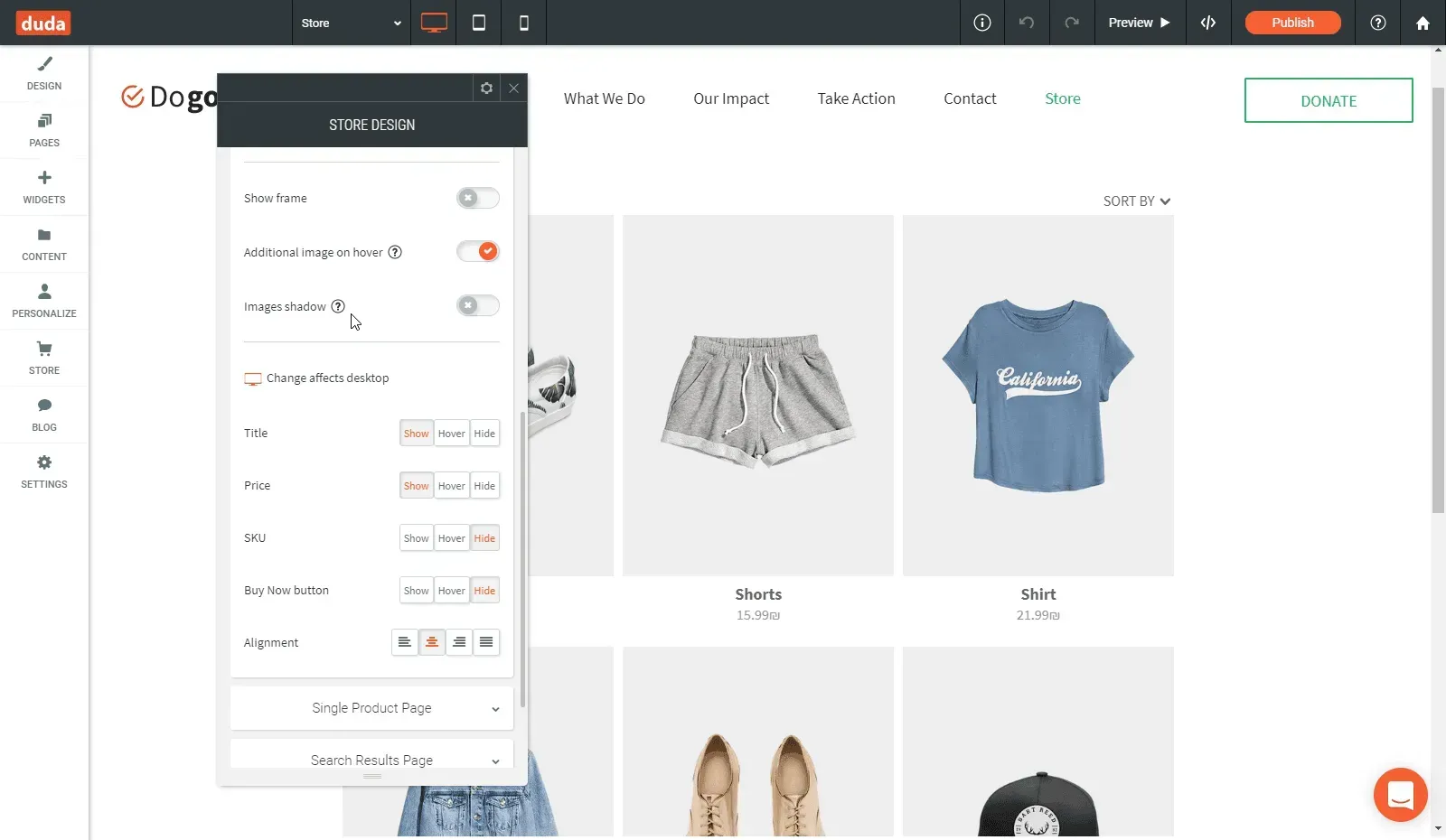
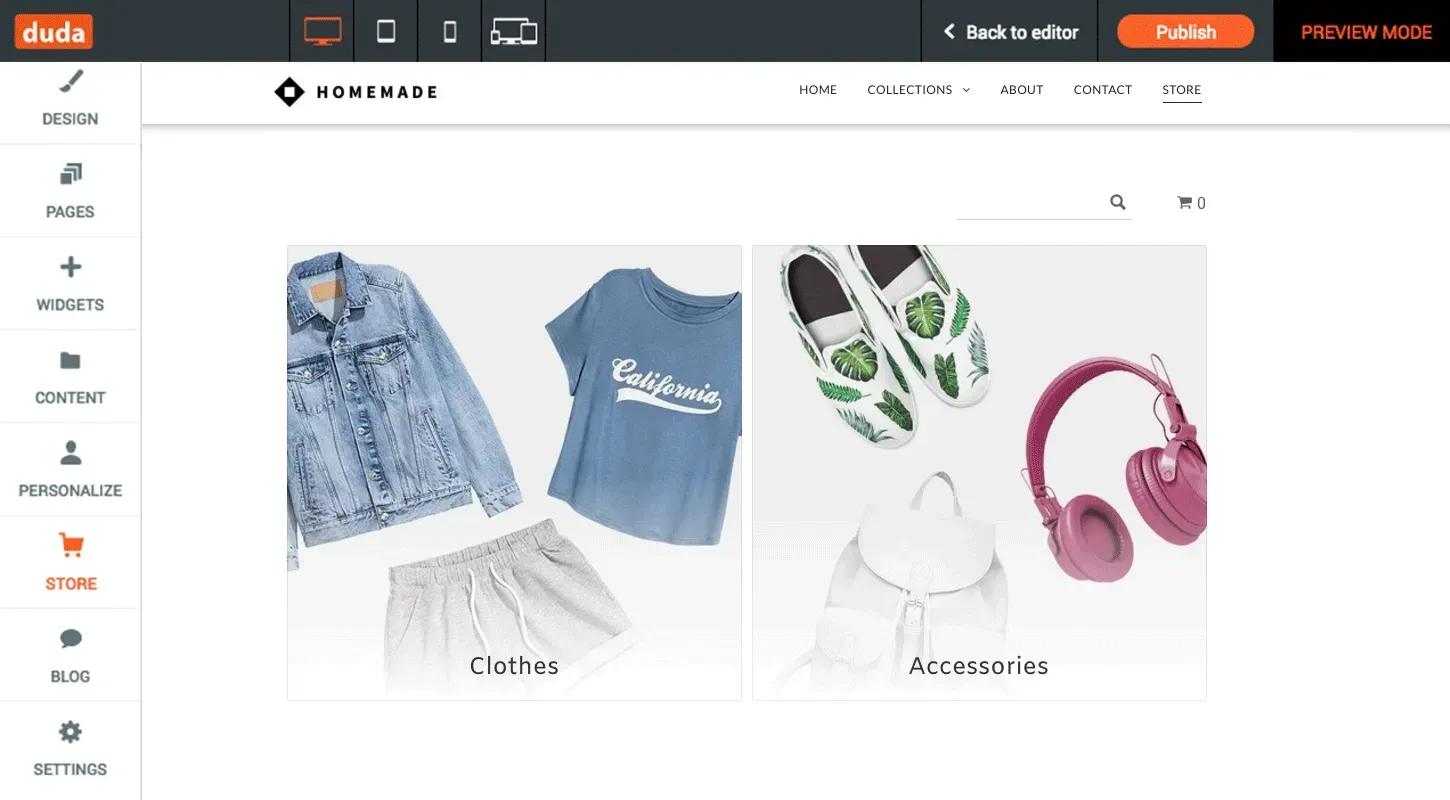
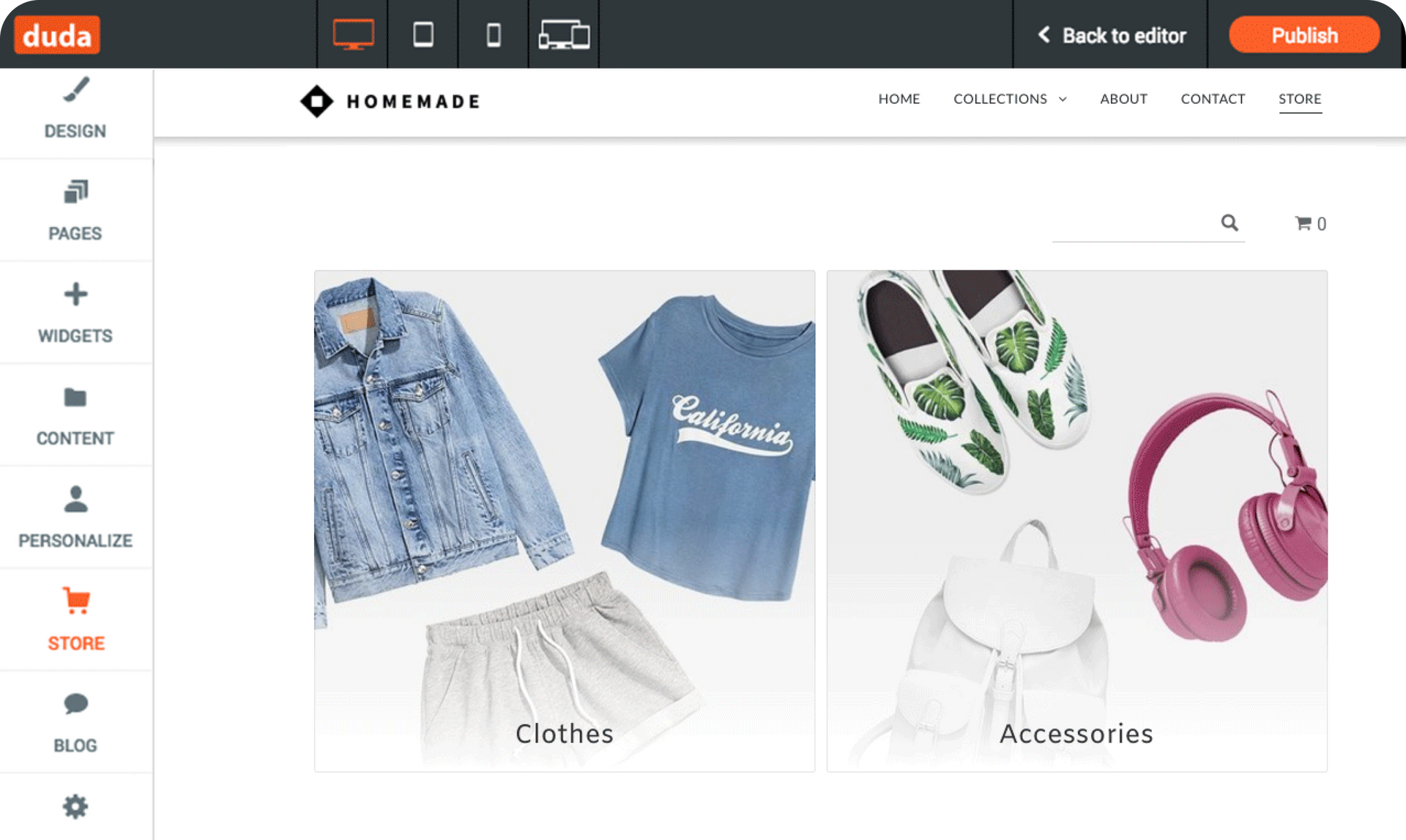
When you start building a new eCommerce site, you’ll start with a slicker new default store that demonstrates many of these terrific new capabilities. The new store, which features 10 products divided into 2 categories, is a great start for any store you want to build.
Duplicate Store
Want to create another store just like the one you built? NO PROBLEM!Now, whenever you duplicate a site with a store, all the customization and design will be duplicated in the new site, so there's no need to redesign or adjust.
Update your old store to get the new one
To get the new store, just click “Update widget” in the main store design tab. You can review the new store before publishing it and adjust it using the store design capabilities.
Don’t worry, we’ll automatically create a backup for your site that includes the old store, so you can go back if you want to.
Note: You don’t need to update the design to manage products in the store. If that’s all you want to do, just click Manage Store.
This is the first stage in our store upgrade. We’ve got lots more in store, including improved product pages, search pages and more.
Start selling now!