Finding the right image for a site can be time-consuming, especially when searching stock libraries, switching between tools, and trying to match a client's vision. That's why we're excited to introduce a new AI-powered image generation capability built directly into the Duda editor.


You can now generate custom images with AI from the places where you already manage site visuals, without leaving your workflow. Whether you're updating a section background, replacing an image widget, or building a new page, creating the perfect image is now just a prompt away.


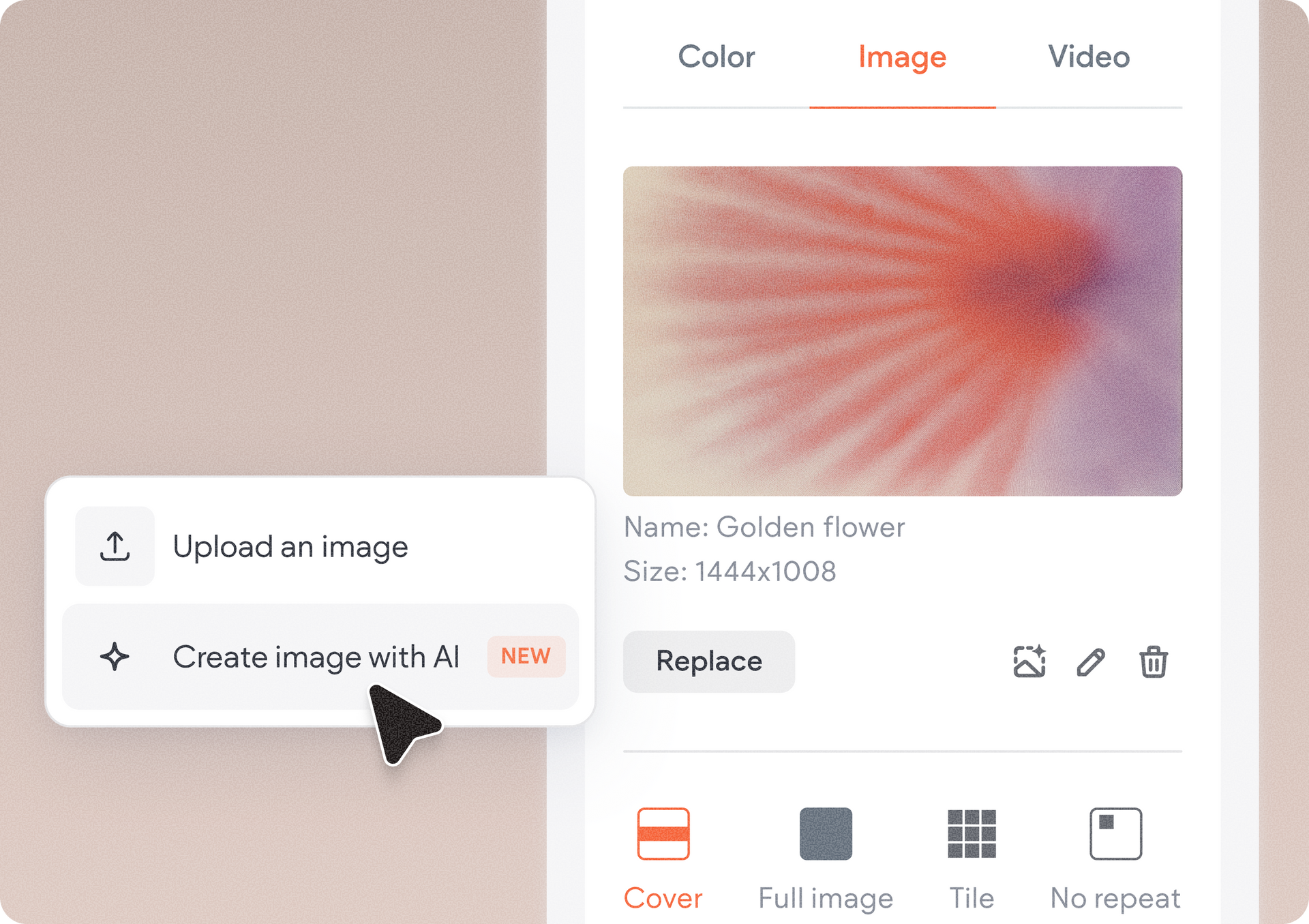
The new image generation option is now available across the editor's core image management experiences, including:

  • Image widget
  • Background images
  • Media panel
  • Media manager
  • Image settings
  • Advanced Accordion widget
  • List widget


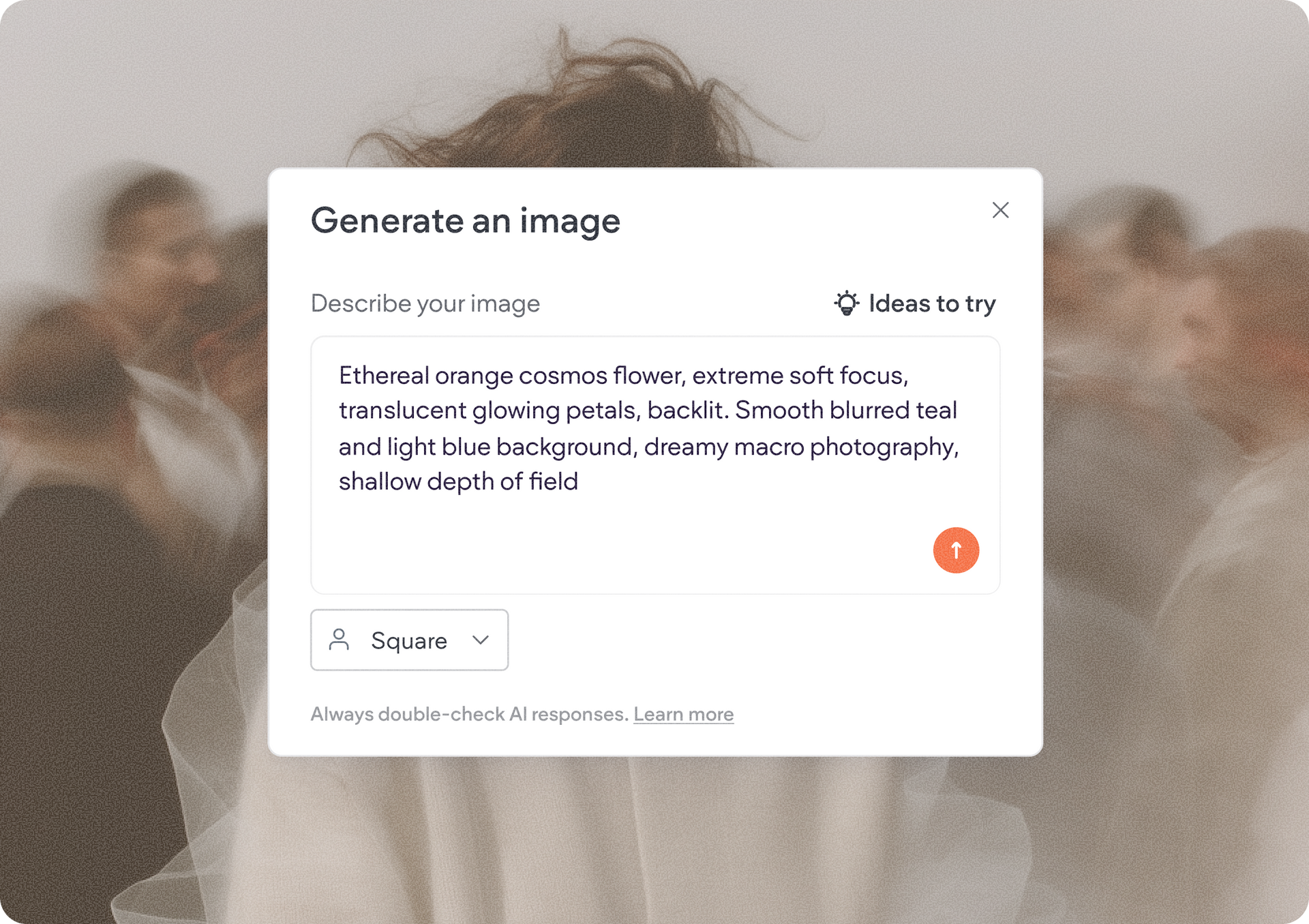
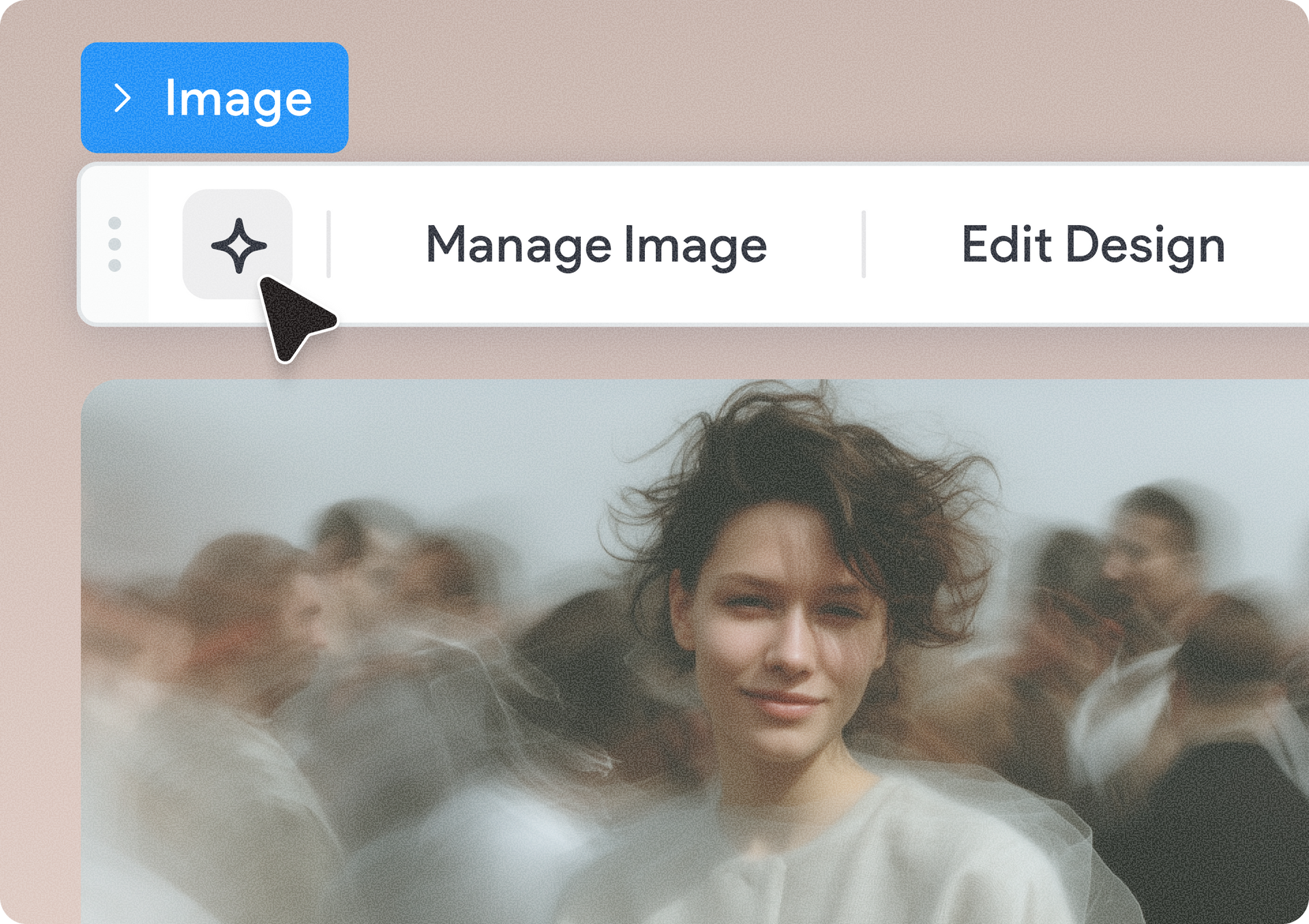
And others… Simply click the image generation icon, describe what you're looking for in the chat box, and let AI create it for you. For example, you can enter a prompt like:


"Create an image of a veterinary doctor looking intently into the eyes of a cute golden retriever."


Within seconds, you'll receive a custom image tailored to your description and ready to use on the site.


Create unique visuals for any client

Need a modern coworking space for a startup website? A local bakery owner arranging fresh pastries? A luxury spa treatment room? Just describe the scene, style, or subject, and AI will generate original visuals that match your needs.


This gives you more creative flexibility while helping you build sites faster and with fewer compromises.


Refine results until they're just right

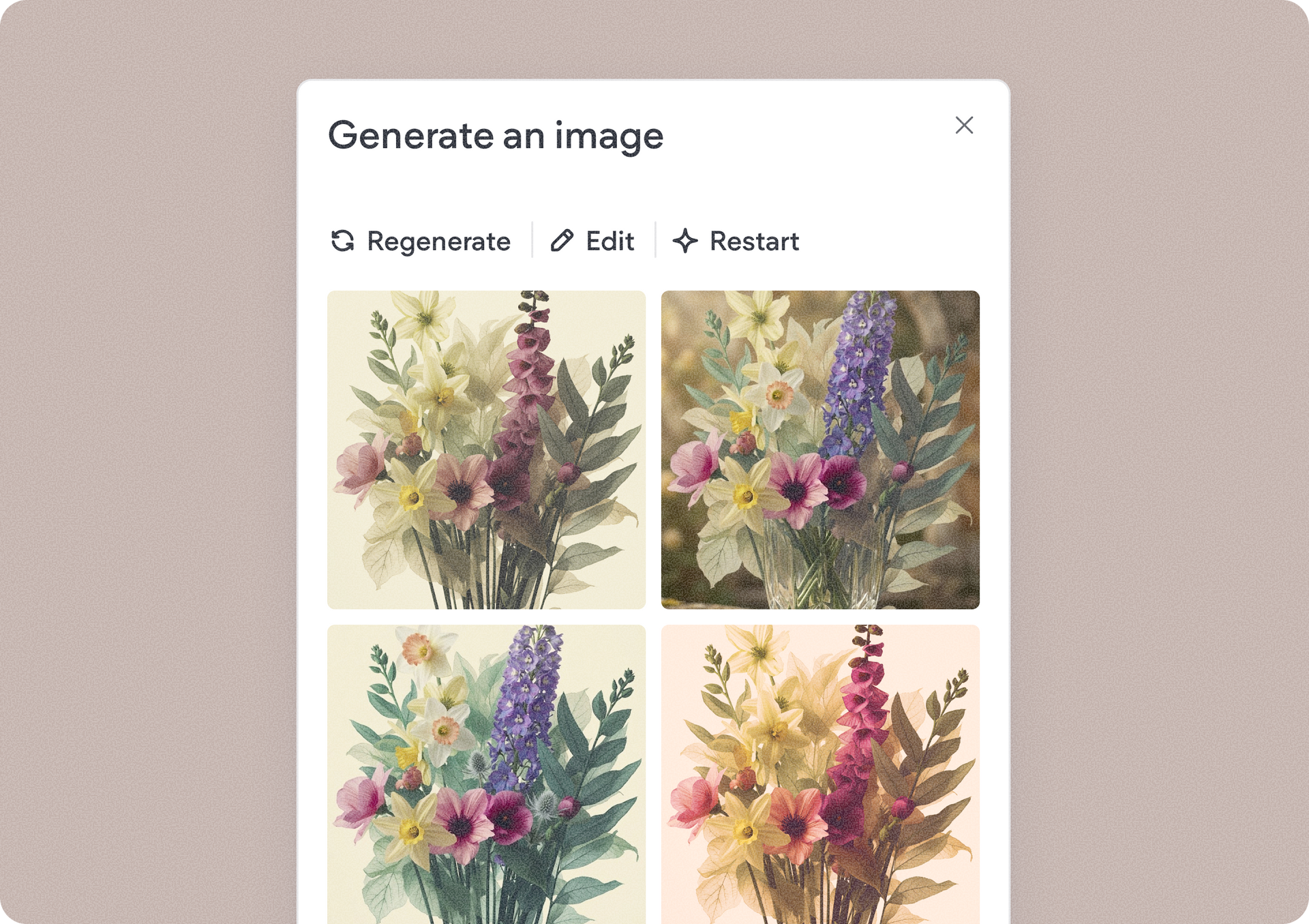
Image generation doesn't stop after the first result. Once an image is generated, you can edit the prompt to regenerate it with your changes, regenerate new variations, or reset and start over with a fresh concept.


This iterative workflow makes it easy to experiment with different ideas and quickly arrive at a visual that fits the design perfectly.


Faster design workflows, better results

By bringing AI image generation directly into the editor, you can spend less time searching for assets and more time building beautiful sites. To get started, open any supported image management area in the editor and hit the image generation icon. Enter a description of the image you'd like to create, generate your image, and add it directly to your site.


We can't wait to see the unique visuals you create and how they'll help bring your clients' stories to life.


June 4, 2026
Yanir Moskovitz

 • 

Generate Images with AI Directly in the Editor

Stay in the Loop with Duda Updates

Sign up to get feature releases, tools, and more to your inbox.

Latest product updates

ArtSuite dashboard on “Choose a template” page with green sidebar and template cards
By Avigayil Lewin June 2, 2026
Site generation with AI is now smoother, smarter, and more flexible.
ChatGPT chat showing a reply that says 53 contact form responses are ready to download.
By Annat Katz June 1, 2026
Export Copilot data into a downloadable file, spot blog posts with missing SEO tags, and more updates to discover.
Purple cursor clicking a dark “Remix” button on a blue app interface
By Tal Levi May 20, 2026
The new way to discover ready-made widgets and add functionality to your sites without starting from scratch.