We’ve released our integration of Copilot directly within Editor 2.0, giving you a faster way to build, edit, and manage sites by simply describing what you want done.


What this means is you can create or edit virtually any aspect of your site through your chat with Copilot: Create a page, redesign a section, update content, edit a collection, or even generate a custom widget.


We’ve also combined the capabilities in the site dashboard, editor, and custom widgets agents into a single Copilot, so you don’t need to move between different AI experiences to get different jobs done.


Create and edit pages by simply asking

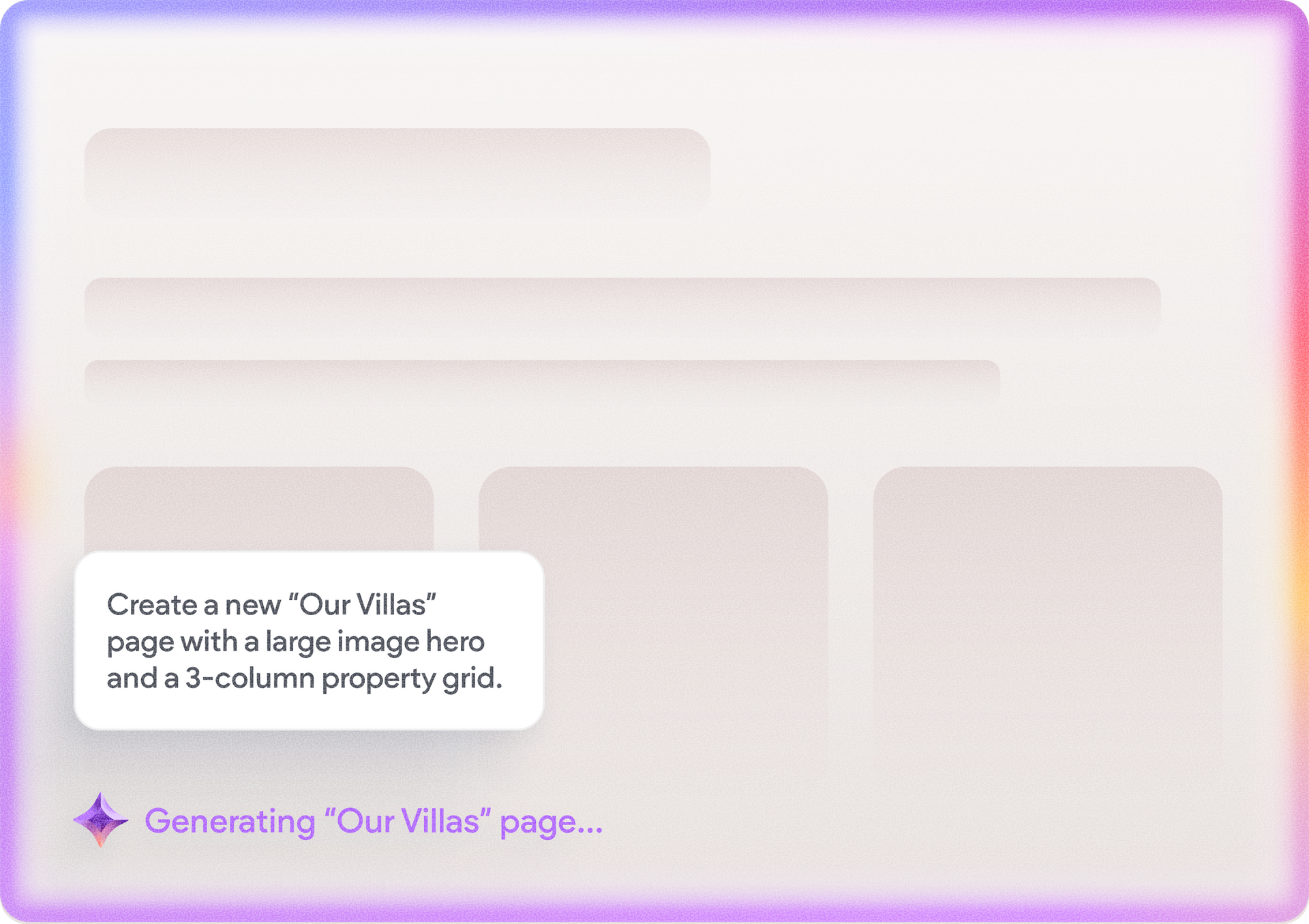
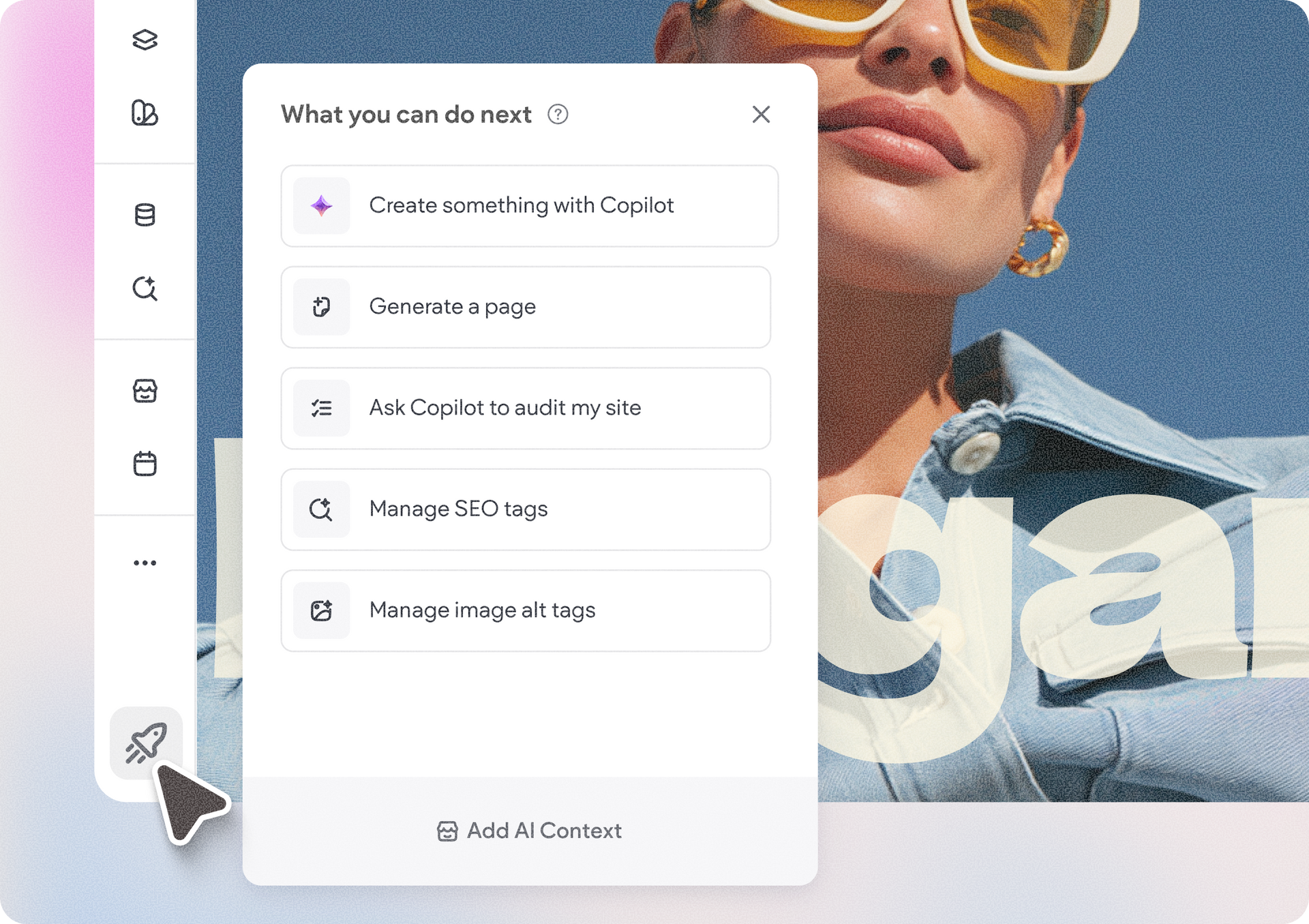
Need a new page? Describe what you need and Copilot can generate the layout, text, and images, matched to the rest of the site.


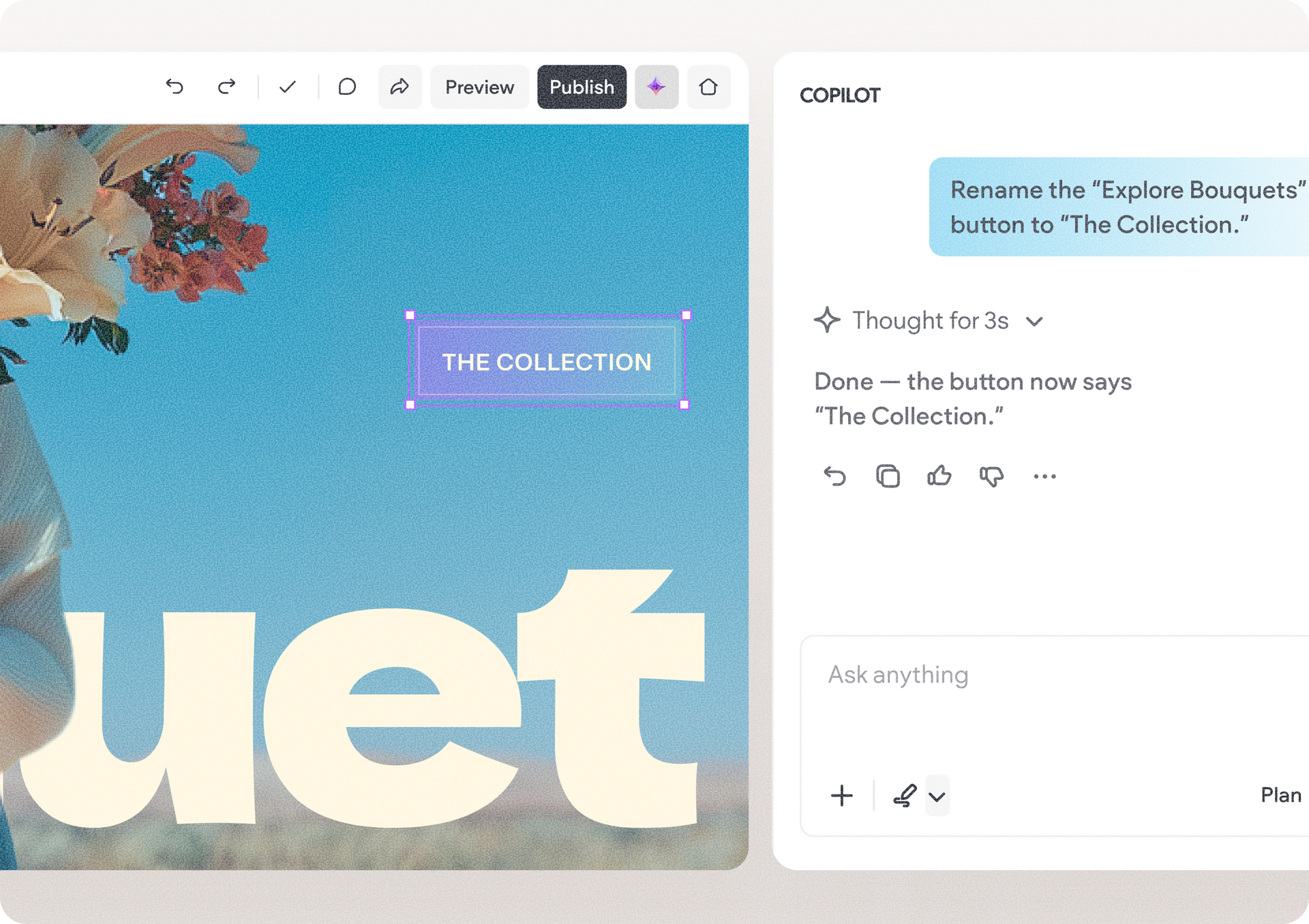
For your existing pages, ask Copilot to redesign a section, change its layout or spacing, replace an image, rewrite a headline, update an offer, and more.

Prompt example:


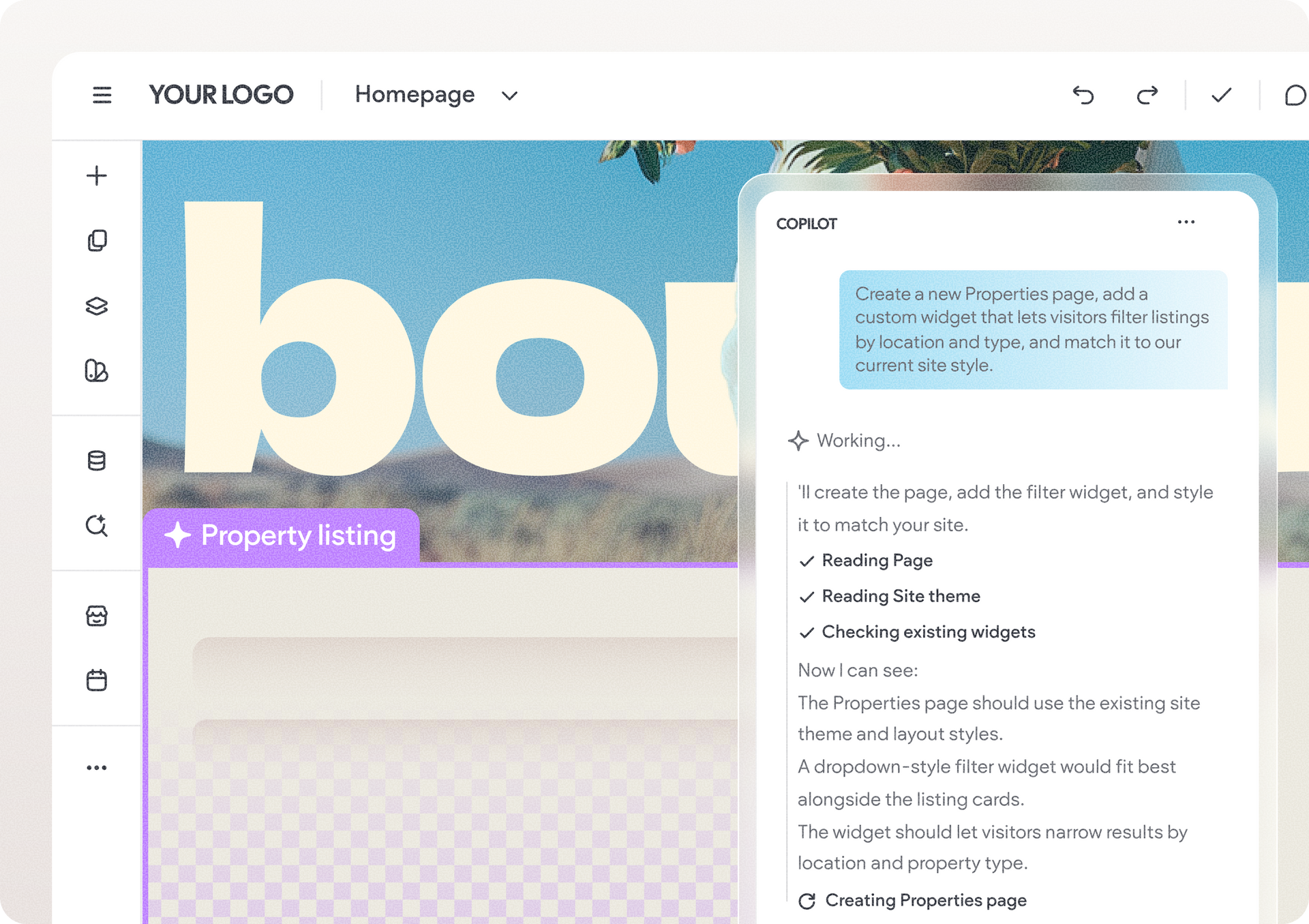
Add a new Properties page featuring all available listings in a responsive card layout. Include filters that let visitors narrow the results by location, price range, number of bedrooms, property type, and availability. Update the results instantly as filters are applied, and add a clear option to reset all filters.

Copilot works with the context of the site and page you’re editing, including its business and brand, so you don’t need to provide the same background with every request.

Turn client feedback into site changes

Instead of manually working through a long list of client revisions, just paste the feedback into Copilot and ask it to make the changes. It can work through requests helping speed up one of the most repetitive parts of the site-building process.


You can also use Copilot for larger changes. Ask it to refresh a site’s look, update its imagery or tone, or carry new messaging and positioning across multiple pages to keep the site consistent.

Prompt example:


Review this page for conversion opportunities and suggest improvements to calls-to-action, layout, and trust signals.

Work across the site, not just the canvas

Copilot can work with most Editor 2.0 widgets and containers, including text, images, buttons, sections, columns, headers & footers, forms, galleries, navigation, tables, accordions, tabs, and more.


It can also create and place Custom Widgets and edit their code, bringing custom widget creation into the same workflow.

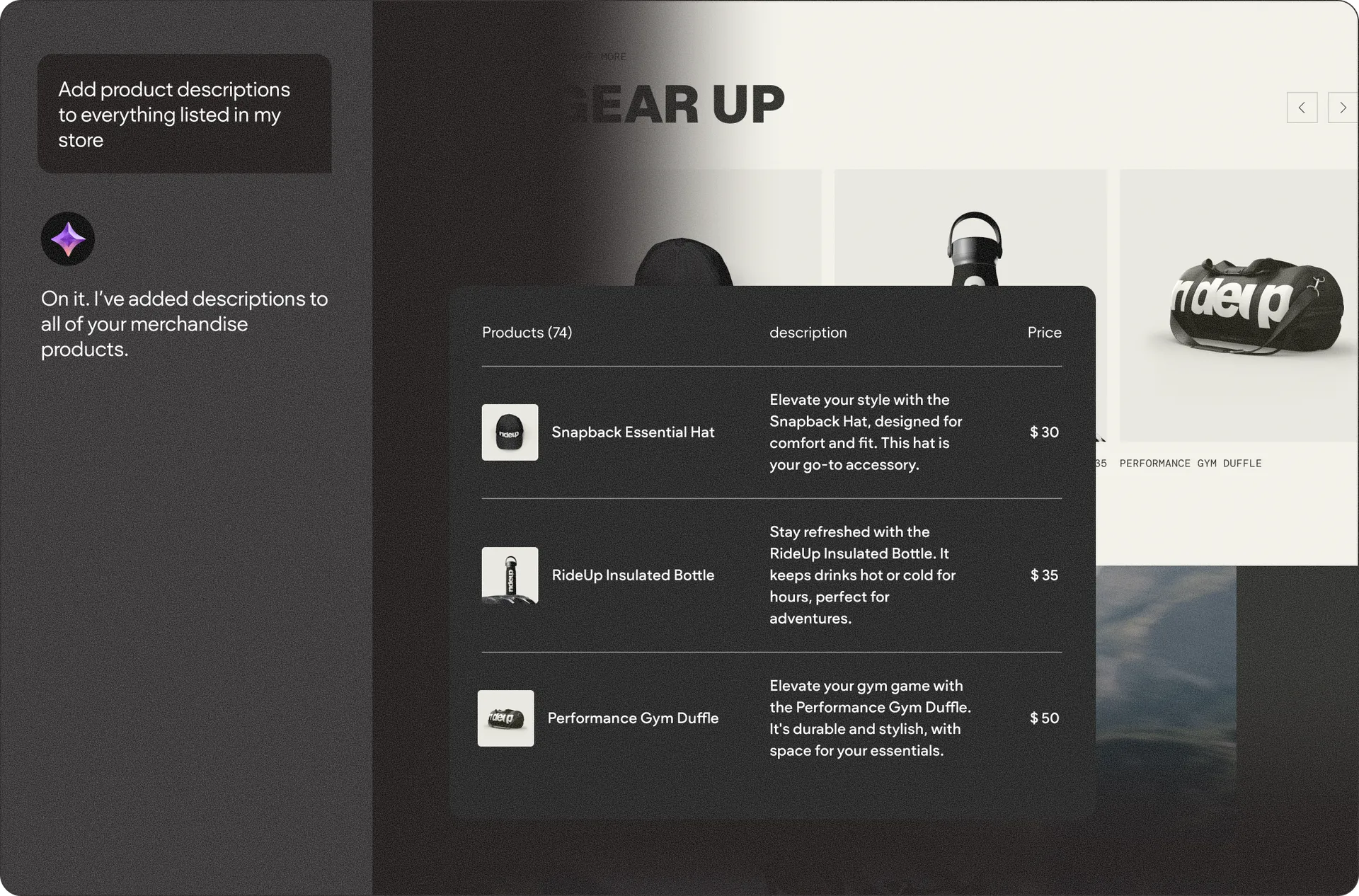
And its capabilities extend beyond the canvas to areas including collections, Content Library, site & pages, design & theme, blog, eCommerce, Bookings, analytics & reporting, and even your accounts & access.


This means you can ask Copilot to create a page, update the collection displaying its content, and generate a custom widget from the very same conversation.

Optimize for search and online conversions

Another cool thing you can also ask Copilot, is to review existing pages and optimize them.


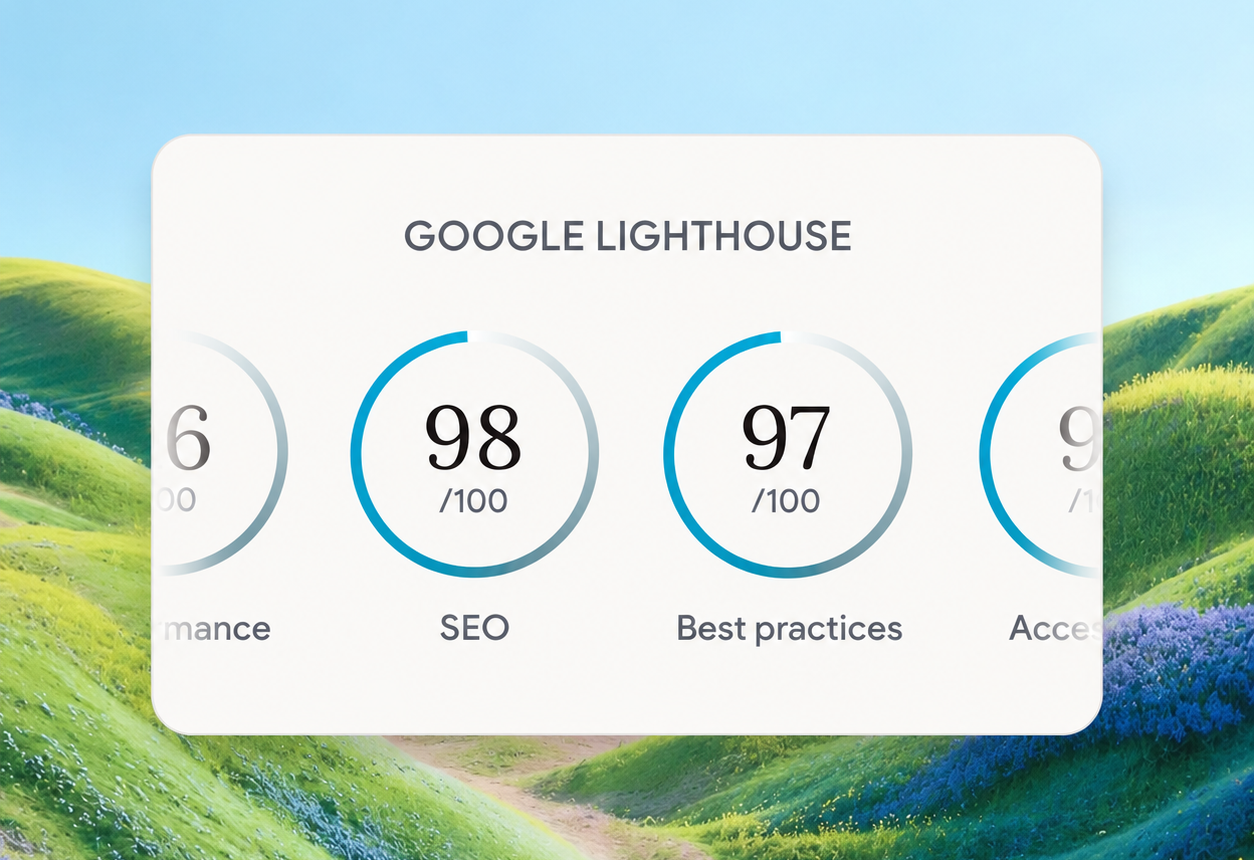
For conversion optimization, ask Copilot to review elements like headlines, CTAs, and page flow and apply improvements. For SEO and AI Visibility, it can audit pages and address issues that could affect their visibility in search engines and AI-powered answers. Also worth mentioning Duda recently launched an all-in-one AI Visibility tracking & optimization tool you should check out.


How to get started with Copilot in Editor 2.0

There’s nothing new to set up. Copilot is available directly inside Editor 2.0 and respects your existing Copilot team permissions.


Currently, it’s available to Duda account owners and team members with the Copilot and Editor permissions. Client access is coming soon.


Copilot and AI credit usage

Every Copilot action uses AI credits, with the number of credits depending on the complexity of the request. To see your account’s monthly credit alliance, its remaining balance, where it was used, and to even top up if you need more, go to your account’s billing area.


To learn more about the capabilities of Copilot in the editor, and how it can help you streamline your site building, visit this handy support guide.


With Copilot directly in the editor, you can spend less time navigating tools and completing repetitive tasks, and more time getting sites built, updated, and ready to publish.


August 26, 2026
Ofri Baram

 • 

Build and Edit Sites With Copilot in Editor 2.0

Stay in the Loop with Duda Updates

Sign up to get feature releases, tools, and more to your inbox.

Latest product updates

Blurred discount setup form with fields, dropdowns, and a blue action button on a white dialog.
By Rim Elfahem August 24, 2026
Updates to help your eComm clients increase sales, streamline store management, and deliver a better shopping experience.
Side-by-side ChatGPT and Gemini cards with blurred text on a soft pink background
By Naama Mizrahi August 20, 2026
Give your clients an edge in AI search with visibility insights and tailored optimization suggestions - all within Duda.
Dashboard UI with a dark line chart, $3,650 total, category dropdown, and filter sidebar
By Tal Levi August 17, 2026
More ways to build, customize, test, and get better results with Duda Vibe.