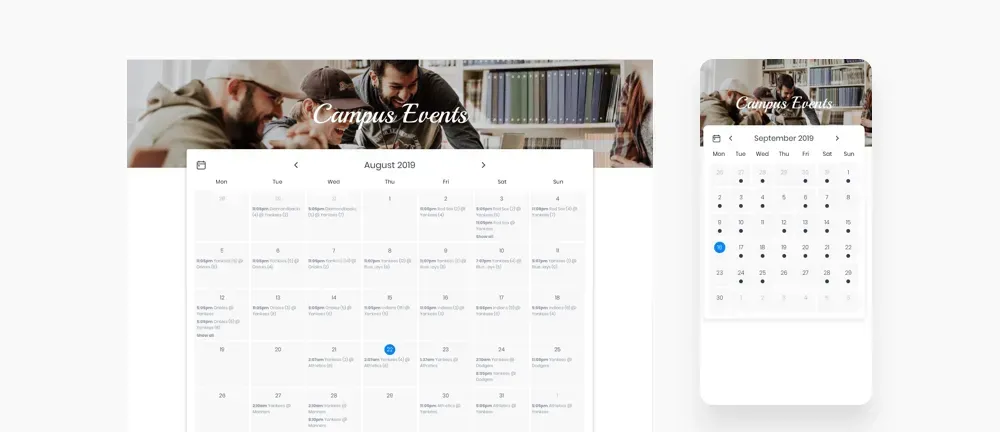
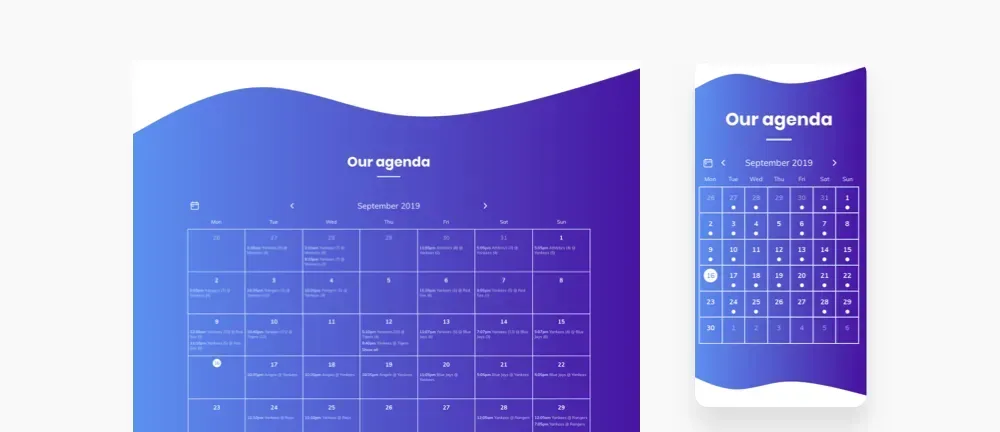
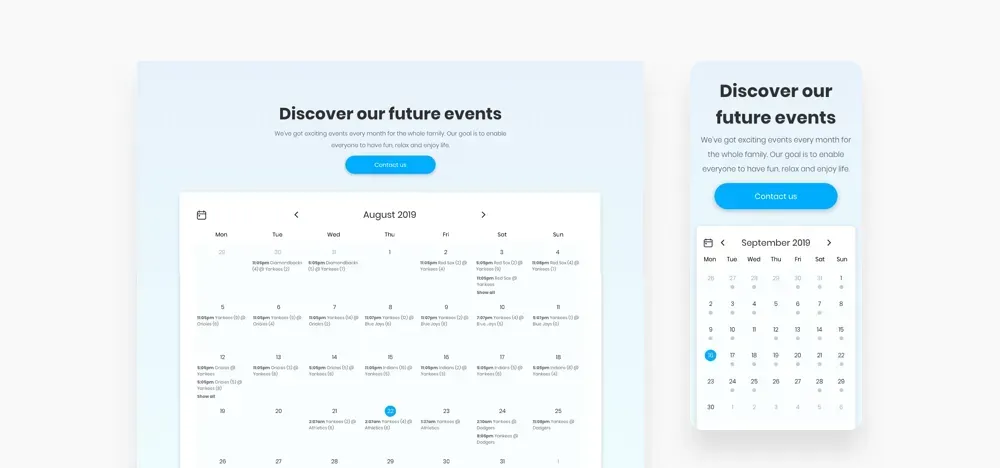
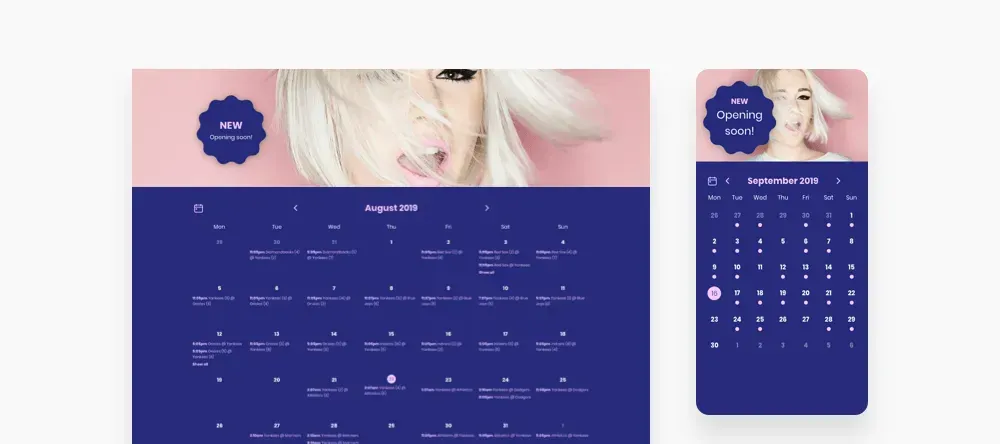
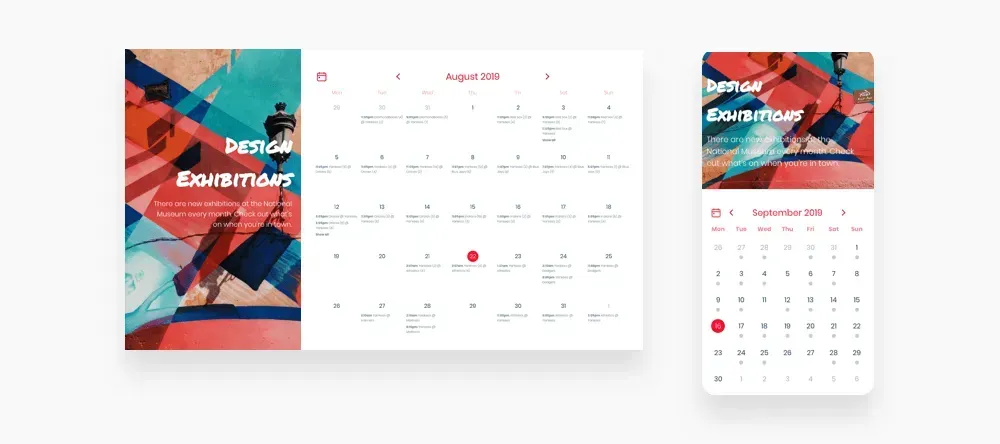
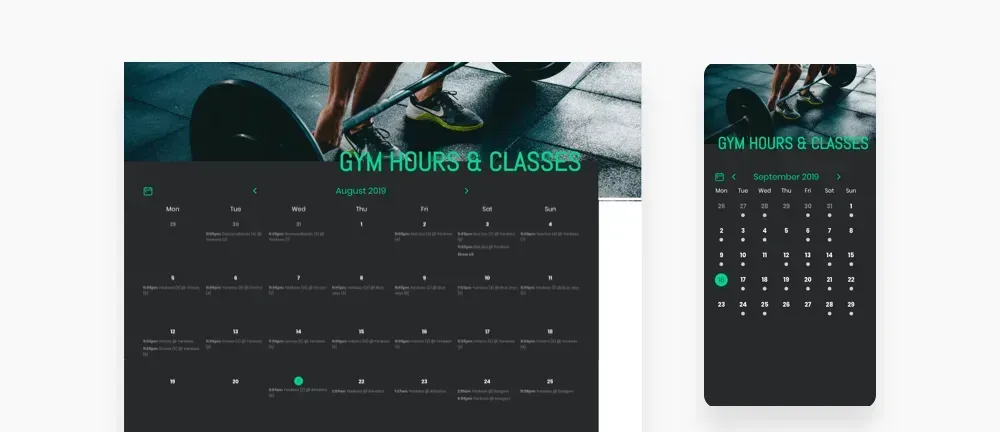
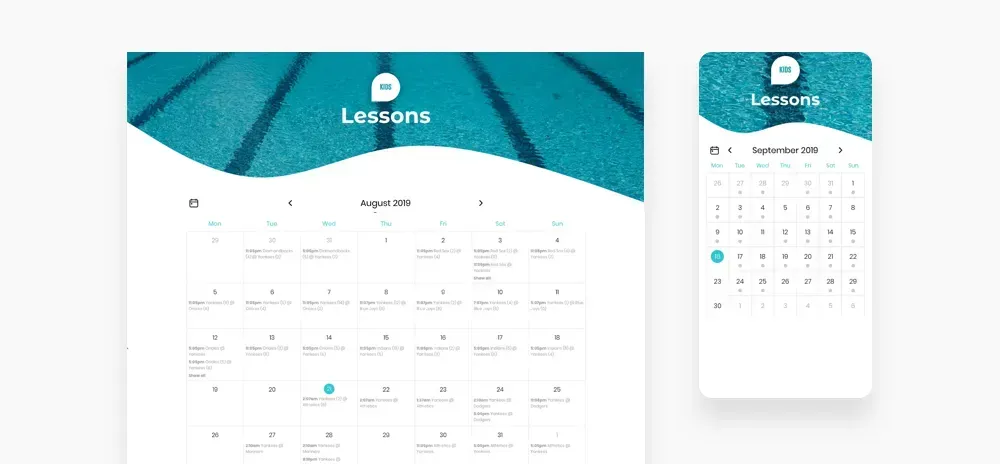
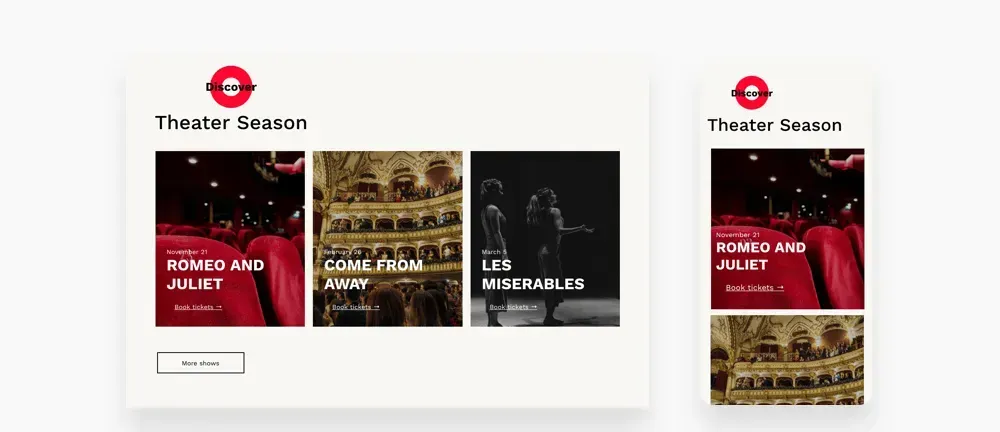
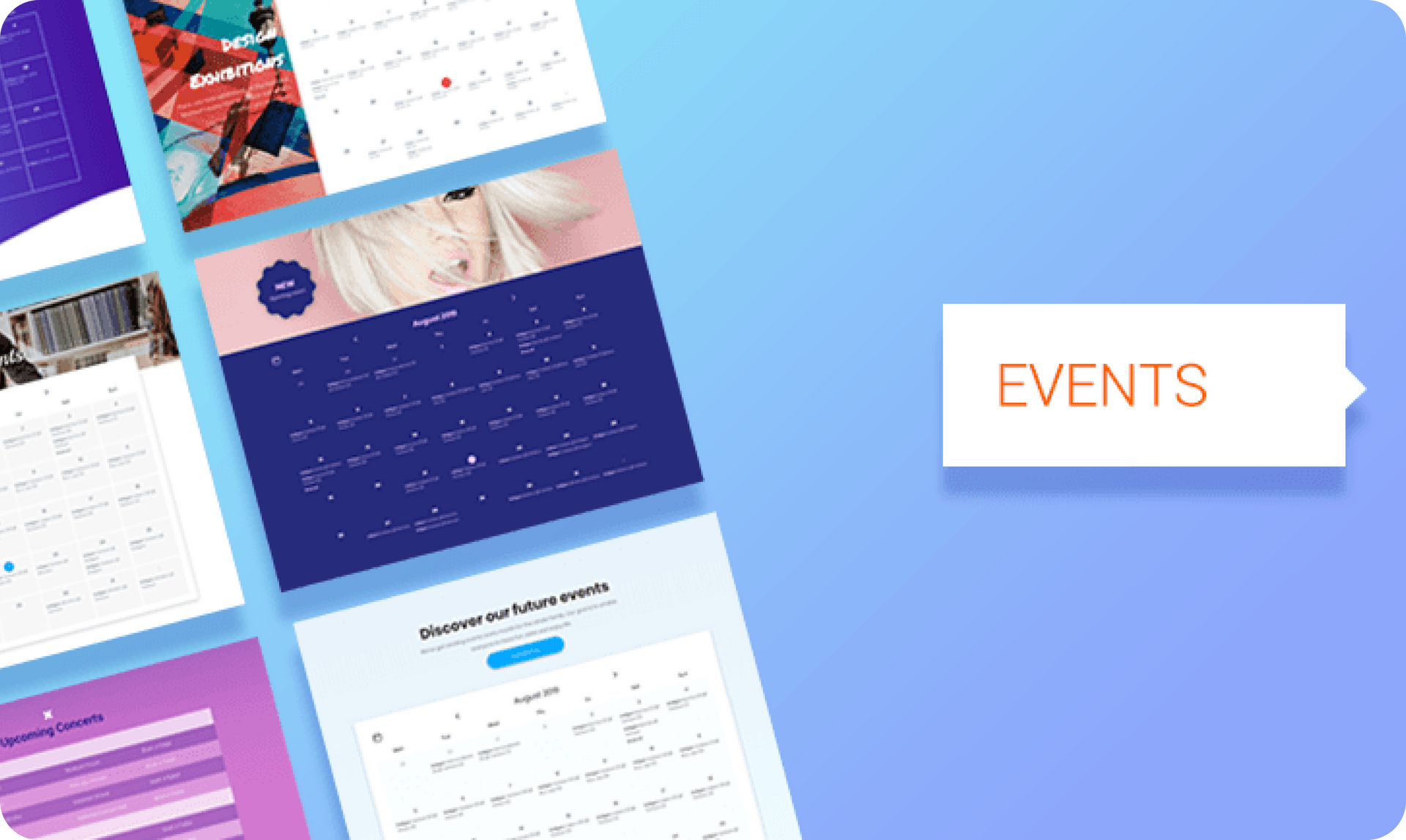
Let your site visitors know what's going on at a glance with 9 eye-catching and informative new Events Sections, built using the Table, Calendar and Gallery widgets.Scroll down to see previews or go to the editor and find them in the new Events tab of your Sections panel.

Events Sections


Upcoming Concerts

Company Agenda

Upcoming Events

Salon Events

Gallery Events

Theater Schedule

Health Club Classes

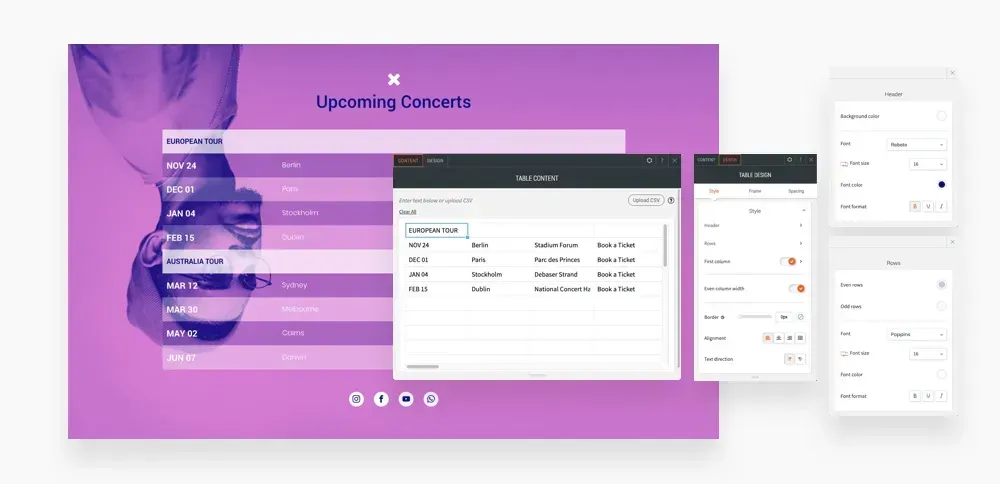
This Section is built using two Table widgets, one after the other. Content in Table widgets can now include links, so you can connect any field in the widget to a URL, popup, page anchor, etc.


To build this section on your own, follow these steps:


1. Start with a row with one column. Add a background image to the row and toggle on the parallax effect.


2. Add the following widgets to the row, one on top of the other: Icon, Title, Table, Social Icons.


3. Select an X in the Icon widget, add a title to the Title widget and design the table as follows: Turn the toggle on for the first column and even column width. In the first column, set the font to 20 px, white and bold. Set the header color background to white with 60% opacity; set the font to 16 px, blue and bold. Set the even row background color to purple with 20% opacity. Set the odd row background color to white with 20% opacity. Set the row font to 16px, white.


4. To set the entrance animation: right-click on the table > entrance animation >fade in from left/right.


5. Copy the entire table and paste it immediately below.


School Calendar
October 23, 2019

 • 

Roni Landau
Introducing: Event Sections

Stay in the Loop with Duda Updates

Sign up to get feature releases, tools, and more to your inbox.

Latest product updates

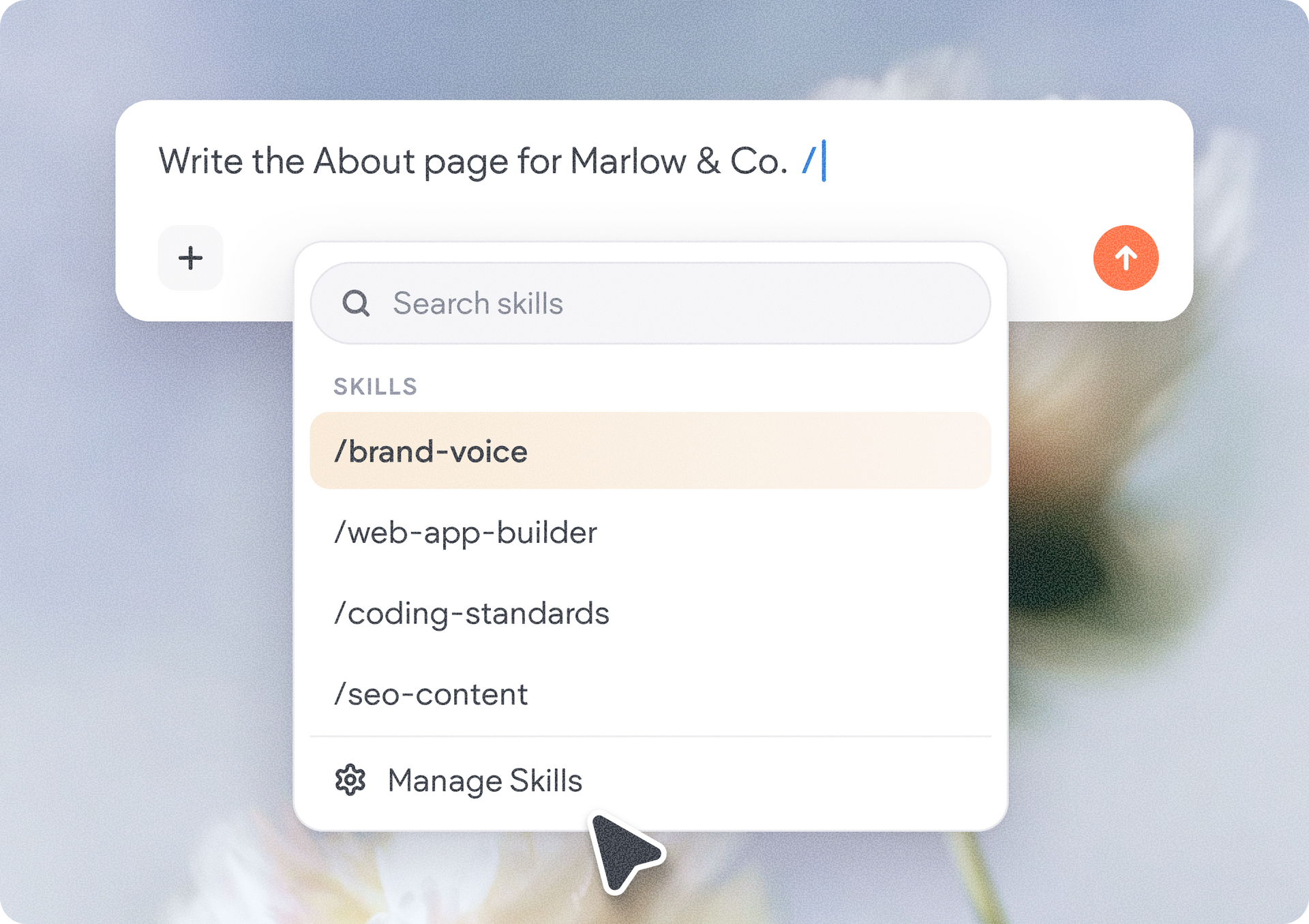
Text editor with a slash-command menu listing blocks like brand voice, web-app-builder, coding-standards, and seo-content.
By Ofri Baram & Tal Levi • November 6, 2026
Discover a new way to customize how AI works for you and your team.
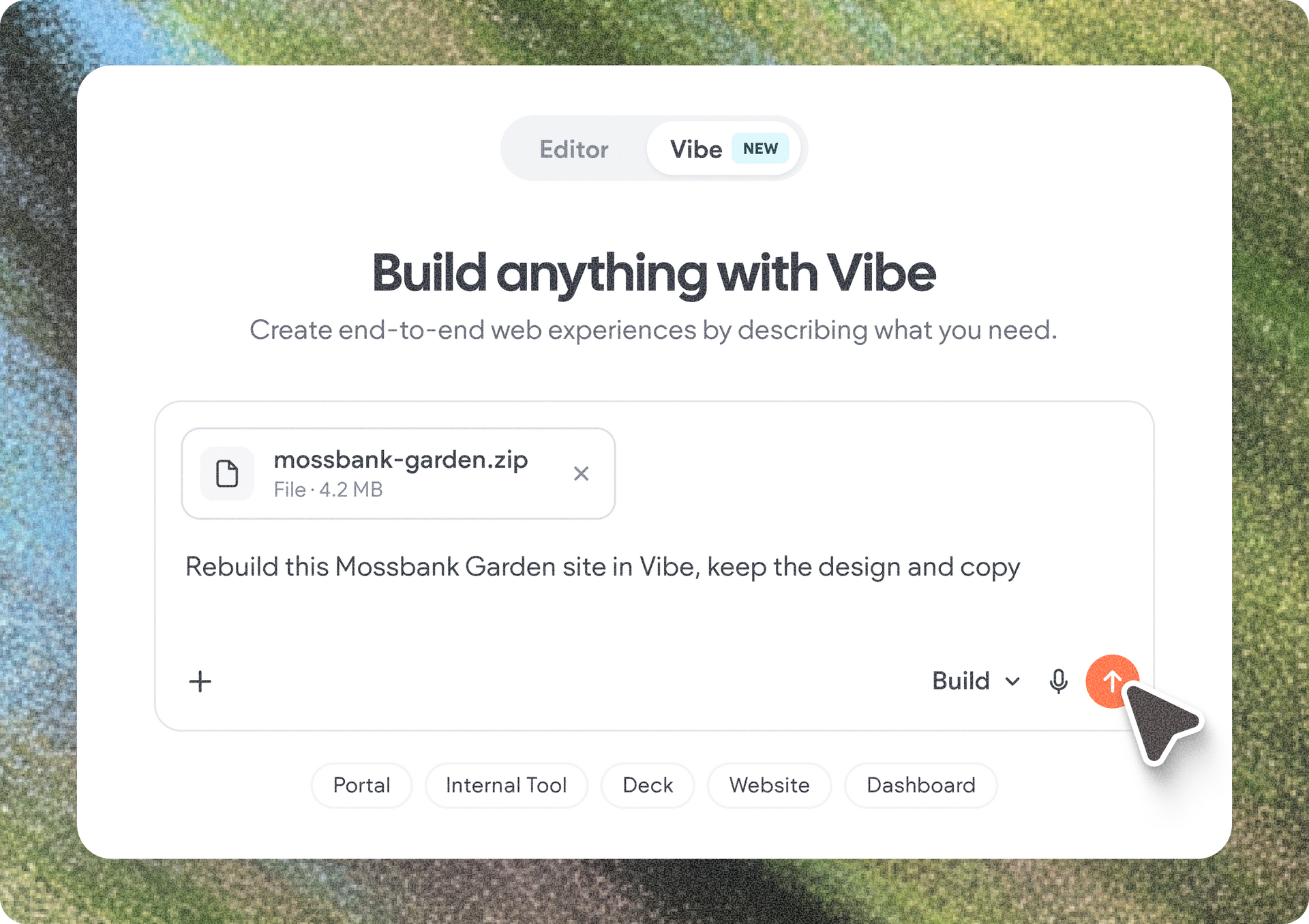
White “Build anything with Vibe” app screen with a dropdown, plus icon, and cursor clicking the orange button.
By Annat Katz • November 5, 2026
We’ve updated Copilot, Duda Vibe, and the native store to make site building easier and give you more control.
Purple discount graphic with 30% text beside a smartphone showing a cursor on a blank screen
By Liron Hilb Horev • November 2, 2026
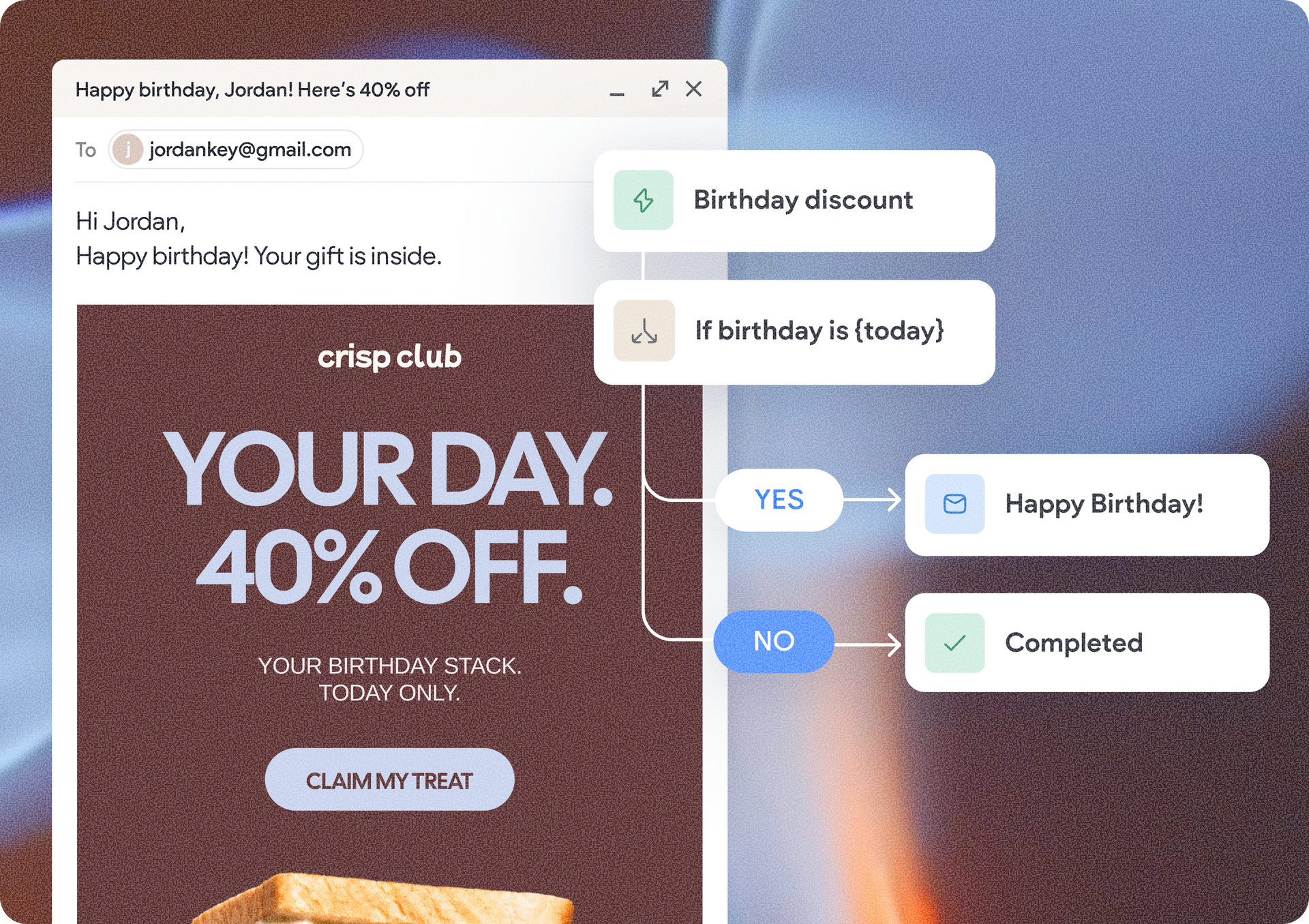
Help clients engage their customers, drive repeat business, and grow their business beyond the website.