Since launching Duda Vibe, we've continued expanding what you can build with AI. This latest collection of updates introduces new capabilities that make it easier to create richer web experiences, test them before launch, and give the AI better context to generate more accurate results.


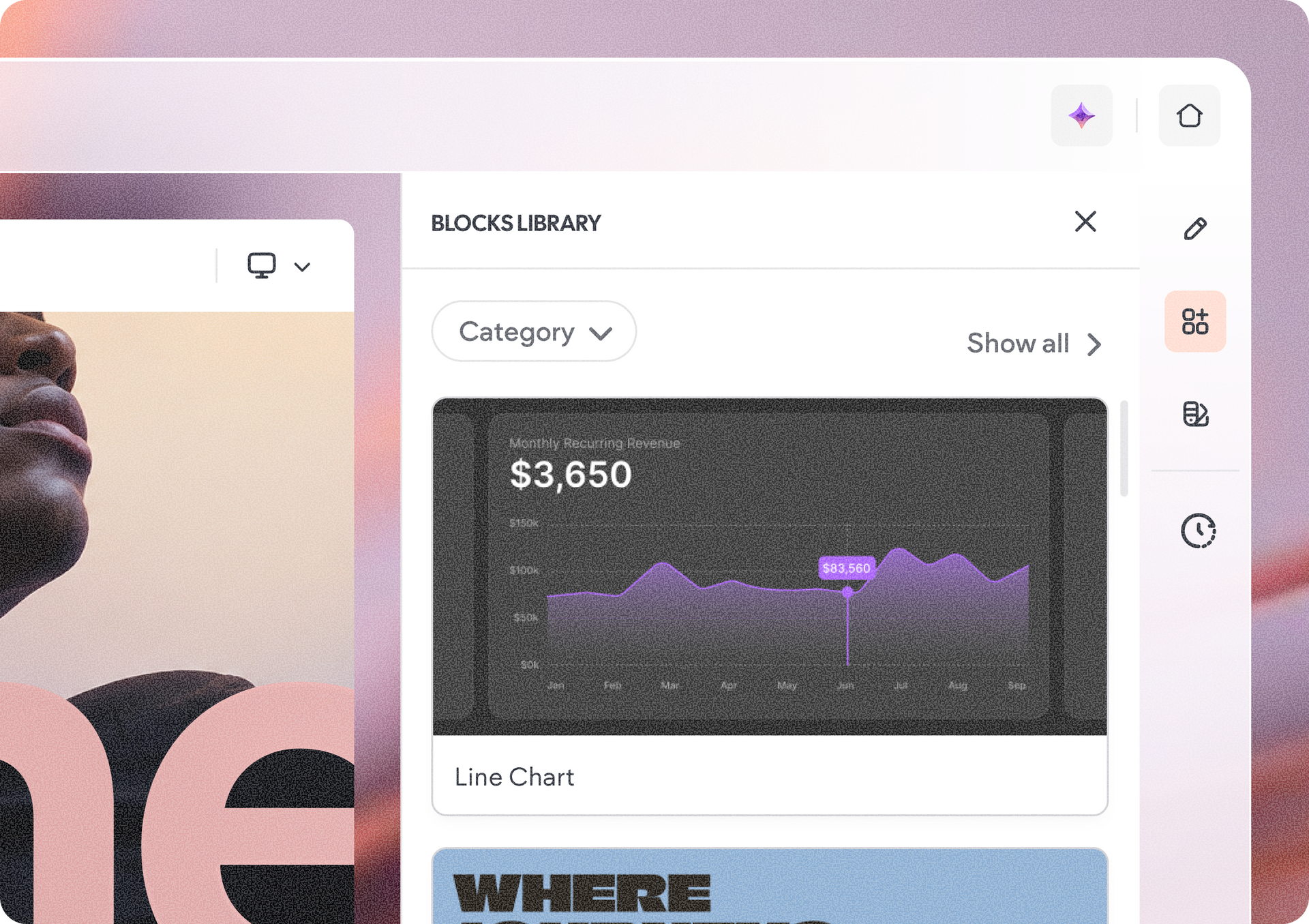
Build faster with the Blocks Library

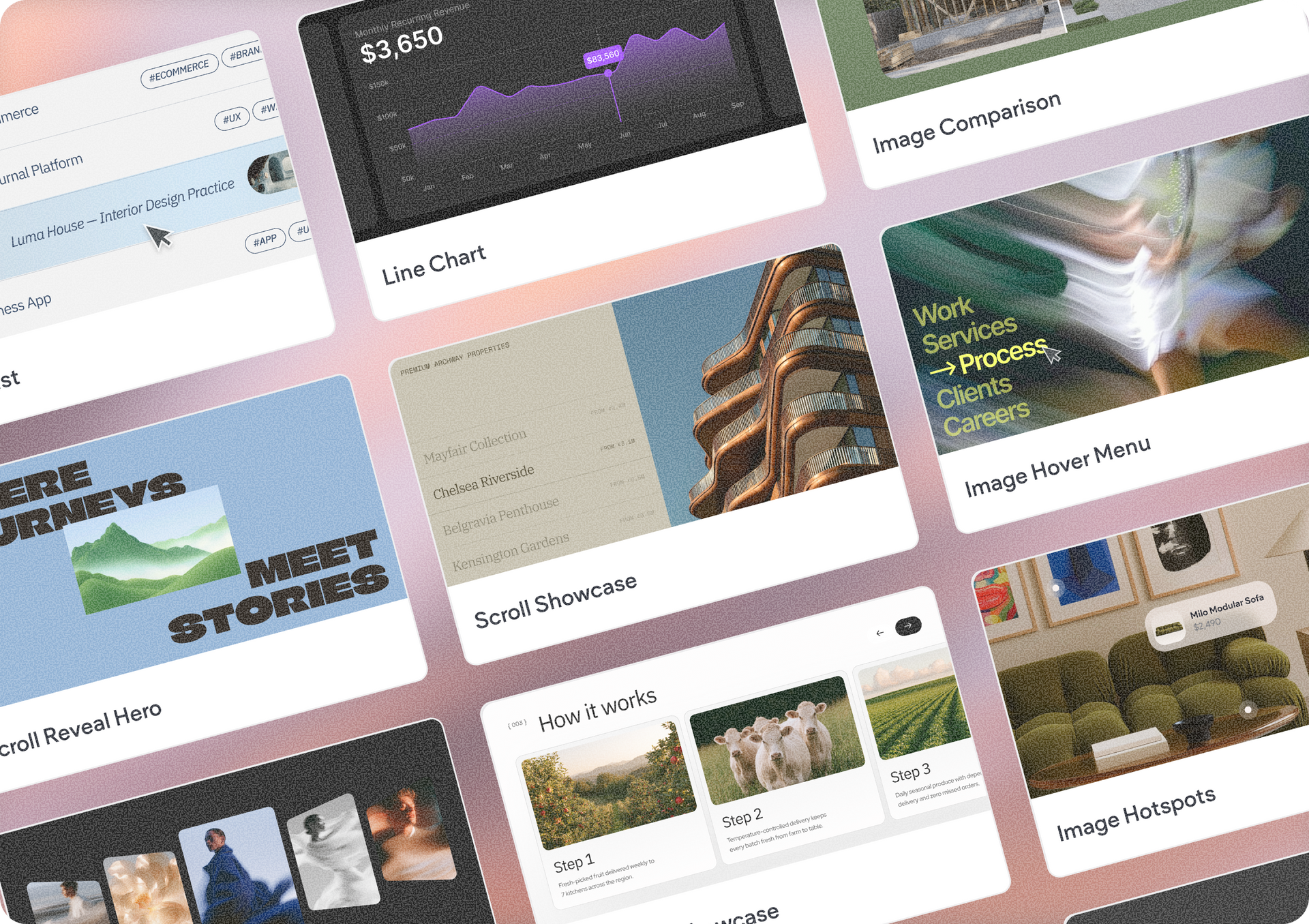
The new Blocks Library lets you add pre-built UI components to your Vibe project through a prompt.


Choose from individual components like buttons, forms and toggles, or larger blocks made up of multiple components. Whether you're adding a simple interaction or an entire section, you can assemble interfaces much faster without building everything from scratch.


Better SEO from day one

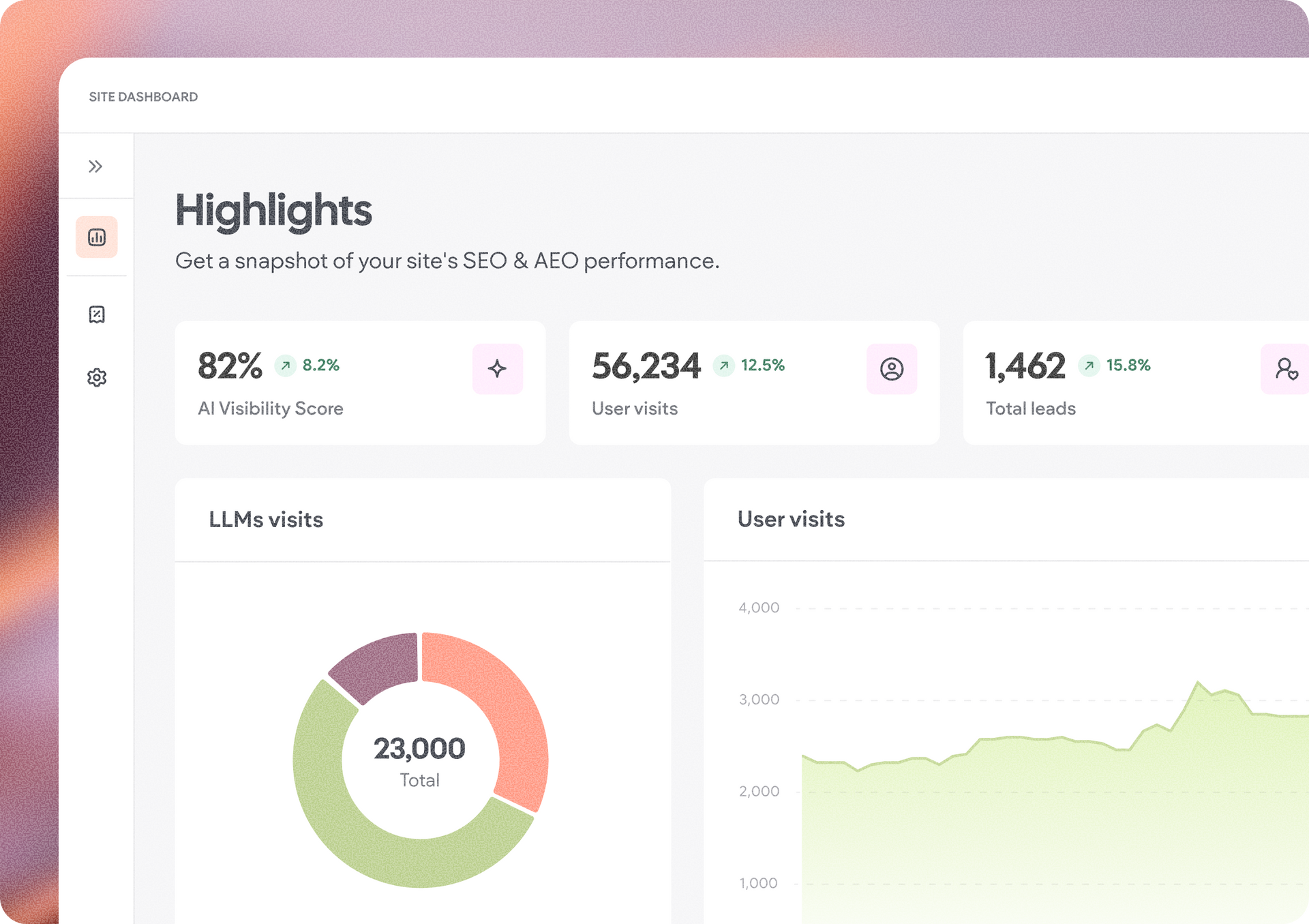
Published Vibe projects are now continuously optimized for SEO, helping your created web experience start with better search visibility without additional setup. Vibe will automatically carry out optimizations for your project behind the scene, so they'll reflect in your live project without you needing to ask for these in the chat:


  • SEO meta tags
  • Favicon
  • Open graph
  • FAQ schema
  • Business local schema
  • Sitemap & roboxt.txt
  • Image alt text
  • No-index for pages


Set global design styles for your project

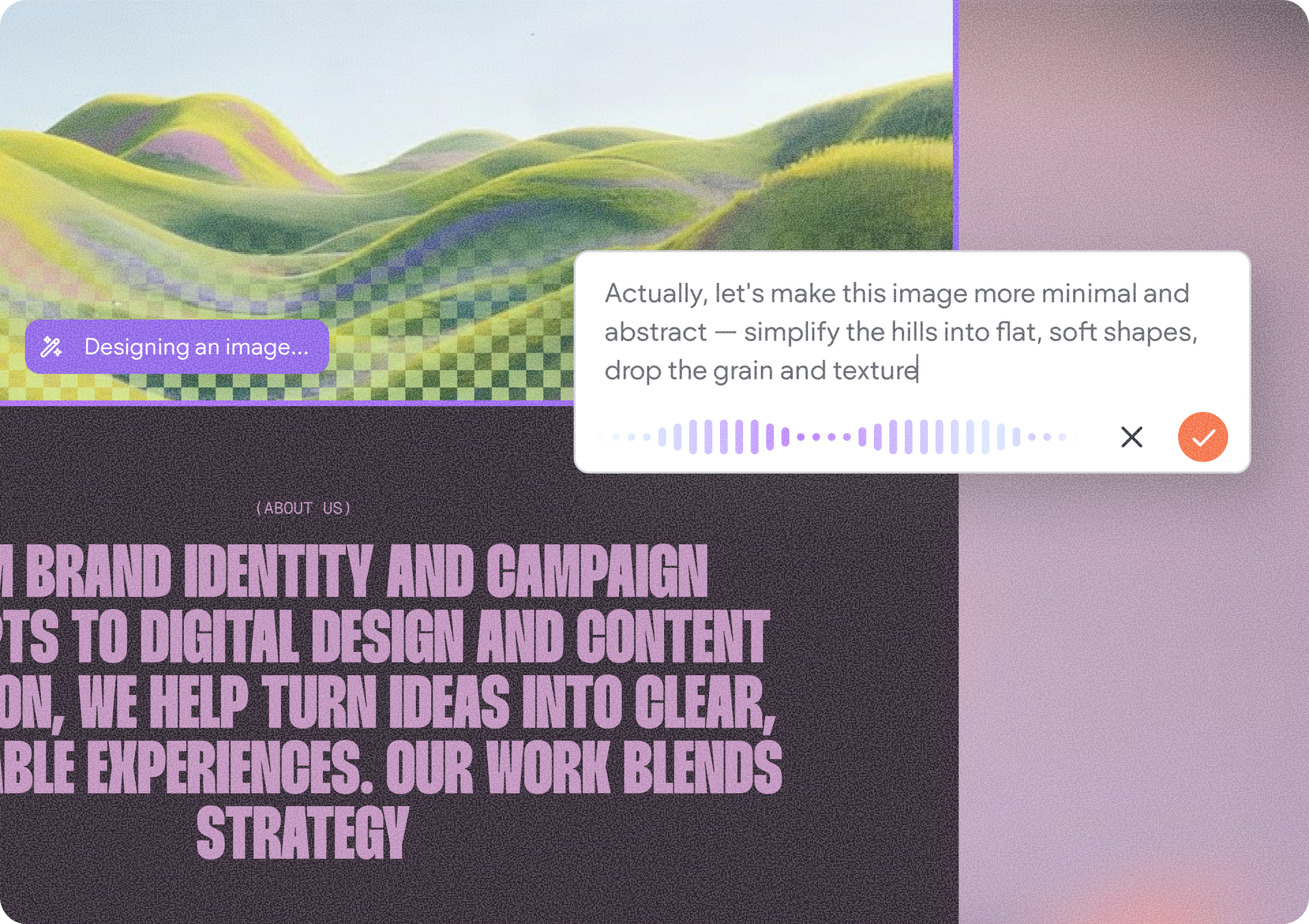
You can now set and fine-tune your project’s global style settings using the project theme panel. Update individual colors and fonts, or explore curated color palettes and font sets to quickly try a new visual direction. You can preview changes across your project before applying them, making it easier to experiment without committing too soon.


We’ll continue expanding the project theme panel with more ways to customize your project’s look and feel.


A more capable chat experience

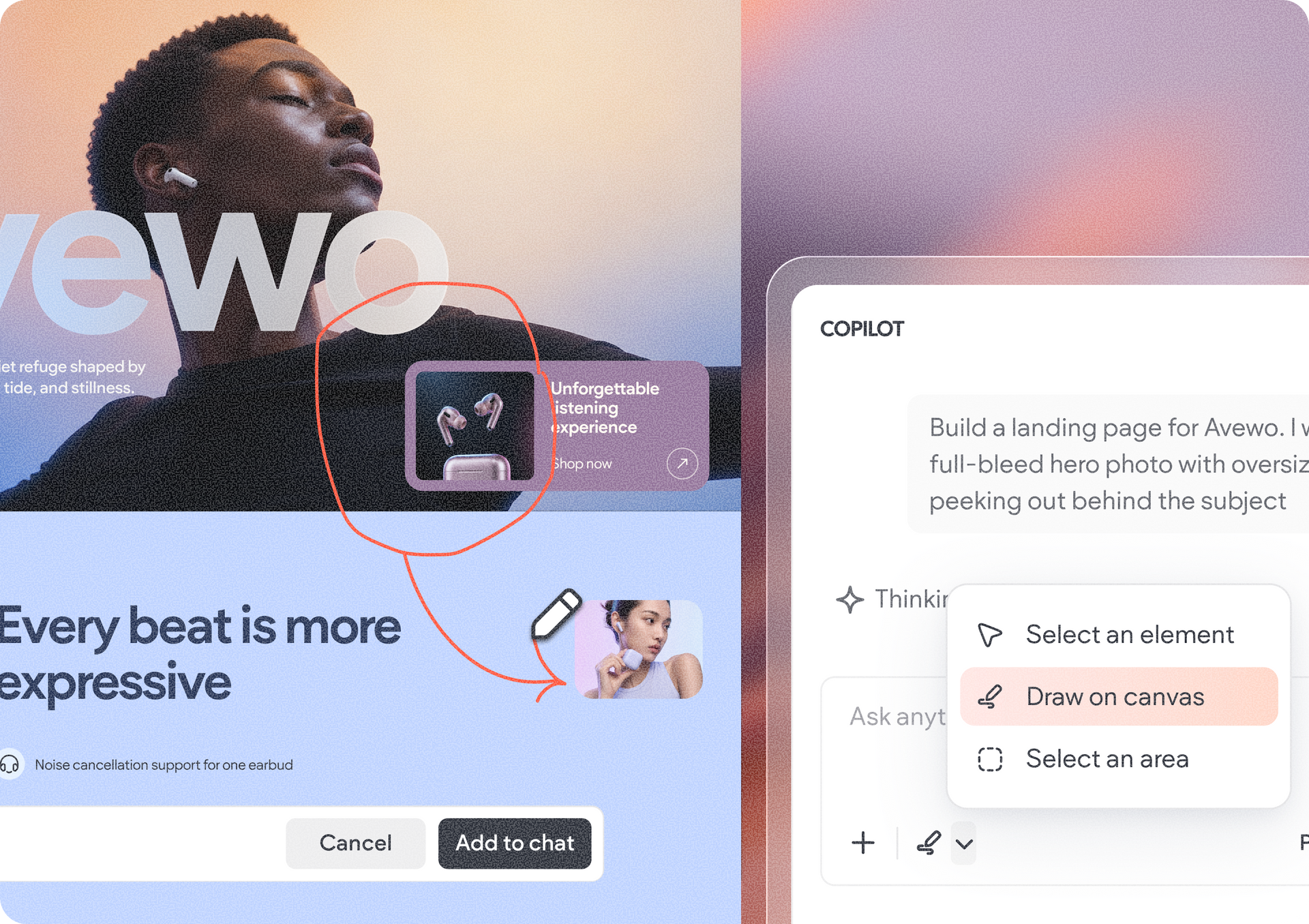
We've added several improvements that make it easier to communicate with Vibe: you can dictate prompts using your voice; and you can use context actions like drawing to select an area, selecting an element, and framing an area to show the AI exactly what you'd like to change.

These additions help Vibe better understand your intent and make edits more precisely.


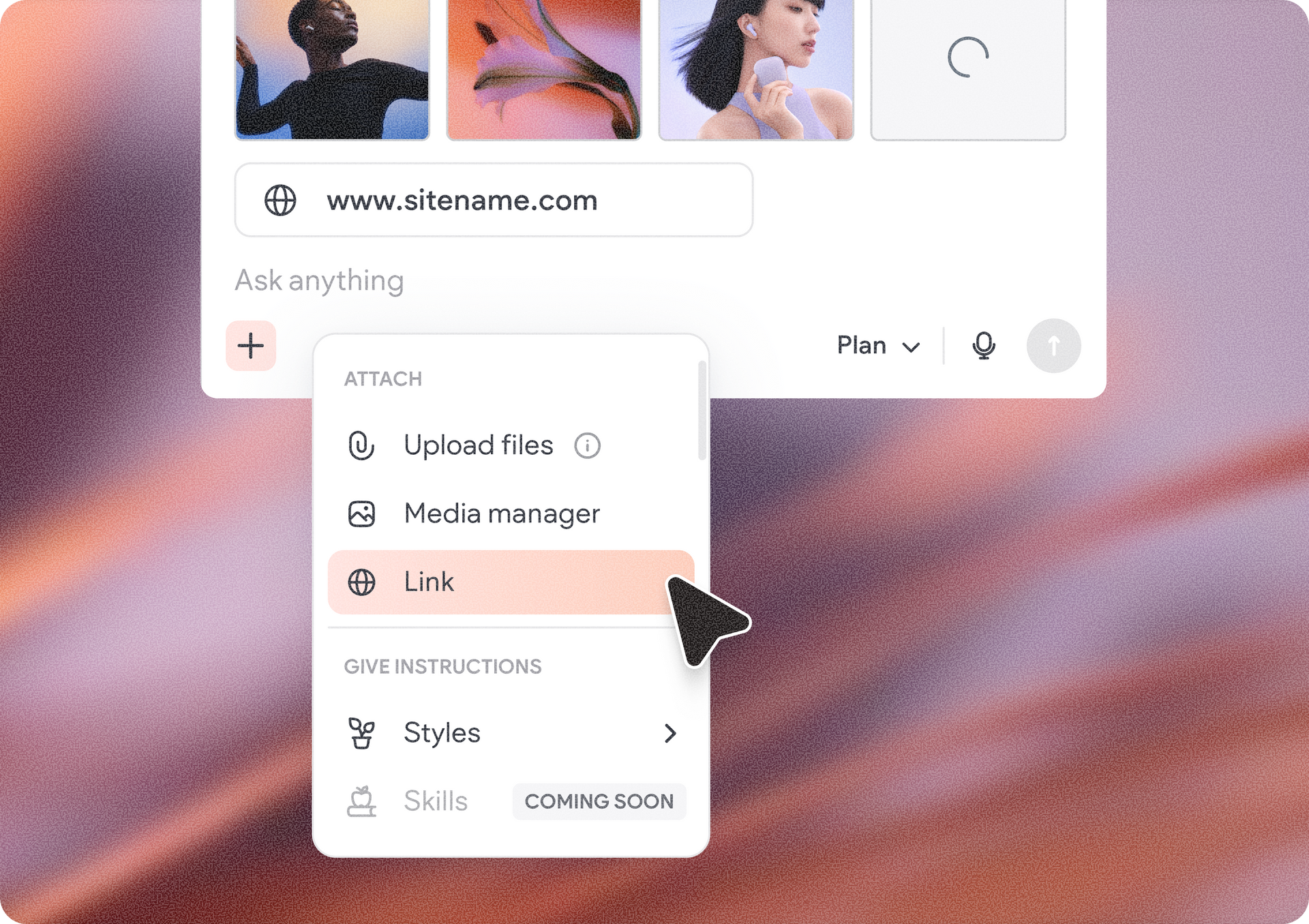
Give AI better context

You can now provide additional references to guide Vibe's output, including:

  • Website URLs
  • Style references
  • Media Library assets
  • Additional project context

The more context you provide, the more relevant the generated results become.


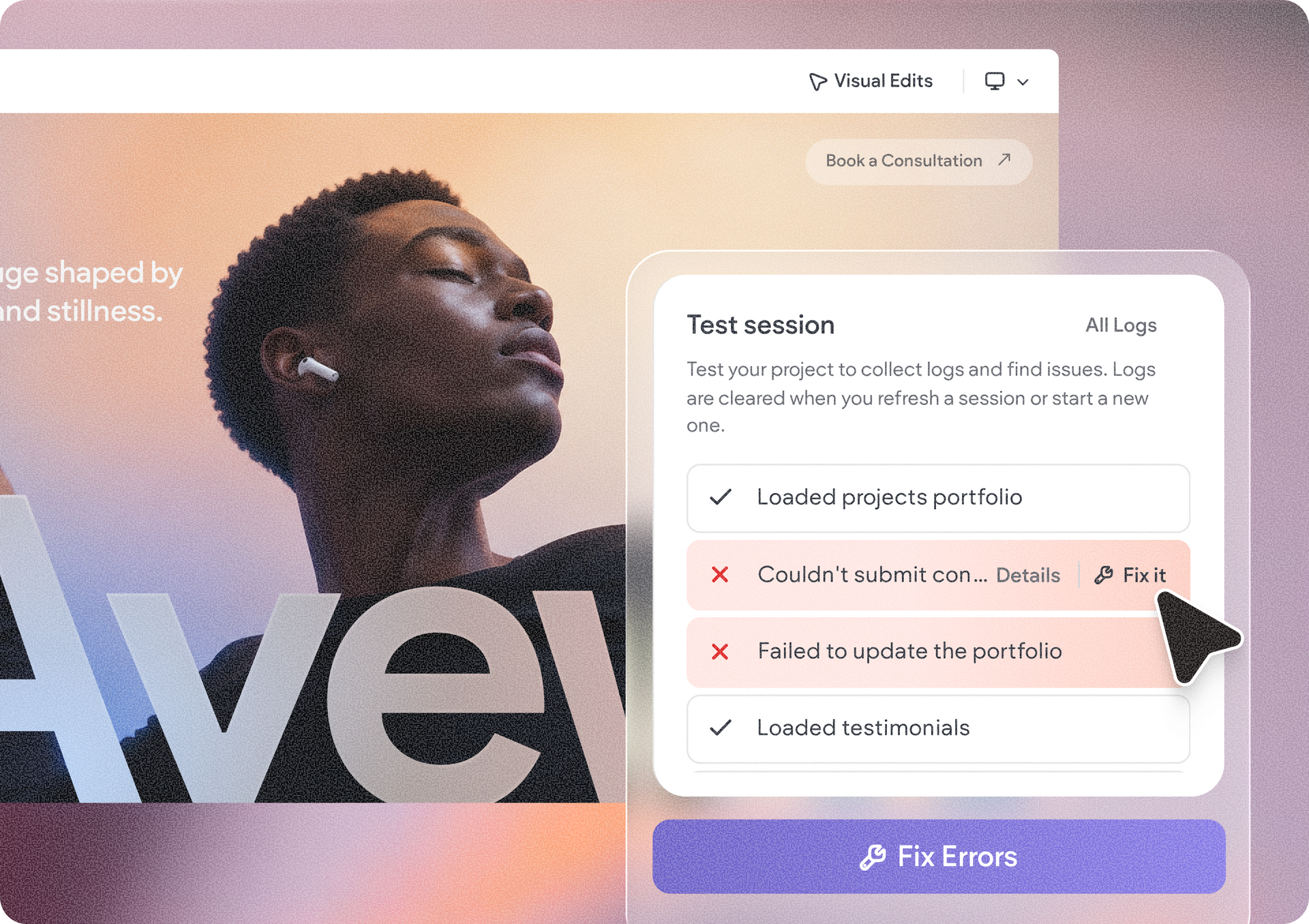
Test before you launch

The new tester in the project logs area lets you interact with your project as an end user while viewing live activity logs and errors in real time.


This makes it easier to validate flows, identify issues, and launch with confidence.


Start enjoying these new updates

Open an existing Duda Vibe project or create a new one to start using these latest capabilities. The new features are available throughout the Vibe experience, including the chat interface and project logs.

August 17, 2026
Tal Levi

 • 

Duda Vibe Levels Up with 6 New Updates

Stay in the Loop with Duda Updates

Sign up to get feature releases, tools, and more to your inbox.

Latest product updates

Contact form editor with “Manage form” settings menu and “Hidden Fields” selected over a pink-purple background
By Yanir Moskovitz July 27, 2026
Automatically capture valuable visitor metadata in form submissions to help to better track and target your audience.
Blank white chat interface with “Ask anything” prompt and a “Build” dropdown at the bottom.
By Tal Levi July 22, 2026
Go beyond websites and create custom digital experiences through conversation.
Web app dashboard showing a “Collection1” page with a sidebar, table, and open action menu
By Mor Zamir July 20, 2026
A collection (no pun intended) of updates to simplify the way you build dynamic pages and work with larger datasets.