This post is part of our Monthly Wrap Up series - a collection of small product and feature improvements we’ve released in the past month. All updates mentioned below are available in Editor 2.0.


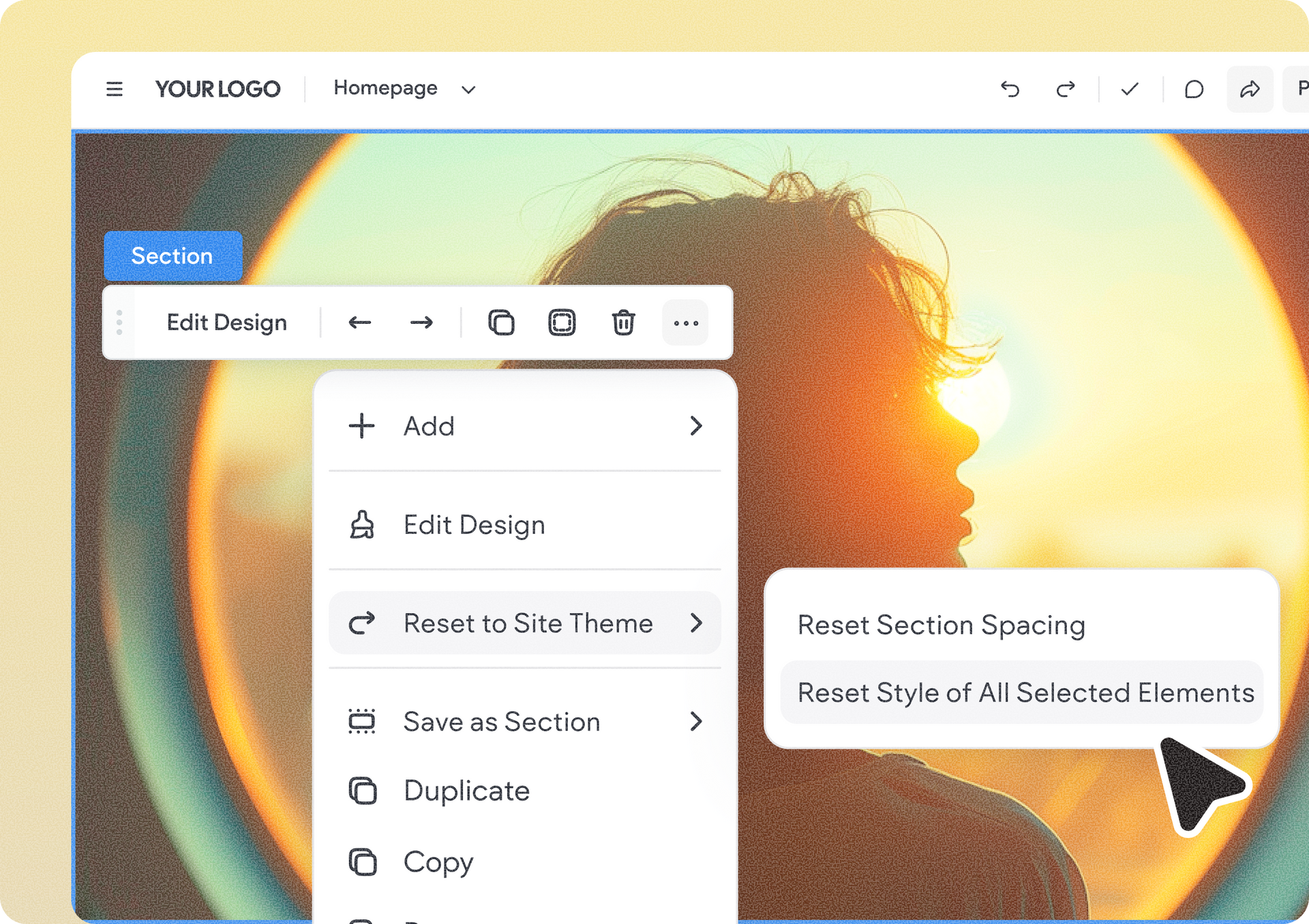
Reset a whole section to theme in one go

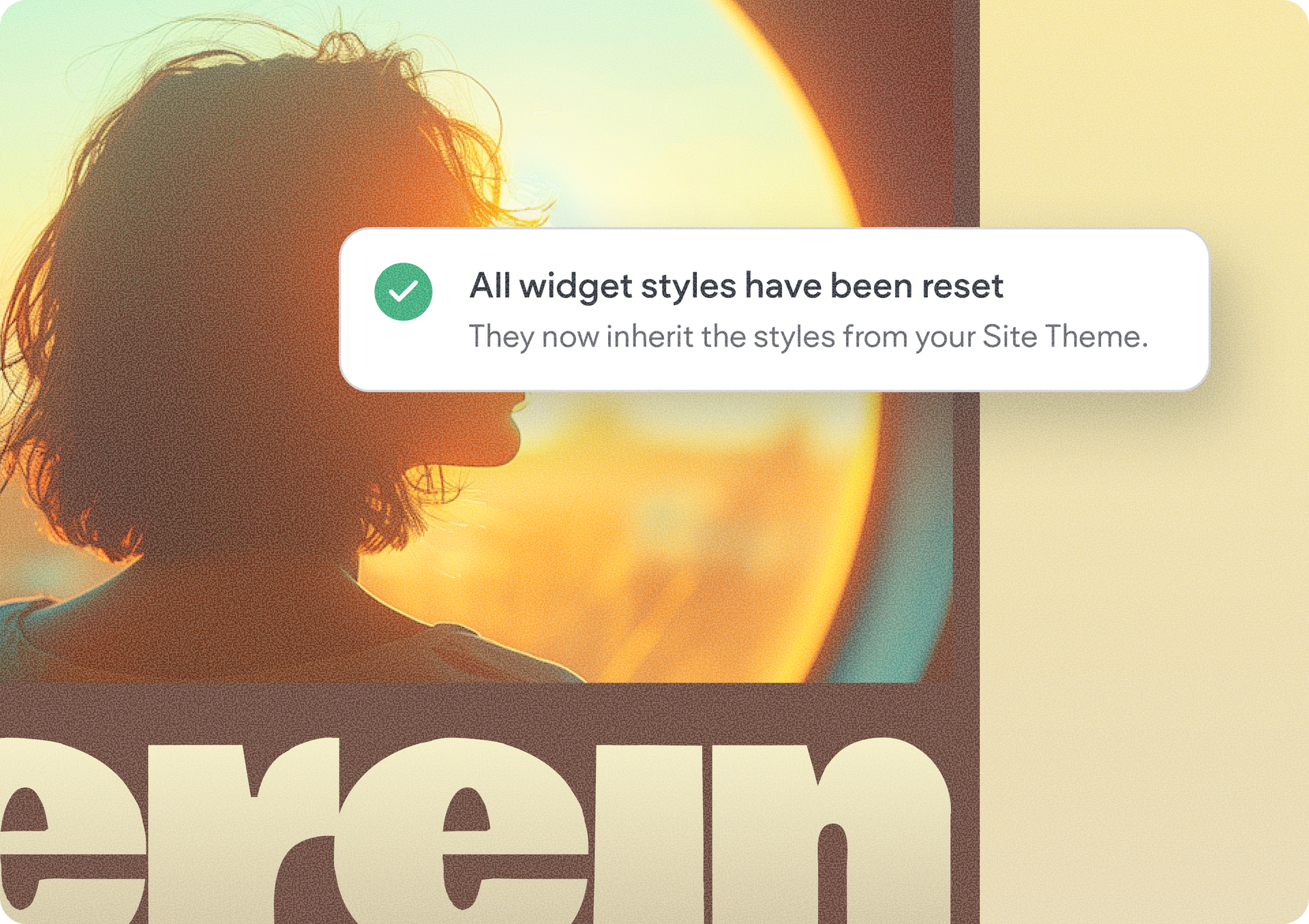
You can now reset all elements in a section back to their theme settings in one action, instead of going through them one by one. This includes text, buttons, images, backgrounds, section and column width & spacing, plus widgets like Advanced Accordion, Advanced Tabs, and Repeater.


Even better, breakpoint-specific settings are preserved, so resetting your desktop design won’t undo the work you’ve done for tablet or mobile. It’s a much faster way to bring a section back in line with your site’s design system without worrying about missing an element.


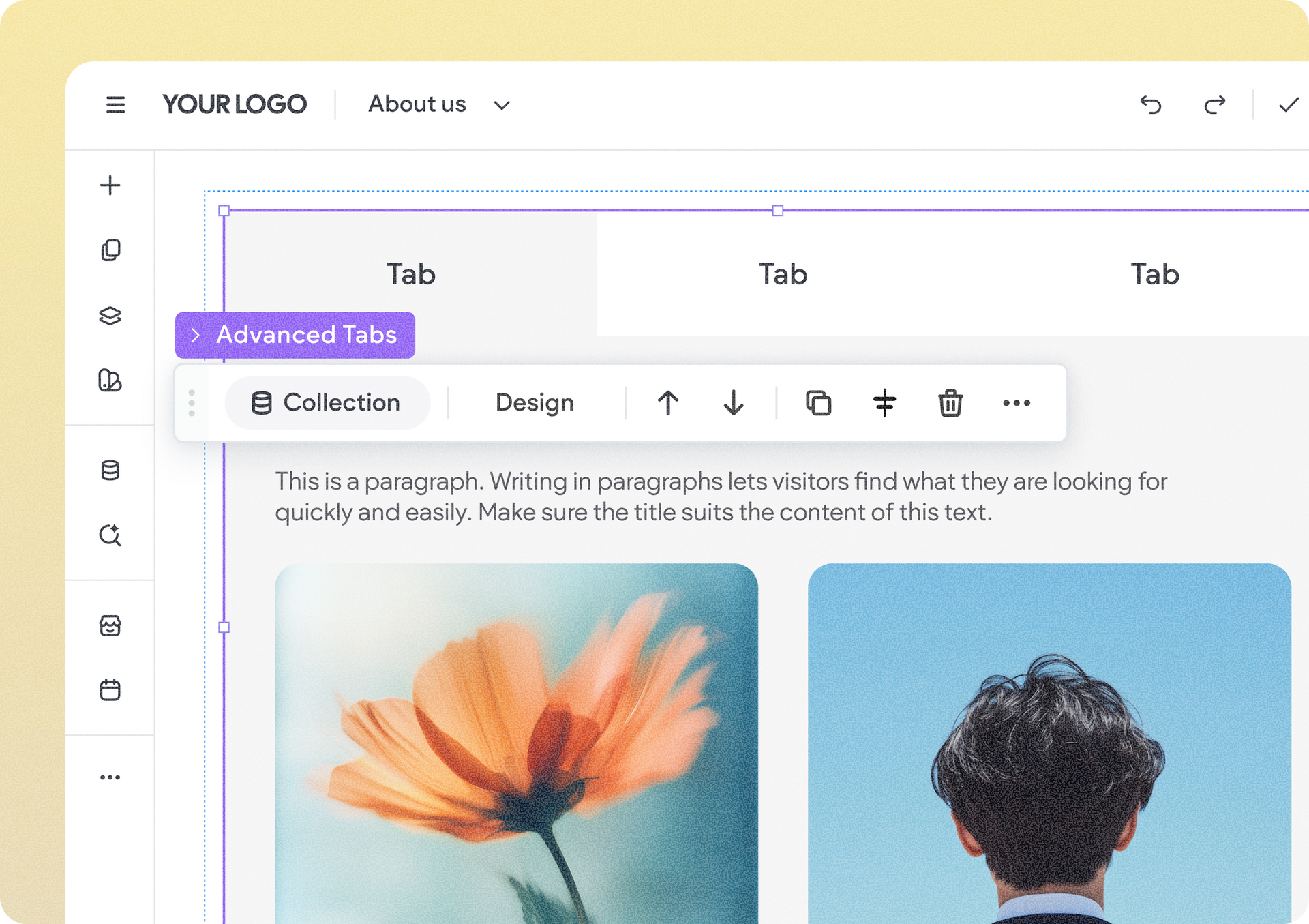
Show collection content in your Advanced Tabs & Advanced Accordion widgets

Advanced Tabs and Advanced Accordion widgets just got a lot more dynamic. You can now connect the full widget to a collection so that tab or accordion items are automatically generated from collection rows, with their names connected to collection fields.


That means content-heavy layouts can be managed centrally from the CMS rather than item by item in the editor, making updates faster and helping everything stay in sync.


When can this really come in handy?

When you create structured content like:

  • Q&A or FAQs
  • Services or service categories
  • Pricing plans & packages
  • Product features
  • Restaurant menus of food categories


To get started, add an Advanced Tabs or Advanced Accordion widget and connect it to a collection. When connected, all items adopt the master layout — the leftmost tab for Advanced Tabs or the first item for Advanced Accordion.

From there, connect the item names and any elements inside them to the relevant collection fields. Disconnecting the collection restores the widget to its previous state.


More layout flexibility, even with lots of elements

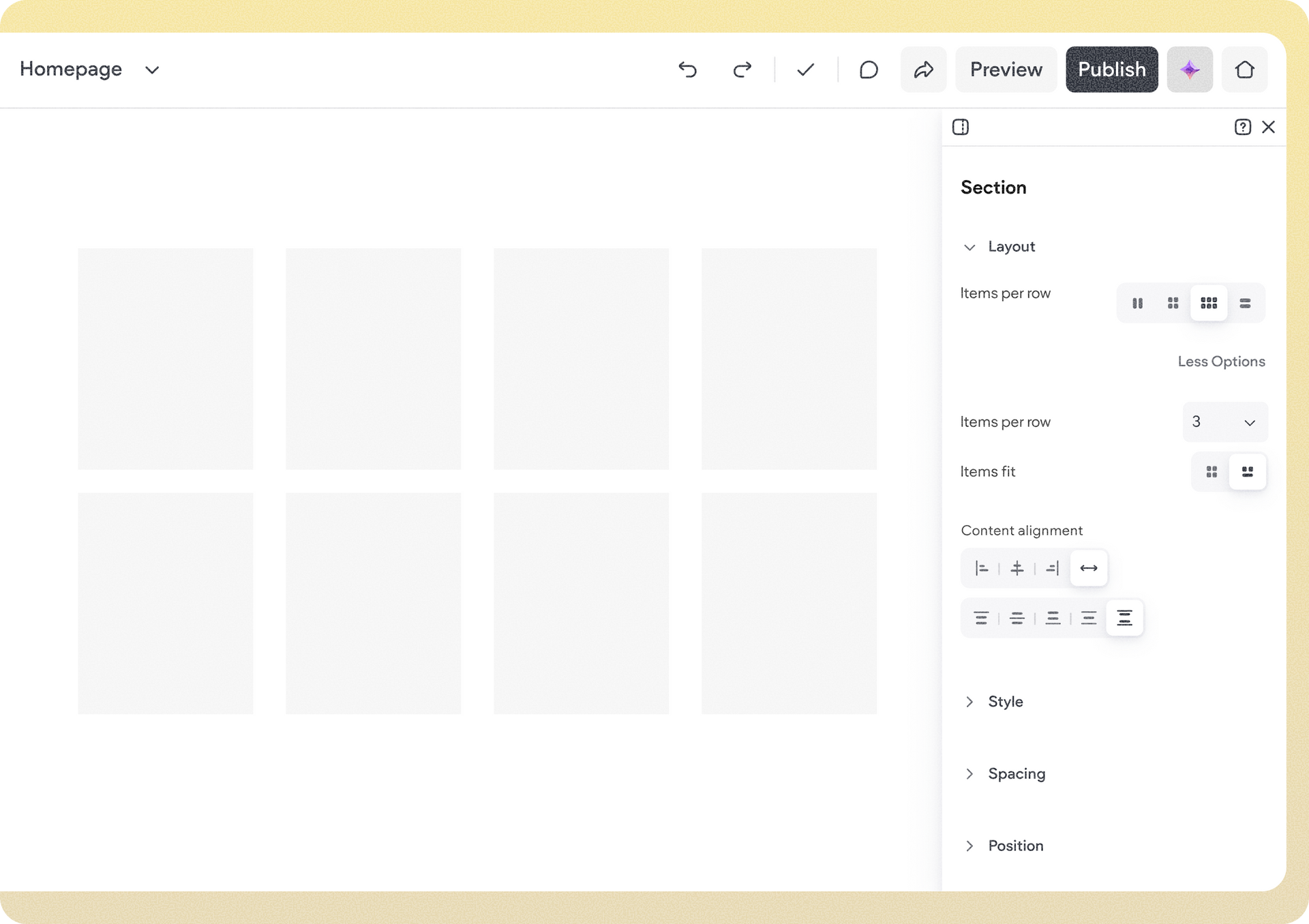
Advanced presets and layouts are now available within sections, columns, and inner columns, giving you more ways to arrange content and create the exact layout you have in mind. It’s more design flexibility for content-rich sections, with greater control over how elements come together on the page.


The result is more design freedom for complex sections, without having to simplify your content just to get the layout you want.


Site generation just got more connected

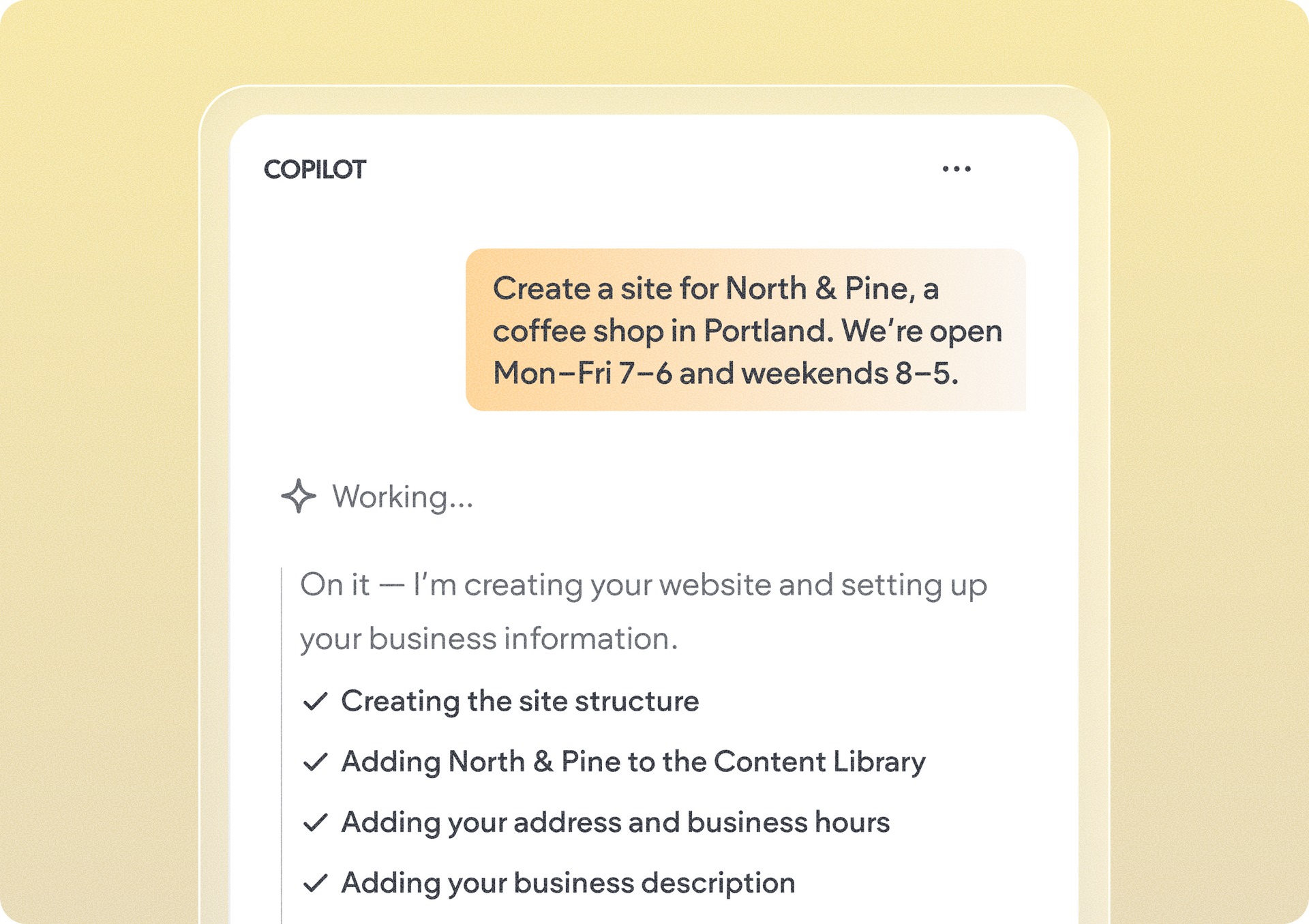
We’ve improved the site generation flow. When you add business details like the business name, address, or phone number during site generation, that information is now automatically updated in the Content Library.


This gives you one central place for important business information and makes it easier to reuse that data throughout the site, rather than entering the same details again as you build. You can then connect the data and use it across the site, with additional connected data support for this information coming soon.


That’s a wrap for this month’s smaller-but-mighty updates. Stay tuned for the next Monthly Wrap-Up edition.

September 2, 2026
Annat Katz

 • 

Duda's Monthly Wrap Up - August

Stay in the Loop with Duda Updates

Sign up to get feature releases, tools, and more to your inbox.

Latest product updates

Split-screen UI mockup of a login form and a document editor with a pink note card and comment field
By Tal Levi August 31, 2026
Add built-in user authentication to your Duda Vibe projects by simply asking for it...
Canva design editor showing a beach-themed layout with a selected text box on the canvas.
By Ofri Baram August 26, 2026
Create, edit, and manage almost anything on your site, including custom widgets, from one Copilot chat - in the editor.
Blurred discount setup form with fields, dropdowns, and a blue action button on a white dialog.
By Rim Elfahem August 24, 2026
Updates to help your eComm clients increase sales, streamline store management, and deliver a better shopping experience.