The checkout is one of the most critical touchpoints in the buyer journey. A seamless, professional experience can help reduce friction, reinforce customer confidence, and create a smoother path to purchase. 


That’s why we’ve launched new customization tools for Duda eCommerce, Membership, and Bookings, giving you more control over the look and feel of your cart and checkout experience while helping you create a more cohesive journey from first visit to final conversion.


Plus, we’ve introduced a fresh, neutral theme that offers a clean, modern foundation, making it easier for customers to move seamlessly from cart to checkout.
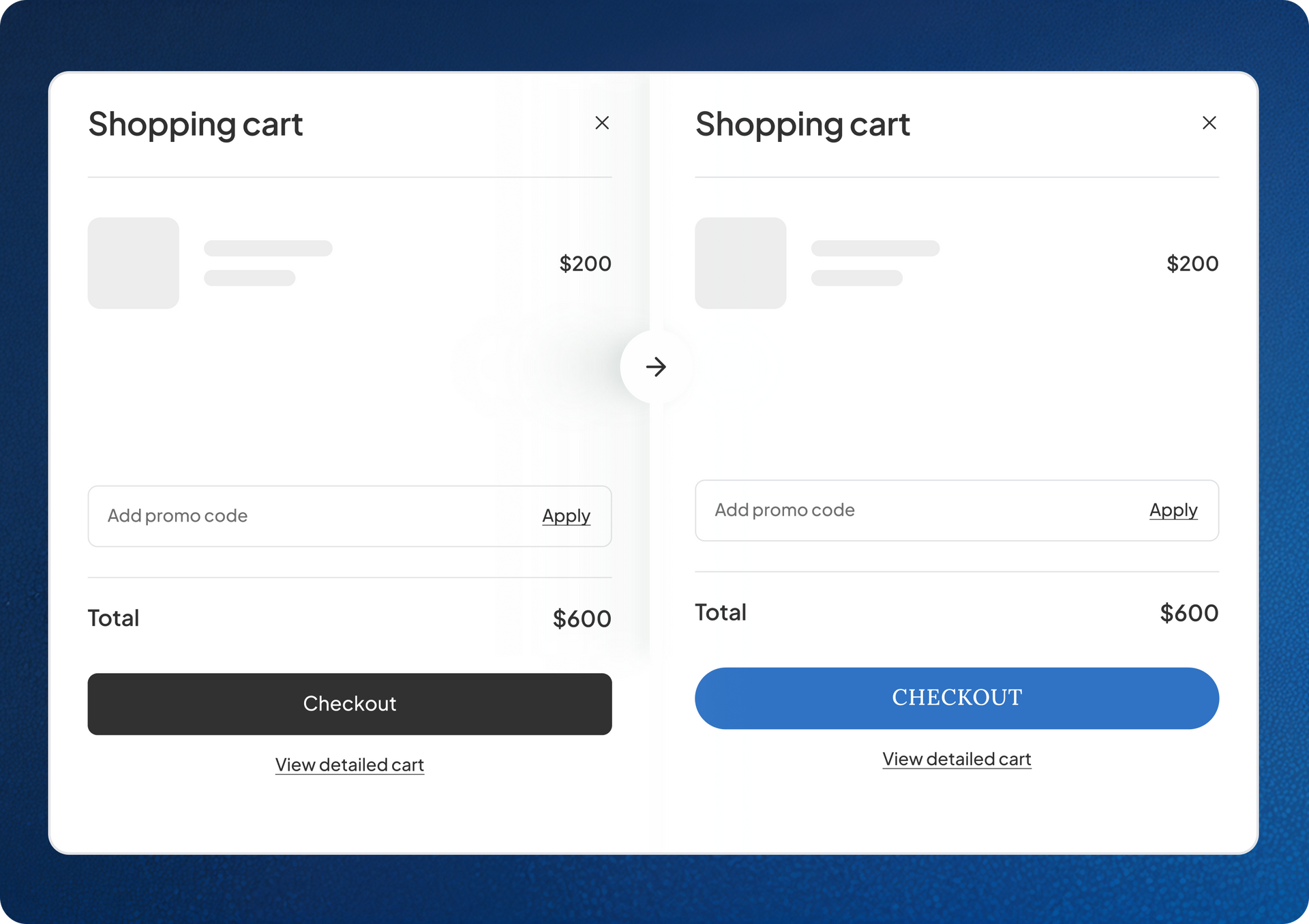
A fresh new look for checkout

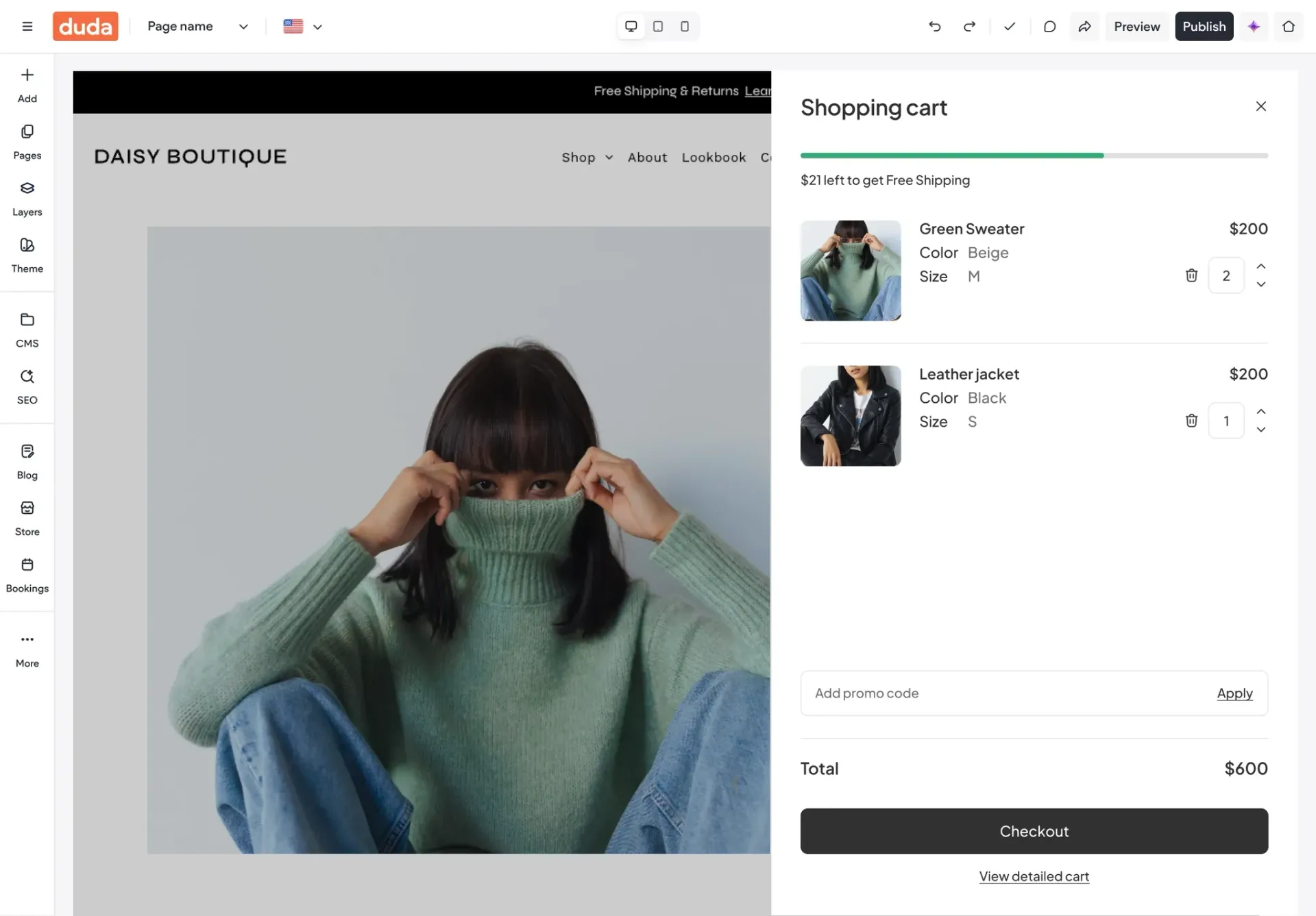
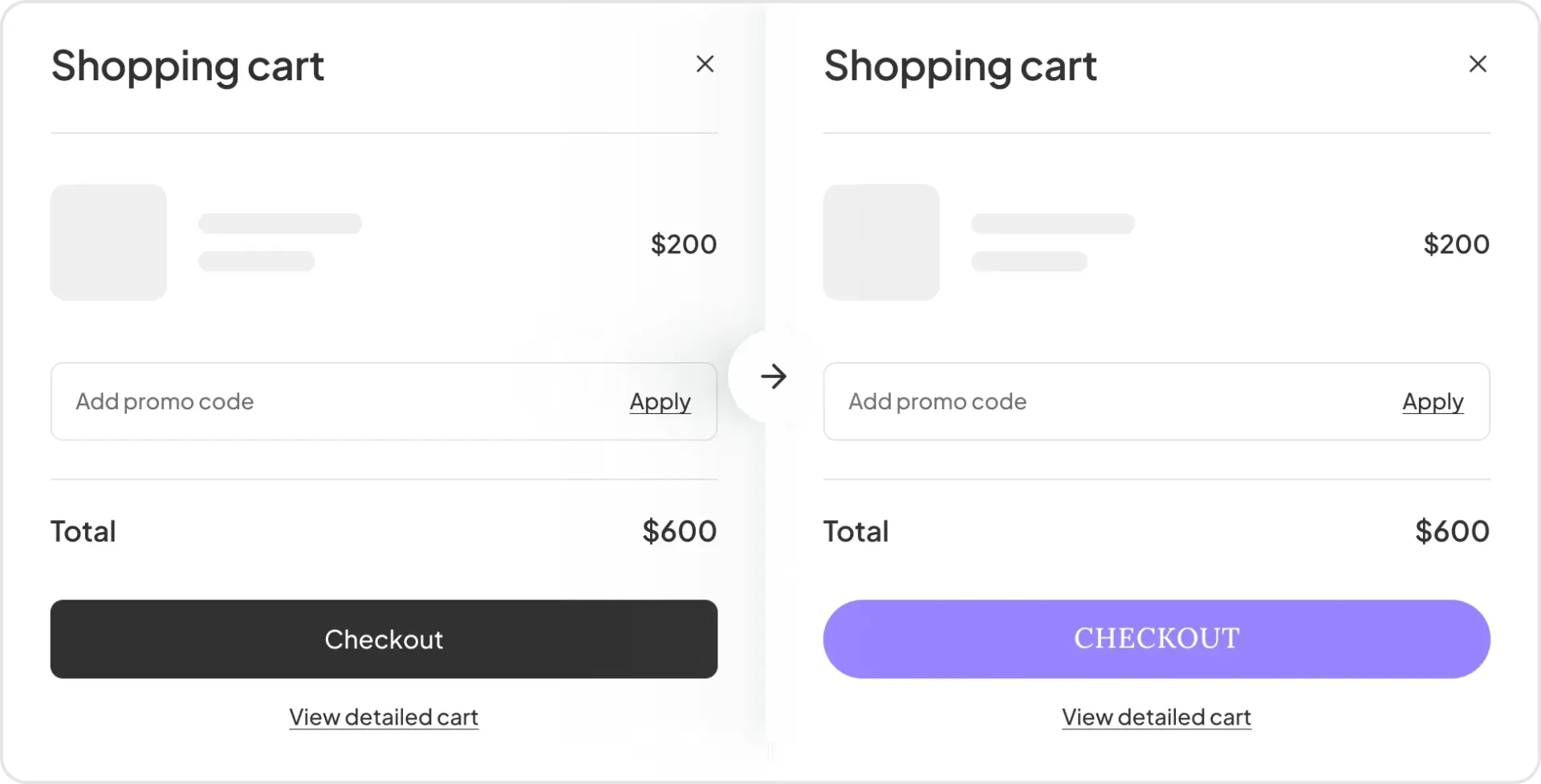
With this update, we've refreshed your checkout experience with a sleek, neutral black & white theme that suits almost any brand. Plus, this foundation makes it easier to customize your look even further in the future.


The end result? A smoother, more polished experience that’s easier than ever to match with your brand's unique style.


Give your checkout a branded look and feel

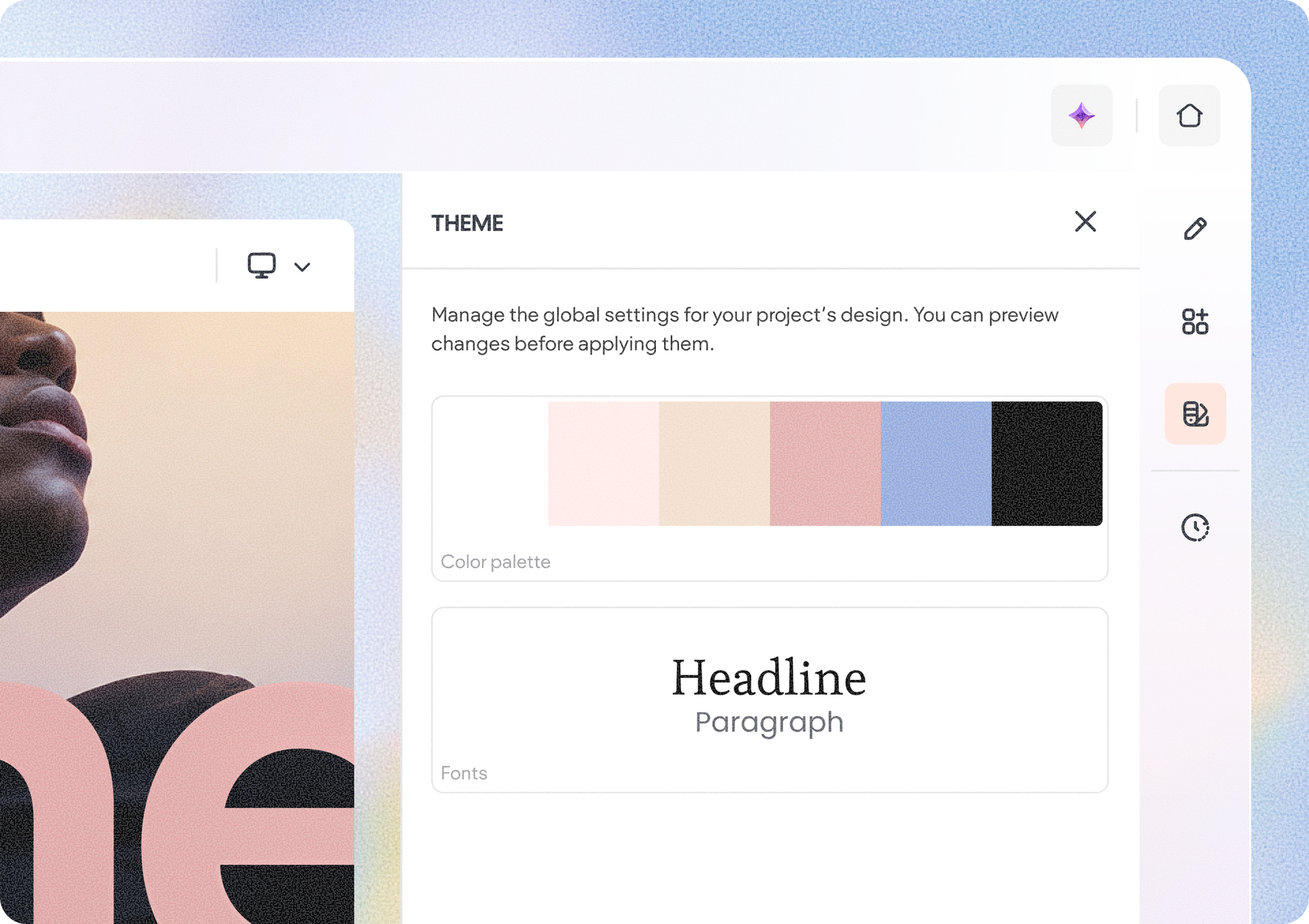
You can now personalize your site’s cart and checkout directly from the Site Theme panel. It’s never been easier to keep your brand's look consistent from the first click to the final sale. Here’s what you can customize now, with more elements coming soon:


Buttons

You can control the appearance of checkout buttons with options like:

  • Font styling
  • Colors
  • Borders
  • Corner radius
  • Hover states

Whether your brand is bold and vibrant or clean and minimal, you can now make your checkout actions feel like a natural extension of your website.


Links

Tailor the appearance of links throughout the cart and checkout flow by adjusting tings like:

  • Font styling
  • Colors
  • Hover states

These make it easier to maintain visual consistency across every customer touchpoint.

How to get started

To customize your cart and checkout experience, open your Site Theme panel in the editor and navigate to the cart & checkout design options. From there, you can adjust button and link styles to match your site's branding and create a checkout experience that feels uniquely yours.


We’re excited to see how you use these new design controls to create more polished, consistent, and conversion-friendly checkout experiences.

June 29, 2026
Rim Elfahem

 • 

Create a Branded Checkout Experience in Duda eCommerce

Stay in the Loop with Duda Updates

Sign up to get feature releases, tools, and more to your inbox.

Latest product updates

Copilot chat card confirming creation of a 30-minute Free Consultation appointment type
By Mor Zamir June 19, 2026
We've simplified managing appointments, getting business insights, and delivering booking experiences wherever customers are.
Three product cards with colorful bottles on pastel backgrounds, plus pagination controls below.
By Yanir Moskovitz June 16, 2026
Advanced filtering, flexible layouts, and built-in navigation options give you more control over how collection data is displayed.
UI editor showing a signup form preview with a pale green background and a white settings panel.
By Naama Mizrahi June 12, 2026
A complete redesign plus new capabilities to help you drive more leads and engagement.