Understanding where your leads come from and who they are is key to delivering more personalized marketing and building stronger customer relationships. With hidden fields for the Advanced Form widget, you can now automatically capture valuable visitor metadata alongside form submissions to better target your audience.

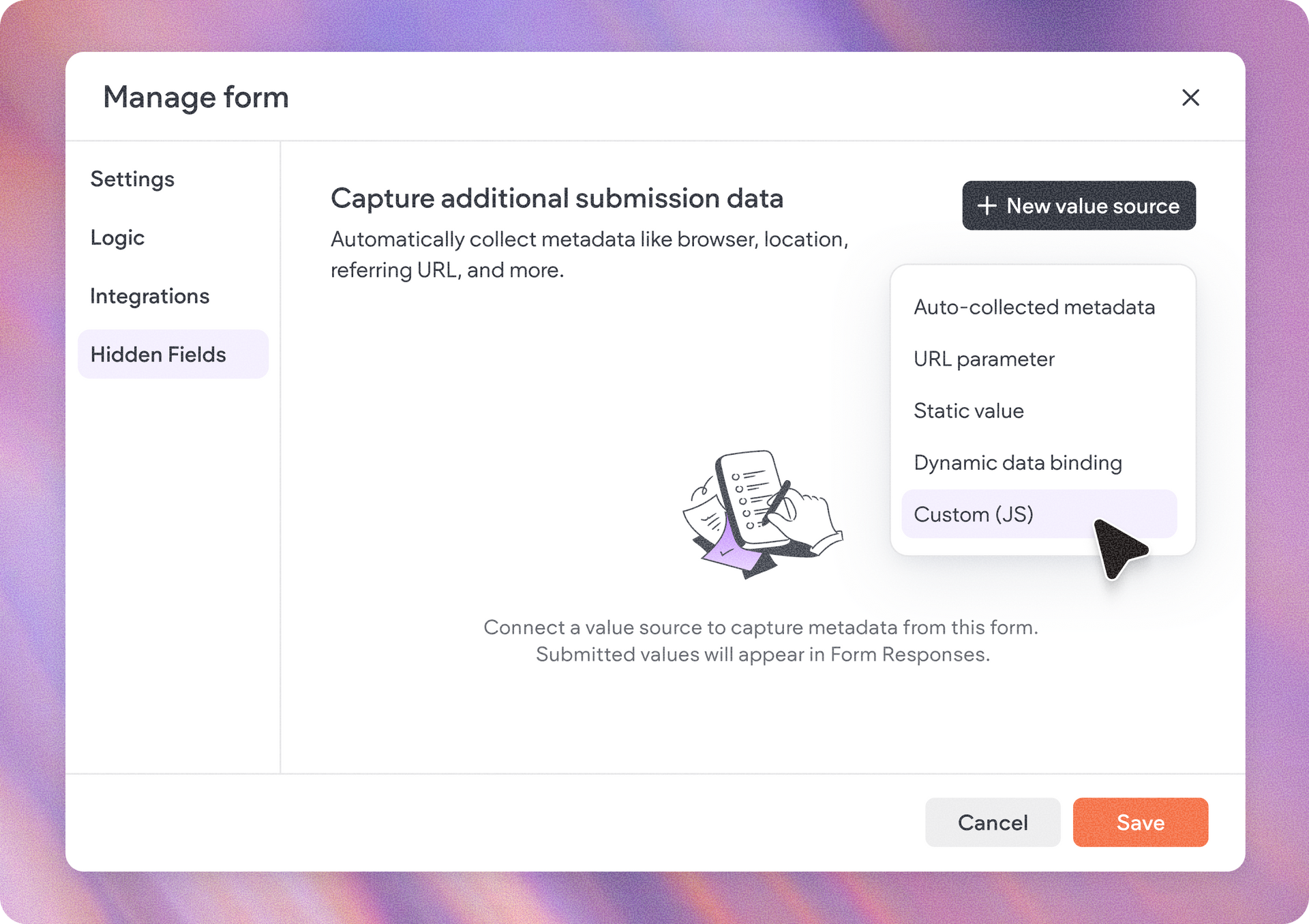
Hidden fields introduce a new way to enrich every form submission with contextual information that helps you better understand your audience. By connecting a value source to a hidden field, you can automatically capture information such as:

  • Auto-collected metadata (including browser, location, etc.)
  • URL parameters
  • Static values
  • Dynamic data binding
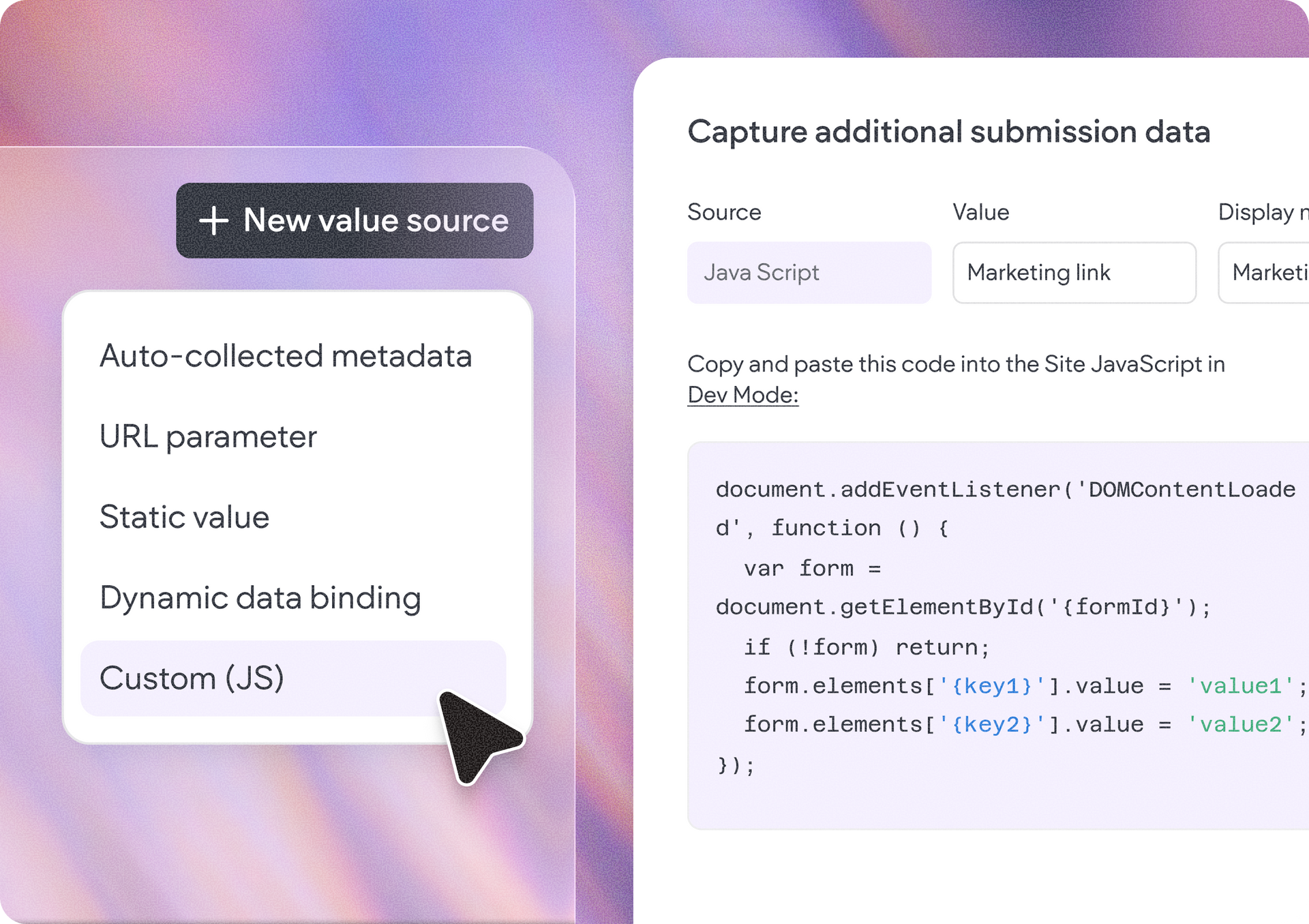
  • Custom JavaScript values


All collected values are submitted together with the form and will show in the form responses in your site dashboard (in Overview), making it easier to segment leads, track marketing campaigns, and personalize future outreach.


Flexible data collection for advanced workflows

Whether you're tracking campaign attribution, identifying visitor environments, or passing custom application data into form submissions, hidden fields provide the flexibility to collect exactly the information you need.

How to get started

  1. Add a new Advanced Form widget to your site, or select an existing one.
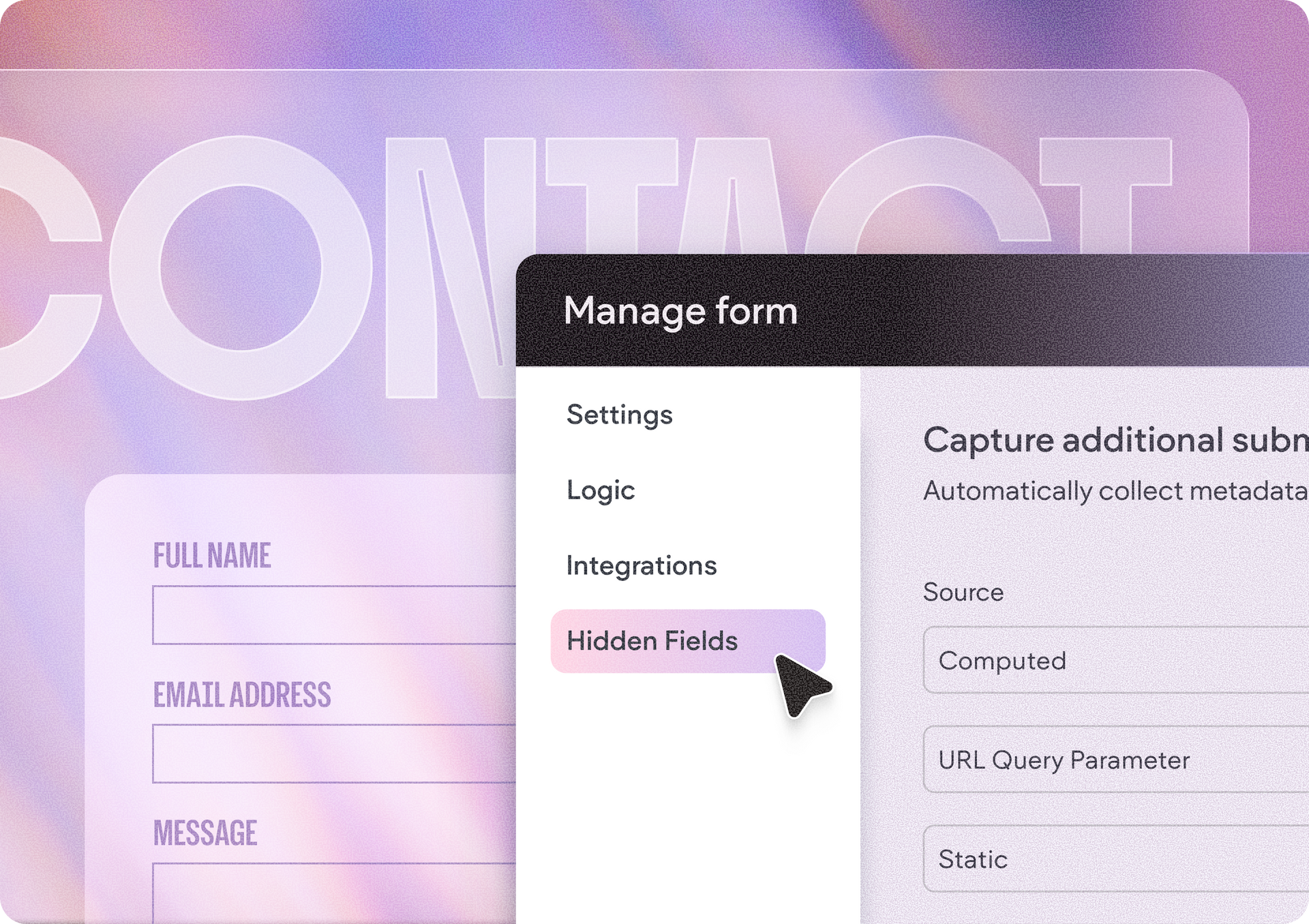
  2. Open the Settings menu.
  3. Navigate to Hidden Fields.
  4. Click New value source and choose the type of data you'd like to collect.


Start enriching your form submissions with the visitor insights that matter most, helping you better understand your audience and create more targeted marketing and promotional campaigns.

July 27, 2026
Yanir Moskovitz

 • 

Capture Richer Lead Insights with Hidden Fields for Advanced Forms

Stay in the Loop with Duda Updates

Sign up to get feature releases, tools, and more to your inbox.

Latest product updates

Contact form card with “Thank you for reaching out!” on a pastel gradient background.
By Tal Levi September 4, 2026
Generate fully functional forms, and optimize your project for SEO & AI search - right within Duda Vibe.
Notification banner over warm sunset scene with a silhouetted person and large cropped text in the background
By Annat Katz September 2, 2026
Reset a whole section to theme in one go, connect advanced widgets to collections, and more updates.
Split-screen UI mockup of a login form and a document editor with a pink note card and comment field
By Tal Levi August 31, 2026
Add built-in user authentication to your Duda Vibe projects by simply asking for it...