We're excited to introduce conditional logic for Duda’s Advanced Form, a powerful new capability that lets you create dynamic forms that adapt in real time based on a visitor's responses.


With the new conditional logic, you can now build forms that respond intelligently to user input, showing only relevant questions and adjusting requirements along the way. The result is a smoother experience for visitors and higher-quality submissions for businesses.

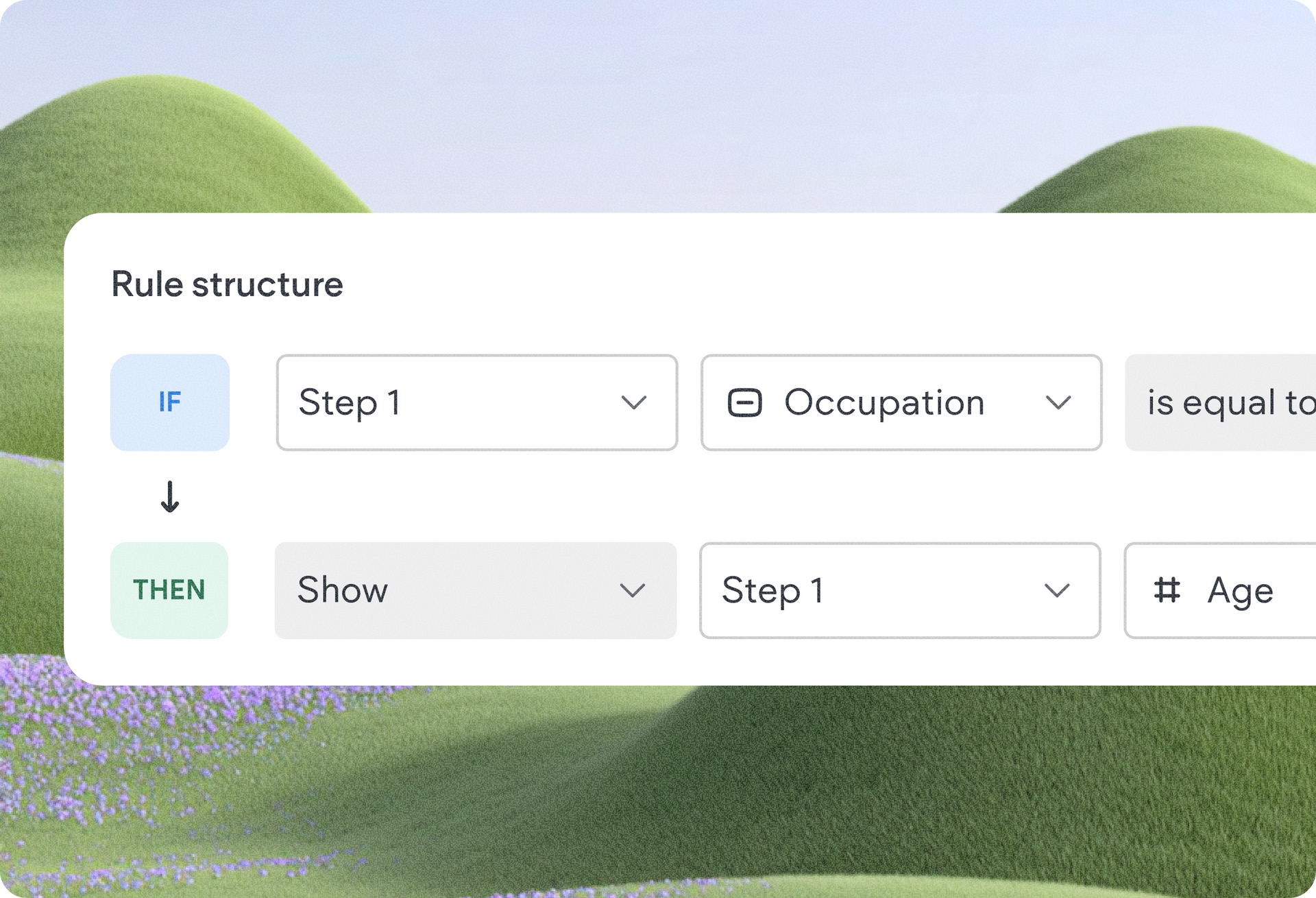
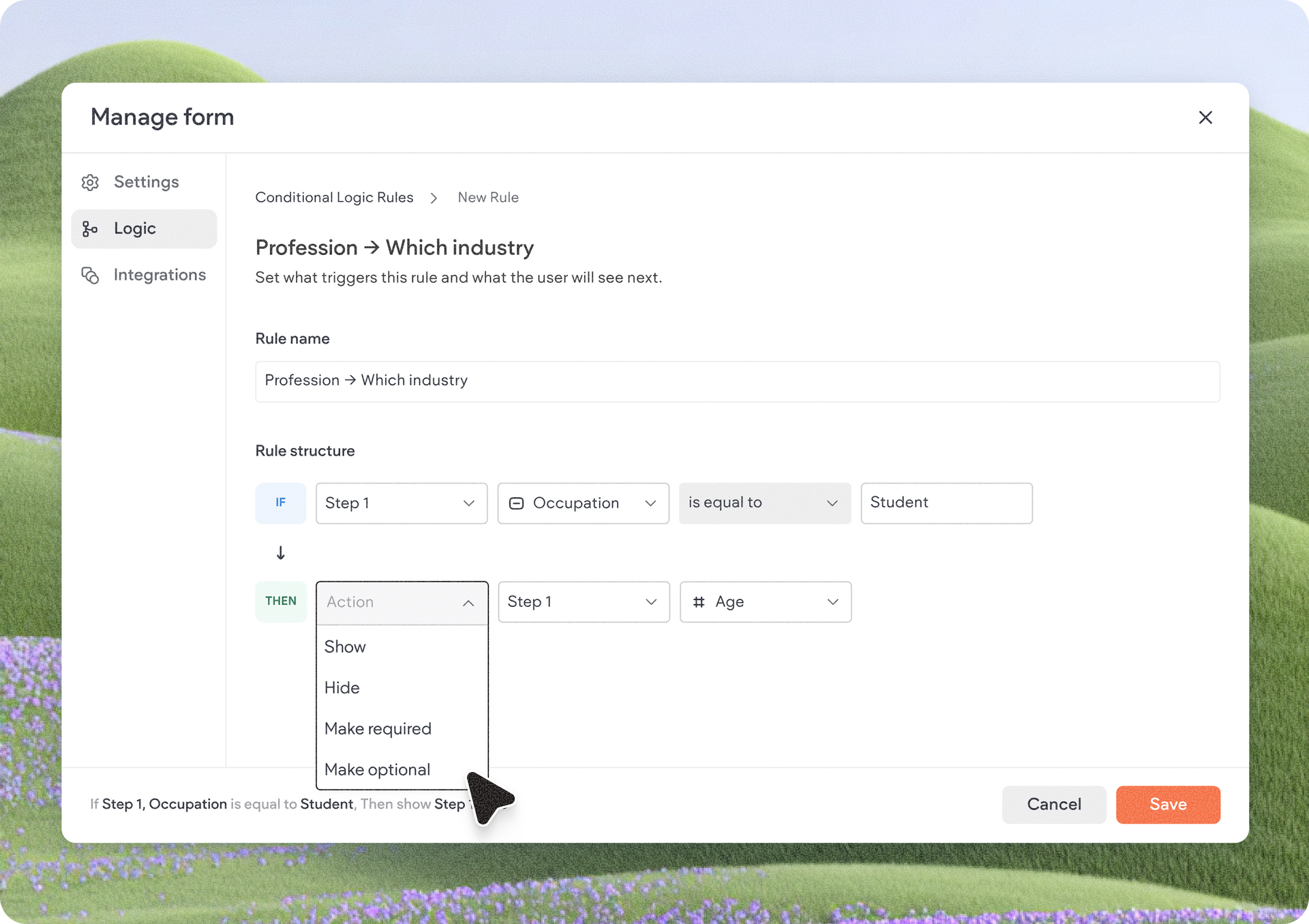
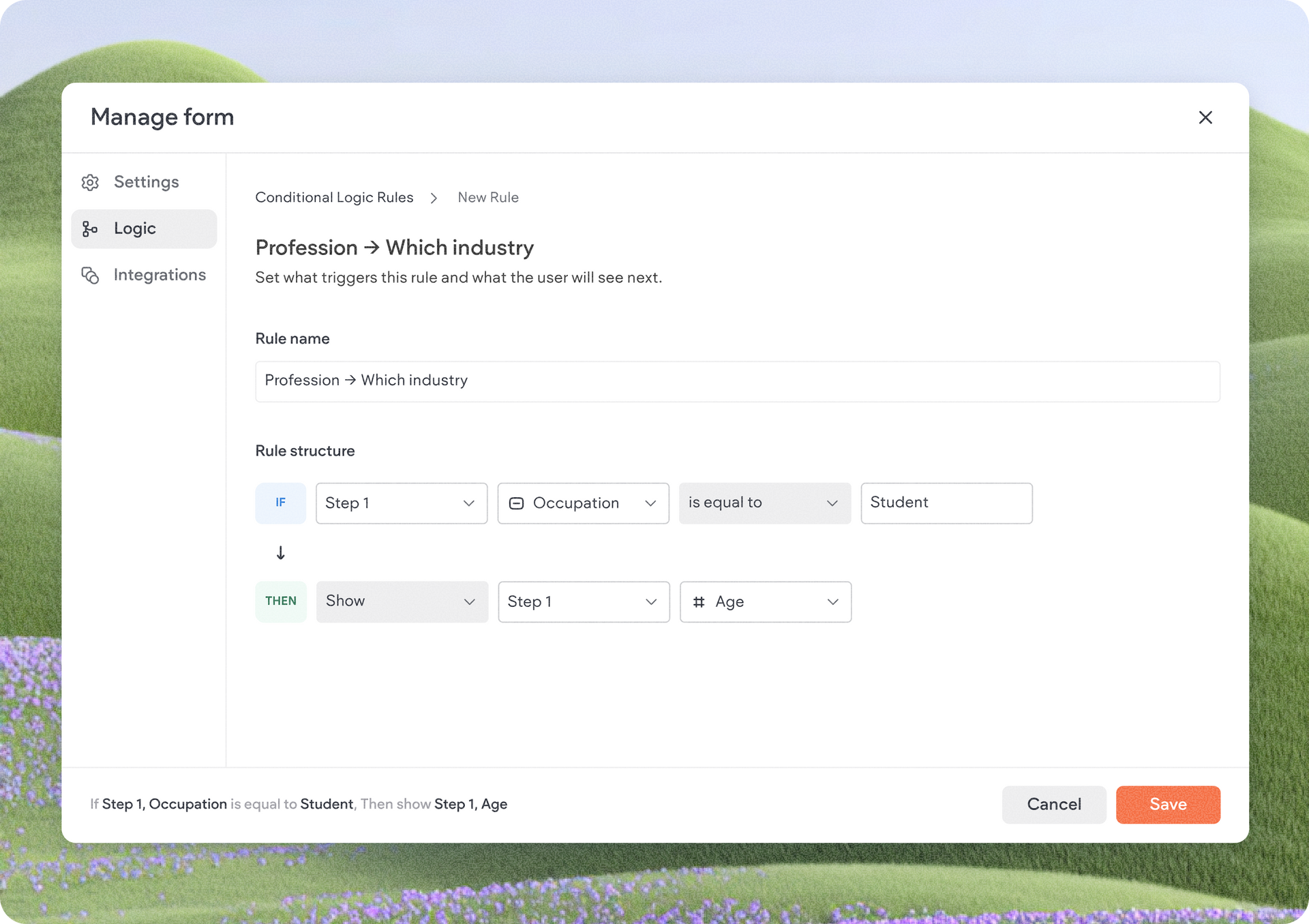
Conditional logic lets you create IF / THEN rules that control how your form behaves based on previous responses, to better tailor the form experience to each visitor and increase completion rates.


For example, a service provider can ask visitors which service they're interested in and then display a unique set of follow-up questions for each option. Or, a business collecting leads can ask qualification questions only when they're needed, while keeping the form shorter for everyone else.


By reducing clutter and focusing visitors on what's relevant, forms become easier to complete and more effective at capturing valuable information.

Build advanced workflows without code

Conditional logic is designed to be powerful, yet simple to use.

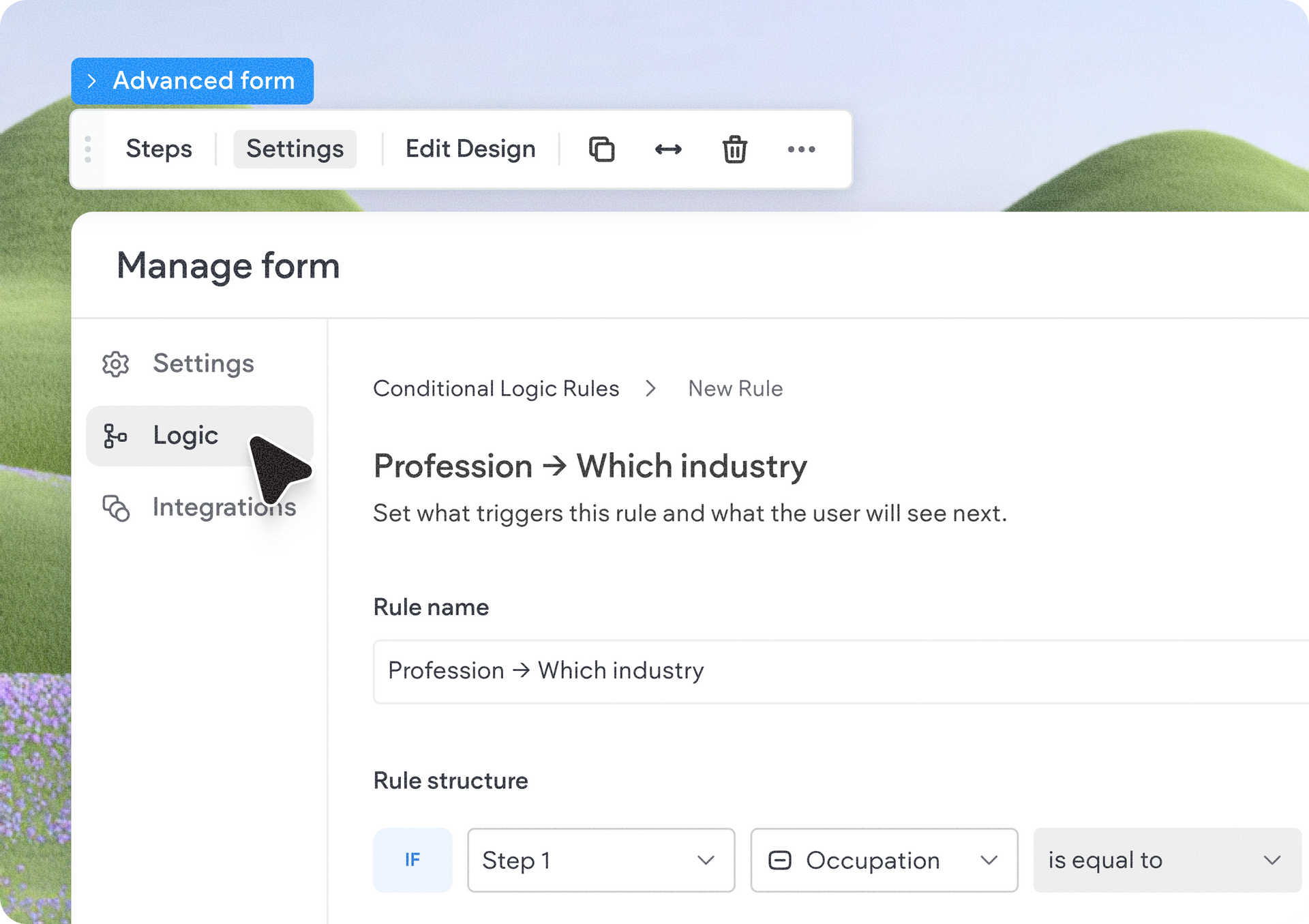
A new Logic tab has been added to the Advanced Form settings area, where you can visually create and manage rules without writing a single line of code.


In this update, the conditional logic supports 4 main actions:

  • Show a field
  • Hide a field
  • Make a field required
  • Make a field optional

These actions are supported across all field types available in Advanced Forms, giving you the flexibility to create a wide variety of personalized form experiences.

Get started with conditional logic

To begin using the conditional logic in forms, add or open an Advanced Form widget in the editor, click Settings, and navigate to the new Logic tab.


From there, you can create IF / THEN rules, configure how fields should behave, and instantly build smarter forms that adapt to each visitor's journey.


We can't wait to see the smarter form experiences you build with it. If you need any help getting started, visit this support guide.


June 9, 2026
Yanir Moskovitz

 • 

Build Smarter Forms with Conditional Logic in Advanced Forms

Stay in the Loop with Duda Updates

Sign up to get feature releases, tools, and more to your inbox.

Latest product updates

Hand cursor hovering over an image toolbar above a blurred portrait photo
By Yanir Moskovitz June 4, 2026
Discover a new AI-powered image generation capability built directly into the Duda editor.
ArtSuite dashboard on “Choose a template” page with green sidebar and template cards
By Avigayil Lewin June 2, 2026
Site generation with AI is now smoother, smarter, and more flexible.
ChatGPT chat showing a reply that says 53 contact form responses are ready to download.
By Annat Katz June 1, 2026
Export Copilot data into a downloadable file, spot blog posts with missing SEO tags, and more updates to discover.