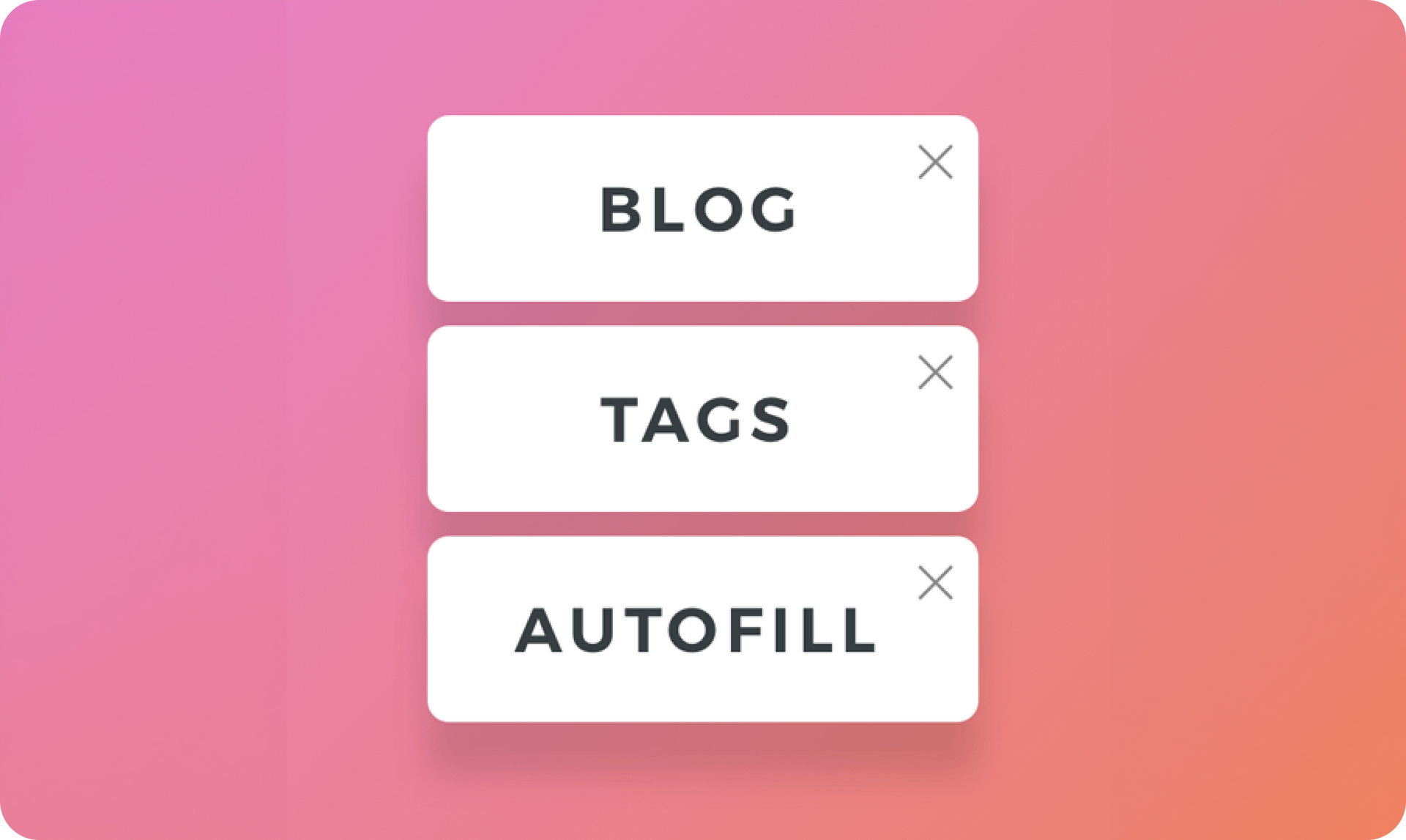
Adding tags to your blog posts makes it easier for readers to find what they’re looking for. It’s now easier, too, with the tag autofill, which makes tagging posts quicker and ensures that the tags are consistent and error-free.


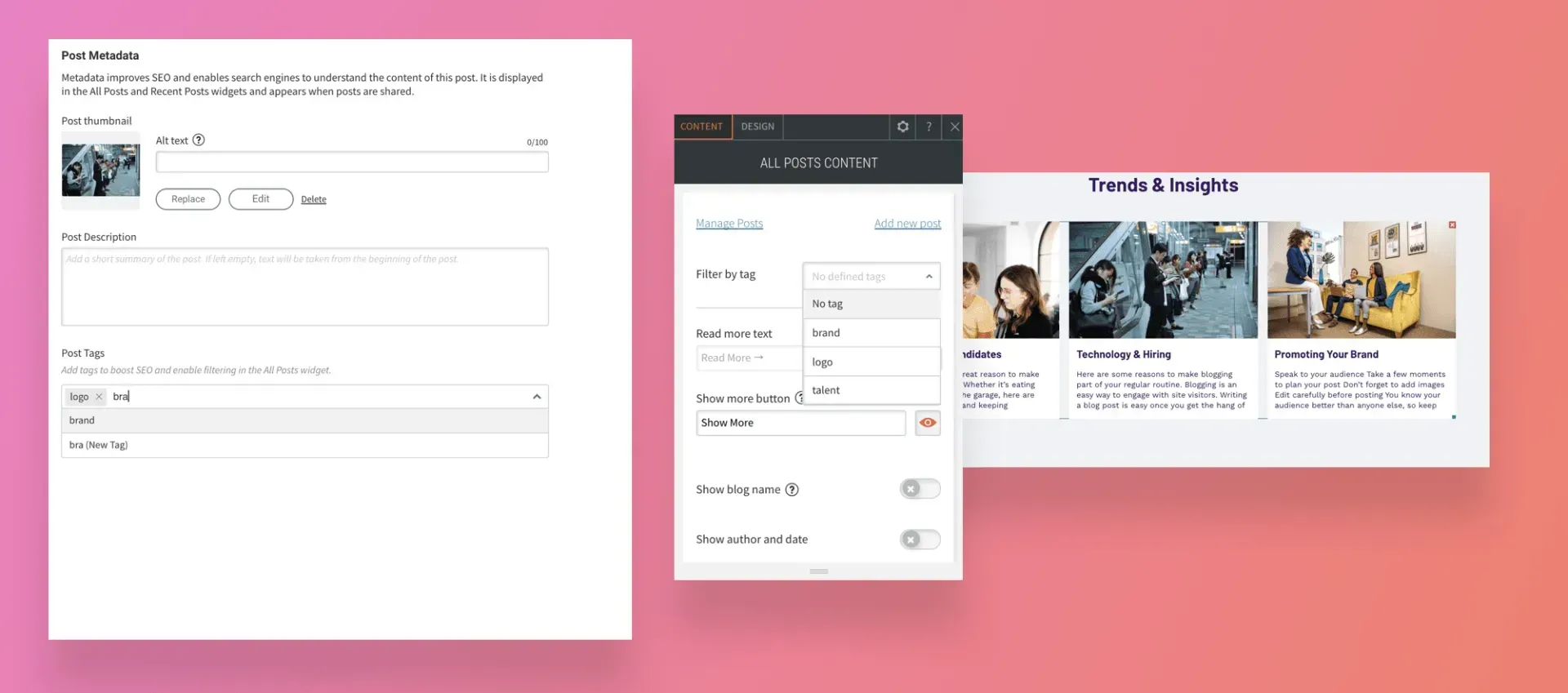
Once you’ve got tags in your posts, filter the posts in the All Posts widget, so all of the posts relating to that topic show up in the widget. This makes it easy to customize the blog posts you display to specific pages of your site and ensure that no posts are missed.

Tagging posts is important. Here's why


Makes it easy to arrange site content


When you add blog posts to your site, you want them to be found. Adding tags to your posts enables them to be filtered so they can be sorted according to topic.


Let’s say you have a blog on a fitness site that includes articles about cycling, running and swimming. Tagging each post with the relevant sport means you’ll be able to filter them in the All Post widget and then display the posts on specific pages on the site. For example, posts with the tag “cycling” on the Cycling page, posts with the tag “running” on the Running page, etc.


Autofill makes everything easy and error-free


Autofill improves the tagging process by ensuring that tags are consistent, and saves you time by suggesting tags you’ve already used. Going back to the Fitness site example, autofill makes it easier to ensure that all running-related posts are tagged with the same word (“running”) and not variations of it.


Haven’t added tags yet to your posts? Now’s the time


Adding tags to your posts is simple and quick. Just open the Blog panel, click Post Settings beside a post, and scroll down to the Tag field. Once you’ve typed in a tag or two in the post, scroll to the next post and repeat. Once your posts are tagged, you’ll be able to filter them according to those tags, which will appear automatically in the Filter by tag option at the top of the All Posts widget.

May 6, 2020
Roni Landau

 • 

Blog tags - Now easier to use and more accurate

Stay in the Loop with Duda Updates

Sign up to get feature releases, tools, and more to your inbox.

Latest product updates

Coffee bag with customization options: grind, split, sample; and a
By Mor Zamir December 10, 2025
From pizza toppings to software add-ons, this update is a great new way to personalize products.
A cursor hovers over an
By Rim Elfahem December 8, 2025
Offer clients more ways to get paid for sales and bookings.
A smiling person in a photo on a screen, with code, and a bar chart icon against a blue background.
By Tal Levi November 25, 2025
Building sites at scale like never before.