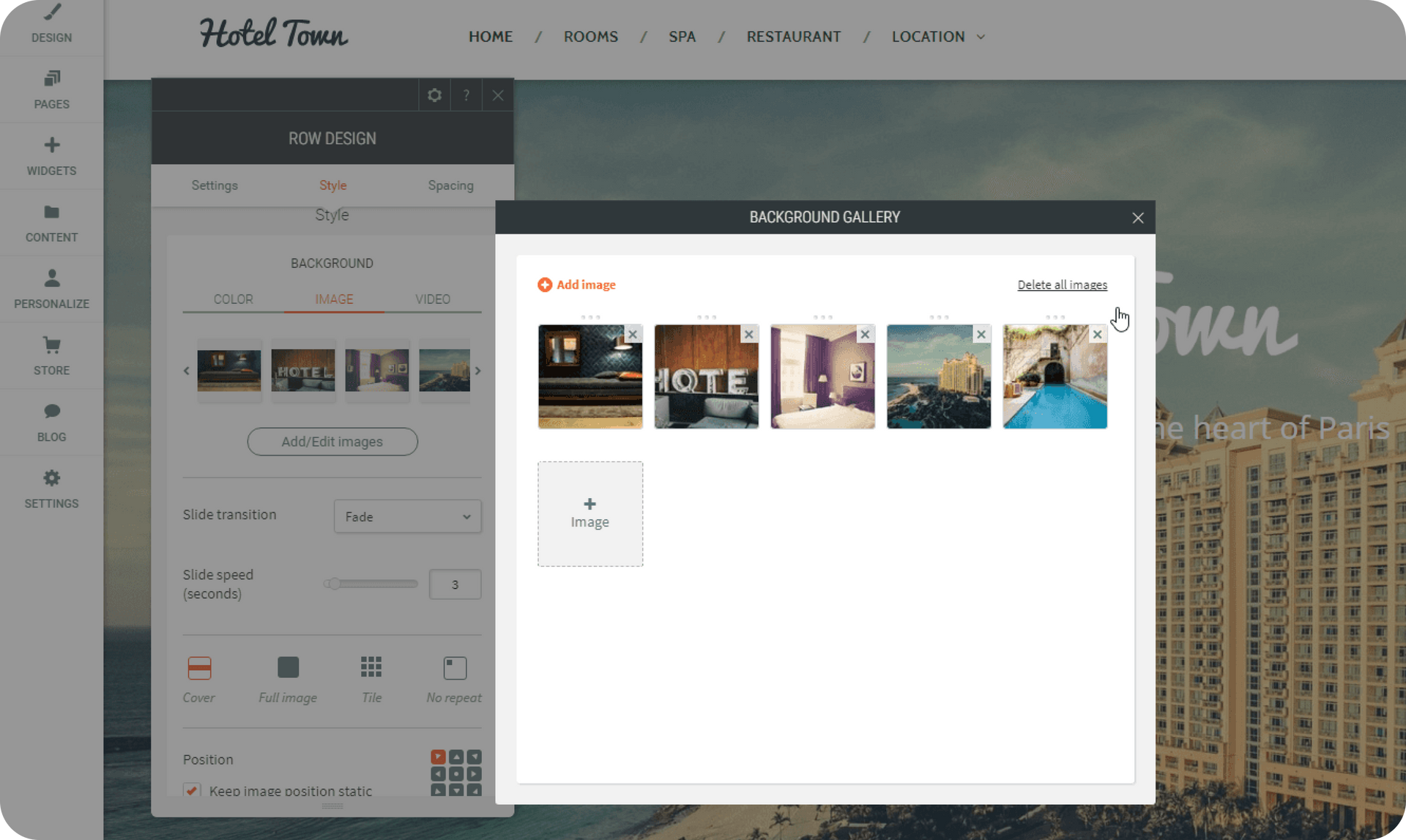
The new Background Slider gives you more design flexibility, enabling you to grab visitors’ attention by adding motion to background images.

This slider is automatically available if you load more than a single image to any background row or column. Add as many images as you like and control the transition between images (slide right, left, top and bottom) as well as the time between slides.Most important, since it’s a slider, you can drag any widget on top of it.


Think multiple dishes for a restaurant. Multiple arrangements for a flower shop. Multiple hairstyles for a barber shop and many many more. To explore this new capability, just open the Content Editor of any row or column and add more than one image to the background. See an example here: https://bg-slider.dudamobile.com/


July 30, 2017
Roni Landau

 • 

Background Slider!

Stay in the Loop with Duda Updates

Sign up to get feature releases, tools, and more to your inbox.

Latest product updates

Interior scene with potted tree by a window and a dark sidebar menu on the right.
By Avigayil Lewin • October 2, 2026
Create and work on Vibe projects directly from Claude, ChatGPT, or any other AI assistant that supports MCP.
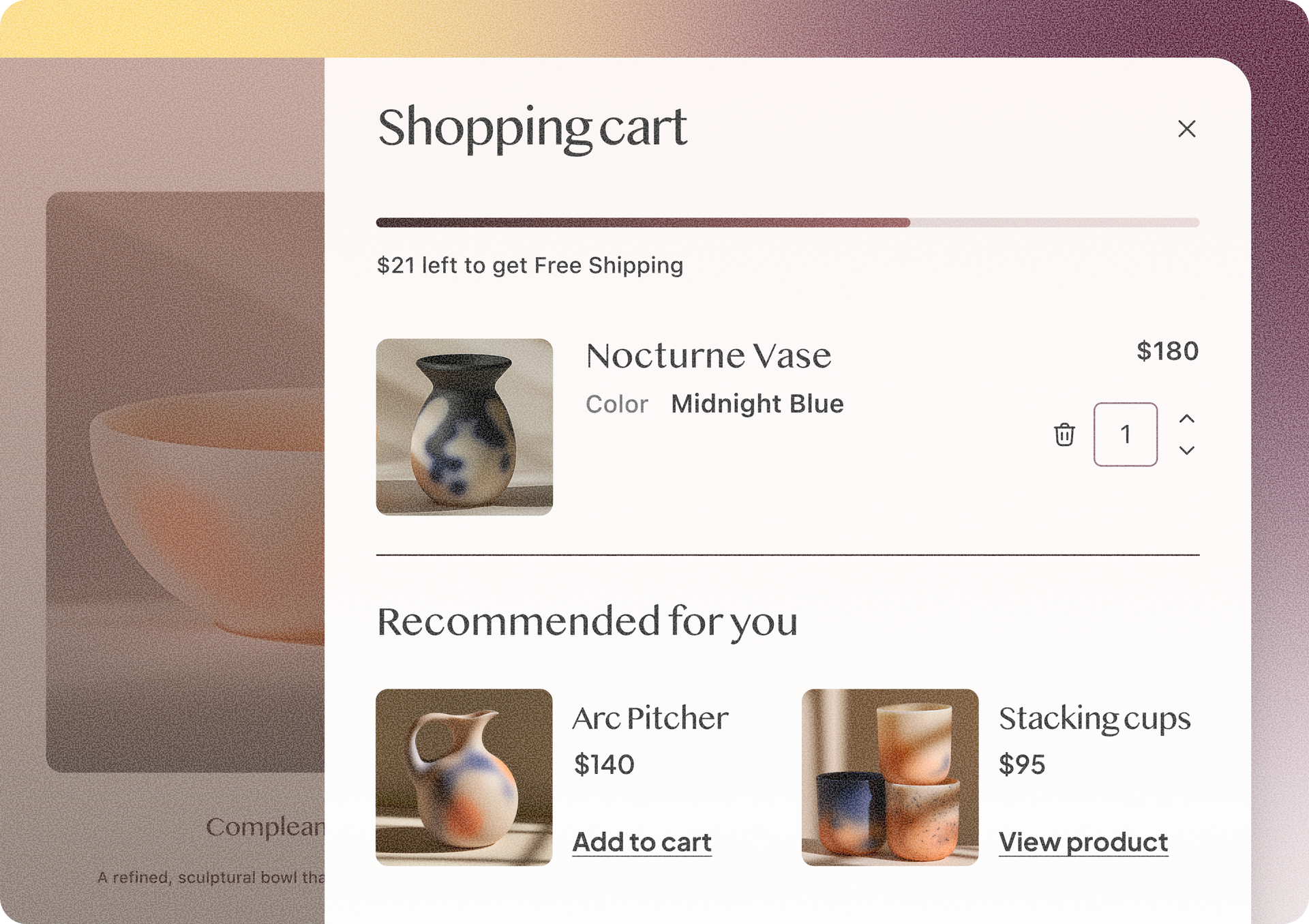
Shopping cart overlay with Nocturne Vase and recommended decor items on a beige shopping page
By Rim Elfahem • September 30, 2026
4 Duda eCommerce updates to simplify order management and enhance your upsells.
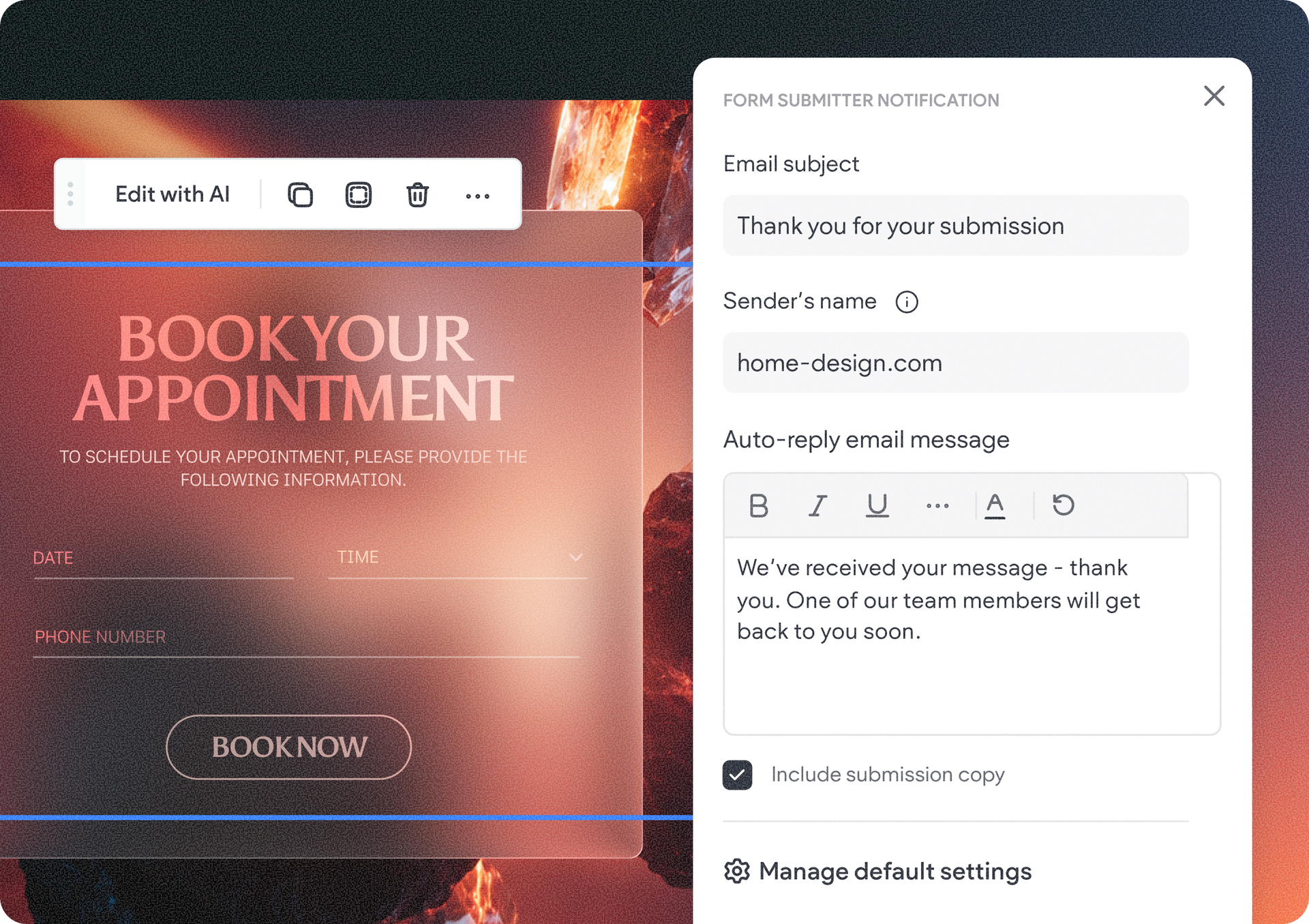
Website booking page with “Book your appointment” banner and a contact form on the right
By Tal Levi • September 24, 2026
Control what happens after a form is submitted in your Vibe project - directly from the visual edits panel.