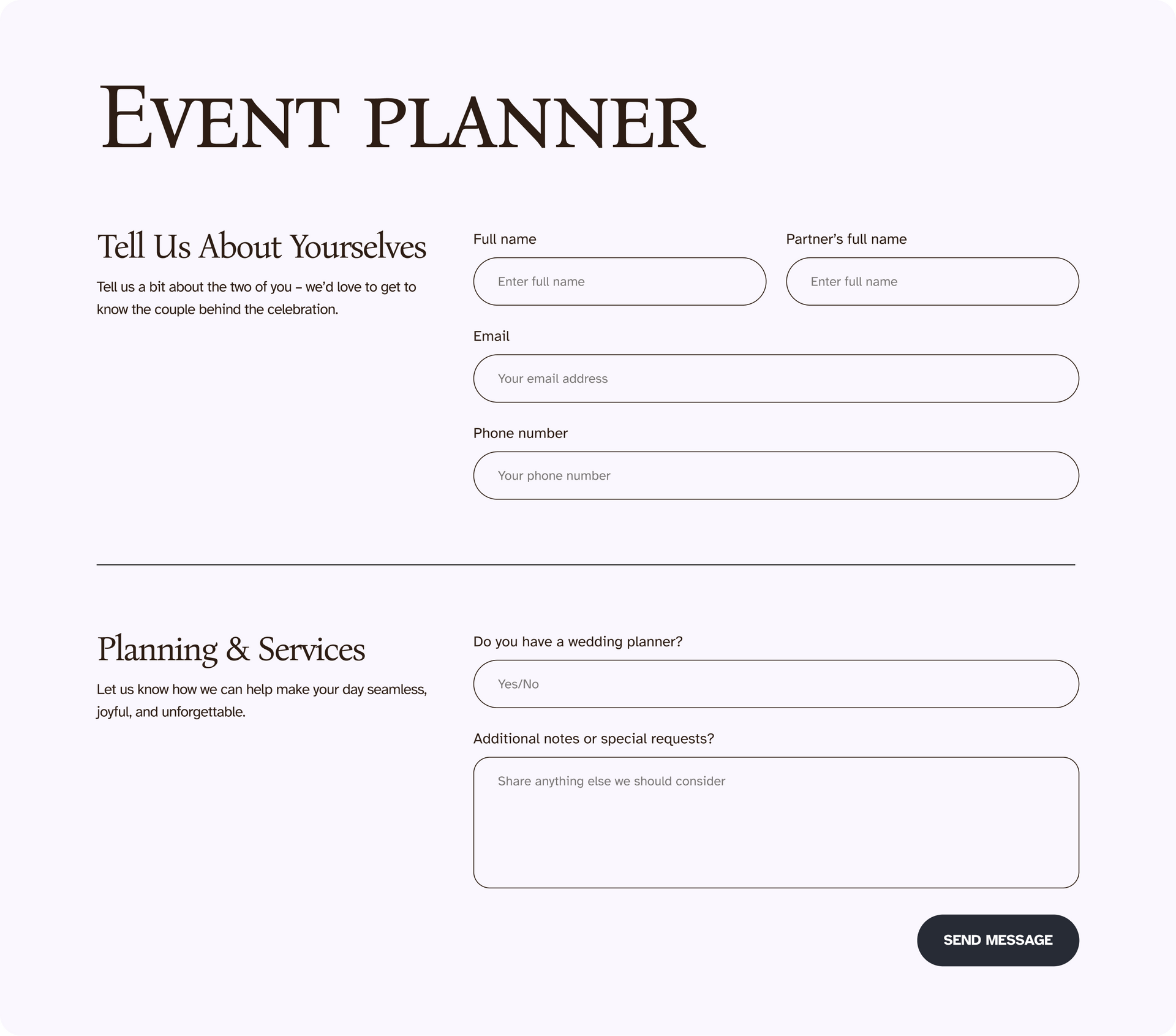
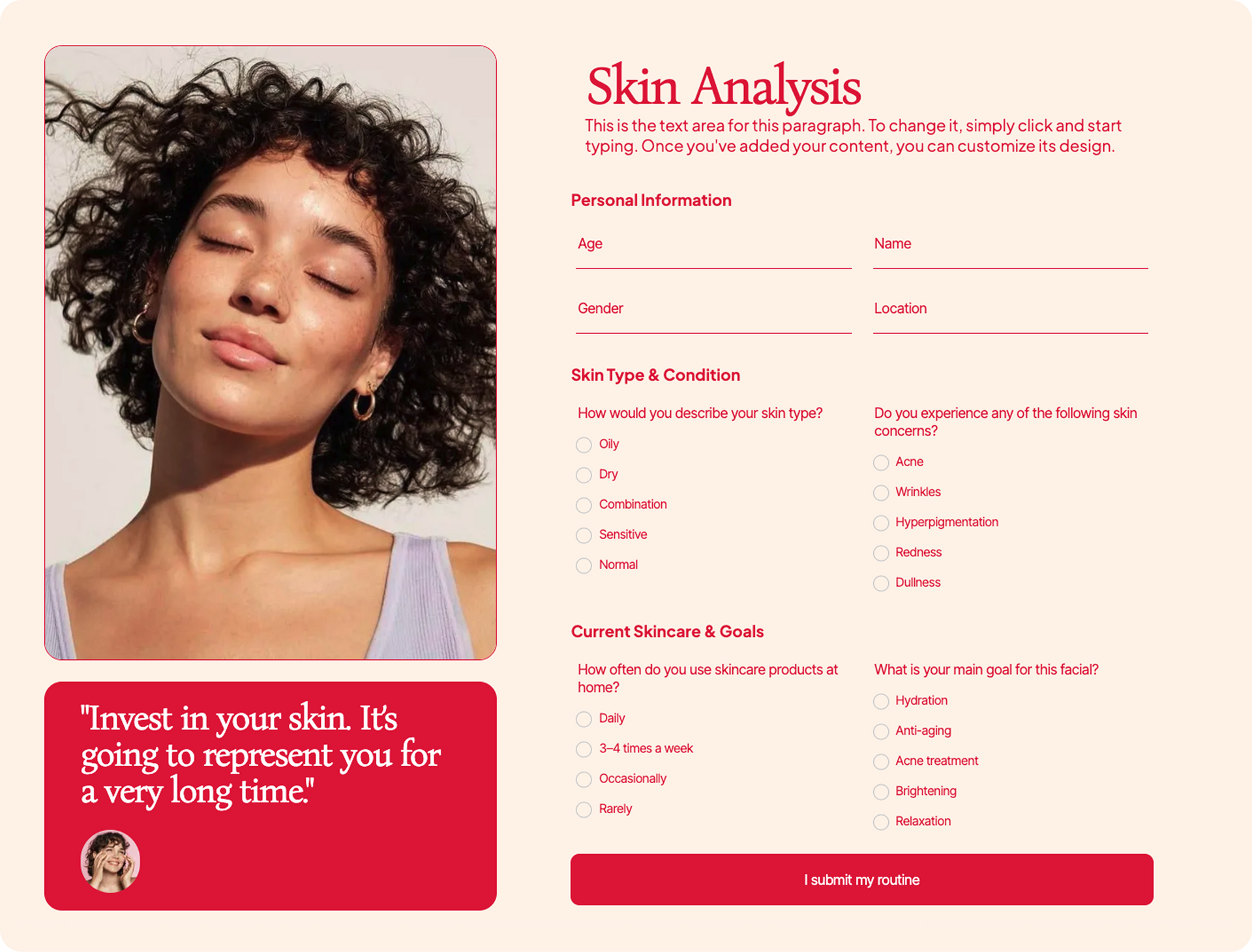
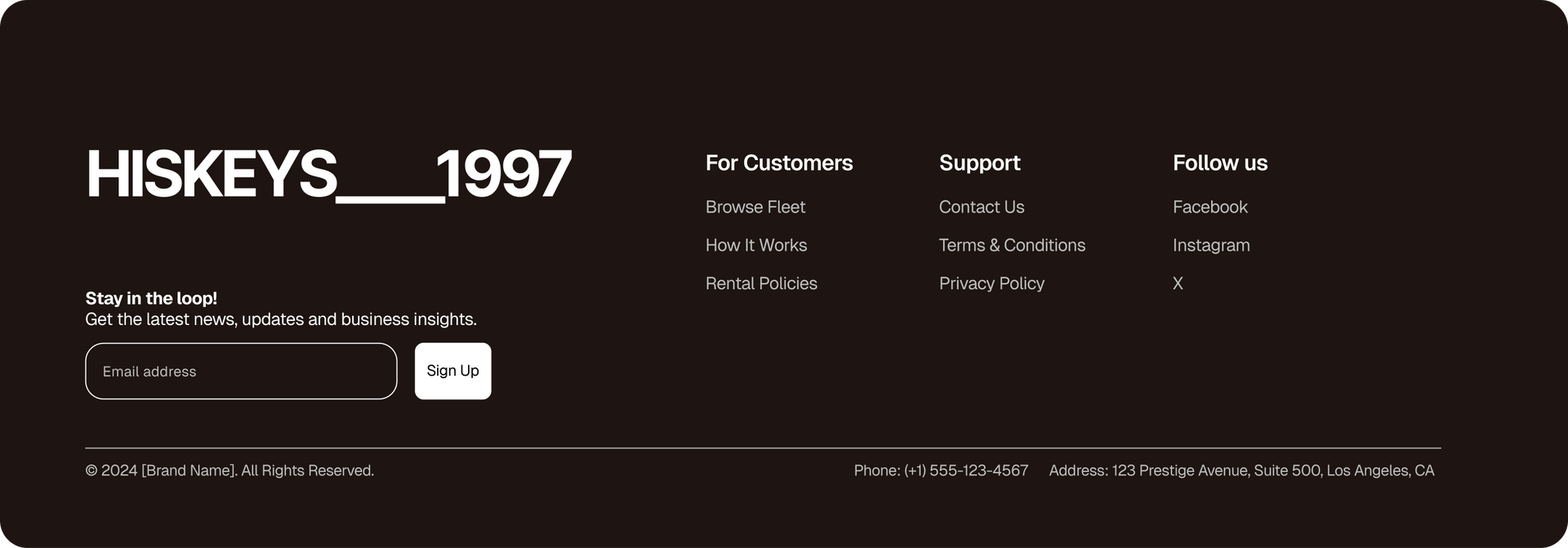
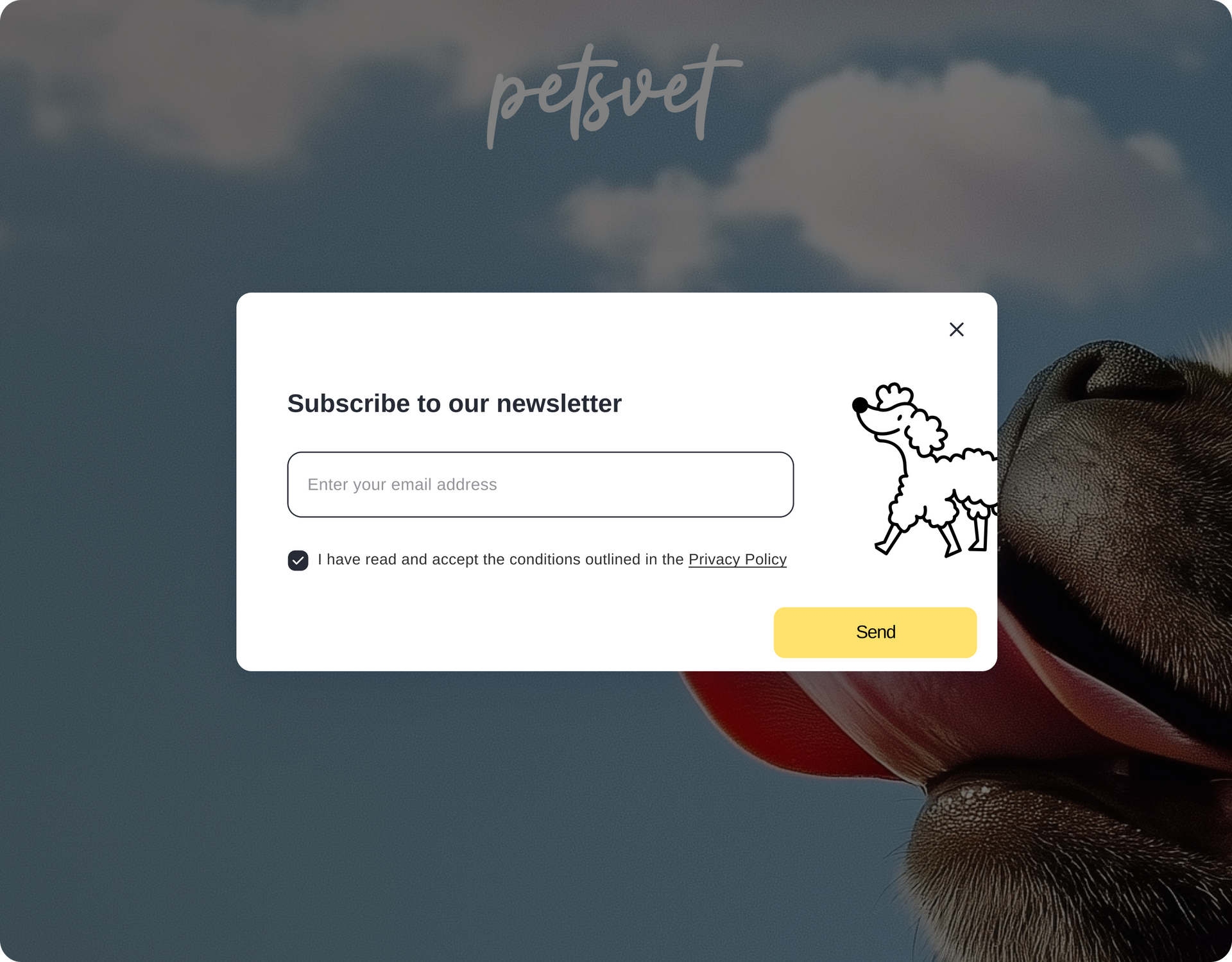
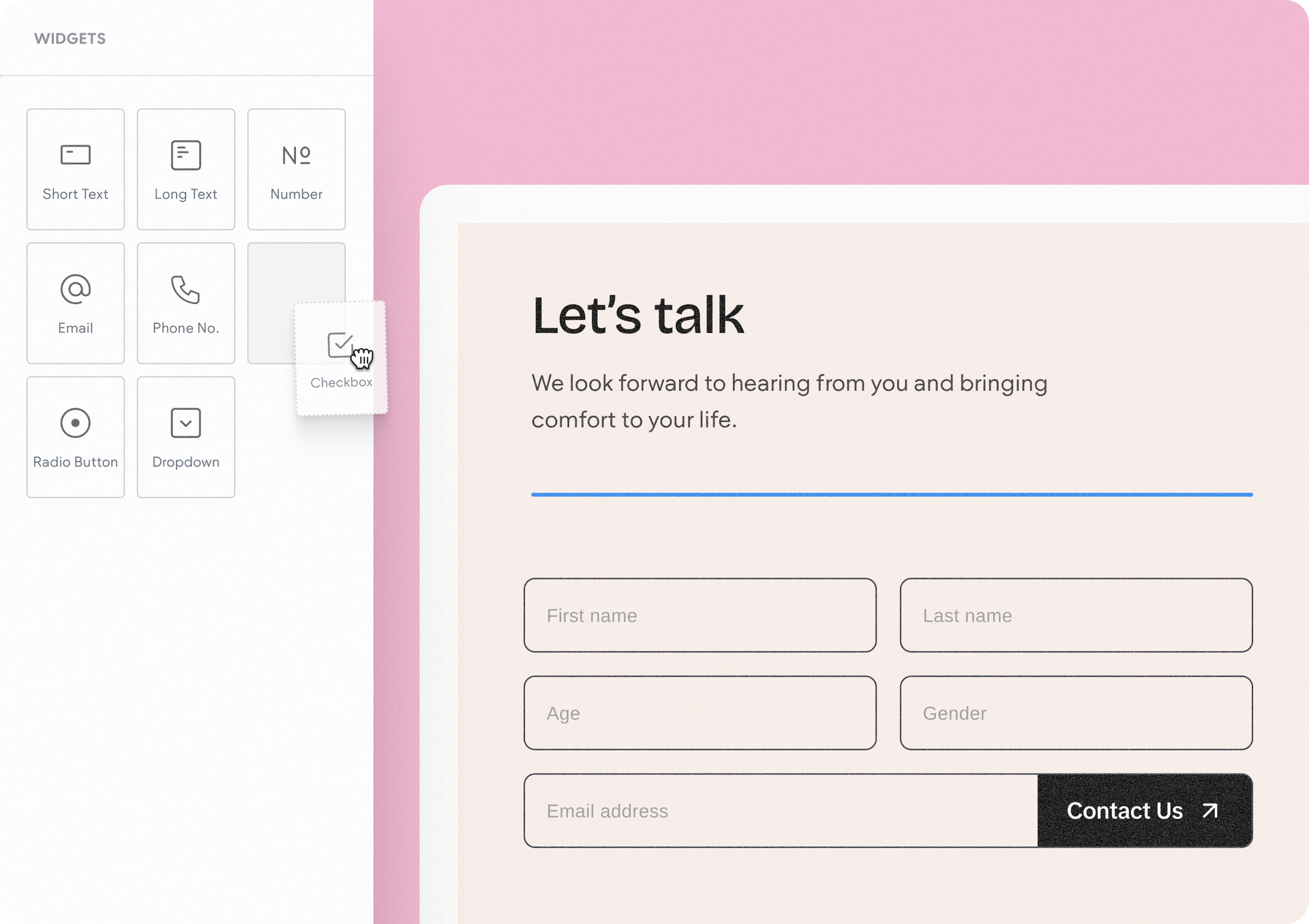
Meet the Advanced Form, our new advanced widget in Editor 2.0 with complete design freedom. Built on flex containers, you can customize forms without workarounds or third party tools, and add any widget you want: videos, images, maps, and more.

What’s new? Quite a bit

The new Advanced Form gives you much more than before:


A whole lot more design freedom

You can now add inner columns and widgets inside the form for advanced layouts, add titles for sections, and edit the design (not just the text) of the post-submission thank you and error message- to perfectly match your site’s look and feel.


Leveraging the use of widgets

Drag and drop any widget you want into the form. This can be input widgets like radio buttons, checkboxes, and dropdown selections, and any other widget you want.


Simple drag & drop organization within the form

This means you can easily organize and reposition form fields within your form by simply dragging & dropping them around. The end result? You get to build anything you want, from simple one-line forms to surveys and lead generation flows.


One advanced form, so many ways to use it

The new Advanced Form is such a versatile design tool, you can put it into use on your site for so many purposes:

Lead generation or pre-meeting questionnaire

Survey

Newsletter signups

And so many others as well. Where to get started?  You can find the Advanced Form and its related elements under the editor’s widgets panel > Advanced Widgets category.


Form steps and more coming soon

This is just the first phase of what we intend the Advanced Form to be. It now lays the groundwork for the later phases we have planned - very soon we’ll add capabilities like multi-steps and additional field types (file attachment, date and time picker, etc.), with more powerful form options coming later on, so stay tuned…


October 27, 2025
Hadas Moked

 • 

Advanced Form: Take Full Control of Form Design

Stay in the Loop with Duda Updates

Sign up to get feature releases, tools, and more to your inbox.

Latest product updates

UI editor showing a signup form preview with a pale green background and a white settings panel.
By Naama Mizrahi June 12, 2026
A complete redesign plus new capabilities to help you drive more leads and engagement.
White settings dialog with form fields and Save and Cancel buttons on the right.
By Yanir Moskovitz June 9, 2026
Create dynamic forms that adapt in real time based on a visitor's responses.
Hand cursor hovering over an image toolbar above a blurred portrait photo
By Yanir Moskovitz June 4, 2026
Discover a new AI-powered image generation capability built directly into the Duda editor.