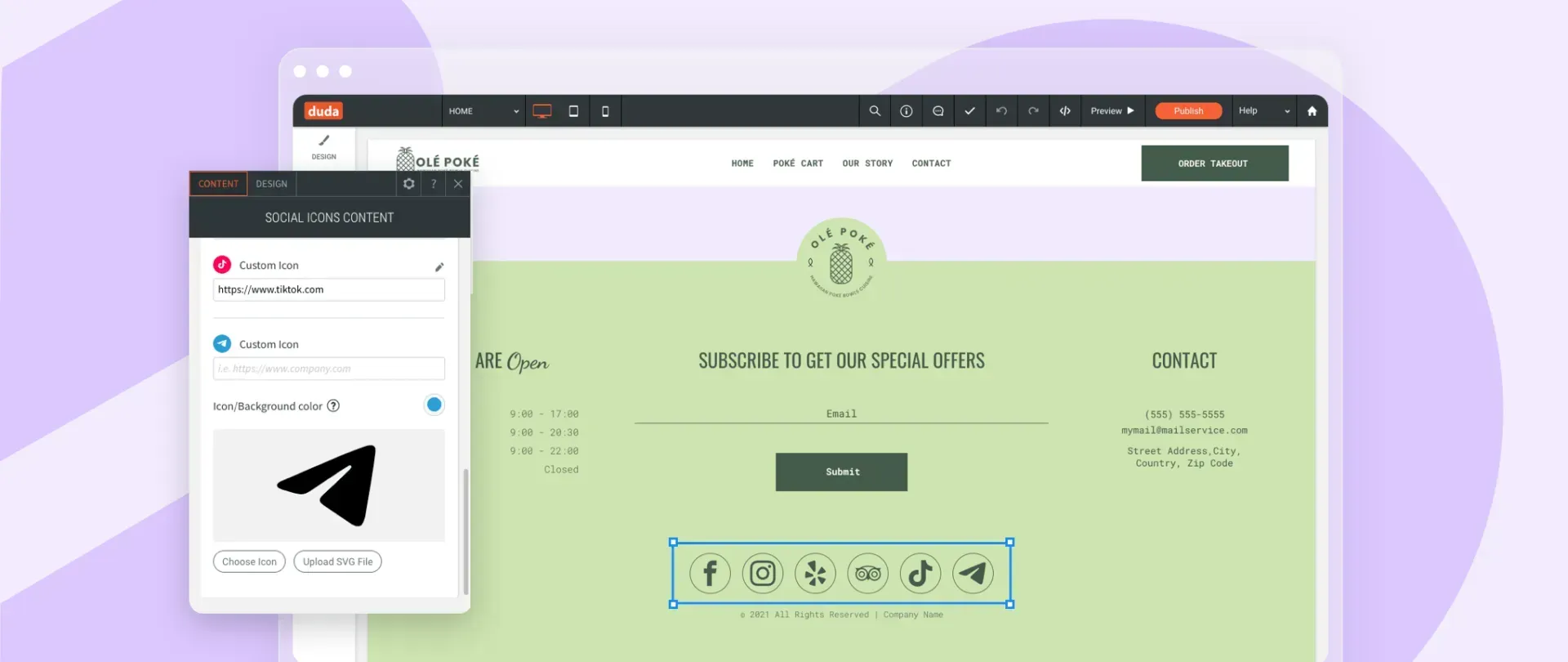
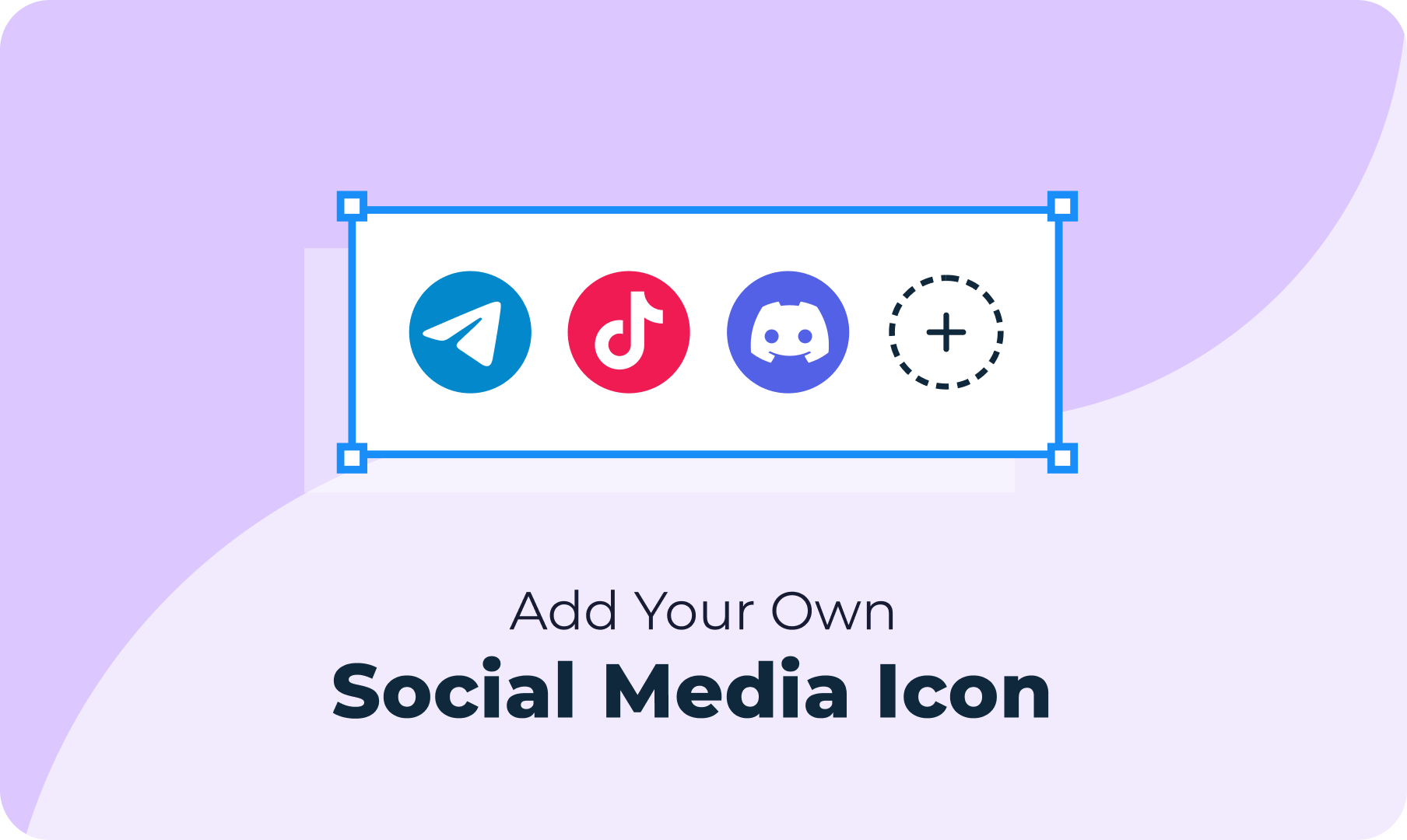
Expand your site’s social reach by adding links to social media networks such as TikTok, Discord, Houzz and more to the Social Icons widget. You can also link easily to niche social networks that cater to more specific social groups. Choose from new icons in the icon picker under Social & Media. If you can’t find what you’re looking for, simply upload an SVG of the icon.

Social networks links are so important


Having social media links on your sites enables your clients to engage with their audiences in their preferred channels so they can stay in touch with visitors  after they leave the site. They also increase trust and authenticity.


With this improvement, it's easy to add additional icons at any time to meet the changing needs of your clients, and to accommodate new, newly popular, and niche social networks. 


October 26, 2021
Maayan Mor

 • 

Add Any Social Media Icon Quickly & Easily

Stay in the Loop with Duda Updates

Sign up to get feature releases, tools, and more to your inbox.

Latest product updates

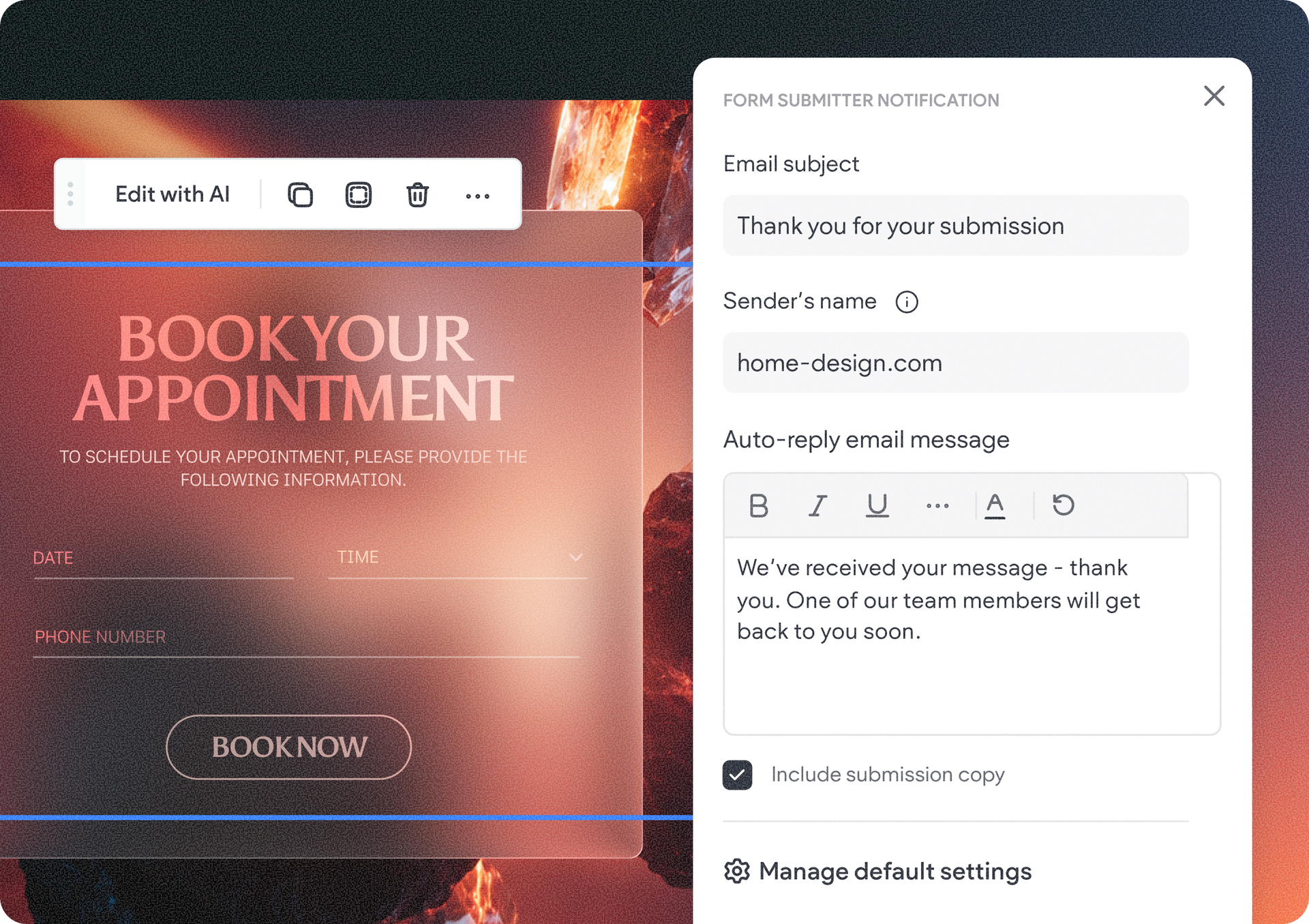
Website booking page with “Book your appointment” banner and a contact form on the right
By Tal Levi September 24, 2026
Control what happens after a form is submitted in your Vibe project - directly from the visual edits panel.
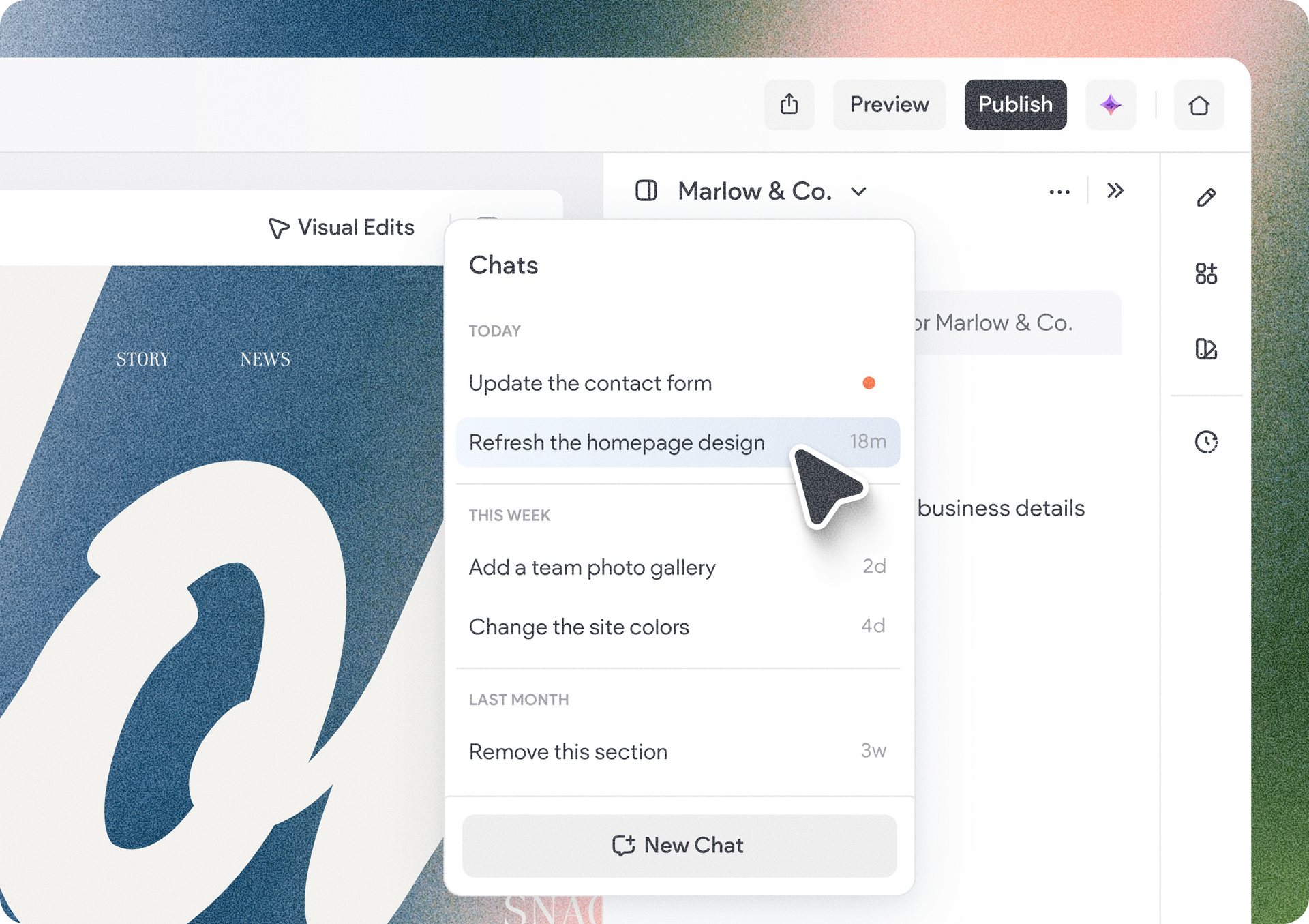
Close-up of a web app dropdown menu over a blue-and-white graphic design canvas.
By Tal Levi September 21, 2026
Keep different tasks separate, go back to previous conversations, and pick up right where you left off.
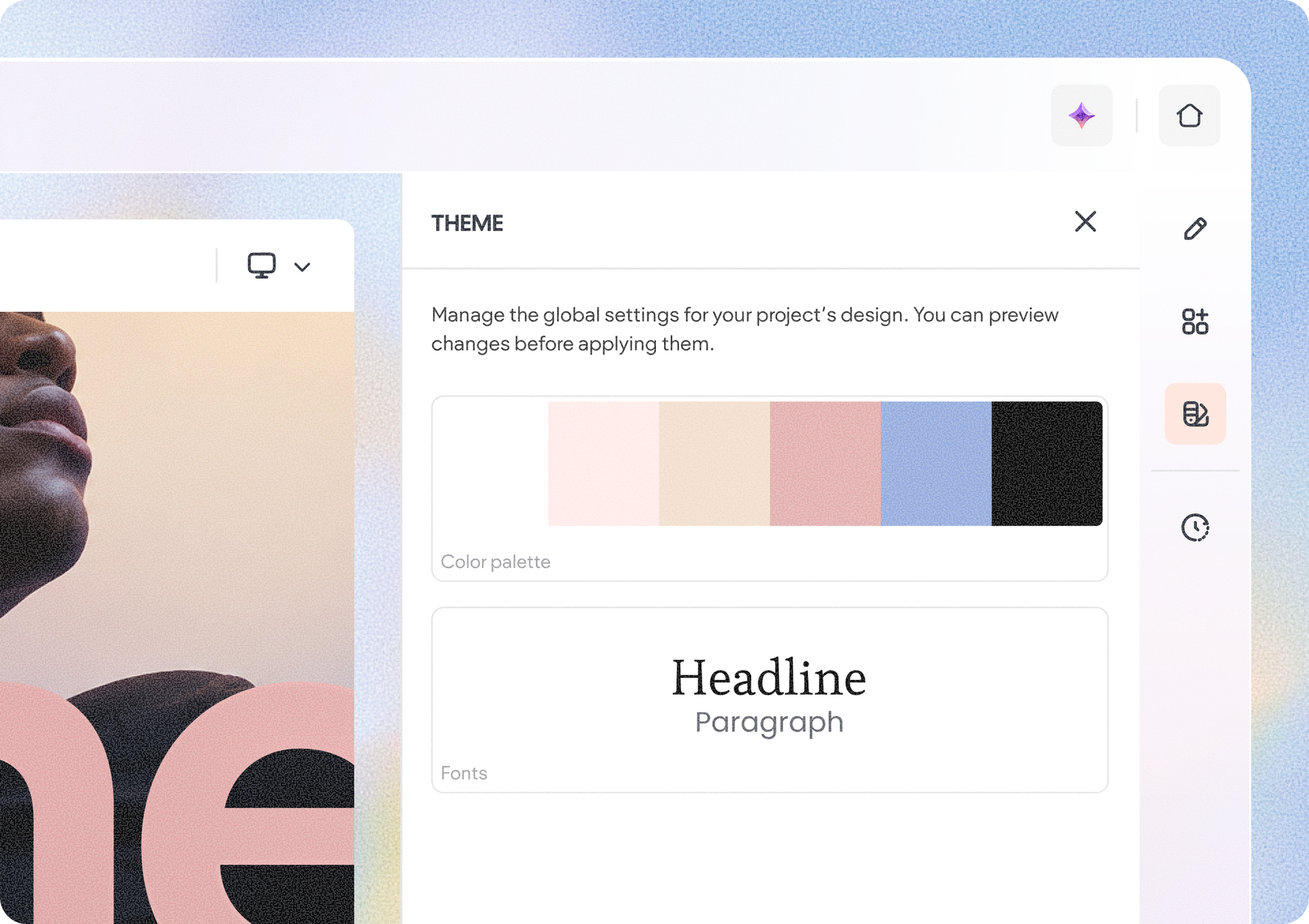
Theme editor with color palette, headline text, and a cropped portrait preview on the left
By Tal Levi September 18, 2026
Discover new, cost-saving ways to make your Vibe projects the exact web experience you want.