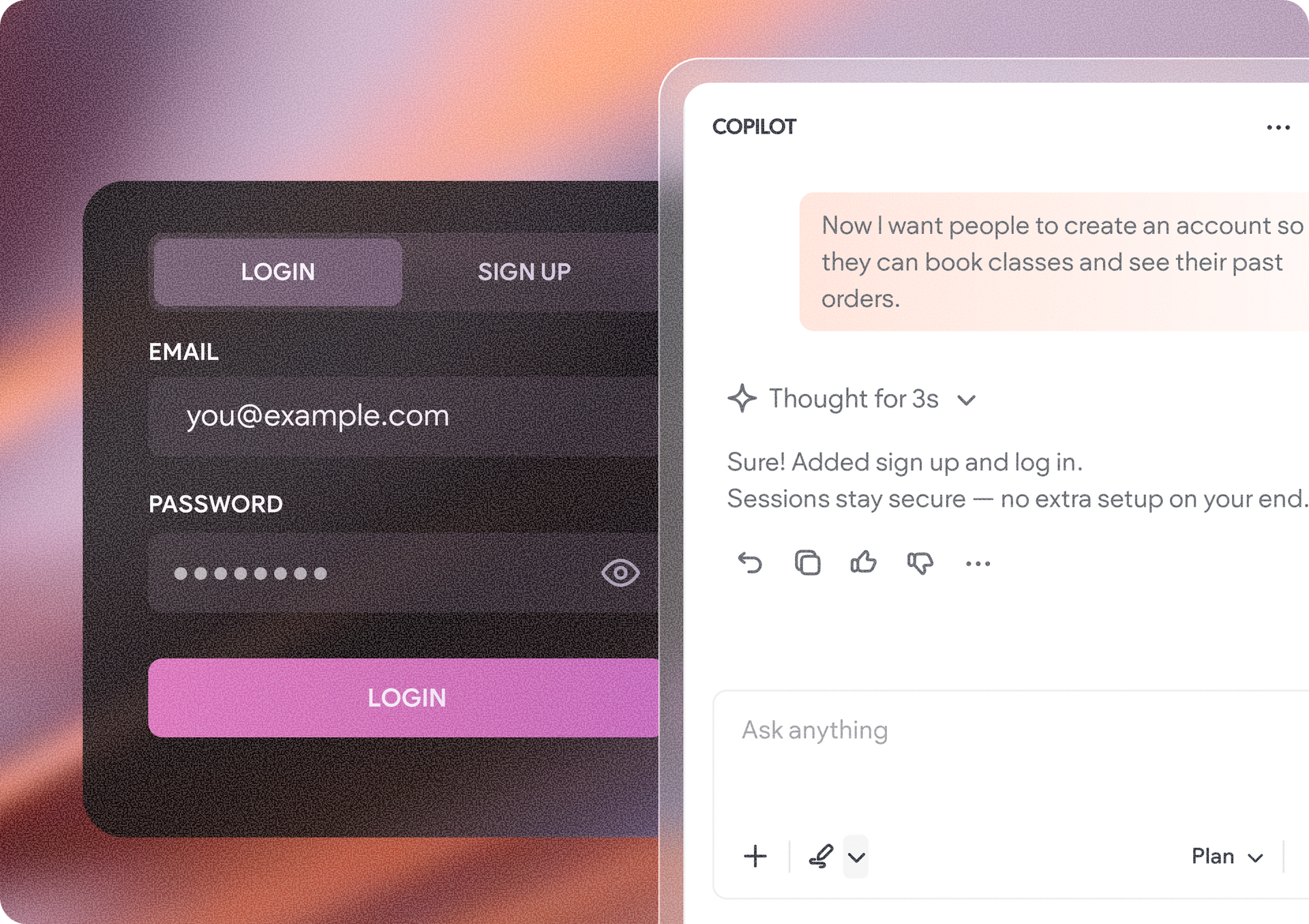
Need users to sign up and log in to your Vibe project? Want to limit access to specific content or create personalized experiences for different end-users? You can now add built-in user authentication to your Duda Vibe projects simply by asking Duda Vibe.
This makes it easier to build customer portals, membership sites, dashboards, and other applications that require user accounts and controlled access, without having to build authentication from scratch.
Vibe gives you the flexibility to set up authentication based on what your project needs. Allow users to log in with email and password, Google authentication, or both, and decide whether new users can sign up and create their own accounts.
You can also view and manage the users who have access to your project, giving you more control over who can get in.
Not every user needs access to the same things. With user roles, you can group users and control the content or functionality available to them.
This makes it easy to create experiences with different levels of access, like gated content for members, dedicated areas for customers, or dashboards available only to specific users.
To manage your project’s end-users, login methods, and roles, go to the Cloud section of your project dashboard and open the Access & Login tab. From there, you can manage Project End-Users, manually add new users, and, under Authentication & Roles, see which login methods Copilot can implement and create user roles.
Once you’ve created a role, add its context to your Copilot chat and describe what the role is for and what level of access it should provide. Copilot can then use that role when building the appropriate access into your project.

Getting started is as easy as telling Vibe what you need. Ask Vibe to add authentication to your project and it will add its secure, built-in user authentication, so you can focus on creating the experience rather than building the underlying authentication system yourself.
•

Sign up to get feature releases, tools, and more to your inbox.