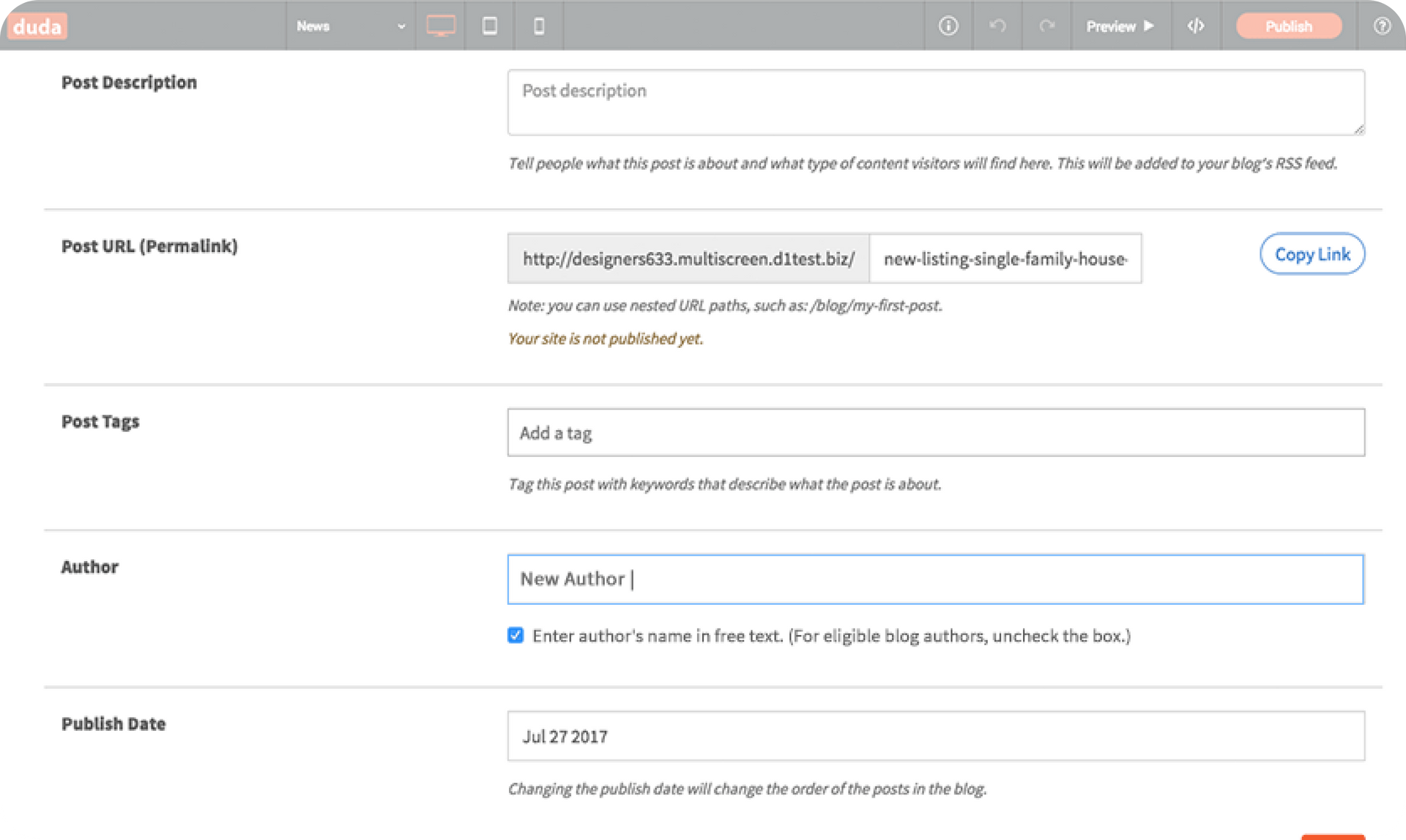
Adding new authors to your website blogs is now super easy with the new additional blog author feature. It enables you to add a new author quickly, directly from the blog post settings, and with no need to give the author site permissions.


As Easy as 1-2-3


Adding new authors is simple. Just go to Manage Posts and open the Settings of any post. Click the checkbox under the Author section and then fill in the new author’s name in the text field.


More Blog Authors = More Blog Traffic


Expanding your pool of blog authors makes it easy to post blogs more frequently and increase traffic to your website. This expands the subjects you can write about, and increases the quality of your blog by making it easy to incorporate speciality blog posts from experts.


With multiple blog authors, you’ll find it easier to establish a rich blog schedule because when you’ve got more people writing for your blog, you have more opportunities to publish.


Keep on Blogging!


December 3, 2017

 • 

Roni Landau
Add Blog Author!

Stay in the Loop with Duda Updates

Sign up to get feature releases, tools, and more to your inbox.

Latest product updates

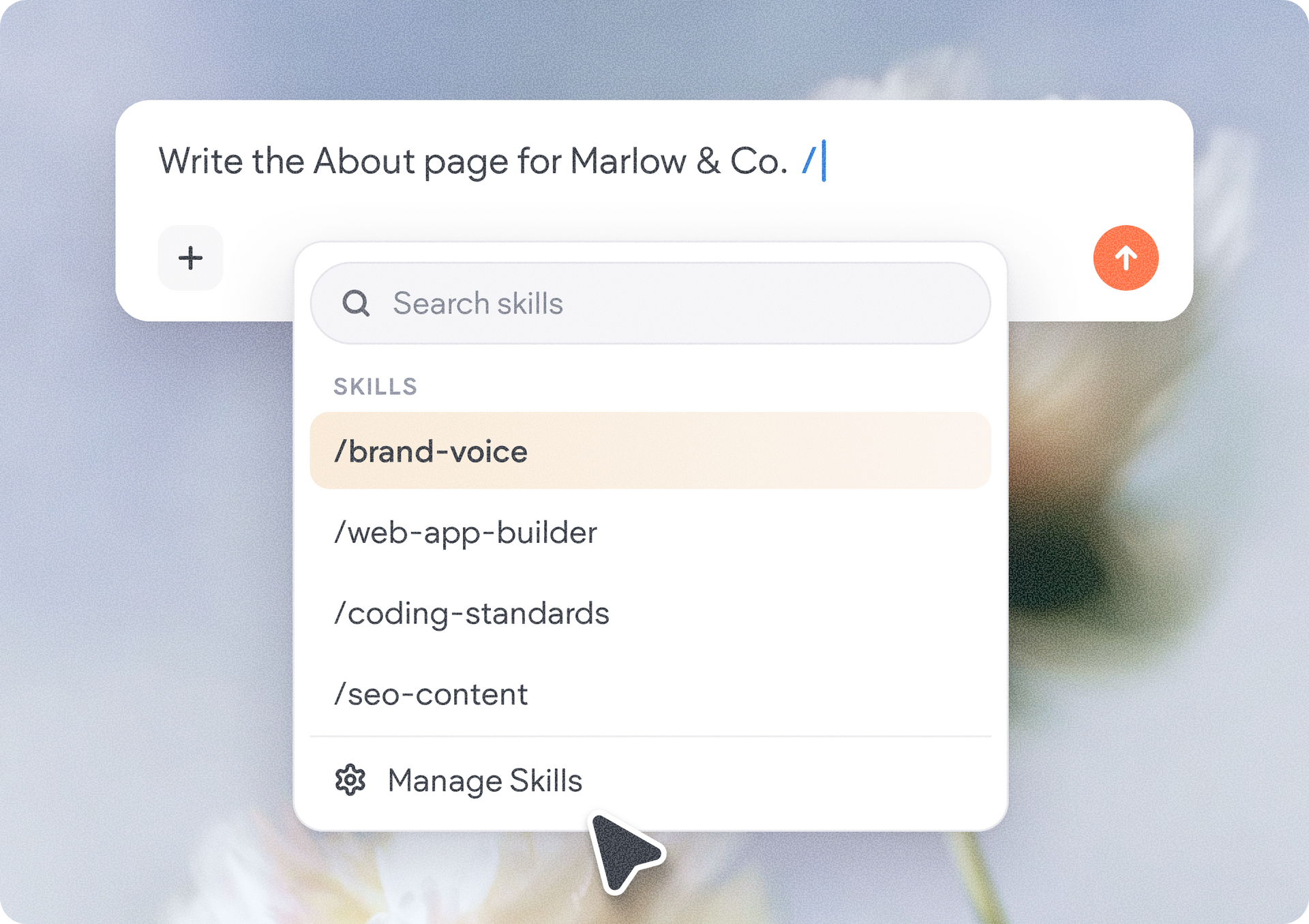
Text editor with a slash-command menu listing blocks like brand voice, web-app-builder, coding-standards, and seo-content.
By Ofri Baram & Tal Levi • November 6, 2026
Discover a new way to customize how AI works for you and your team.
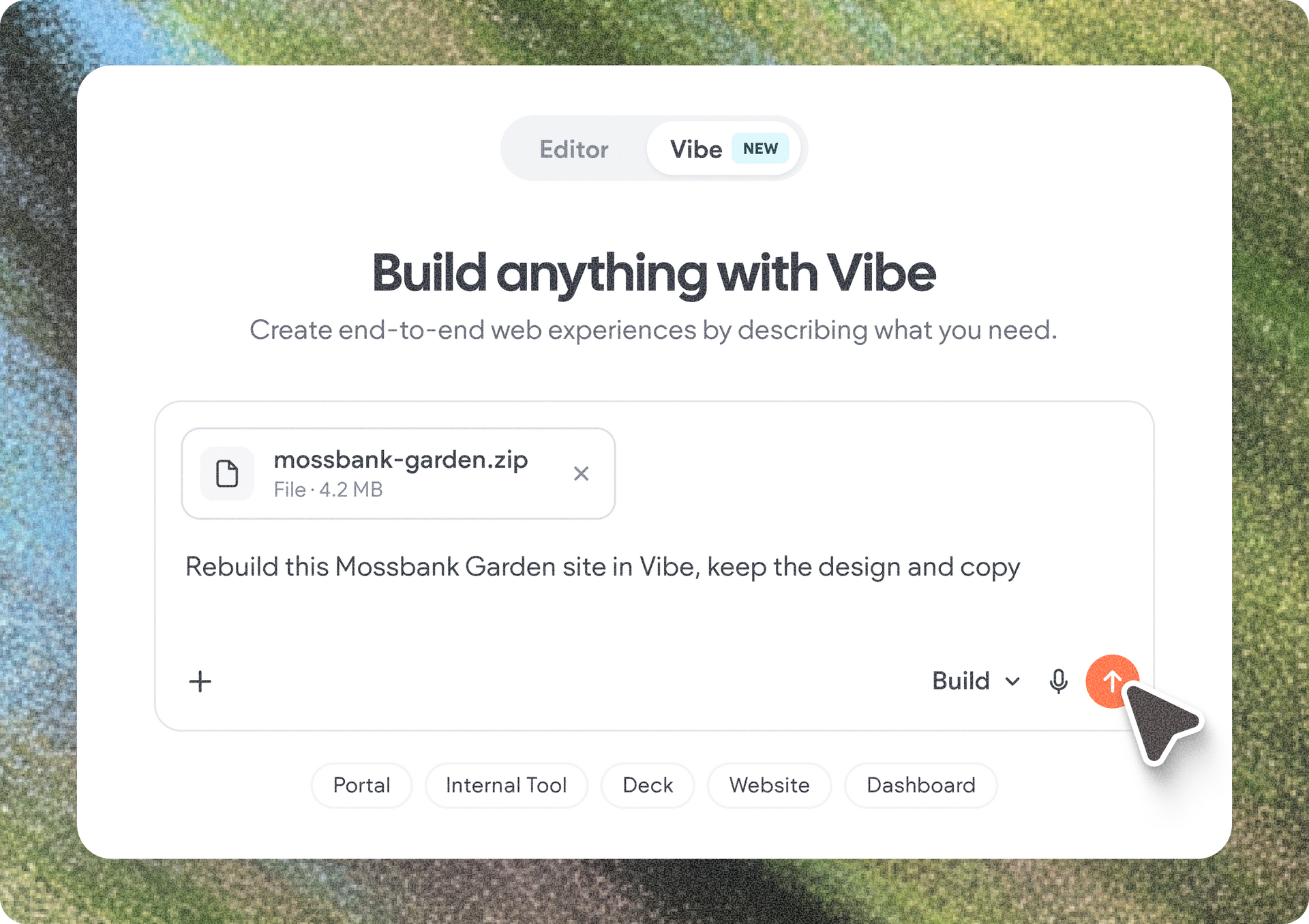
White “Build anything with Vibe” app screen with a dropdown, plus icon, and cursor clicking the orange button.
By Annat Katz • November 5, 2026
We’ve updated Copilot, Duda Vibe, and the native store to make site building easier and give you more control.
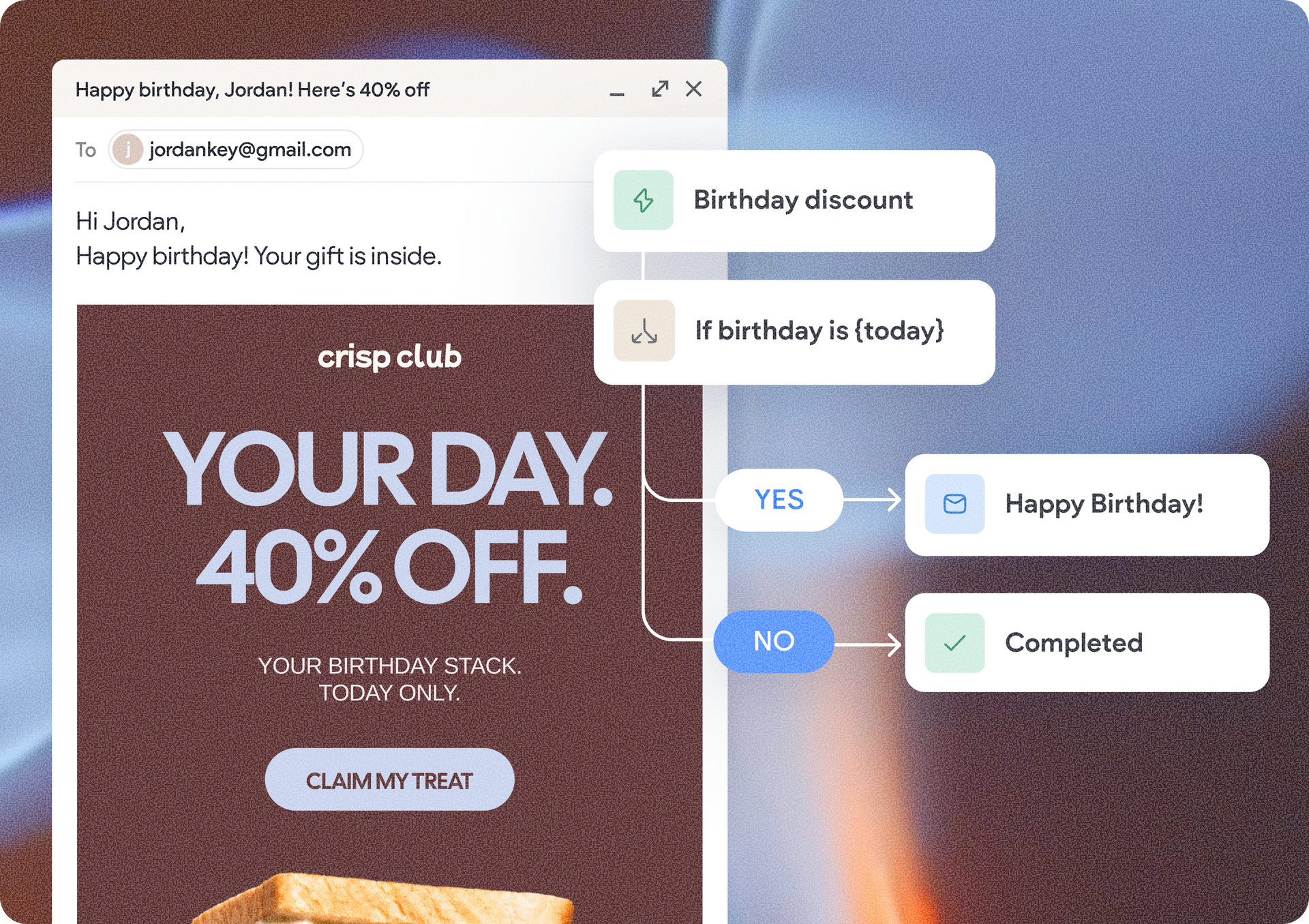
Purple discount graphic with 30% text beside a smartphone showing a cursor on a blank screen
By Liron Hilb Horev • November 2, 2026
Help clients engage their customers, drive repeat business, and grow their business beyond the website.