You can now manage Vibe project databases programmatically through Duda's API. Instead of editing data by hand in each project, partners can keep their Vibe projects' data up to date from their own systems.

Keep data in sync across your projects

The API lets you work with your Vibe databases in a few key ways:

  • Read your data:  Get tables and records.
  • Keep it current:  Add, update and delete records.
  • Shape your structure:  Create tables and add columns.

This means you can sync products, listings or other dynamic content from an external system, automate routine updates, and manage dynamic pages across many client projects at once.

Let AI agents do the work

Vibe databases are also available in the Duda MCP, so AI assistants like Claude can read and update them for you, right from the conversation you're already having.

To connect, set up the Duda MCP in your AI assistant. This documentation will show you how.

November 11, 2026

 • 

Tal Levi
Manage Vibe Databases at Scale with the Duda API and MCP

Stay in the Loop with Duda Updates

Sign up to get feature releases, tools, and more to your inbox.

Latest product updates

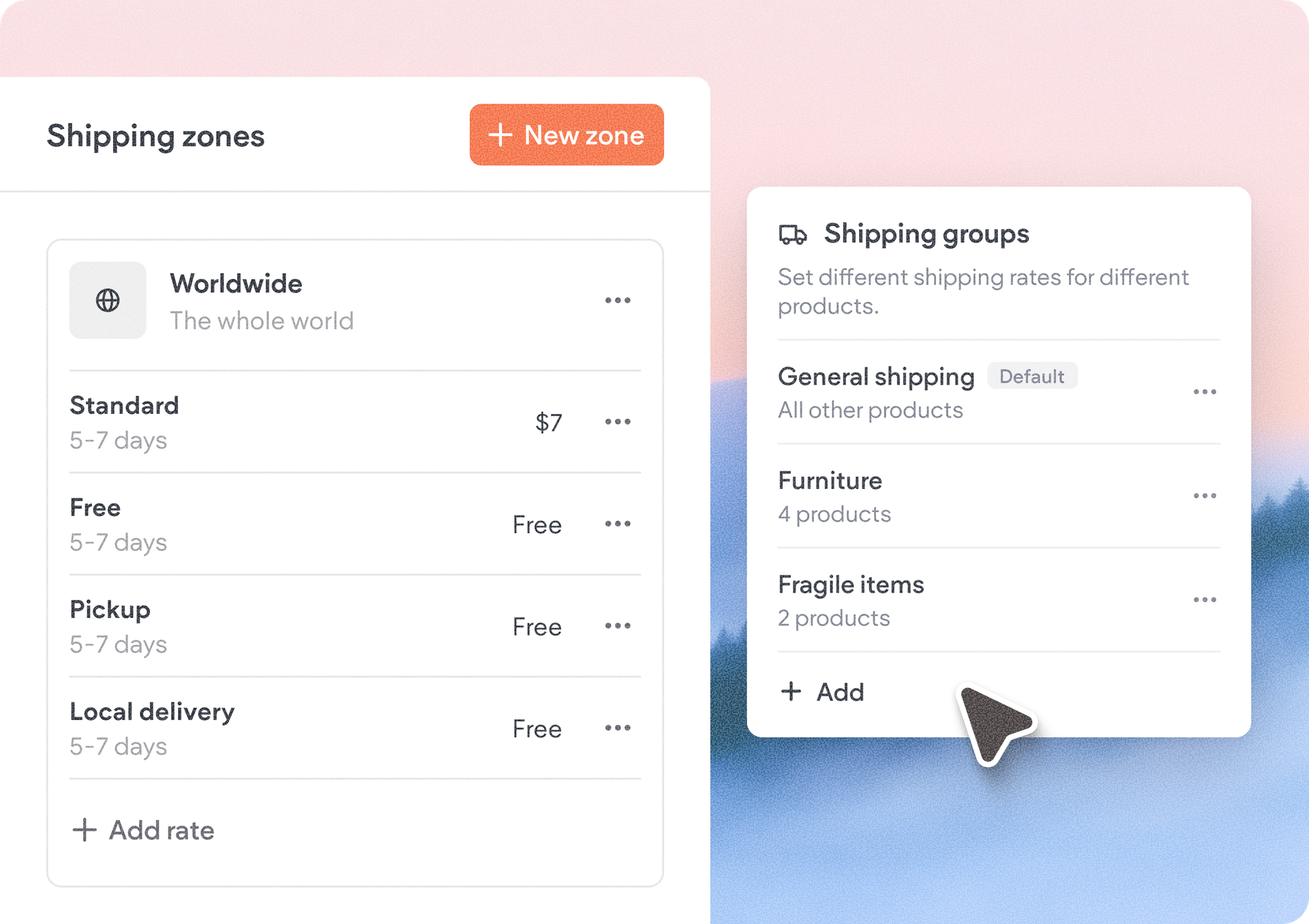
Shipping settings dashboard showing a list of delivery zones and an open shipping options menu over a pastel background.
By Rim Elfahem • November 24, 2026
Discover a new way to set different shipping methods and rates for different products within the same store.
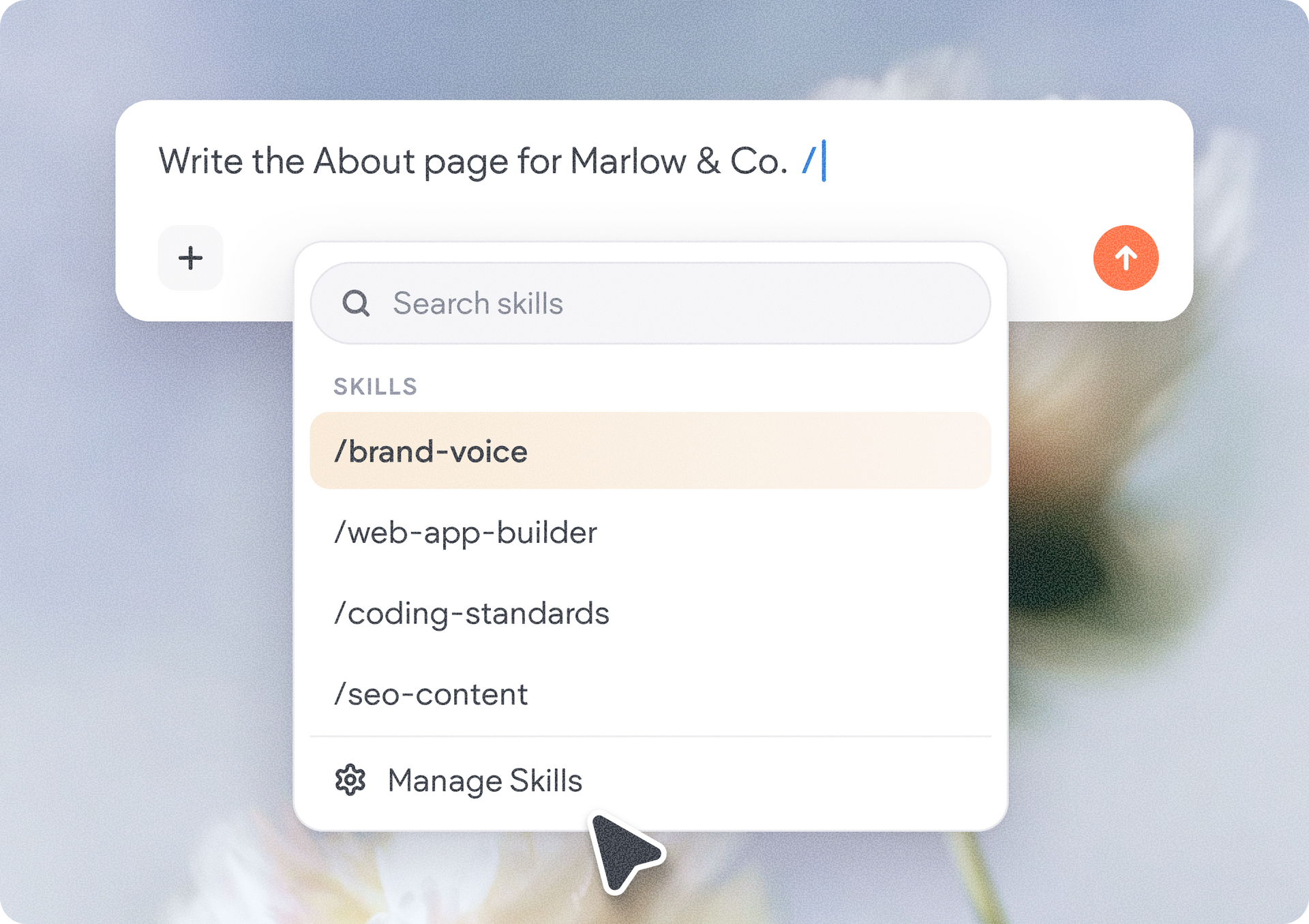
Text editor with a slash-command menu listing blocks like brand voice, web-app-builder, coding-standards, and seo-content.
By Ofri Baram & Tal Levi • November 6, 2026
Discover a new way to customize how AI works for you and your team.
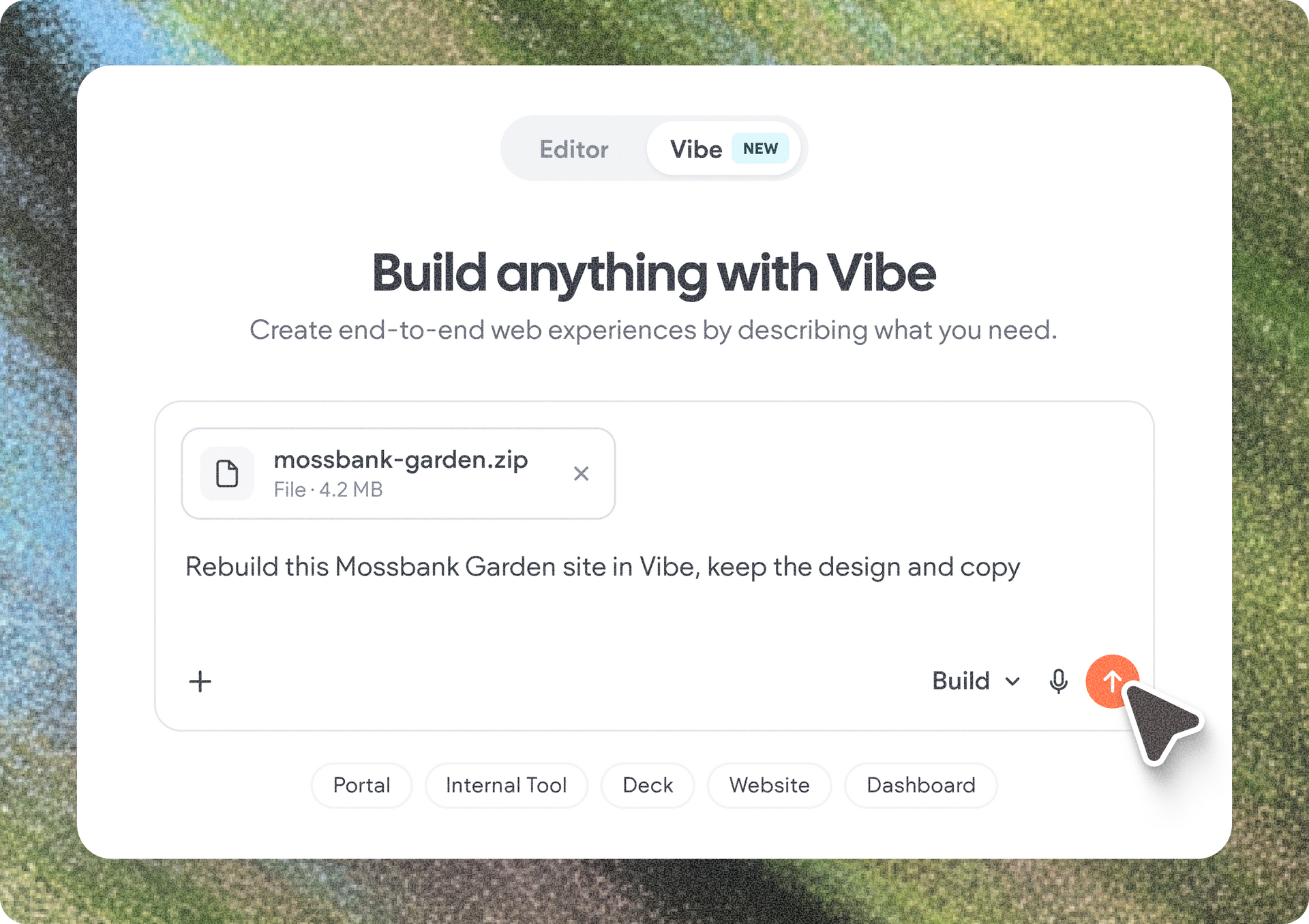
White “Build anything with Vibe” app screen with a dropdown, plus icon, and cursor clicking the orange button.
By Annat Katz • November 5, 2026
We’ve updated Copilot, Duda Vibe, and the native store to make site building easier and give you more control.