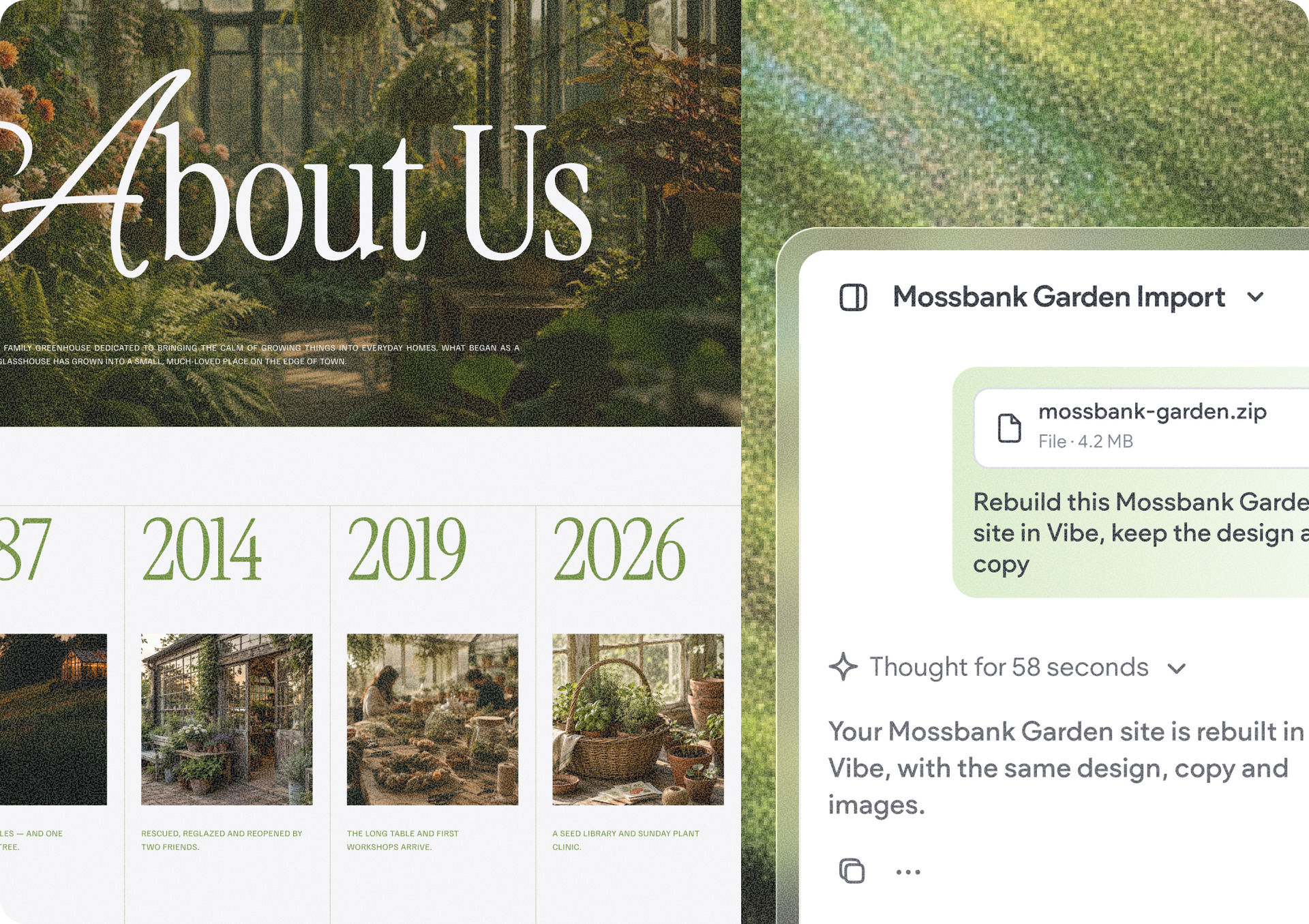
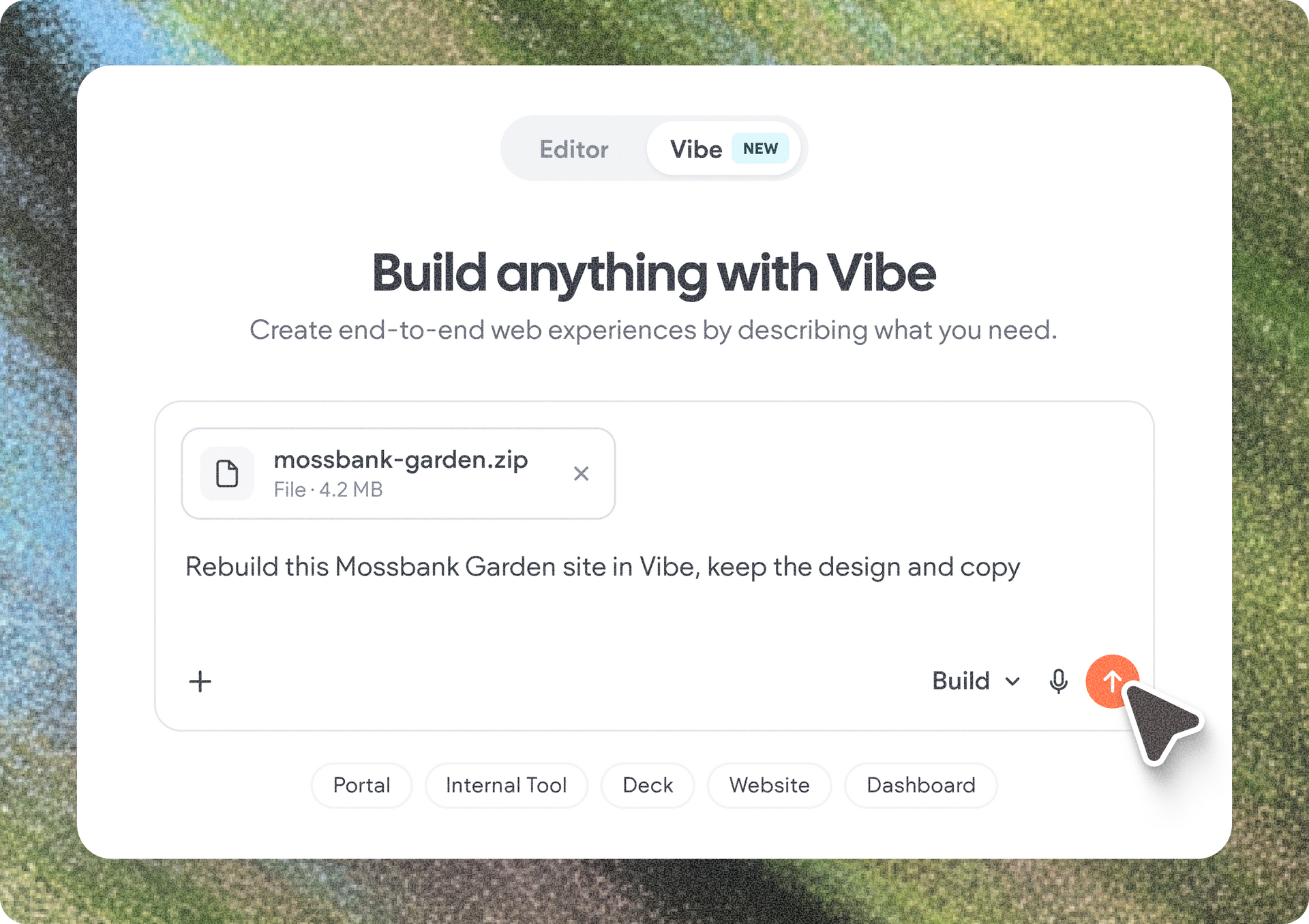
You can now upload a .zip file containing an existing project's code from elsewhere to Copilot in Vibe, so you can rebuild and expand it in the Vibe environment. This makes it easier to continue building on existing work instead of starting from scratch.

Bring your existing work with you

If you built something with another AI tool before Vibe was available, you don't have to leave it behind. Export it and bring it into Duda, where you can keep working on it with Copilot.

For agencies, this also opens a new door. When clients send over AI-generated mockups, you can turn them into fully functional, professionally built experiences.

Import a project in seconds

Simply export your project from the other platform as a ZIP file (up to 20 MB). Then, in the Copilot chat, click the plus icon and choose Upload files, or drag the file straight into the prompt box.

Next, ask Copilot to rebuild it, for example, "Rebuild this project in Vibe". Copilot will rebuild the project in Vibe so you can pick up right where you left off.

November 5, 2026

 • 

Tal Levi
Import Code from External Projects into Duda Vibe

Stay in the Loop with Duda Updates

Sign up to get feature releases, tools, and more to your inbox.

Latest product updates

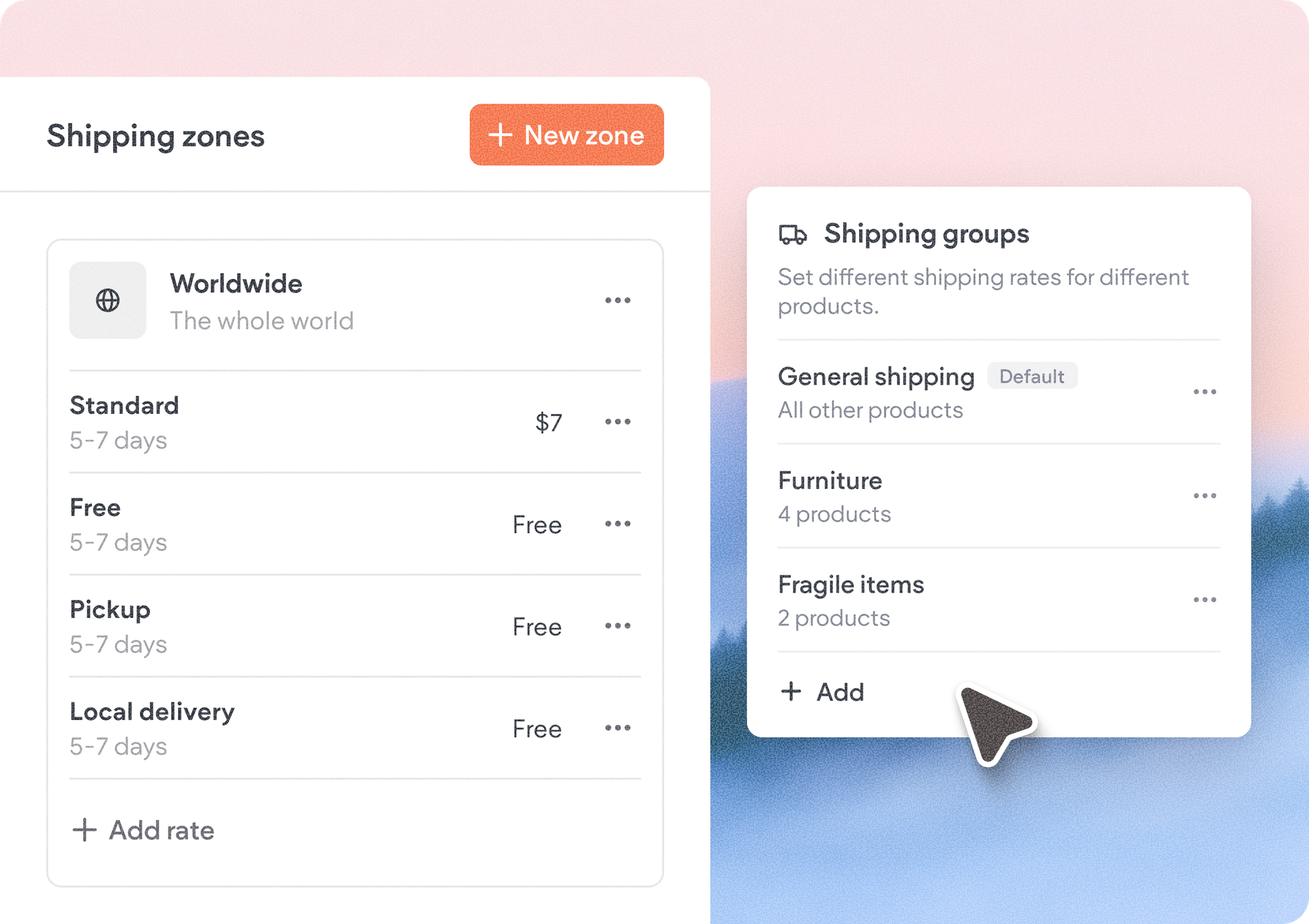
Shipping settings dashboard showing a list of delivery zones and an open shipping options menu over a pastel background.
By Rim Elfahem • November 24, 2026
Discover a new way to set different shipping methods and rates for different products within the same store.
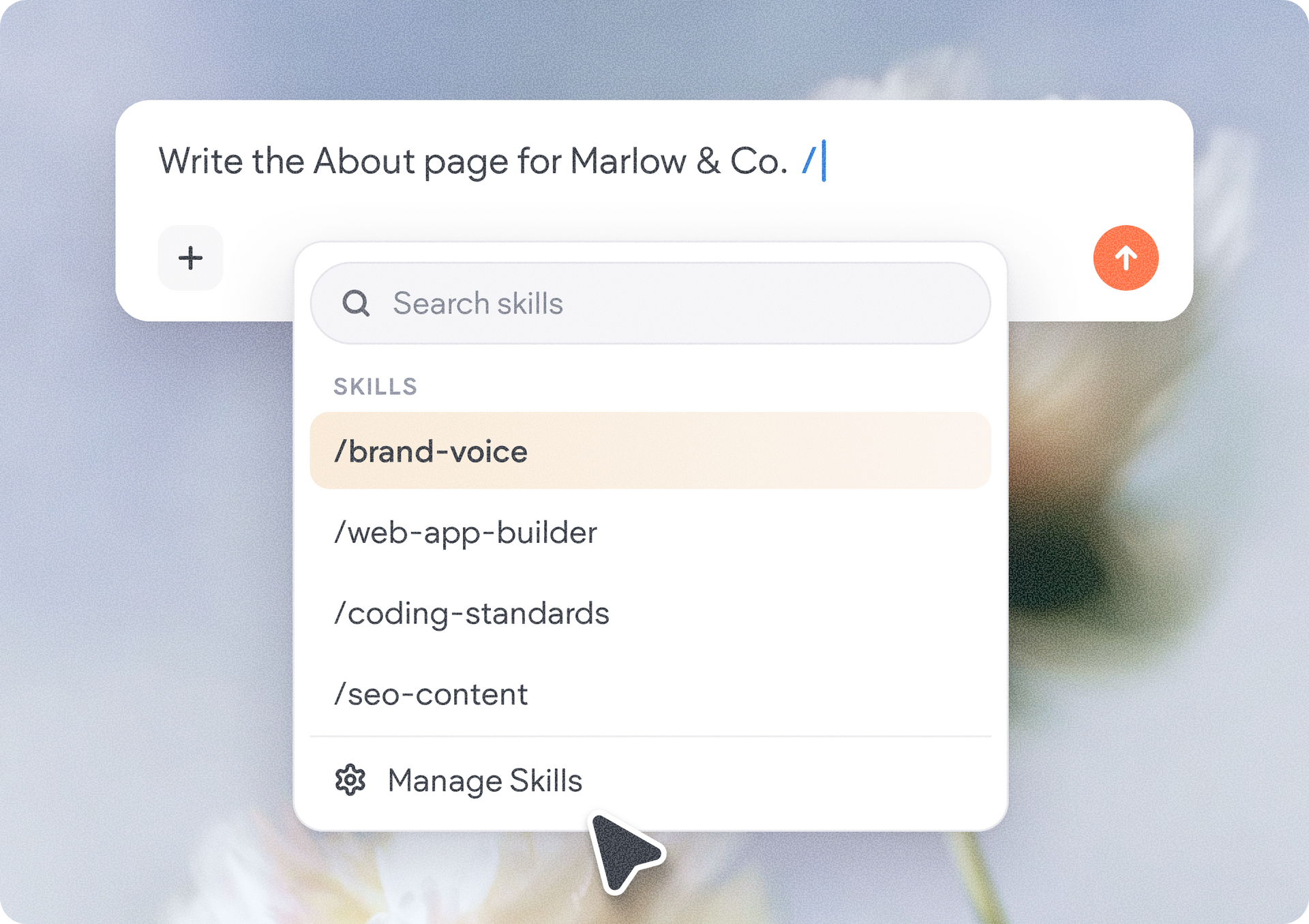
Text editor with a slash-command menu listing blocks like brand voice, web-app-builder, coding-standards, and seo-content.
By Ofri Baram & Tal Levi • November 6, 2026
Discover a new way to customize how AI works for you and your team.
White “Build anything with Vibe” app screen with a dropdown, plus icon, and cursor clicking the orange button.
By Annat Katz • November 5, 2026
We’ve updated Copilot, Duda Vibe, and the native store to make site building easier and give you more control.