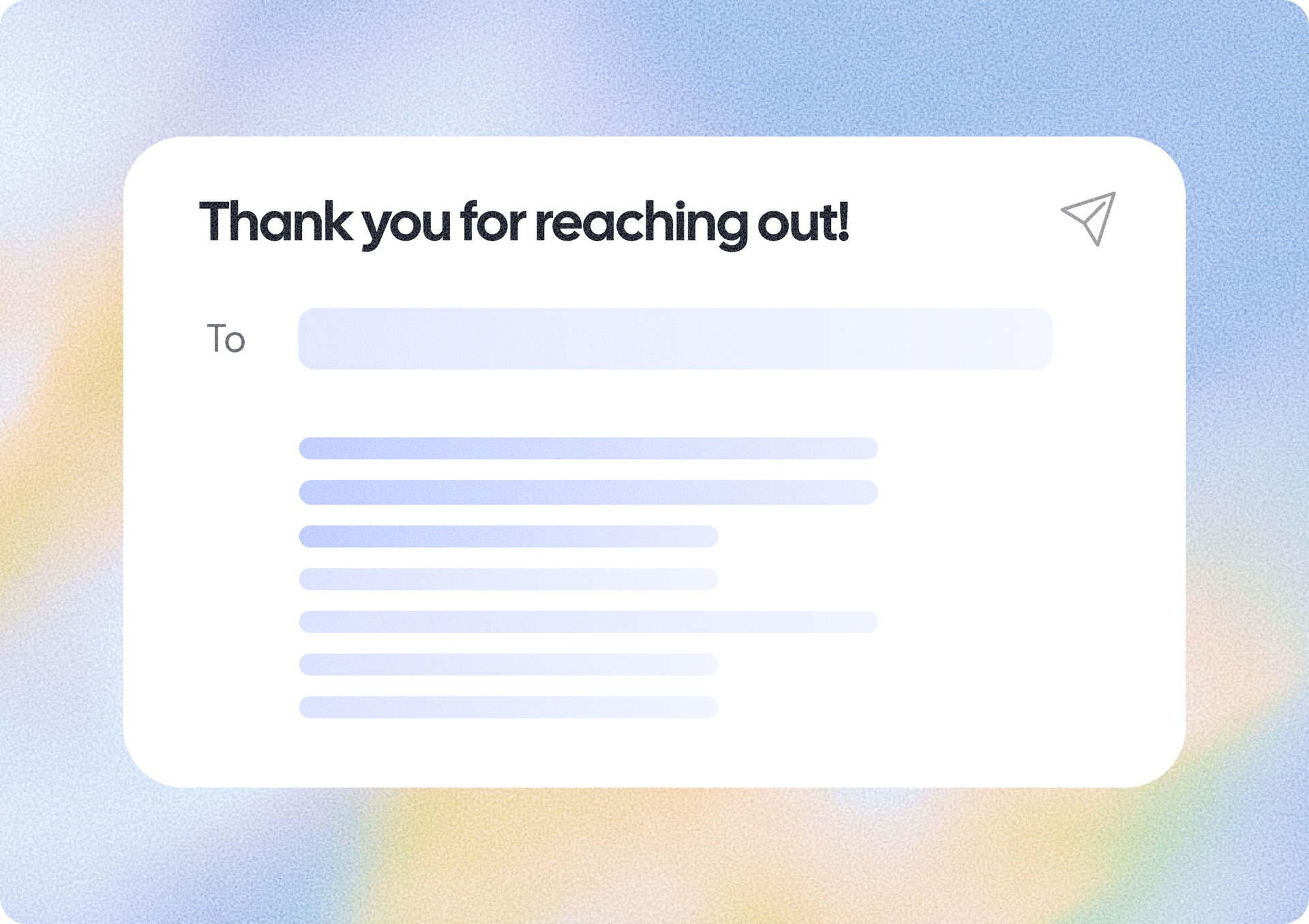
Need a contact form, lead form, or another way for visitors to submit information? You can now generate fully functional forms in Duda Vibe, complete with everything that happens after someone hits submit. There's no need to connect an external email provider or set up additional integrations.

Let Copilot handle it for you

When Copilot identifies that your site needs a form, or you simply ask it to create one, like "Add a contact form to the home page," it will ask for the details needed to set up the complete submission flow. That includes who should receive alerts when a new submission comes in, and the subject and message of the confirmation email sent to the visitor. You can also choose whether that email includes a copy of their submission.

Keep all submissions in one place

Once your form is live, you won't have to hunt through emails to keep track of responses. Every submission is stored in the Form Responses table in the project dashboard, and the users you select get notified whenever a new one arrives. Visitors can automatically receive a confirmation email too, creating a complete experience for both your clients and their customers.

Need to make changes later? You can update a single form's notification settings by selecting it on the canvas and opening Quick edits, or set default form settings for every form in the Manage tab, all without using AI credits.

September 4, 2026

 • 

Tal Levi
Generate Fully Functional Forms with Duda Vibe

Stay in the Loop with Duda Updates

Sign up to get feature releases, tools, and more to your inbox.

Latest product updates

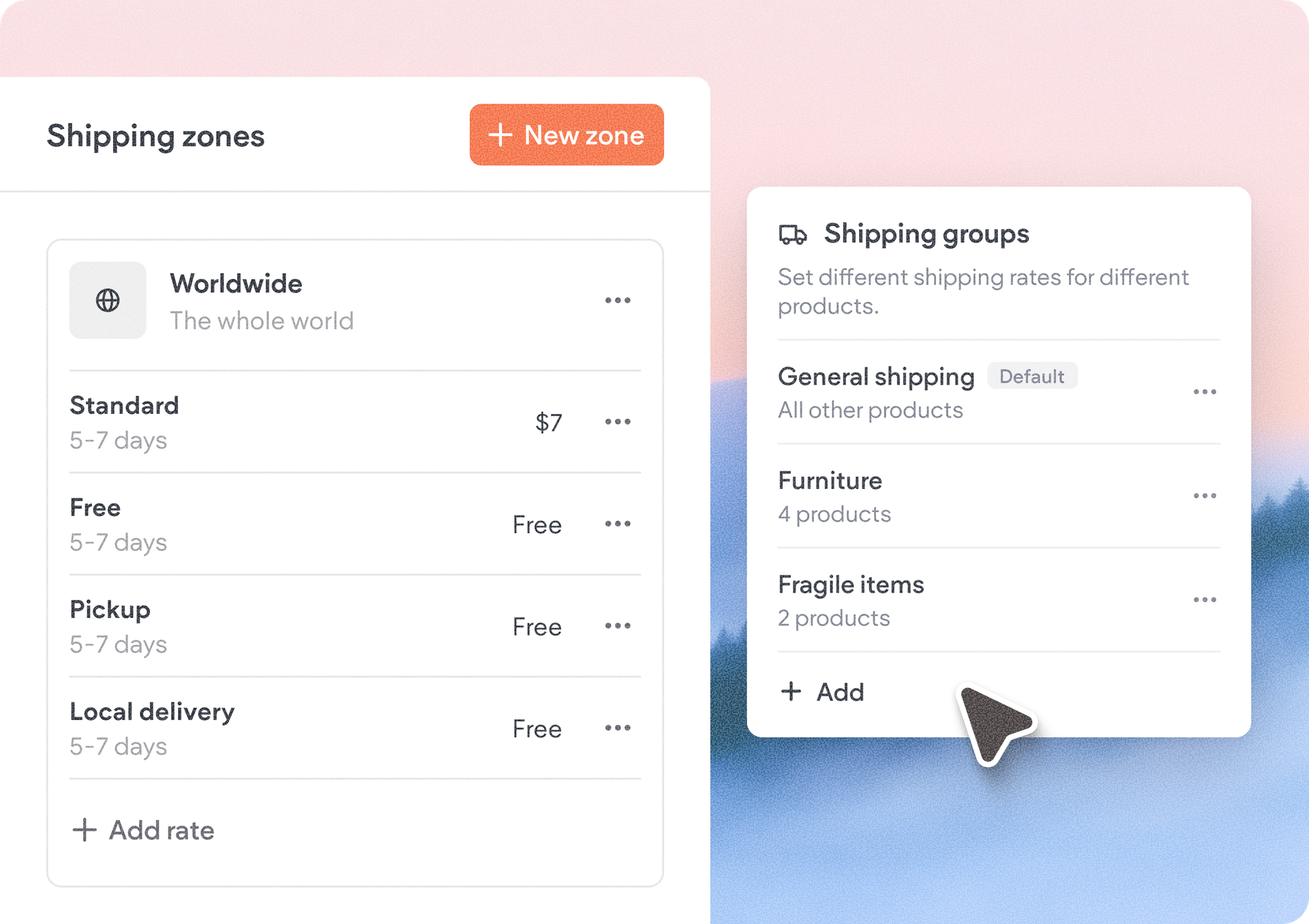
Shipping settings dashboard showing a list of delivery zones and an open shipping options menu over a pastel background.
By Rim Elfahem • November 24, 2026
Discover a new way to set different shipping methods and rates for different products within the same store.
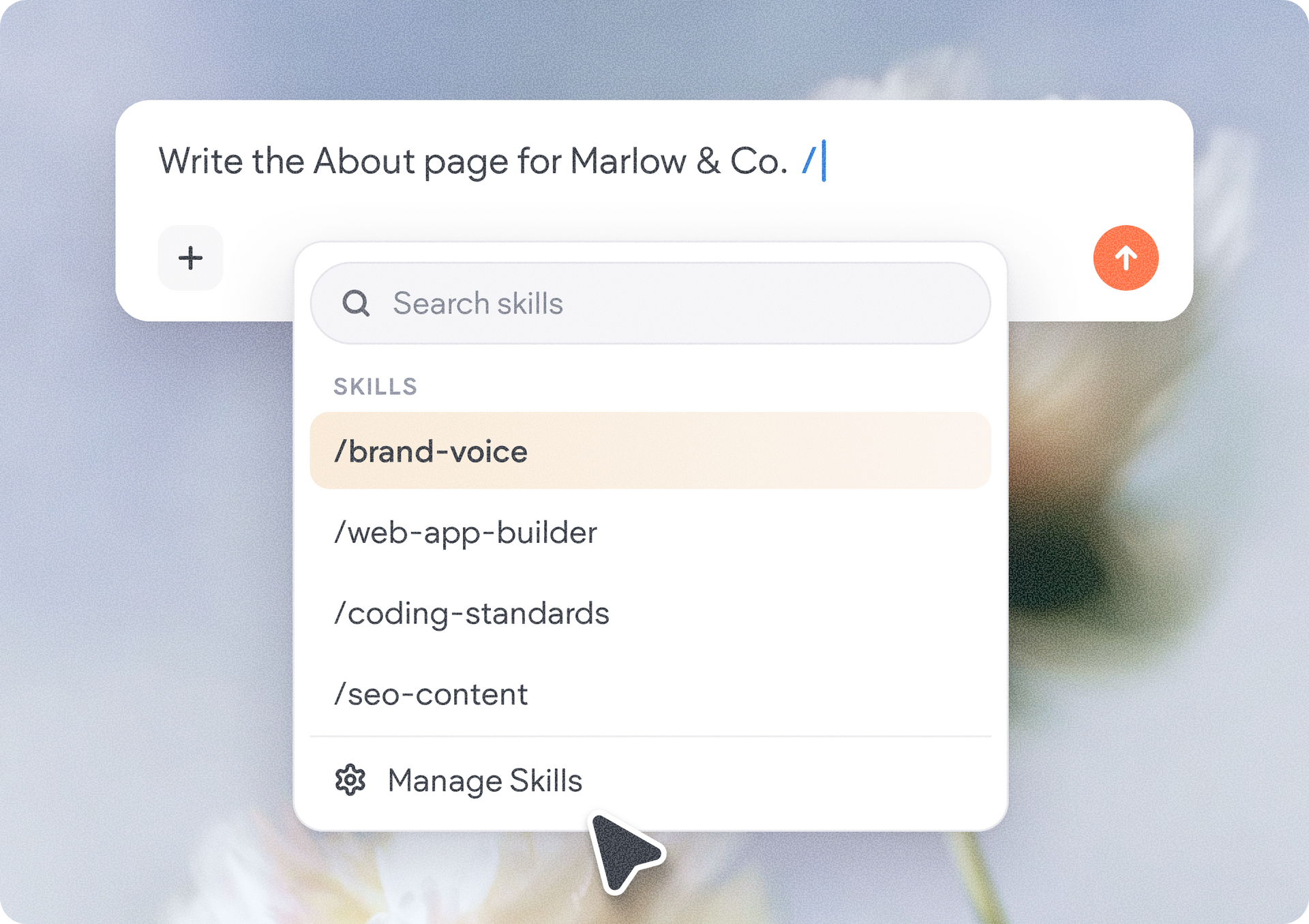
Text editor with a slash-command menu listing blocks like brand voice, web-app-builder, coding-standards, and seo-content.
By Ofri Baram & Tal Levi • November 6, 2026
Discover a new way to customize how AI works for you and your team.
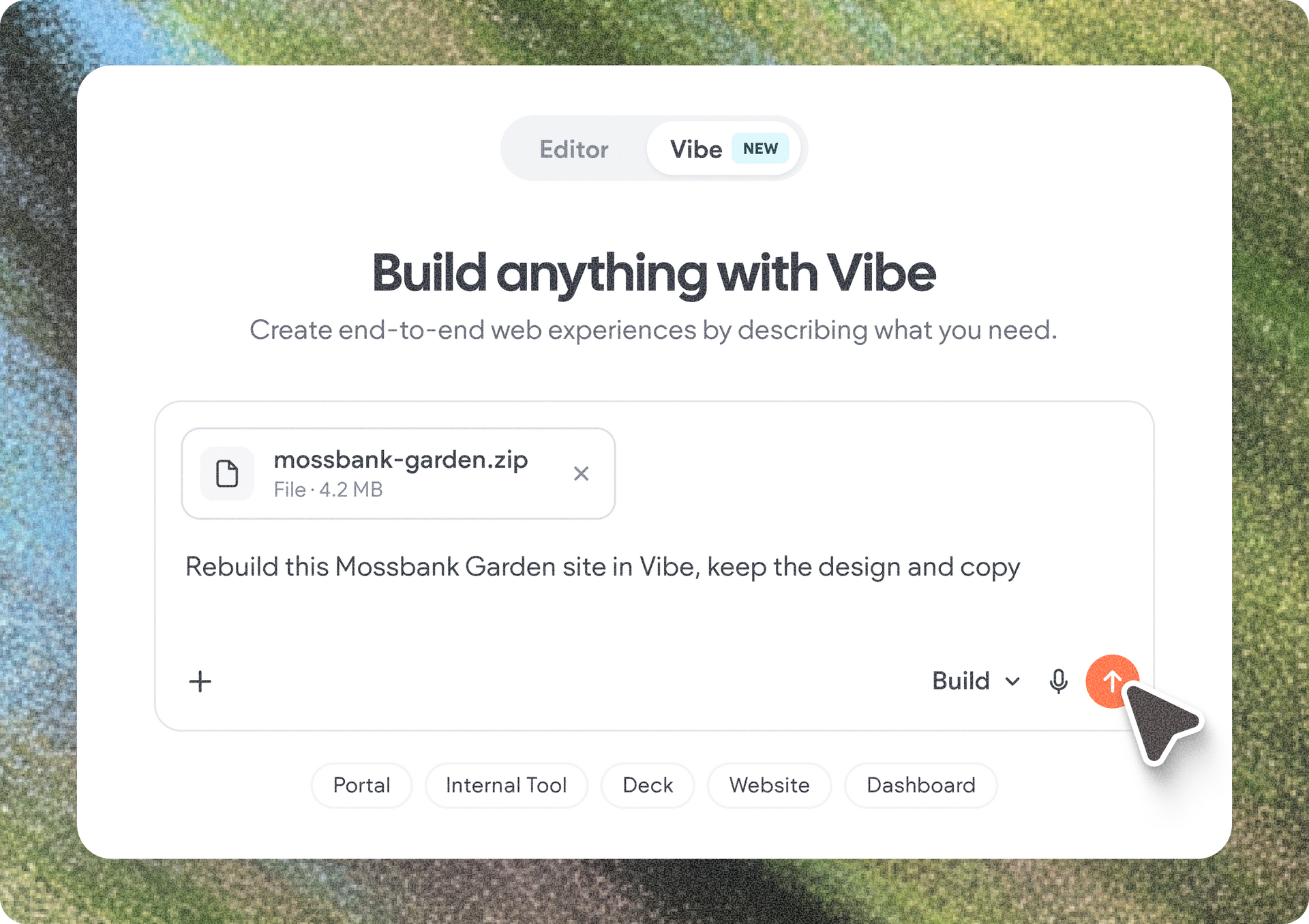
White “Build anything with Vibe” app screen with a dropdown, plus icon, and cursor clicking the orange button.
By Annat Katz • November 5, 2026
We’ve updated Copilot, Duda Vibe, and the native store to make site building easier and give you more control.