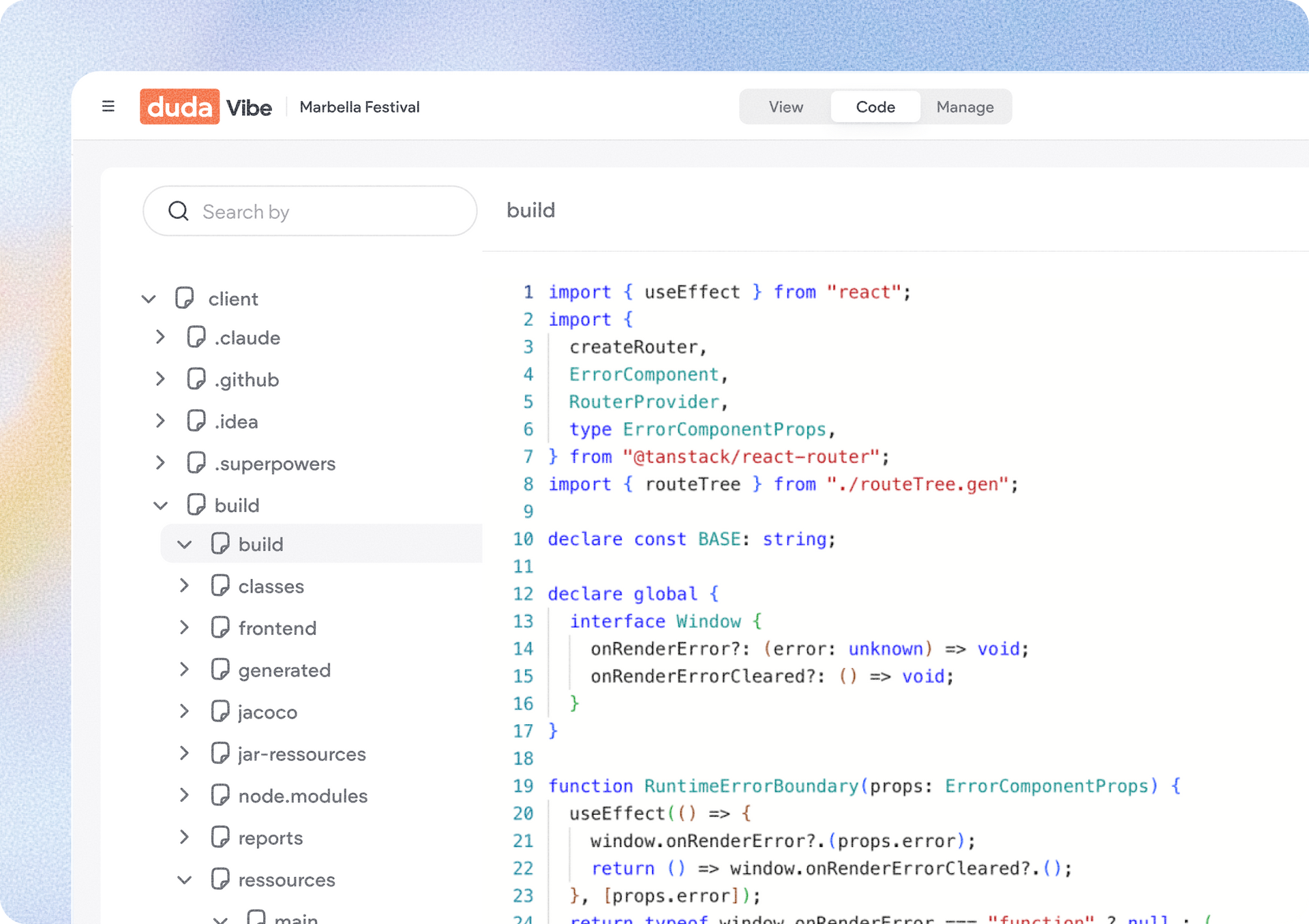
For those who want to get hands-on with their project, you can now edit code directly from Duda Vibe's Code view. There's no need to explain the change to Copilot first, and direct code editing has no AI cost.

Make precise changes yourself

Simply click the Code tab at the top of the Vibe workspace, select a file from the list or search for it, make your edits, and click Save Changes. A dot next to a file name shows unsaved changes, and you can switch between files without losing them.

This gives more technical users a faster way to make precise adjustments. You can also add analytics, ads, or a chat widget by pasting the service's code into your project files, or paste it into Copilot and tell it which pages it should go on.

You can always go back

Each save creates a new version of your project, so you can always restore an earlier one. And if your changes cause the build to fail? You've got options. You can ask Copilot to fix the issue for you, or simply revert to the previous working version and get back on track.

The Code tab is available to team members with the Dev mode permission and to clients with the Code files permission.

September 18, 2026

 • 

Tal Levi
Edit Your Vibe Project's Code Directly

Stay in the Loop with Duda Updates

Sign up to get feature releases, tools, and more to your inbox.

Latest product updates

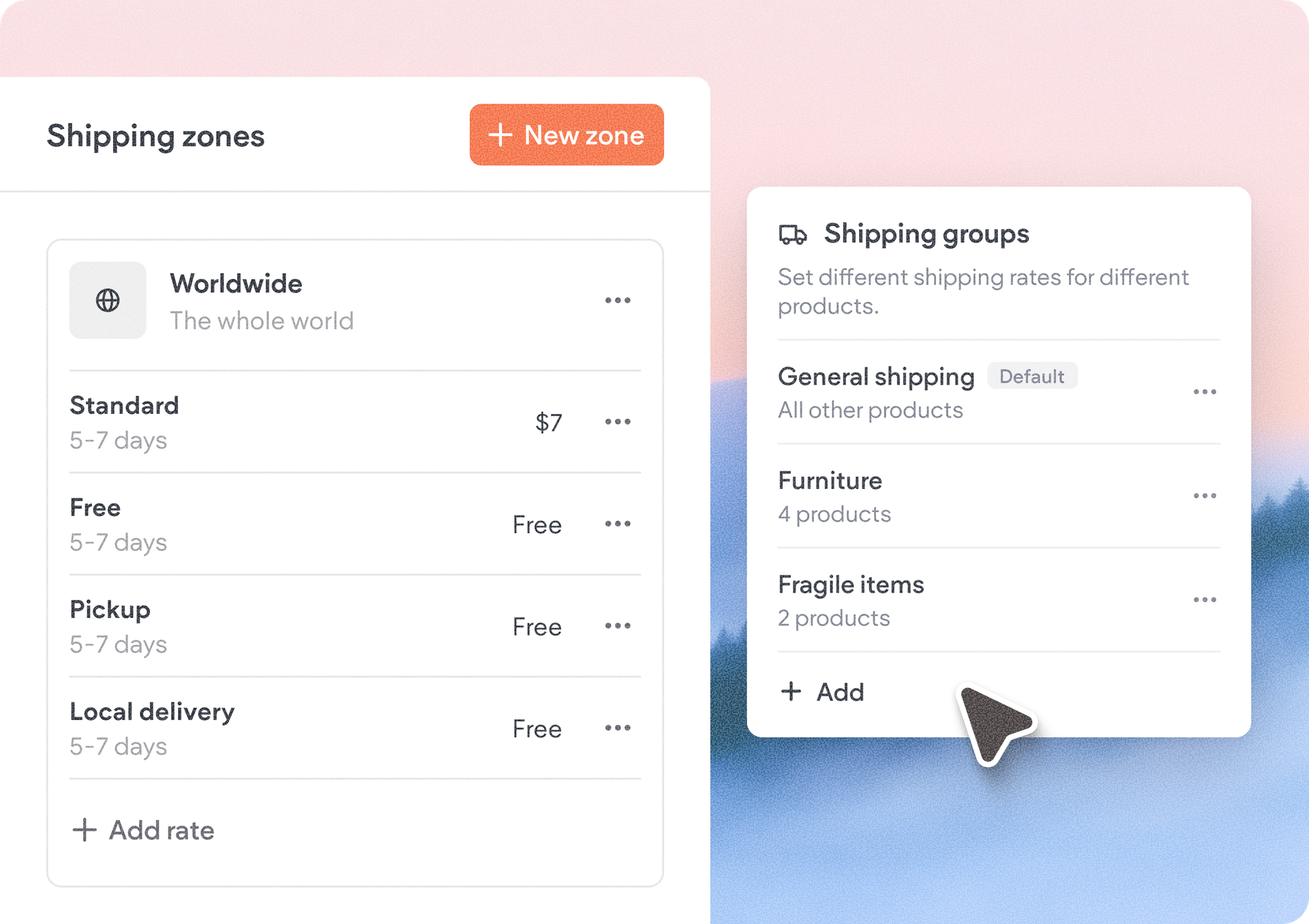
Shipping settings dashboard showing a list of delivery zones and an open shipping options menu over a pastel background.
By Rim Elfahem • November 24, 2026
Discover a new way to set different shipping methods and rates for different products within the same store.
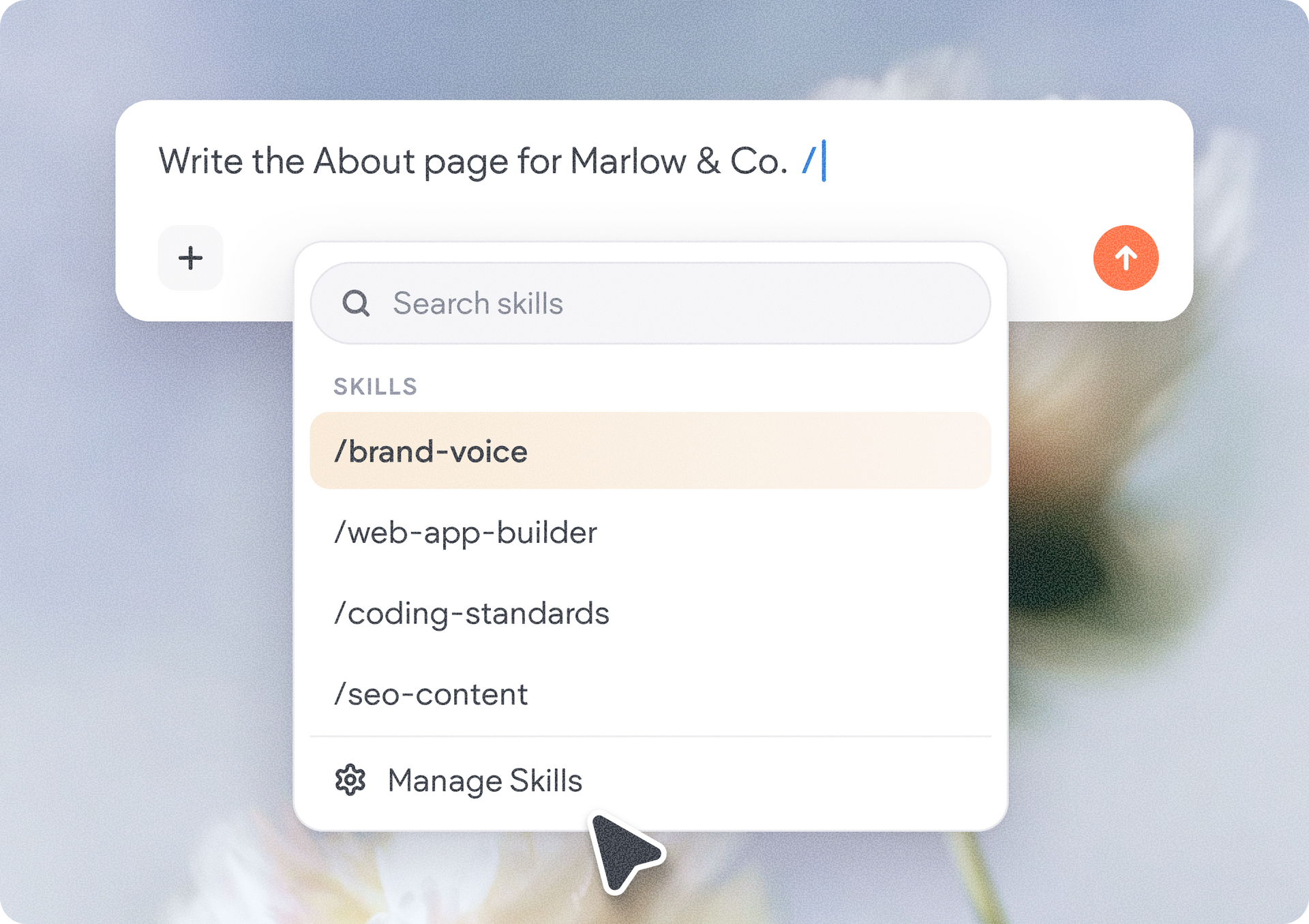
Text editor with a slash-command menu listing blocks like brand voice, web-app-builder, coding-standards, and seo-content.
By Ofri Baram & Tal Levi • November 6, 2026
Discover a new way to customize how AI works for you and your team.
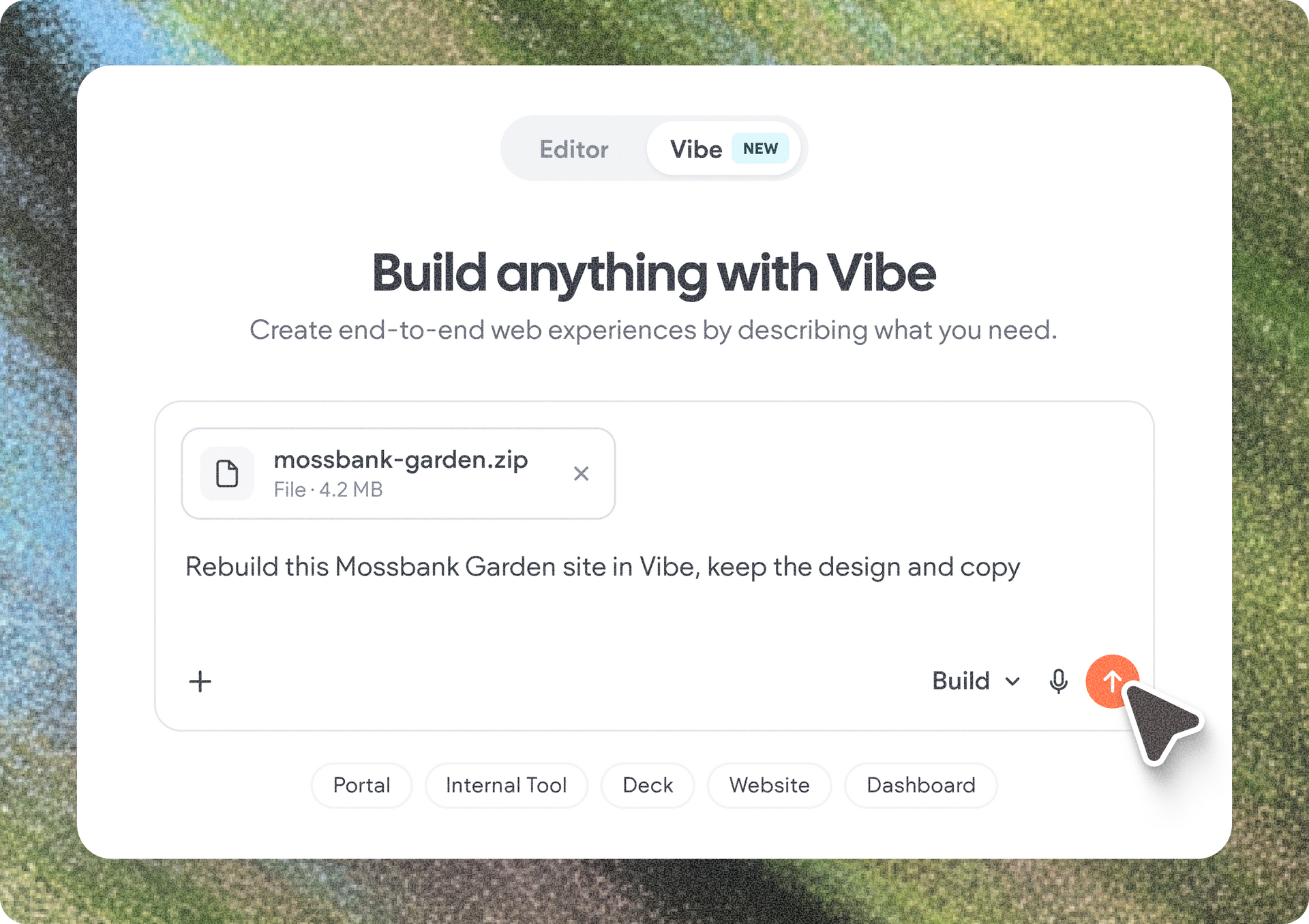
White “Build anything with Vibe” app screen with a dropdown, plus icon, and cursor clicking the orange button.
By Annat Katz • November 5, 2026
We’ve updated Copilot, Duda Vibe, and the native store to make site building easier and give you more control.