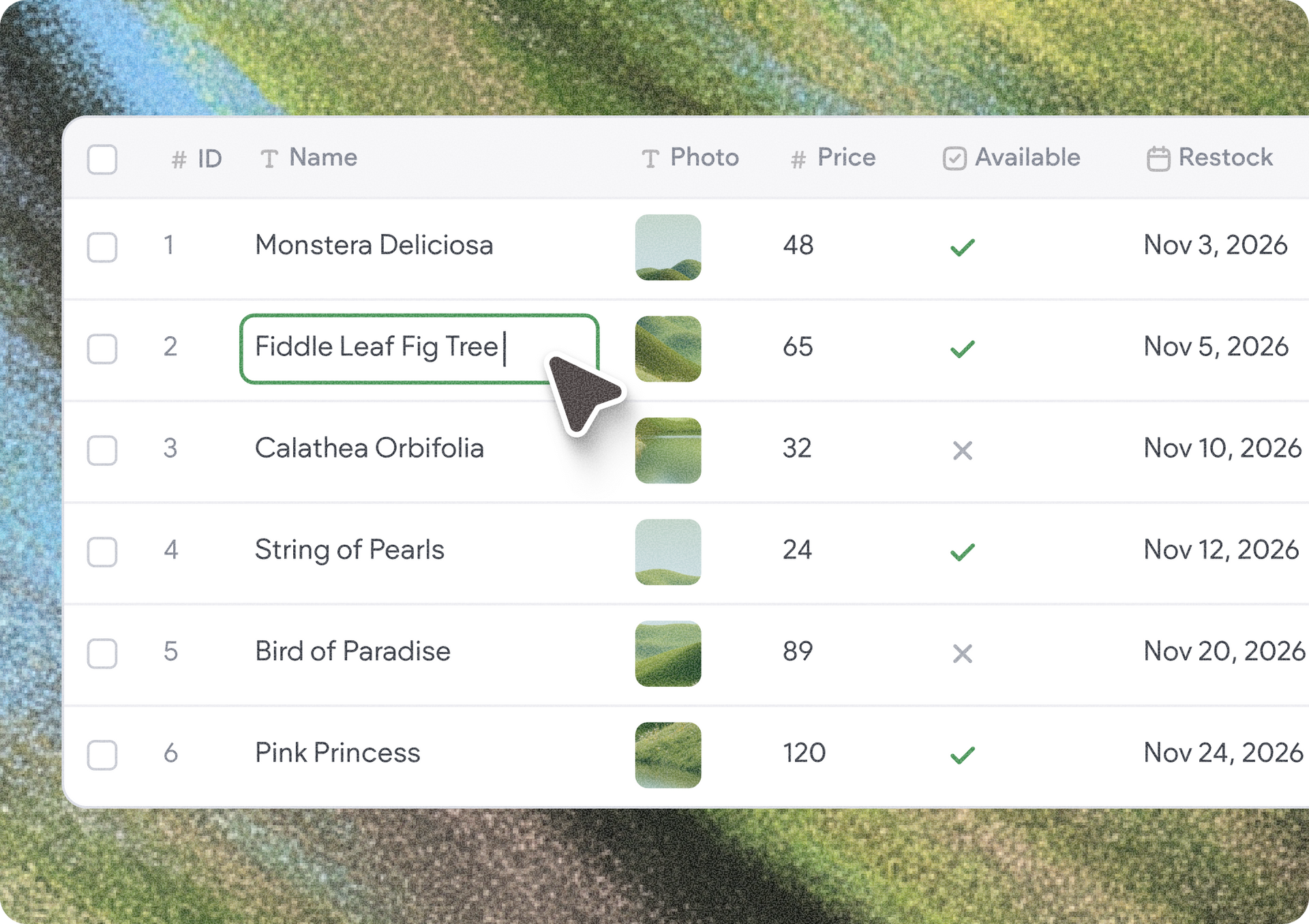
You can now add new database items and edit existing ones directly in Duda Vibe, without needing to prompt Copilot for every change. Manual database edits are credit-free, giving you a faster, more cost-efficient way to manage your project data.

Make quick changes to your data

To get started, open the Manage tab in the Vibe workspace, click the cloud icon in the left side panel and choose Database. From there, open any table and edit values directly, or click + New item to add a row and + Column to add a column.

Changes save automatically. You can edit text, numbers, dates and true/false values, and to use images or files, simply store a link to them.

See updates on your live site right away

Your project has a single database, shared by the preview and the live site. That means edits you make on the Database page show up on your live site immediately, without publishing.

This makes it easier to keep your project's data up to date, while saving your AI credits for the bigger tasks.

November 5, 2026

 • 

Tal Levi
Edit Your Vibe Database Manually, Without Credits

Stay in the Loop with Duda Updates

Sign up to get feature releases, tools, and more to your inbox.

Latest product updates

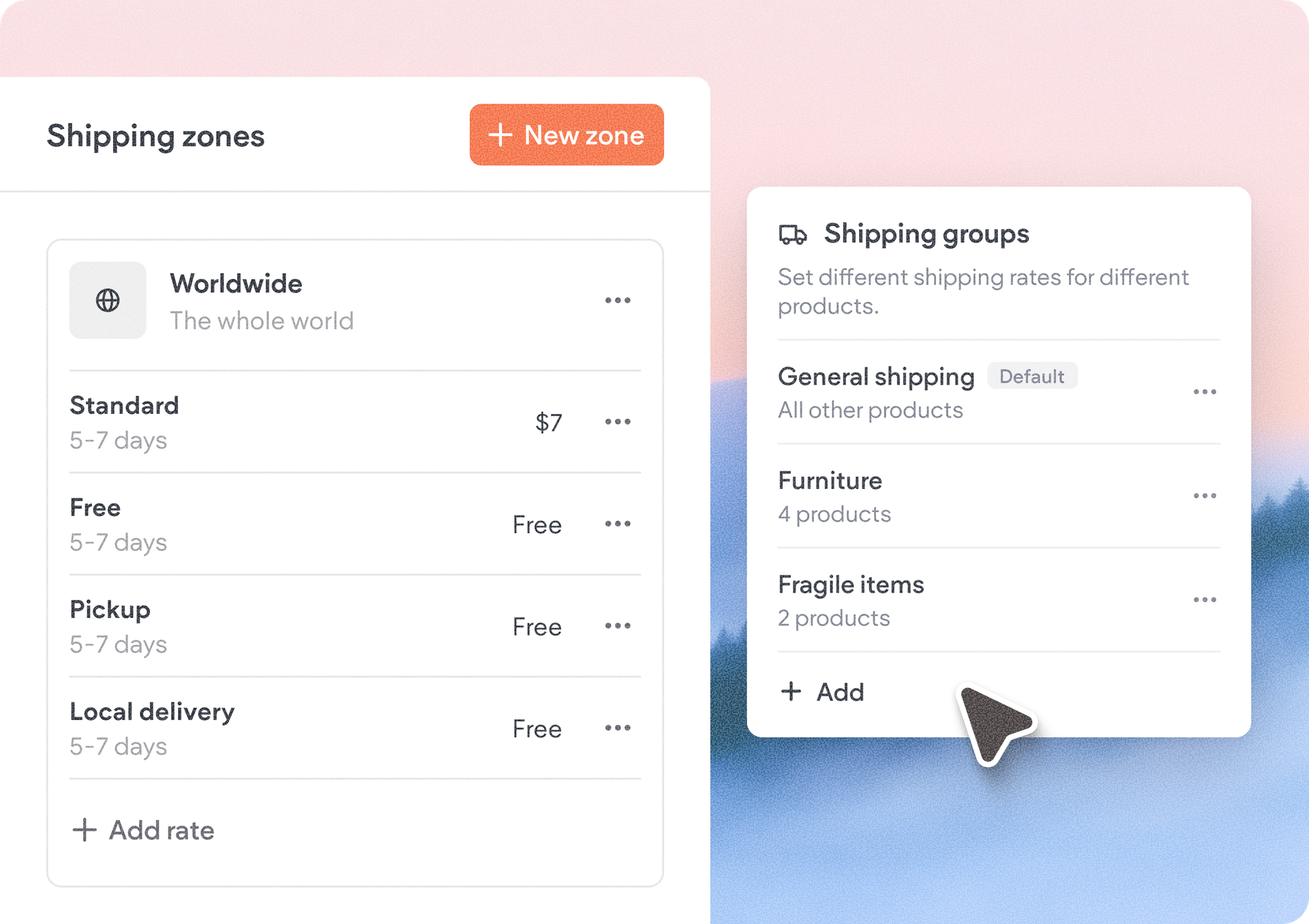
Shipping settings dashboard showing a list of delivery zones and an open shipping options menu over a pastel background.
By Rim Elfahem • November 24, 2026
Discover a new way to set different shipping methods and rates for different products within the same store.
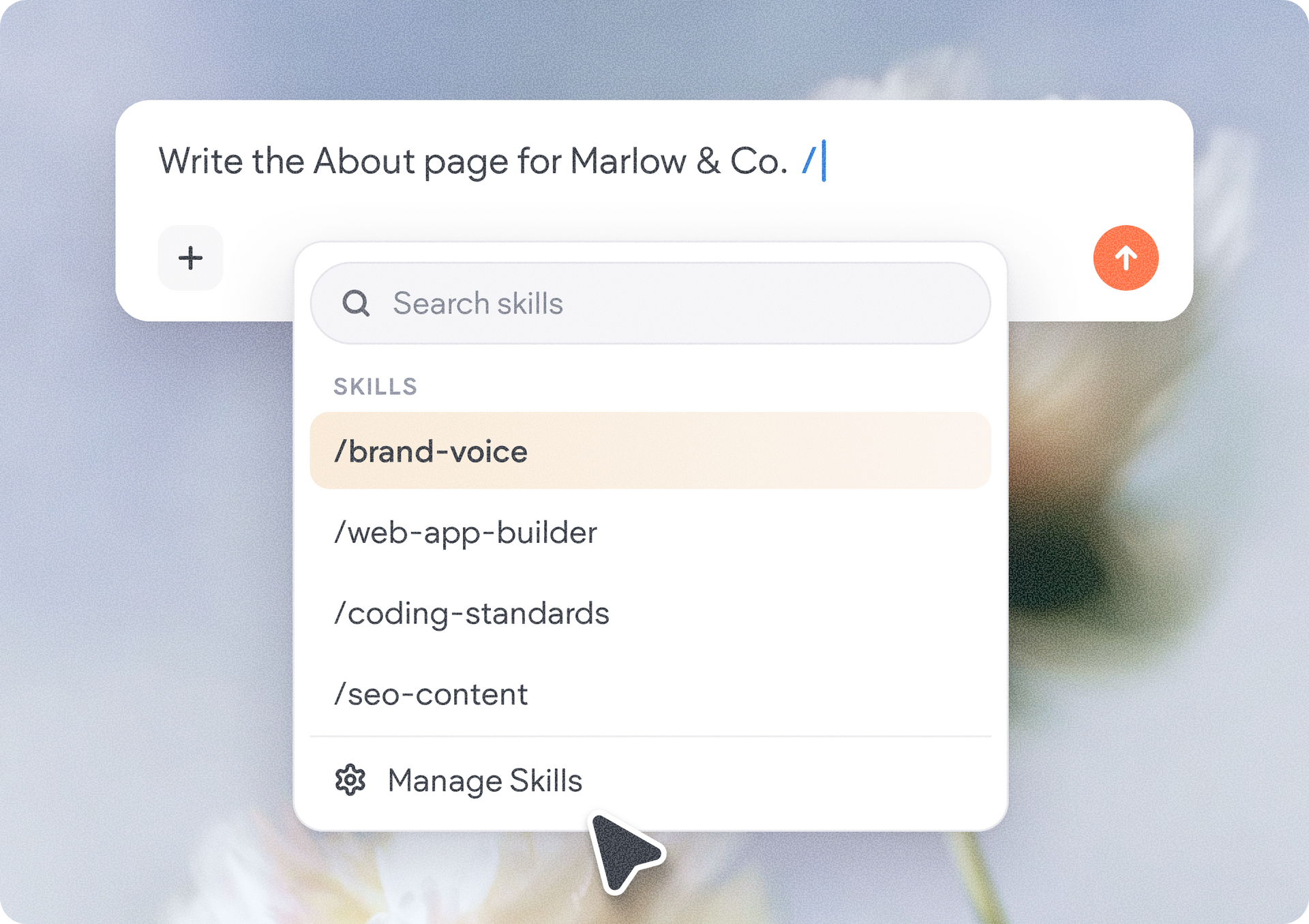
Text editor with a slash-command menu listing blocks like brand voice, web-app-builder, coding-standards, and seo-content.
By Ofri Baram & Tal Levi • November 6, 2026
Discover a new way to customize how AI works for you and your team.
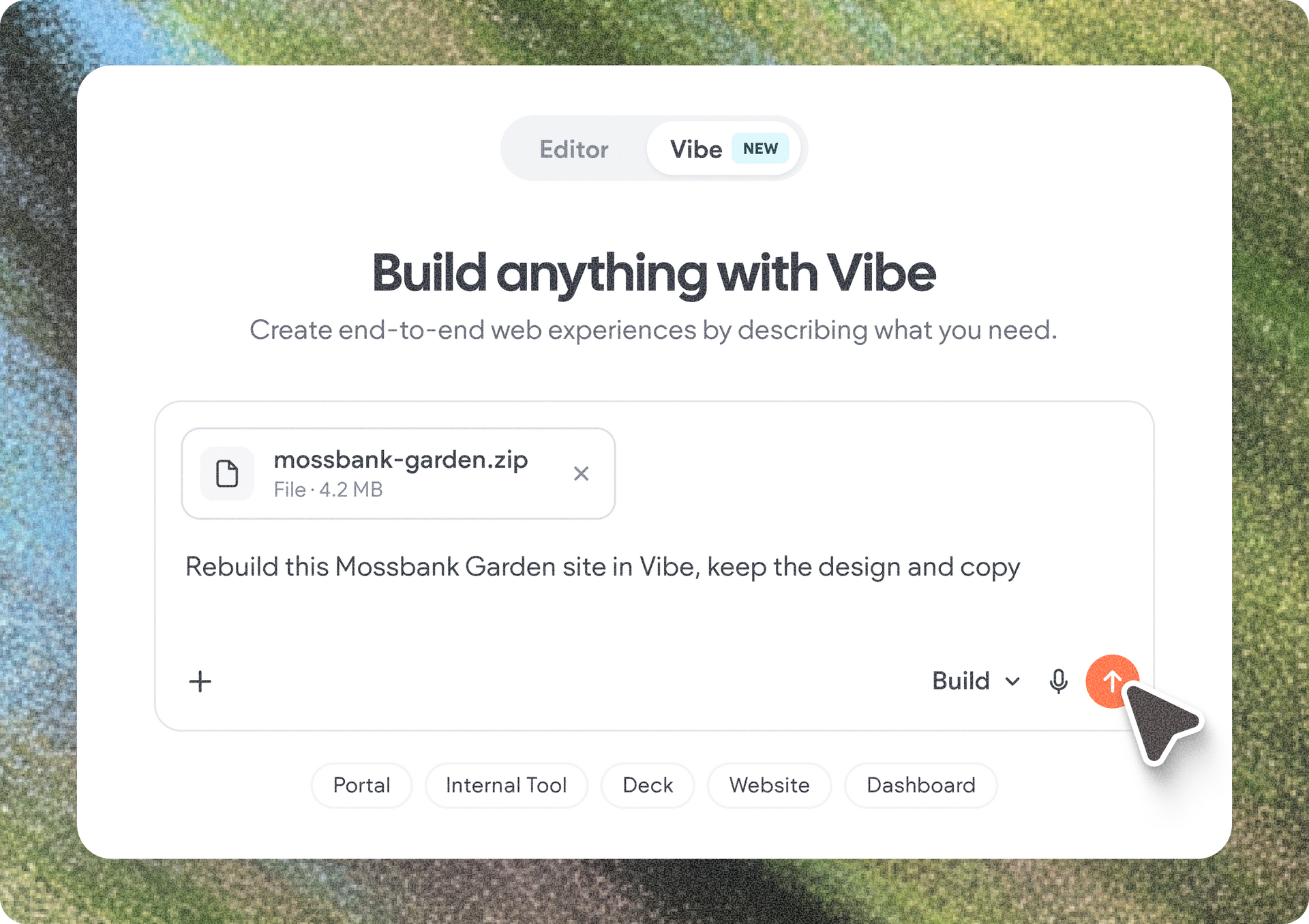
White “Build anything with Vibe” app screen with a dropdown, plus icon, and cursor clicking the orange button.
By Annat Katz • November 5, 2026
We’ve updated Copilot, Duda Vibe, and the native store to make site building easier and give you more control.