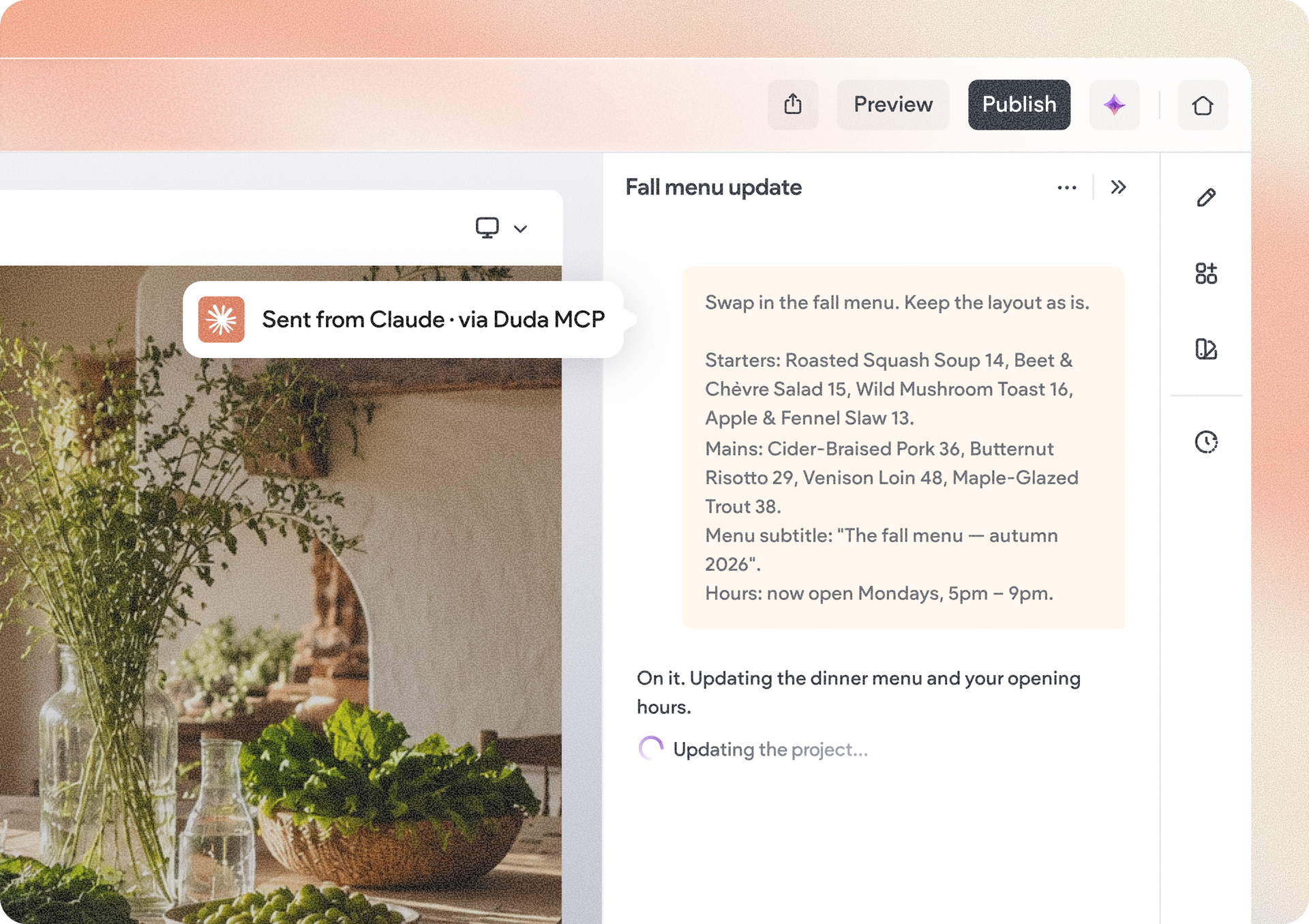
You can now create and work on Vibe projects directly from Claude, ChatGPT, or any other AI assistant that supports MCP. With the Duda MCP, you can bring the context from your AI conversations straight into your projects, and move from brainstorming to building without switching tools or repeating yourself.

Go from chat to creation

Whether you're working through a client brief or refining an app idea, your AI assistant may already know a lot about what you're trying to build. Here are a few things you can do with it:

  • Start a new project:  Kick off a Vibe project from a brief, a doc, or the conversation you're already having.
  • Keep building:  Send changes to an existing project and answer Vibe's questions without leaving your assistant.
  • Review a project:  Check a project against your own standards or skills.
  • Use more context:  Bring in emails, docs, and spreadsheets from your other connected tools, without copy-pasting.

Conversations you start in your assistant also show up in the project's chat list in Vibe, so you can pick up right where you left off.

How to get started

Connect the Duda MCP to an AI assistant that supports MCP connections. This documentation will show you how to set it up.

Creating new Vibe projects and publishing through the MCP are available on the Custom plan, while working on existing projects is available on all plans. Keep in mind that Vibe actions performed through the MCP use Vibe AI credits, just as they do when working directly in Vibe.

October 2, 2026

 • 

Tal Levi
Create and Edit Vibe Projects from Your AI Assistant with Duda MCP

Stay in the Loop with Duda Updates

Sign up to get feature releases, tools, and more to your inbox.

Latest product updates

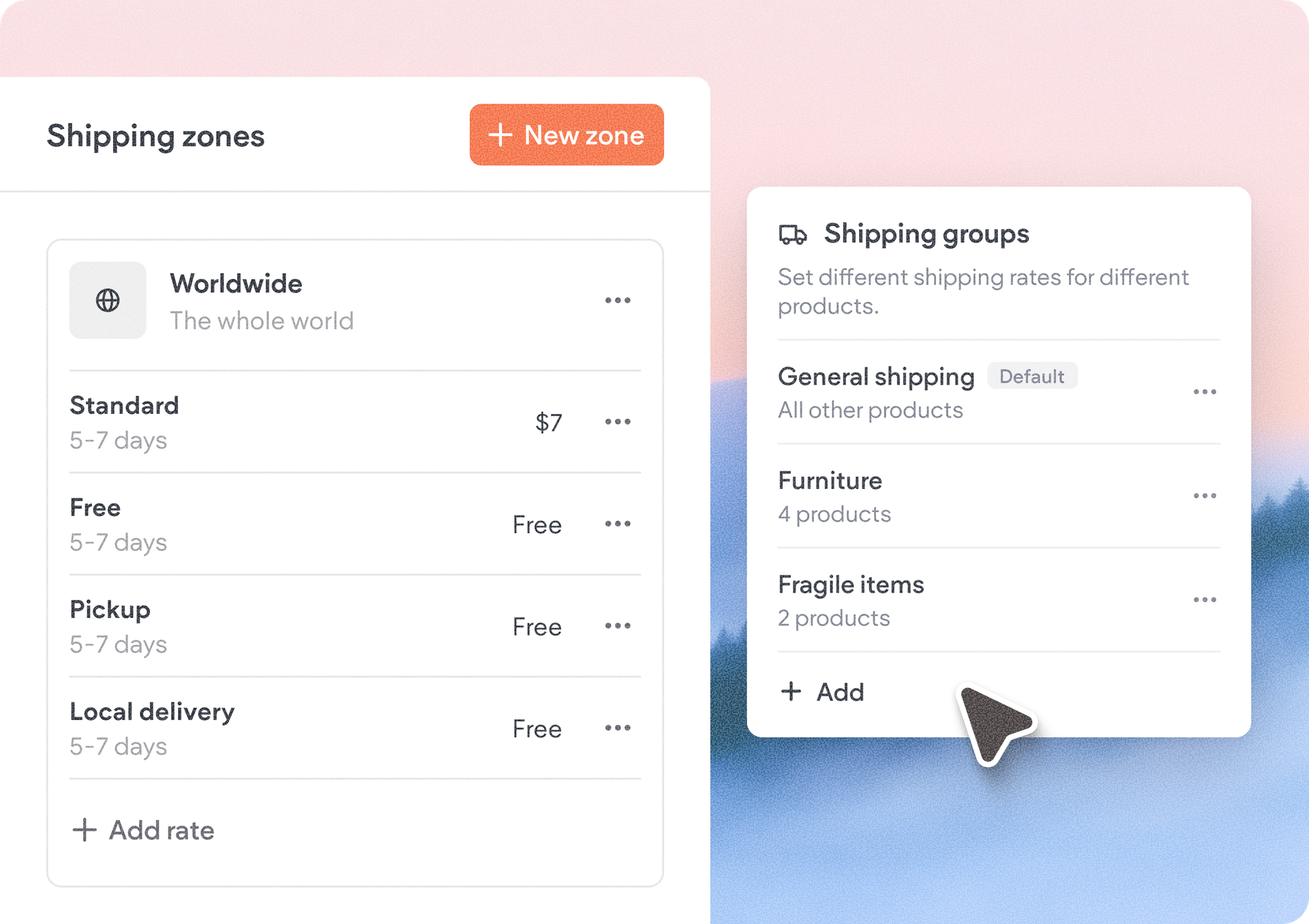
Shipping settings dashboard showing a list of delivery zones and an open shipping options menu over a pastel background.
By Rim Elfahem • November 24, 2026
Discover a new way to set different shipping methods and rates for different products within the same store.
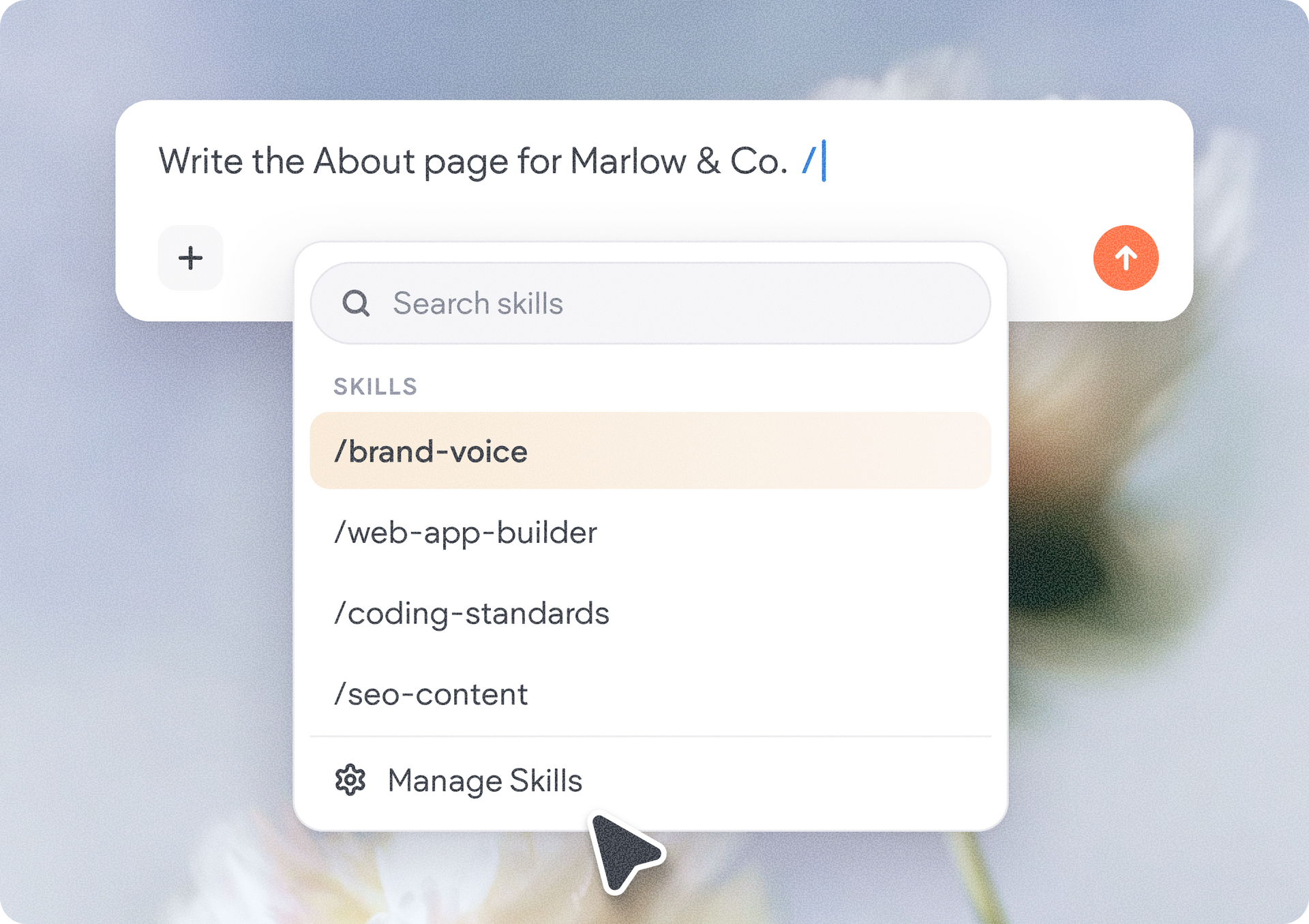
Text editor with a slash-command menu listing blocks like brand voice, web-app-builder, coding-standards, and seo-content.
By Ofri Baram & Tal Levi • November 6, 2026
Discover a new way to customize how AI works for you and your team.
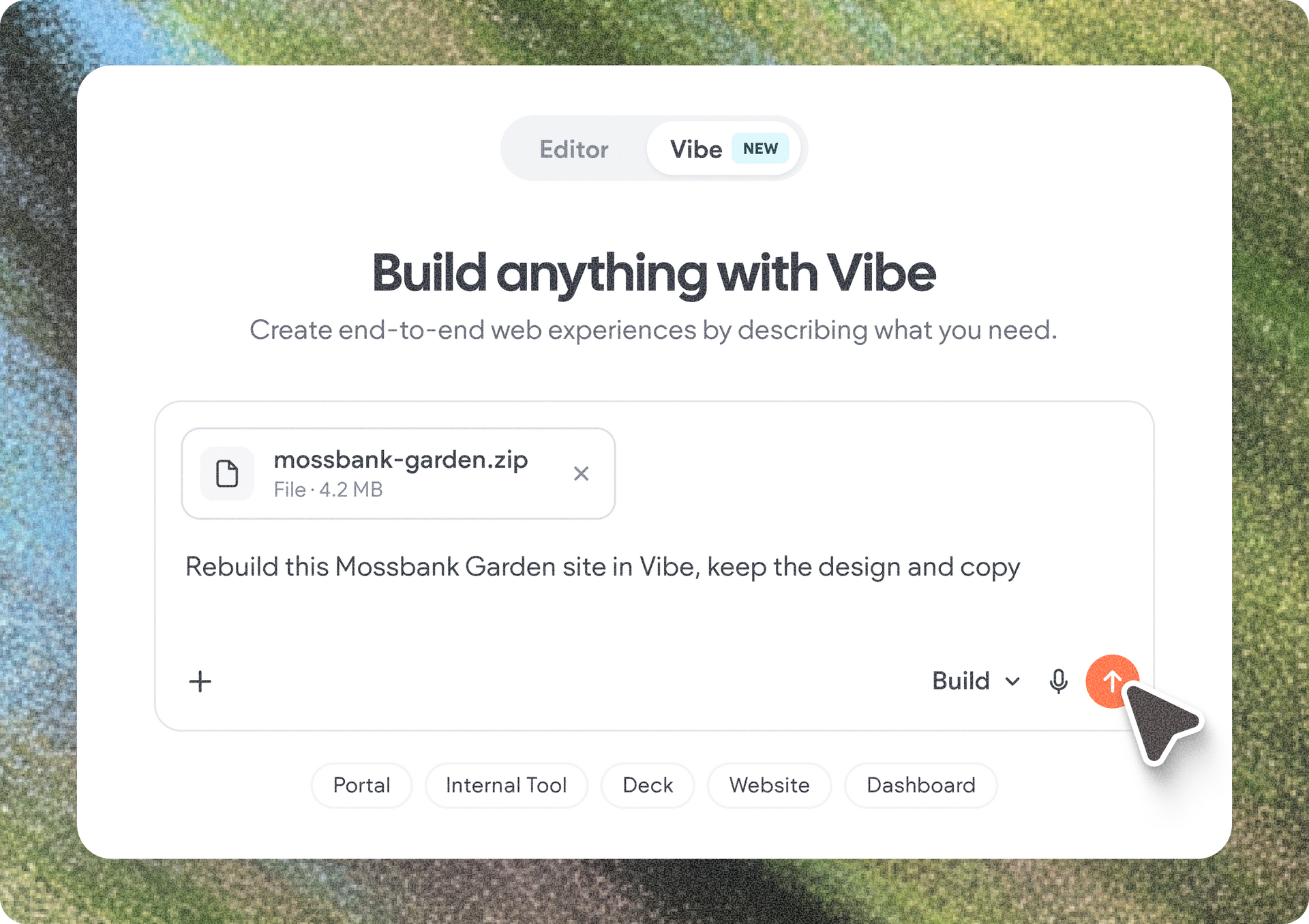
White “Build anything with Vibe” app screen with a dropdown, plus icon, and cursor clicking the orange button.
By Annat Katz • November 5, 2026
We’ve updated Copilot, Duda Vibe, and the native store to make site building easier and give you more control.