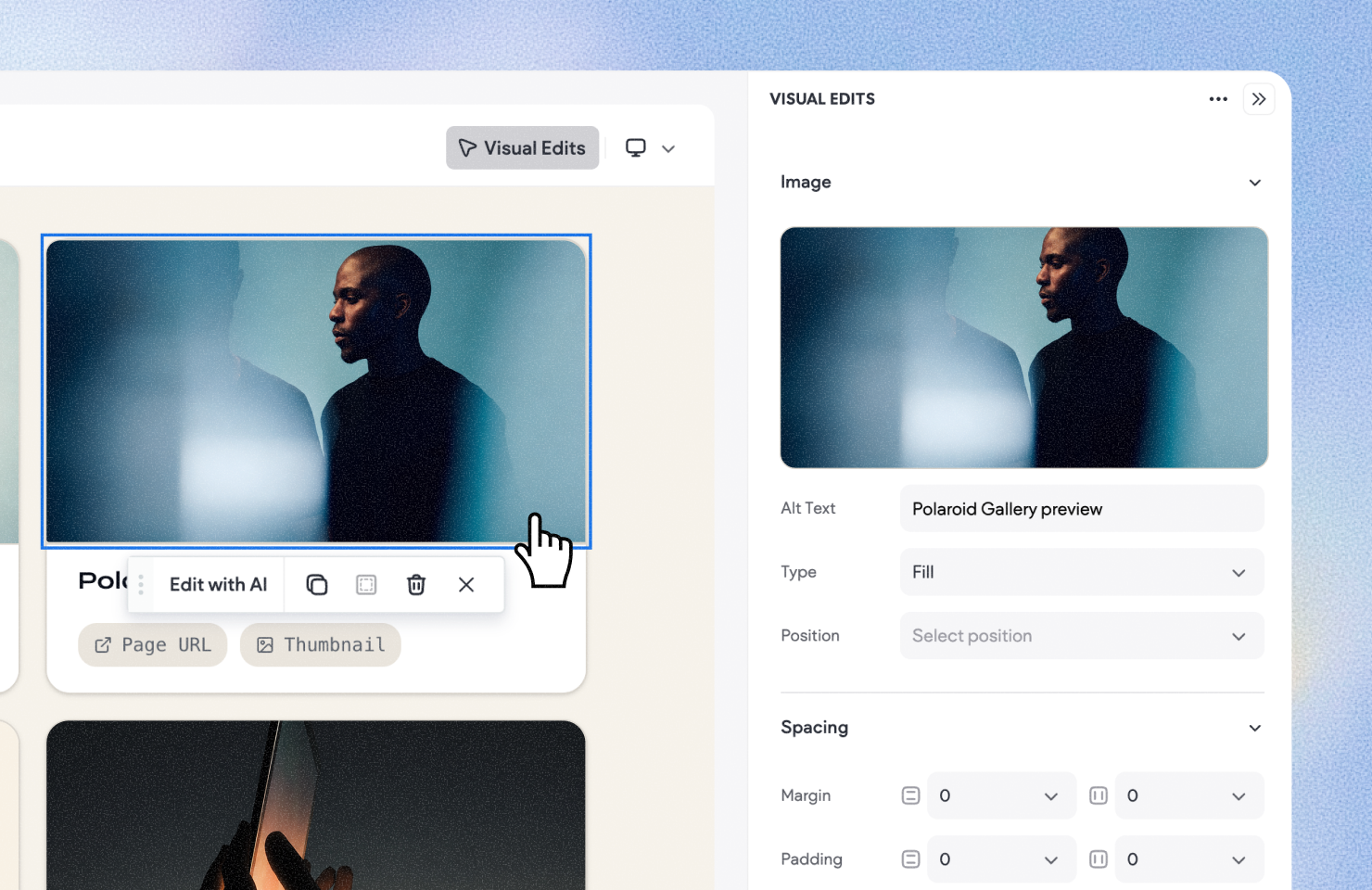
Updating a menu item or pointing a button to a new page shouldn't require a prompt. You can now add and manage links directly from Vibe's Quick Edits panel, making it easier to keep your project's navigation and calls to action up to date, without prompting Copilot or using AI credits.

Link any element in just a few clicks

Simply select an element on the canvas, like a button, image, or heading, click the link icon above it, and choose where it should lead: another page in your project, a specific section on a page, or an external URL. You can also update or remove existing links the same way.

Point visitors to the right section

Want a button to scroll visitors straight to your pricing or contact section? Ask Copilot to add an anchor to that section, and it will then be available to link to from Quick Edits.

Because links are edited directly in your project, these changes are quick, precise, and credit-free, so you can keep your AI credits for the bigger tasks.

November 1, 2026

 • 

Tal Levi
Add and Edit Links in Vibe Without Using AI Credits

Stay in the Loop with Duda Updates

Sign up to get feature releases, tools, and more to your inbox.

Latest product updates

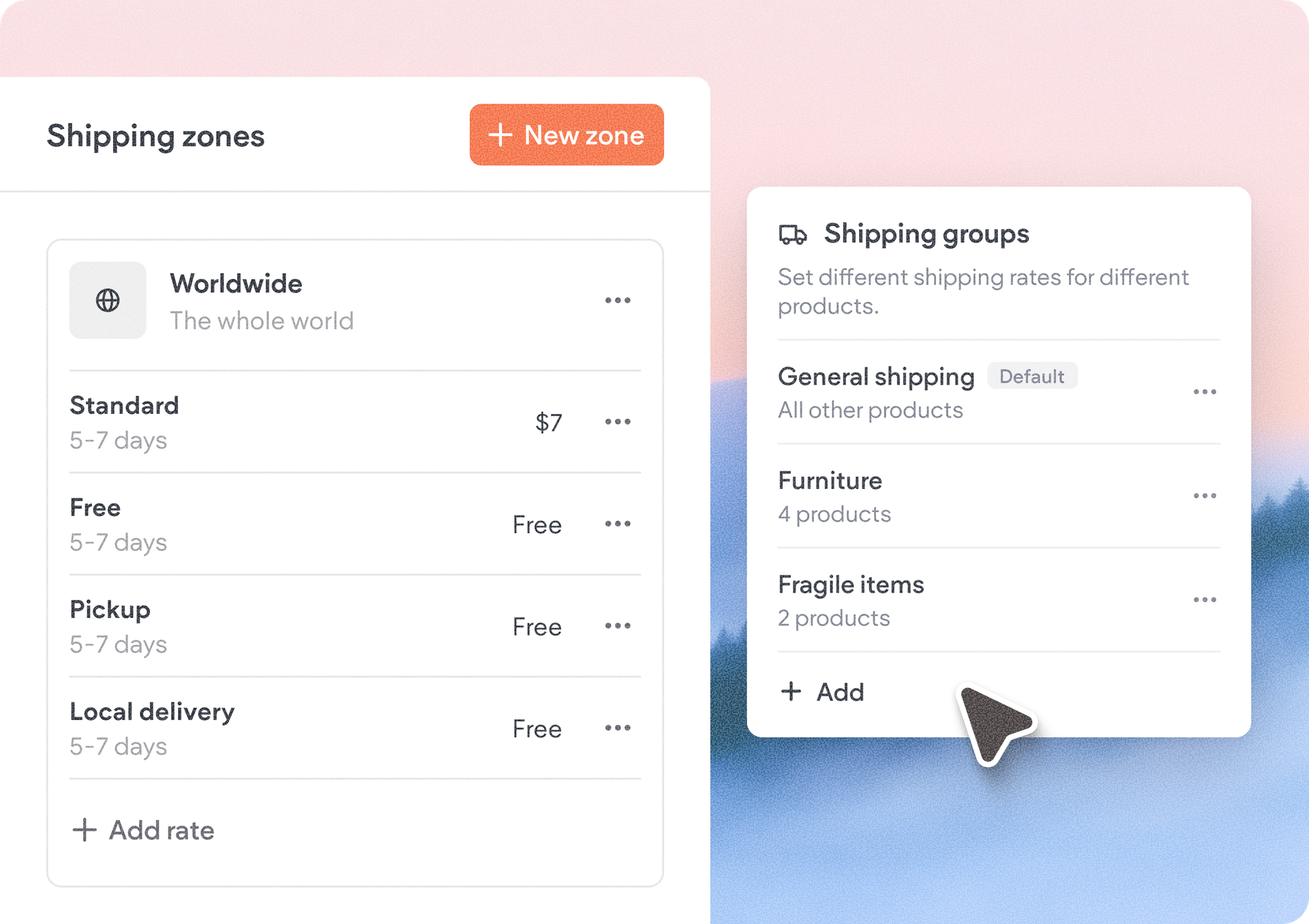
Shipping settings dashboard showing a list of delivery zones and an open shipping options menu over a pastel background.
By Rim Elfahem • November 24, 2026
Discover a new way to set different shipping methods and rates for different products within the same store.
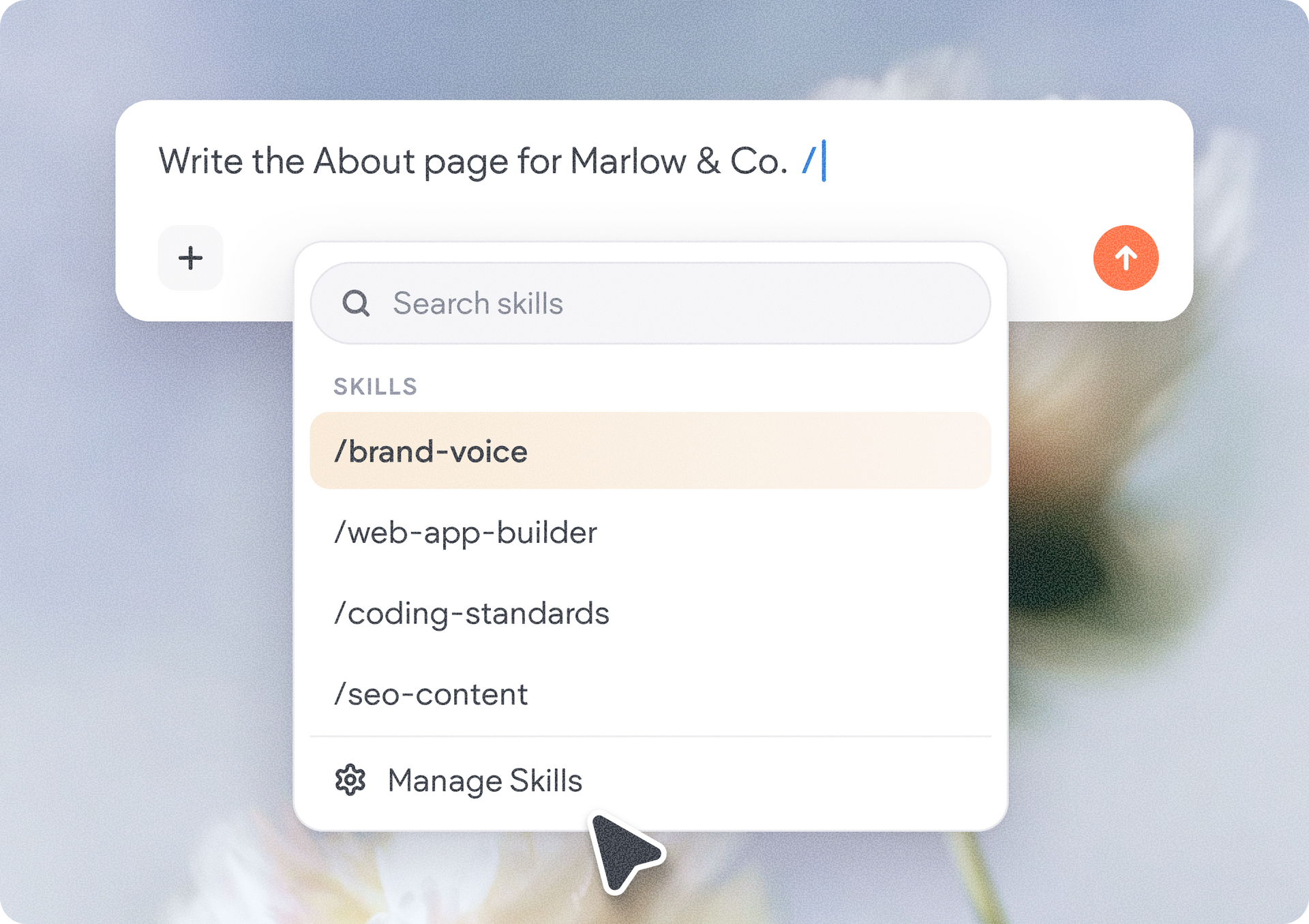
Text editor with a slash-command menu listing blocks like brand voice, web-app-builder, coding-standards, and seo-content.
By Ofri Baram & Tal Levi • November 6, 2026
Discover a new way to customize how AI works for you and your team.
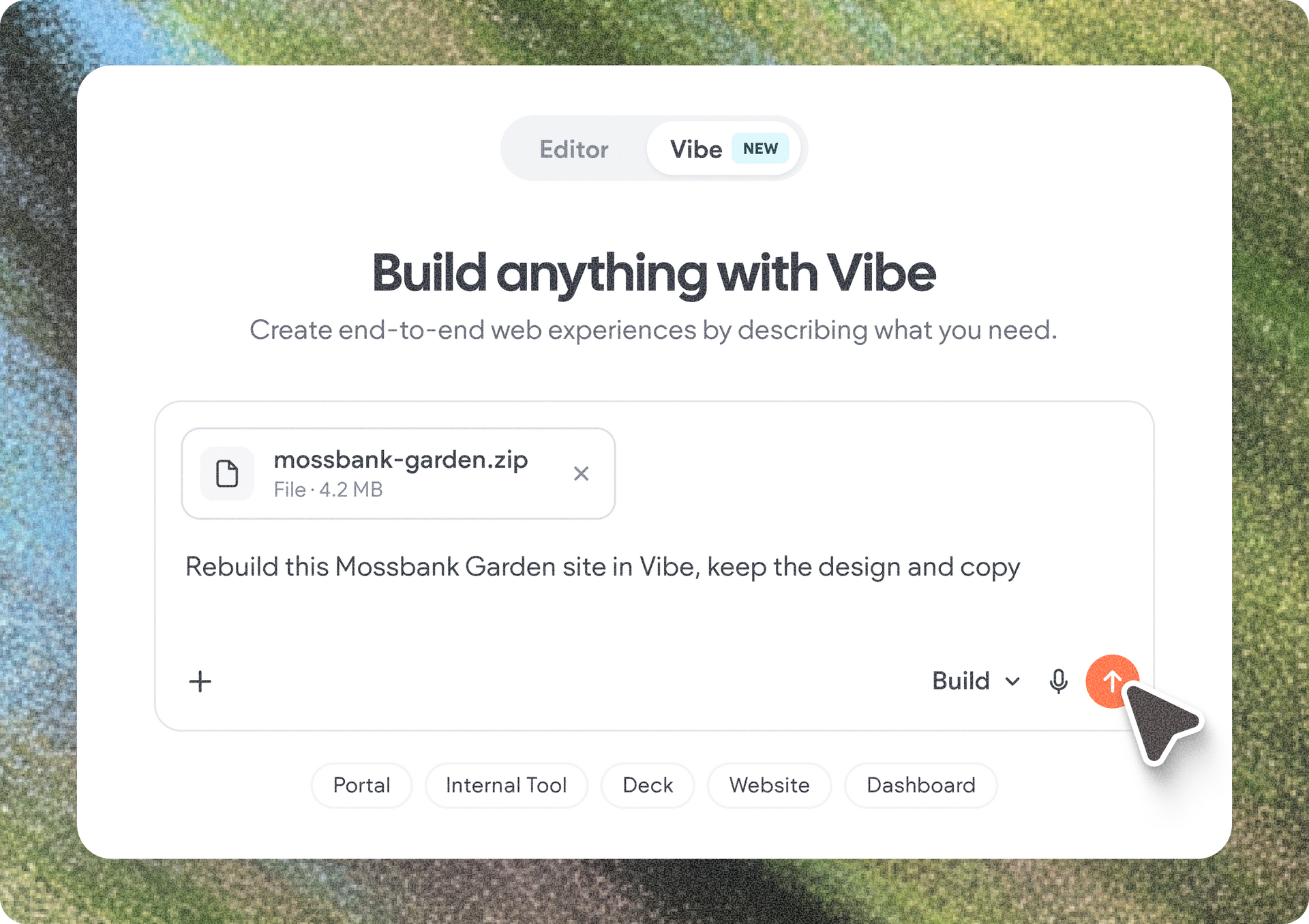
White “Build anything with Vibe” app screen with a dropdown, plus icon, and cursor clicking the orange button.
By Annat Katz • November 5, 2026
We’ve updated Copilot, Duda Vibe, and the native store to make site building easier and give you more control.