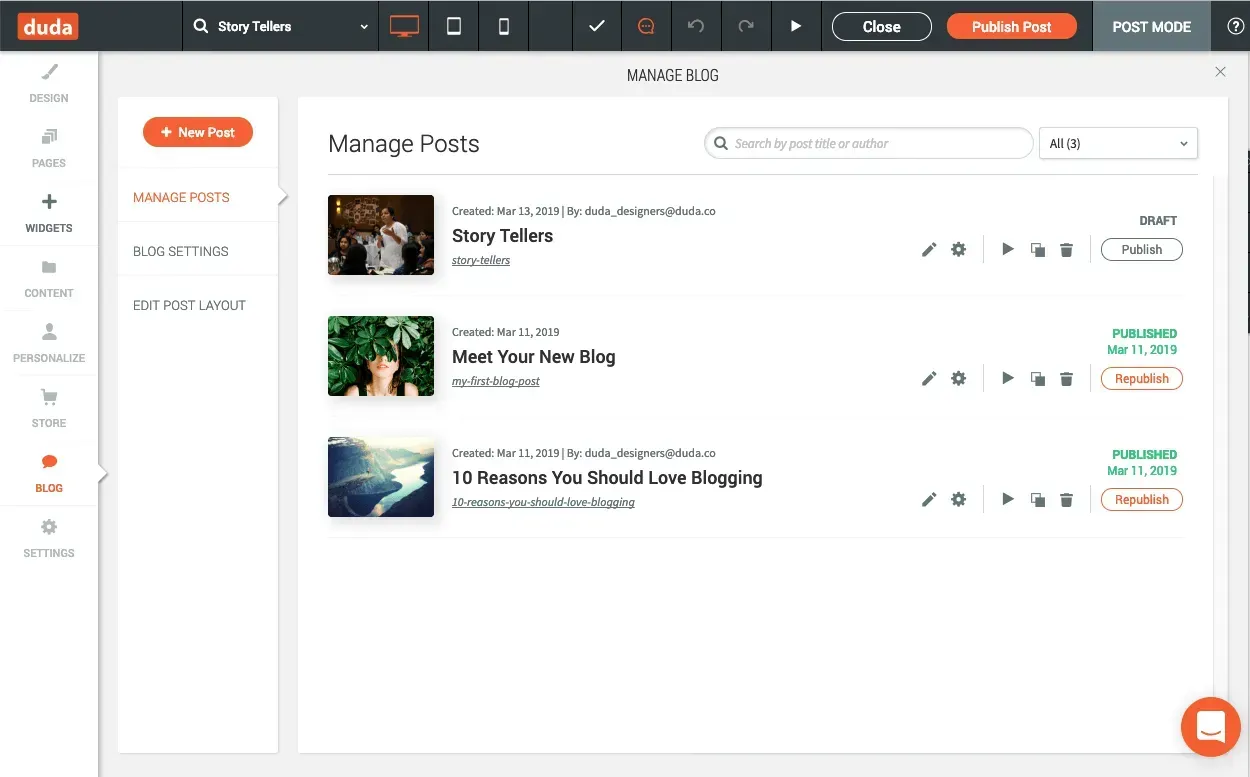
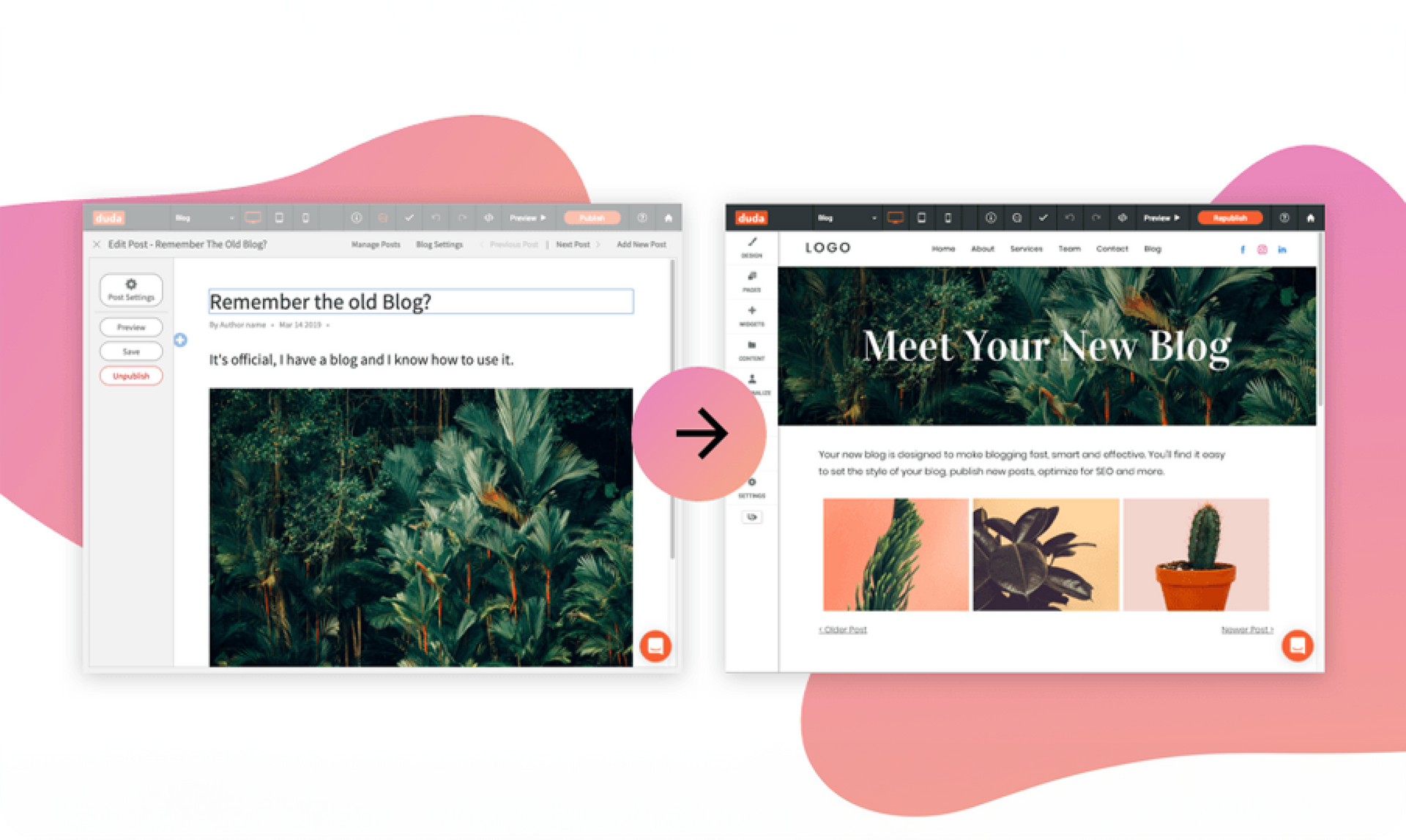
If you’ve got sites with old blogs, we’ve got some great news. If those blogs have up to 20 posts, you can now update them to the new blog platform. Your posts will look the same after they’ve been moved to the new platform, and you’ll enjoy all the flexibility, consistency and management tools that come with the new blog.

This includes having full design freedom over the content of individual posts and powerful management tools so you can update posts and search through posts that have already been published. You’ll never need to worry about saving posts as you work (they’re automatically saved, just like the rest of the platform) and SEO for every blog post is easy to implement.


This update is irreversible, so make sure you’re familiar with the new blog before updating.


How to update to the new blog platform


Sites that are eligible for the update will display an Update your blog ribbon when you open them in the editor. Simply follow the flow and your blog will be updated in just a few moments. After the update, review every post to make sure they look just right and then republish the site - to read more about changes the may happen when moving from the old blog to the new one, read this support article.Note that posts will remain live in the old blog format until you republish the site.

Update team templates, too


If you have Team Templates that were built before the new blog was released, update those blogs too, so the next time the template is used it features the new blog. (To do this, simply edit the template in Template mode, follow the Update your blog flow, and click Done.) From now on, all websites based on those templates have the new blog platform.


A few things about the new blog to keep in mind

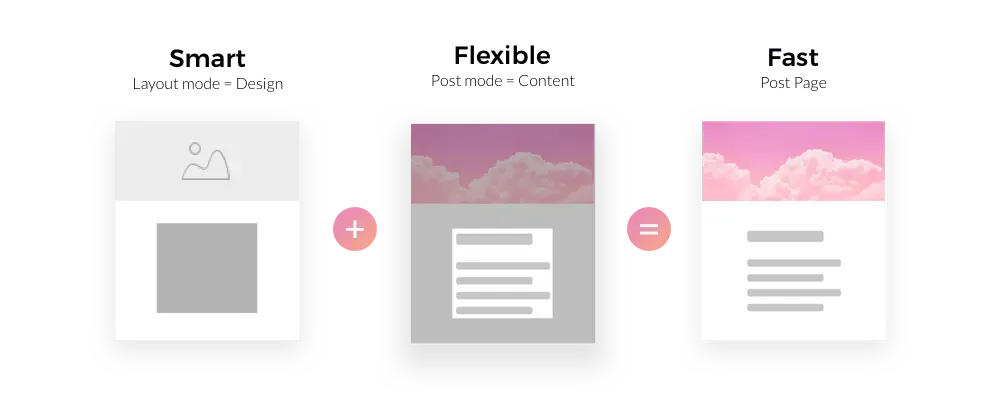
Posts automatically take on the Global Design settings for text, images, background page, etc. To override these settings, go to the Post Layout mode and customize the post page. There may be minor spacing differences in the posts after they move to the new blog, so make sure to review each post before republishing.


As mentioned, this update is currently available for blogs with up to 20 posts. We're working on a solution for blogs with more posts, and will let you know as soon as it's ready.

July 2, 2019
Roni Landau

 • 

Move Old Blogs to the New One (for 20 Posts or Fewer)

Stay in the Loop with Duda Updates

Sign up to get feature releases, tools, and more to your inbox.

Latest product updates

Website builder mockup with “Generate site with AI” headline and a green-and-white interface on a blurred background
By Ofri Baram July 10, 2026
Continuing to make Duda’s AI site generation more flexible, more accurate, and more aligned with how you actually work.
Workspace customization dashboard with white sidebar menu and dark preview panel on the right
By Naama Mizrahi July 8, 2026
Have a White Label account plan? You're going to love this.
ChatGPT dialog showing a task to add $2 to all T-shirt prices, with updated prices listed
By Annat Katz July 3, 2026
Noteworthy improvements to help you work faster while giving your clients an even better experience.