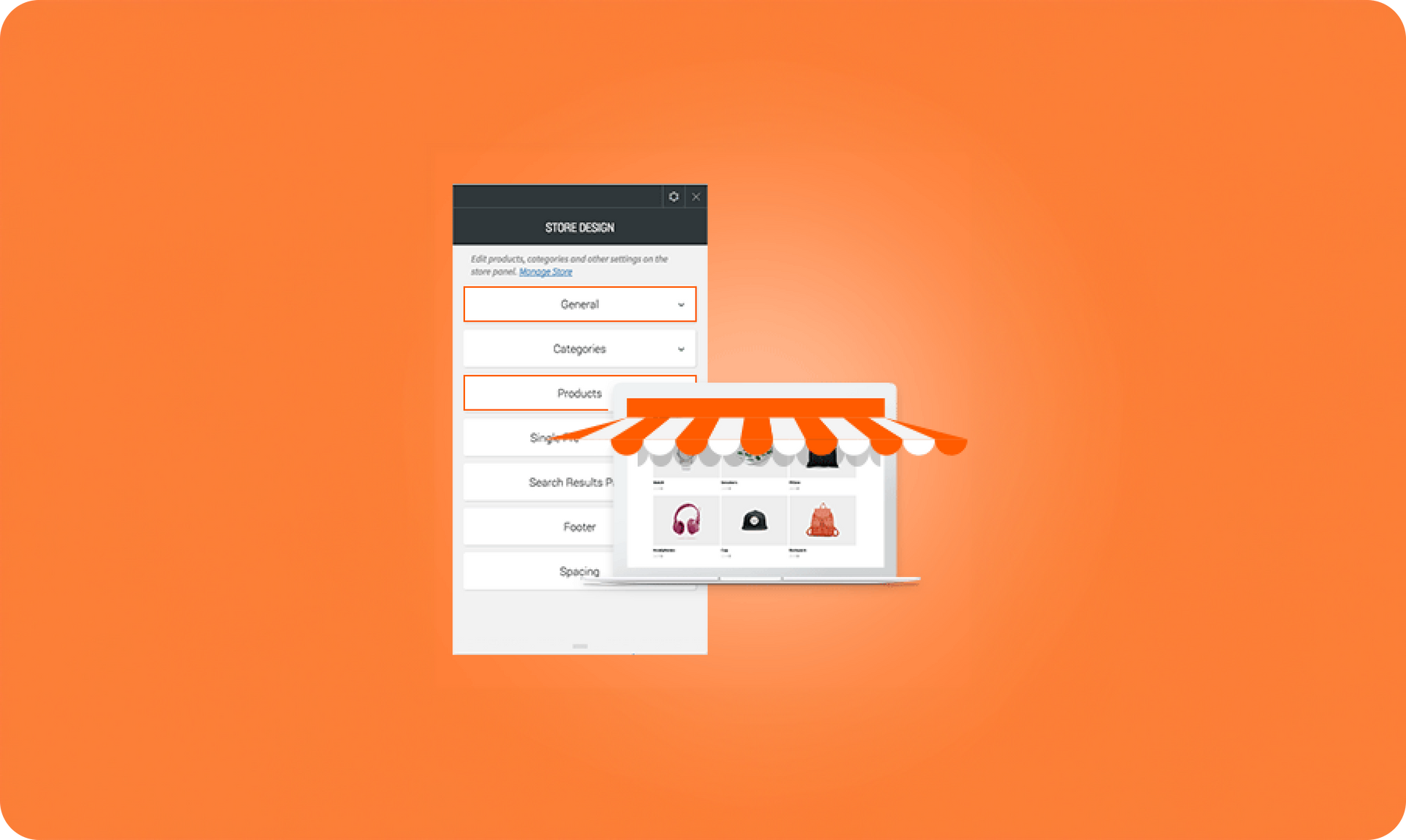
With shopping season moving into high gear, it’s the perfect time to spruce up your customers’ online stores with these conversion-oriented improvements. Help your customers boost sales with customized storefront options and product layouts.
Customized storefront
Change the storefront that visitors see on the website by displaying a specific item or entire category. For example, you can promote Fuzzy Socks that are on sale, or an entire Holiday Socks category. You can also create a new category that includes all sale items (for example, Holiday Socks on Sale) and display that category as the initial store screen.
To access this new capability, click General in the Store Design Editor.
Change the no. of products on the page
In addition to having more layout options for your product images, you can now choose how many products to display on each product page, so the number of items suits your page layout. By customizing how many products you show, you can make sure that visitors don’t have to scroll too much to see everything in the store; alternately, if your customer has only a handful of items for sale, you can show all the products on a single page.
To access this capability, click Products in the Store Design Editor.