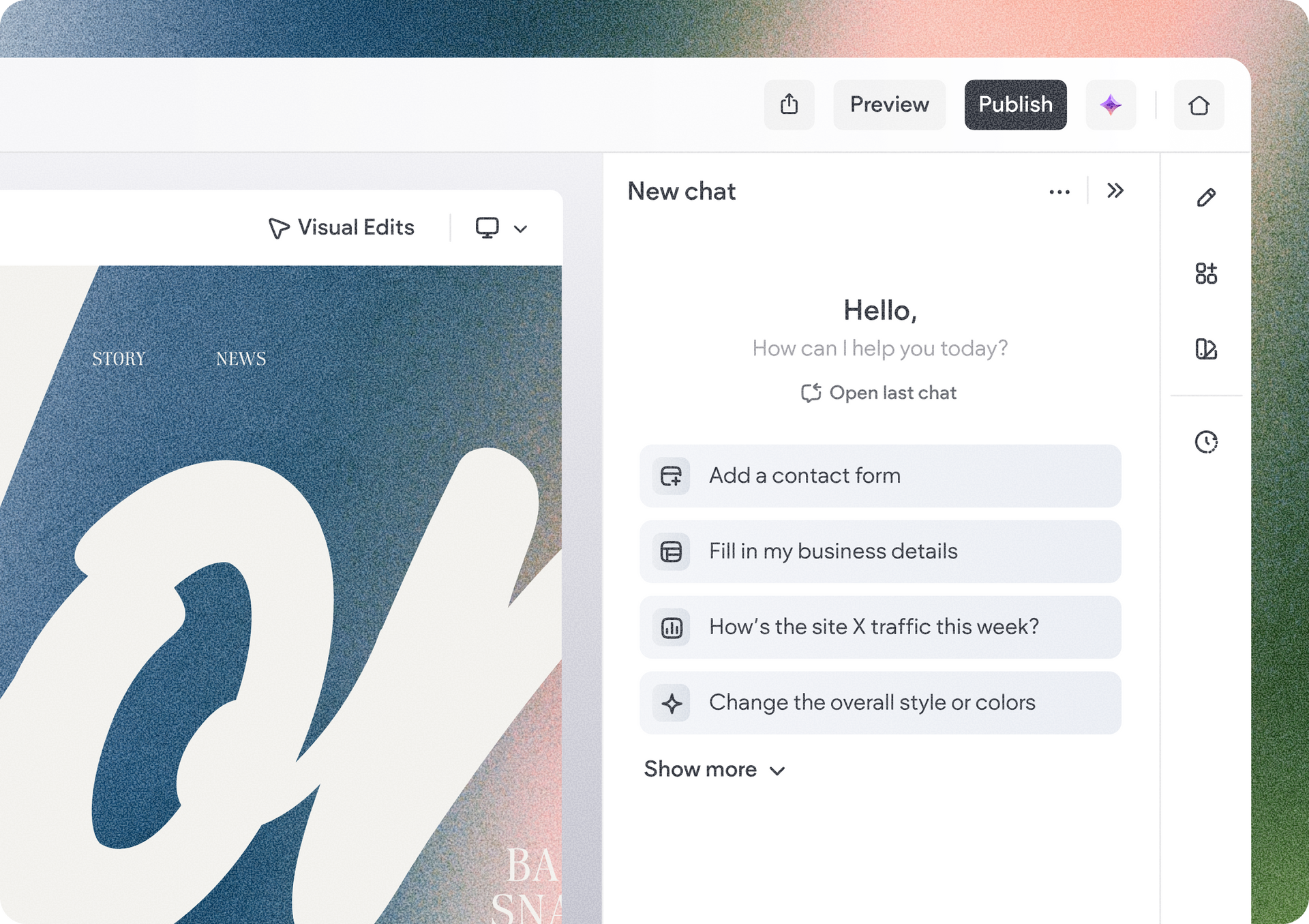
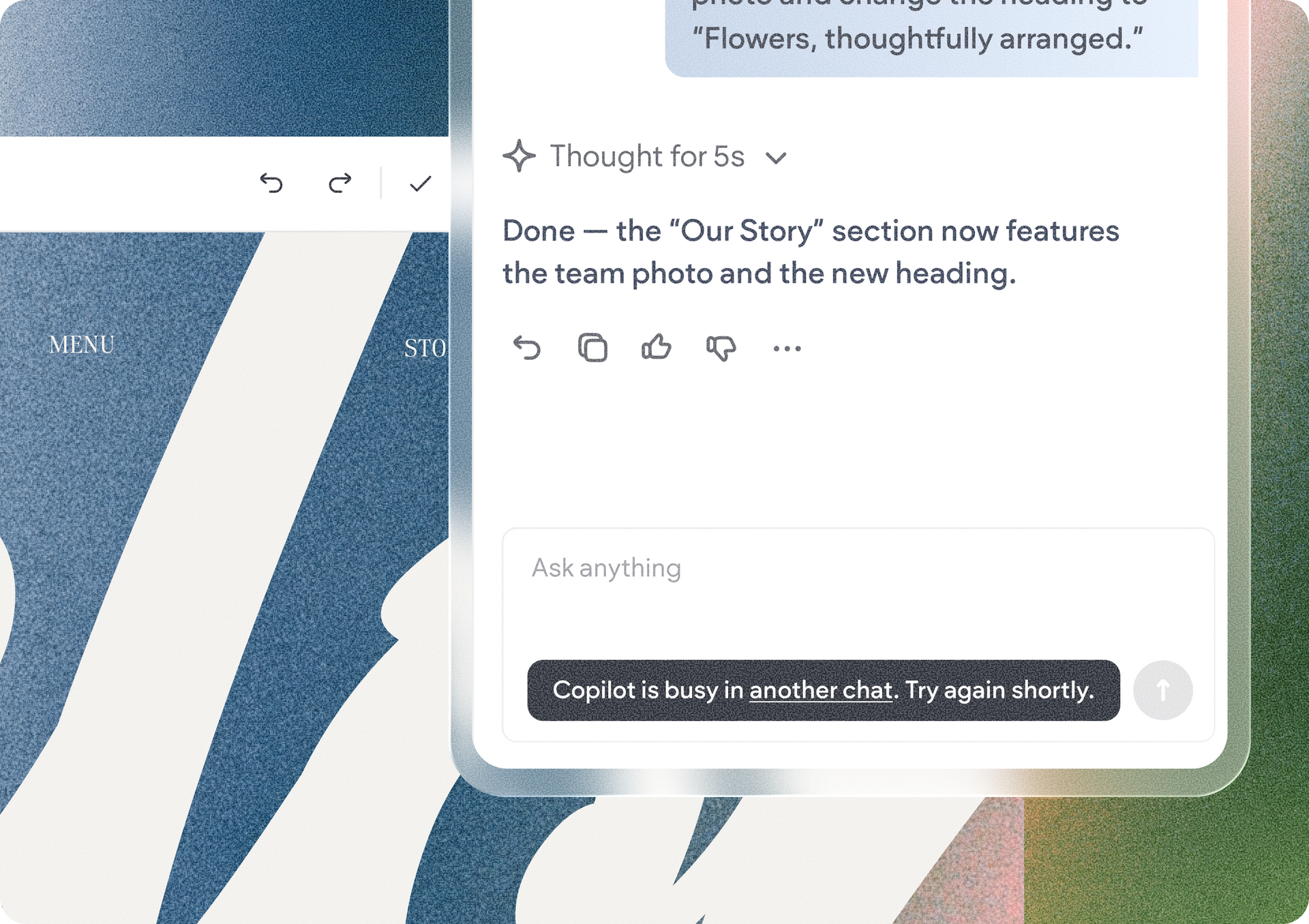
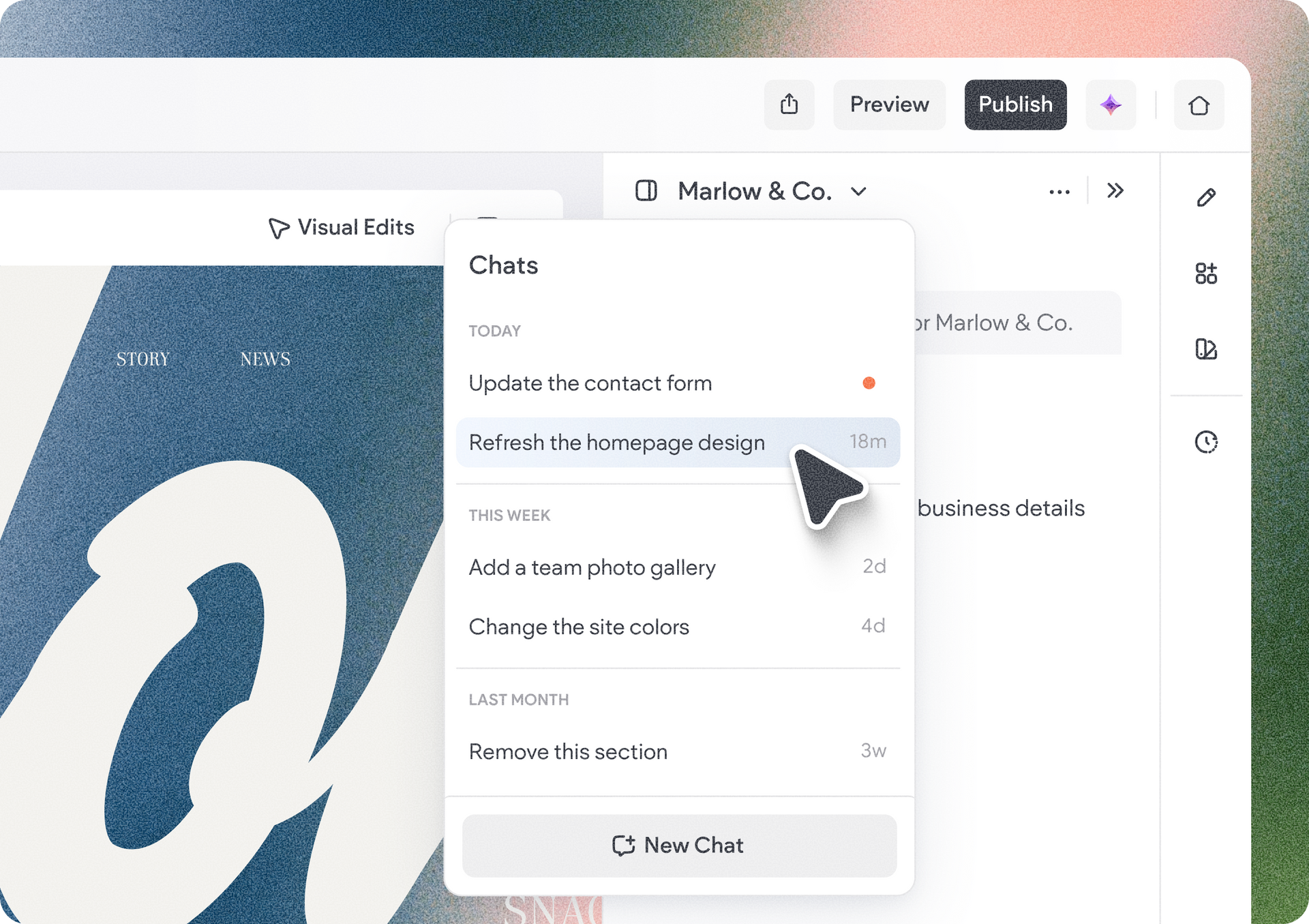
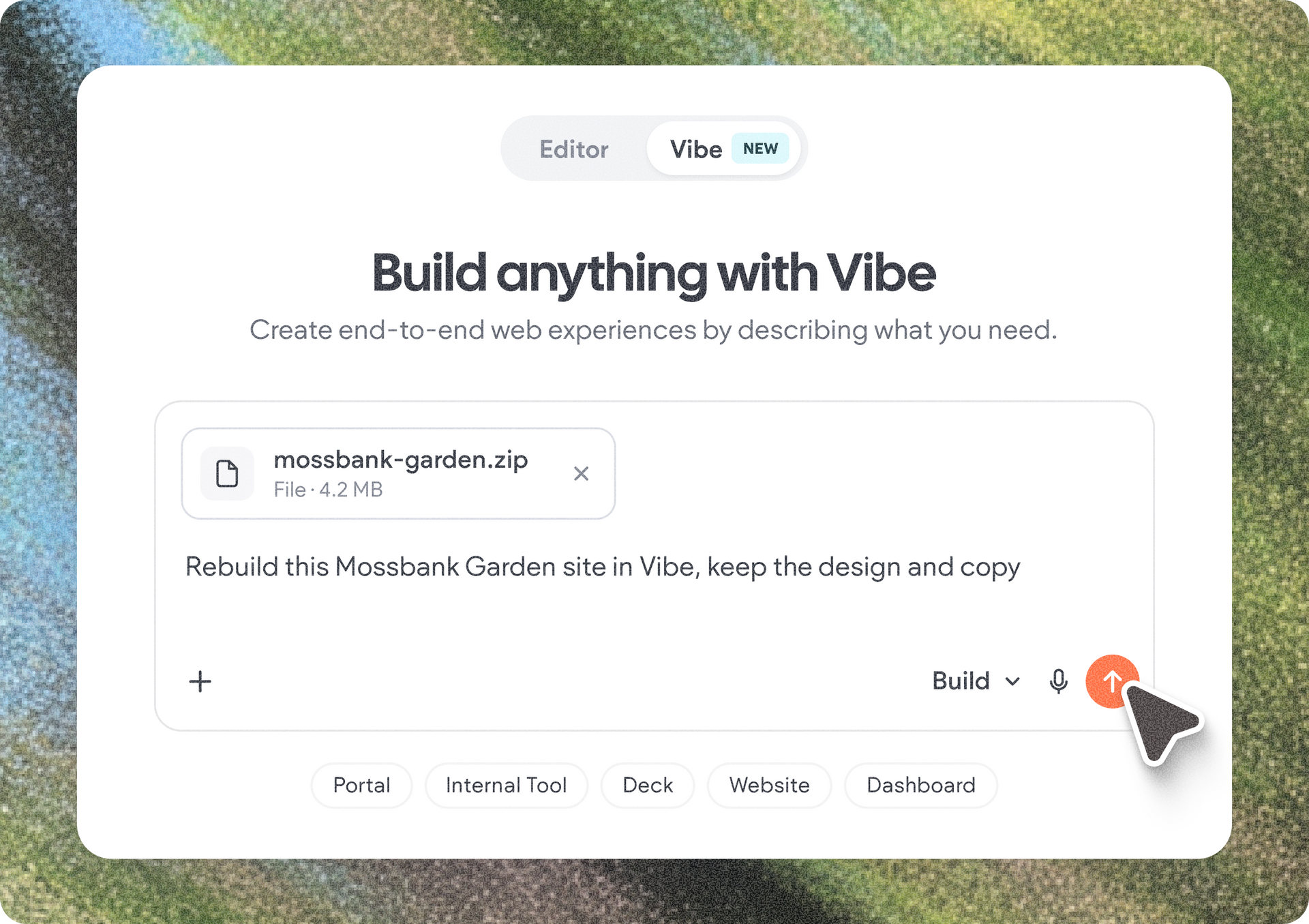
You can now view and manage multiple chats in Duda Vibe and in Copilot in the website editor, making it easier to keep different tasks and ideas separate, revisit previous chats, and pick up right where you left off.

Keep Your AI chats organized

Start a new chat whenever you want to do something different, jump back into your latest conversation, or reopen an older chat and keep going with its existing context.

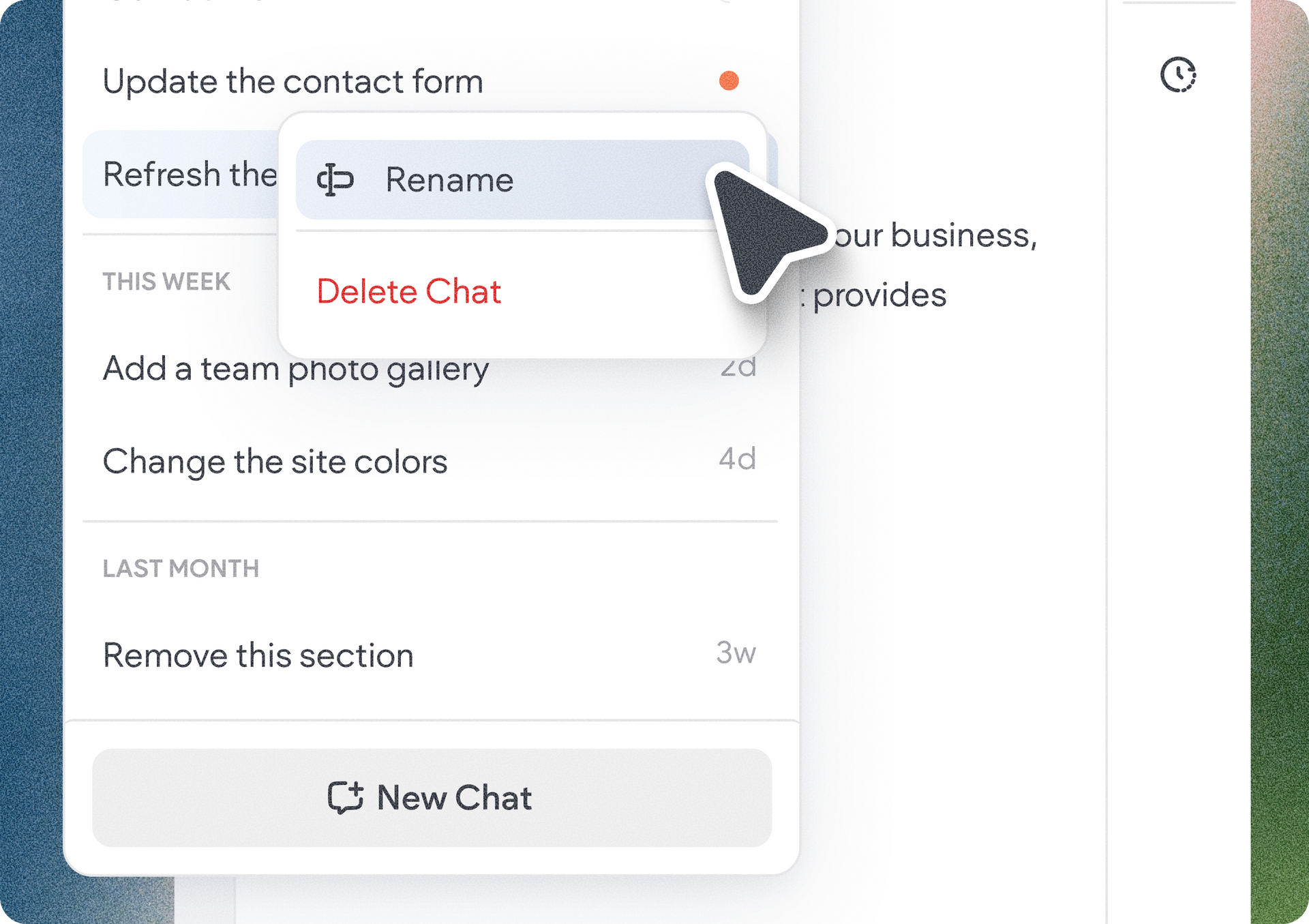
You can also rename or delete chats from your chat list, making it easy to keep your workspace organized and quickly find the chat you need for that moment or task.

We hope that with this update, you'll find it easier to manage your chats in Duda Vibe and in in the editor, stay focused, and work more productively.

September 21, 2026
Tal Levi

 • 

Start and Switch Between AI Conversations in Duda Vibe and Copilot

Stay in the Loop with Duda Updates

Sign up to get feature releases, tools, and more to your inbox.

Latest product updates

Theme editor with color palette, headline text, and a cropped portrait preview on the left
By Tal Levi September 18, 2026
Discover new, cost-saving ways to make your Vibe projects the exact web experience you want.
Analytics dashboard showing Google Tools settings and integration options in a sidebar menu.
By Annat Katz September 15, 2026
A beefed up integration with Google’s measurement and analytics tools to give you more reliable client reporting with less manual setup.
Dashboard analytics screen with left sidebar and Highlights panel showing an 82% metric.
By Naama Mizrahi September 11, 2026
A new home for site stats, giving your clients a clear view of how their site is performing, all in one place.