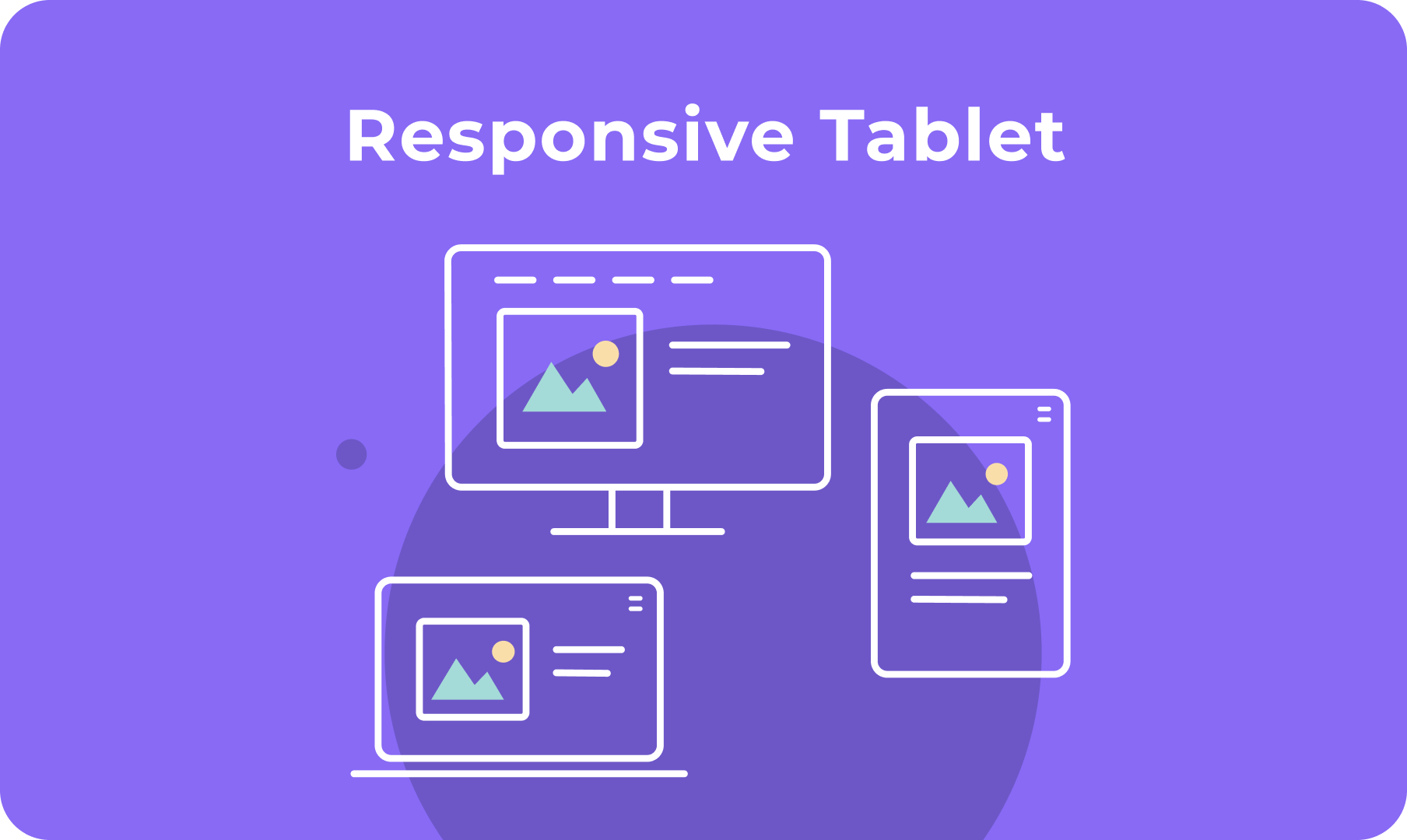
Your sites will look great on multiple screen sizes, including iPad, with responsive layout for desktop/tablet, which enables you to control site layout according to breakpoint (1024 px) rather than device. 


It’s already enabled in new sites, and can be toggled on in existing sites.

Easy control over your site layout 


Responsive layout means your sites look better on multiple screen sizes, for a better experience for site visitors. This means, for example, that a top navigation header on larger desktops automatically switches to a hamburger menu when the screen size is below 1024px.


Already enabled in all new sites


This new capability is already enabled in all new sites. For existing sites, you can toggle it on via Global Design > Page Layout. Toggle it off any time and your site will go back to the previous tablet view. Mobile view is not affected, and remains determined by device.


For more details about Responsive Desktop/Tablet, see this.


Want more responsive design options? 


Discover DudaFlex, the next-generation editing capabilities now available in any Duda site. For more, see this. 

June 28, 2021
Maayan Mor

 • 

Responsive Layout

Stay in the Loop with Duda Updates

Sign up to get feature releases, tools, and more to your inbox.

Latest product updates

Inventory management interface with a hand entering
By Mor Zamir February 13, 2026
Instant bulk price & inventory changes, color swatches for color options, bulk shipping data management, and more.
Three colorful product cards with beverage bottles and the cursor hovering over the middle one.
By Yanir Moskovitz February 11, 2026
Faster, cleaner design layouts that scale with your collection content.
Form with fields to fill out and
By Annat Katz February 2, 2026
Multi-file upload in the Advanced Form, 2-trigger animations, meta tags import with Copilot and more.