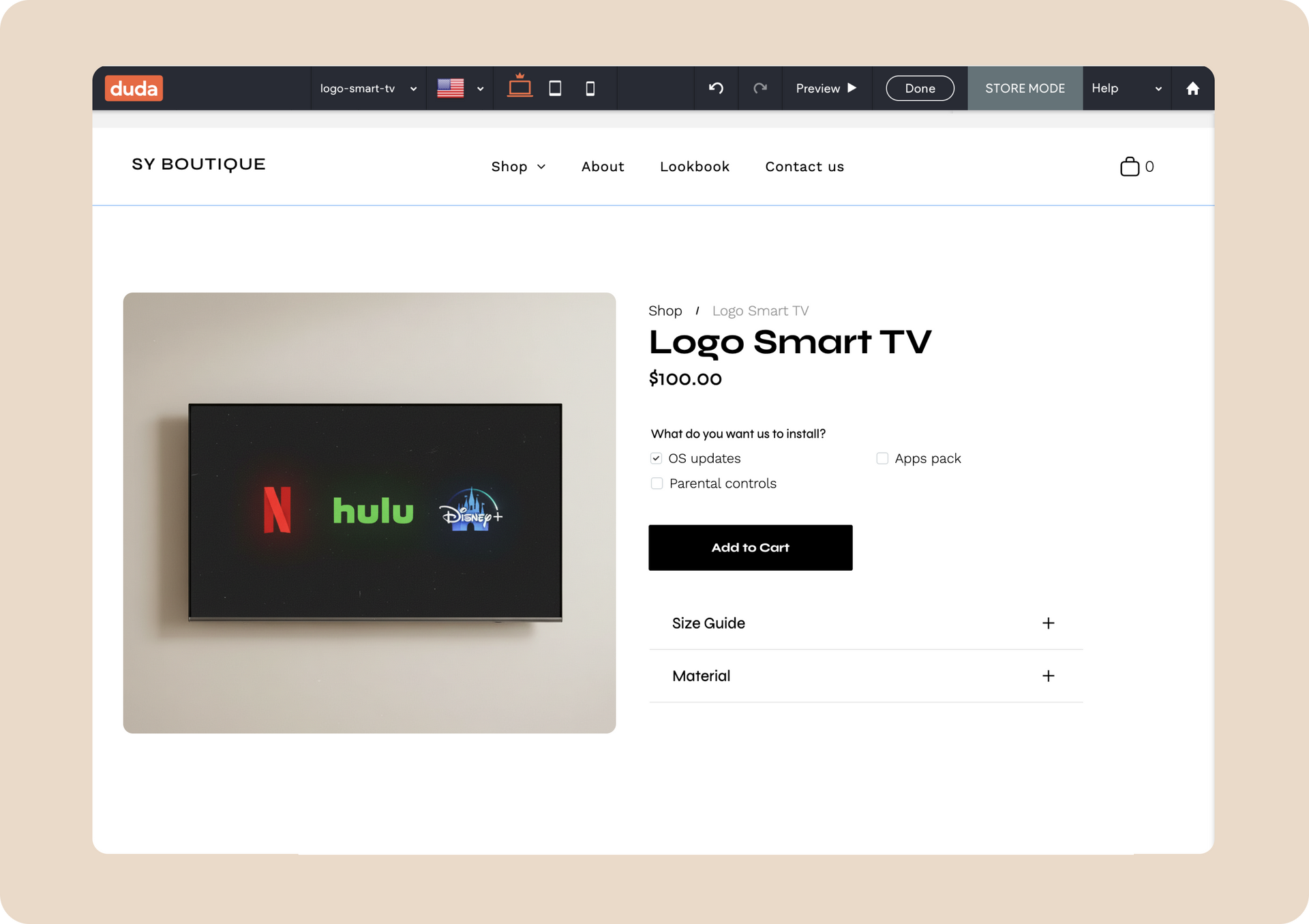
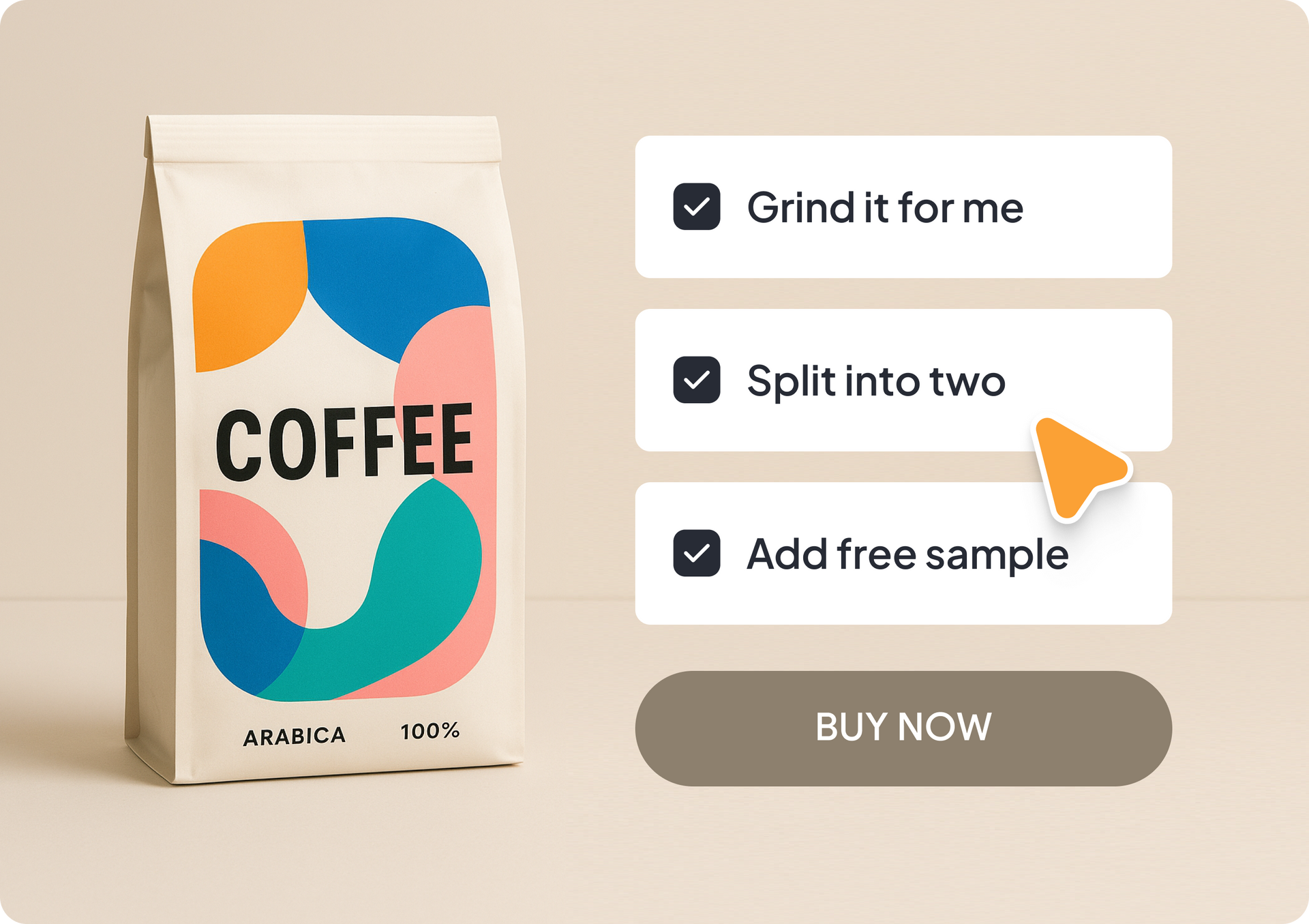
Your Duda eCommerce clients can now offer richer, more flexible product customization experiences with a brand-new option: multiple-choice selection. Customers can choose additional items, select multiple choices like toppings, add service add-ons, and more,  all directly from the product page.


This is the second major customization capability released in Duda eCommerce, following the custom text field personalization option.

Product customization = more revenue

When customers can personalize products, they're willing to pay more. This increases your average order value and justifies premium pricing. Plus, one-of-a-kind customized items make perfect gifts, which can drive word-of-mouth marketing.


Let customers choose the exact product they want

This customization update expands our product personalization toolkit with a new checkbox-based multiple-choice component that lets shoppers select more than one option when personalizing a product.


What businesses is this ideal for?

It's perfect for food businesses offering toppings or sides, but works for any online store with product choices. Think print shops selecting finishes, furniture stores offering fabric options, electronics repair and resale shops, or gift stores with personalization choices. The possibilities are endless.


Easy to set up and manage

Getting started with your client’s first product customization is easy. Simply go to a product settings page in the catalog, and scroll down till you see the product customizations area. Then:


1. Create a new customization

Hit the Create New Customization  > Multiple Choice and fill out the details, like entering the field’s label, choosing if this should be a required step for the purchase, setting a minimum, maximum or exact choice limits (optional), then hit Save.


2. Add the Customize Product widget to the product page

Go to the product page in the editor, and add the Customize Product  widget. Place it wherever you want on the page, and it will automatically show the product customization you’ve set up for it in the catalog.


Manage all product customizations in one place

Just to remind you, you can find all the product customizations you’ve created in your store in one organized place. It’s where you can view, add, and manage any or all customizations in your catalog from one convenient location. You can go there from your site dashboard > Store > Customizations.


More product customizations in the pipeline

Soon you'll be able to offer customers more ways to personalize their product orders like the file uploader. We’ll be sure to share the news once it’s live and available.

December 10, 2025
Mor Zamir

 • 

Power Up Product Personalization with Multiple Choices

Stay in the Loop with Duda Updates

Sign up to get feature releases, tools, and more to your inbox.

Latest product updates

A cursor hovers over an
By Rim Elfahem December 8, 2025
Offer clients more ways to get paid for sales and bookings.
A smiling person in a photo on a screen, with code, and a bar chart icon against a blue background.
By Tal Levi November 25, 2025
Building sites at scale like never before.
Printify interface: A hoodie with
By Mel Kozun November 14, 2025
Discover a print-on-demand (POD) platform that connects with Duda eCommerce.